



Describe
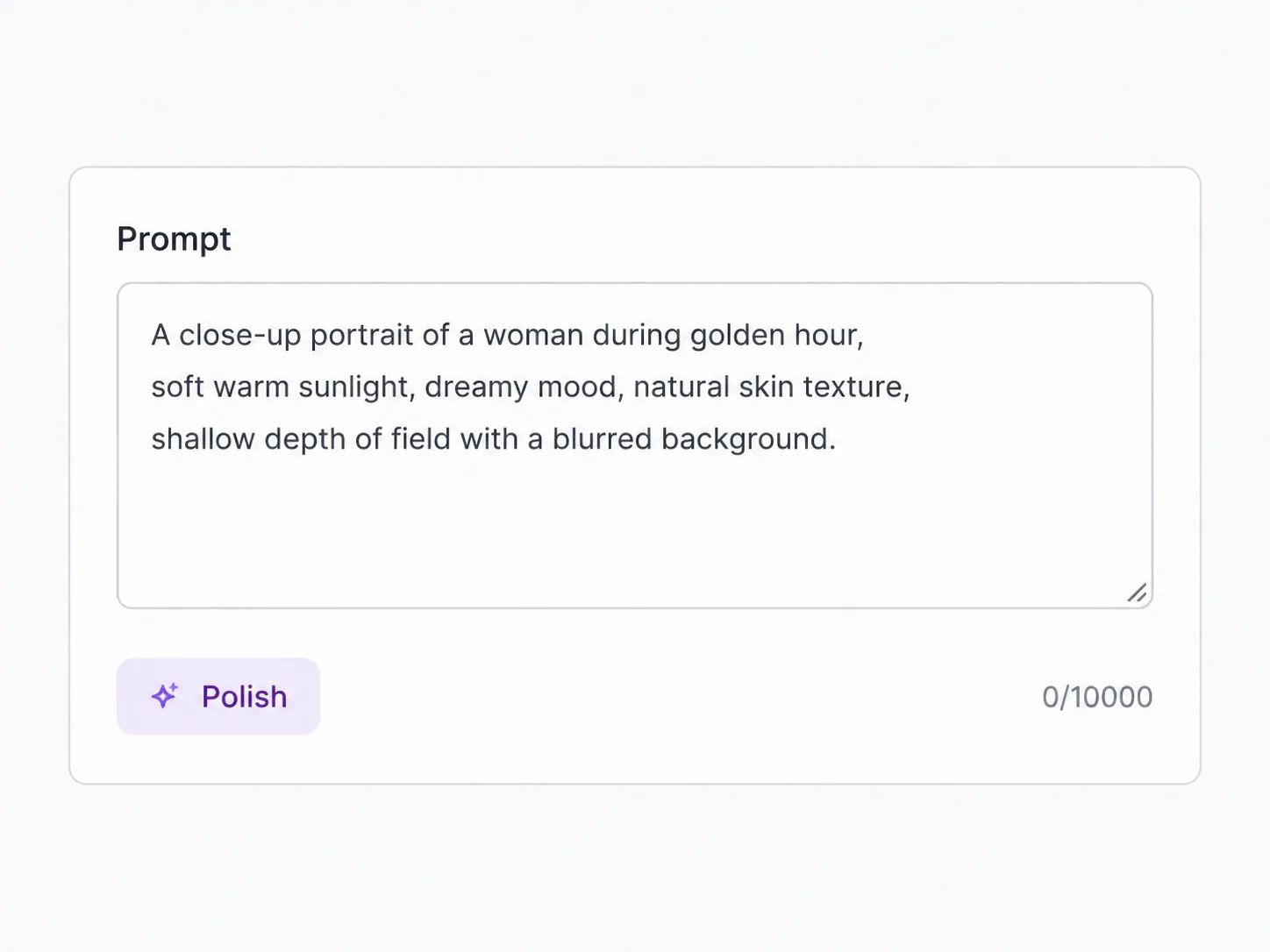
Type what you want in plain language—an image or a video scene. Short or detailed, SupaImagine handles the prompt work for you.
One subscription. Generate with GPT Image 2, Nano Banana, Veo, Seedance and more—then turn any still into video, no re-uploading.
Every model, one subscription
SupaImagine puts every top model in one AI image generator—pick the right one for each job and switch models any time.

Brief a product scene, social ad, poster, or reference rework — then choose 1K while you explore or 2K when the still is ready to hand off.

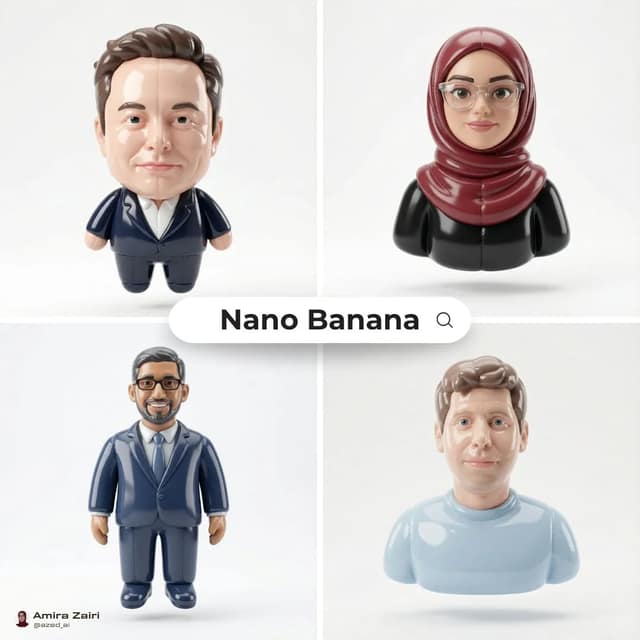
Name a cast, a product family, or a busy scene. Generate at Flash speed. Start free with signup credits, then push winners to 2K or 4K.

Low-credit Lite model for concepts, thumbnails, and prompt edits

Write the words you need in the picture. Keep a full brief. Start free with signup credits; upload a photo when you need image to image.
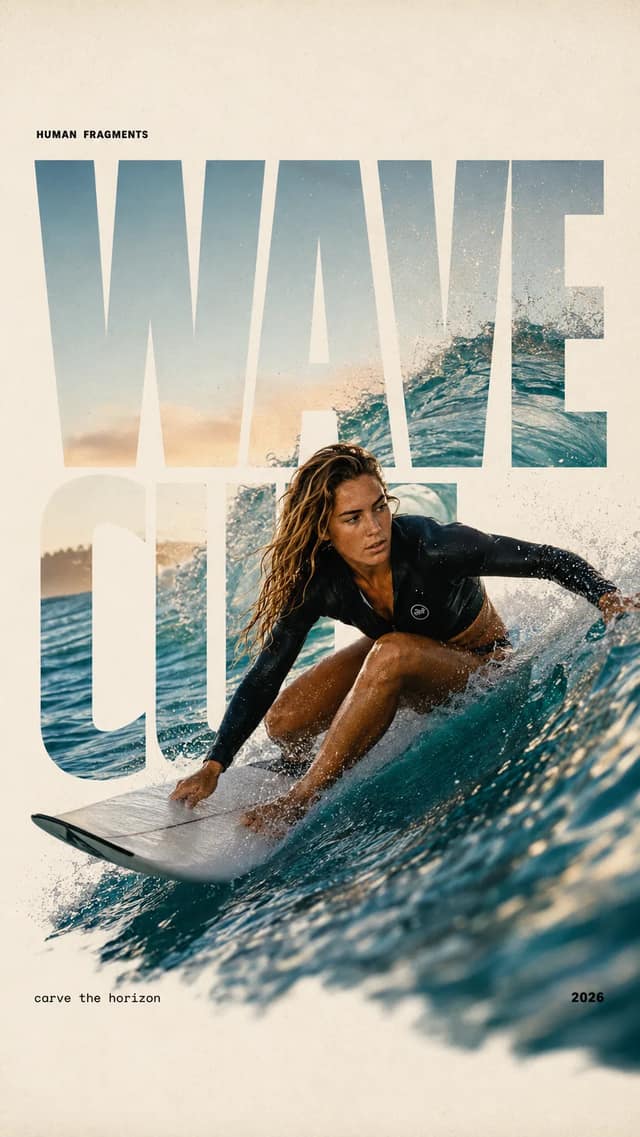
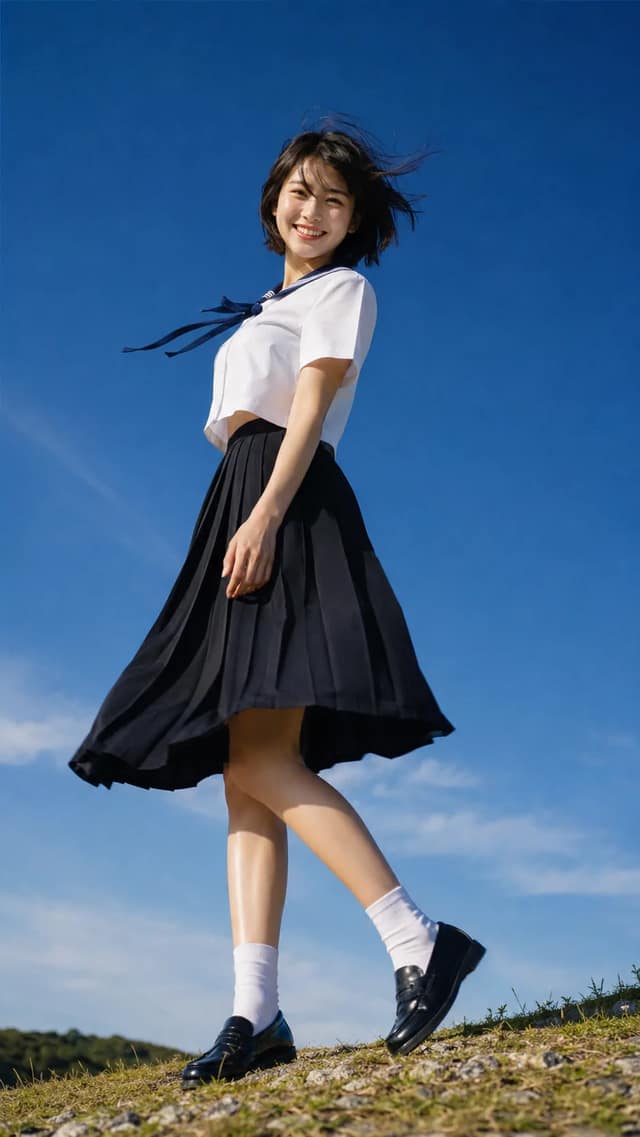
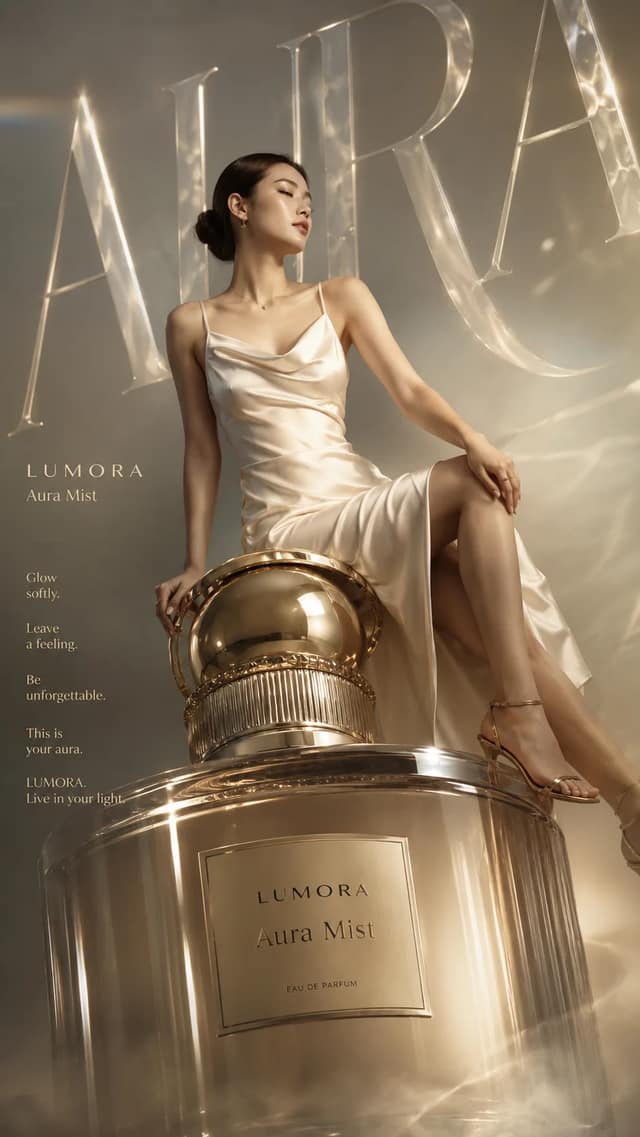
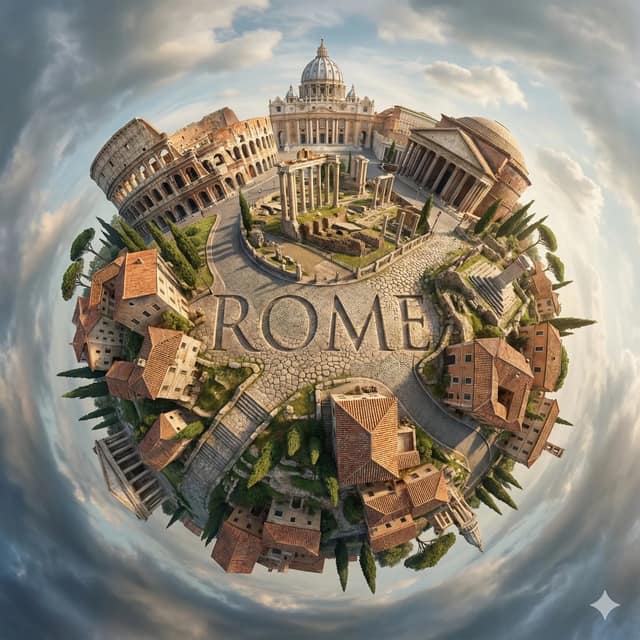
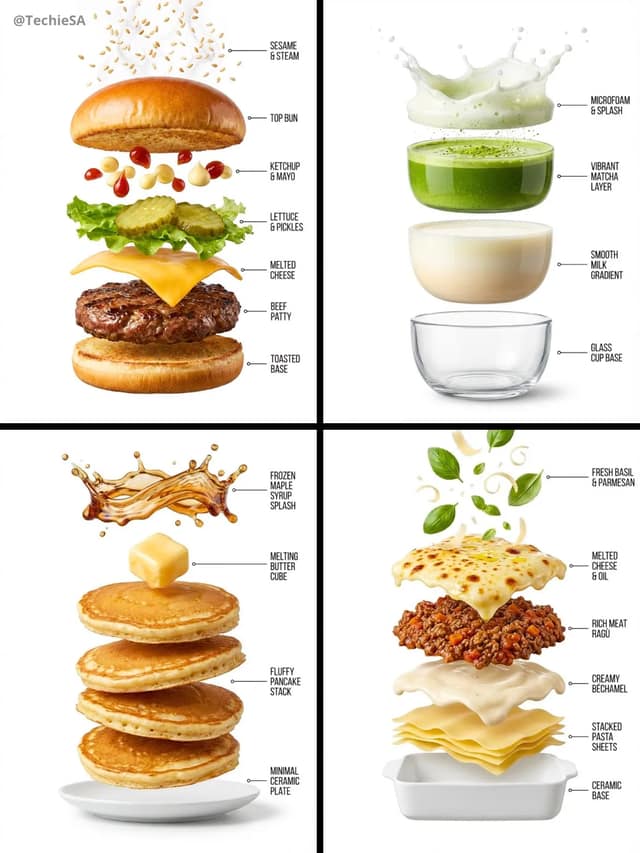
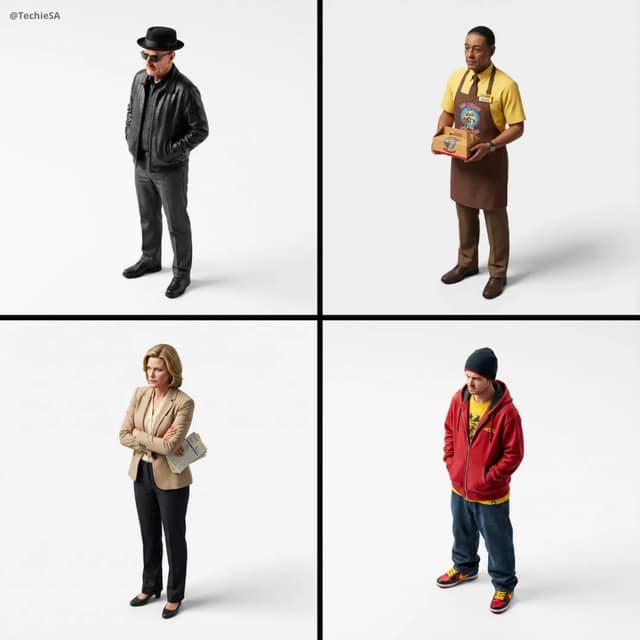
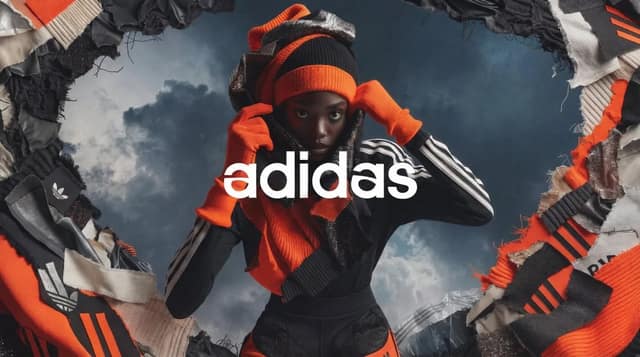
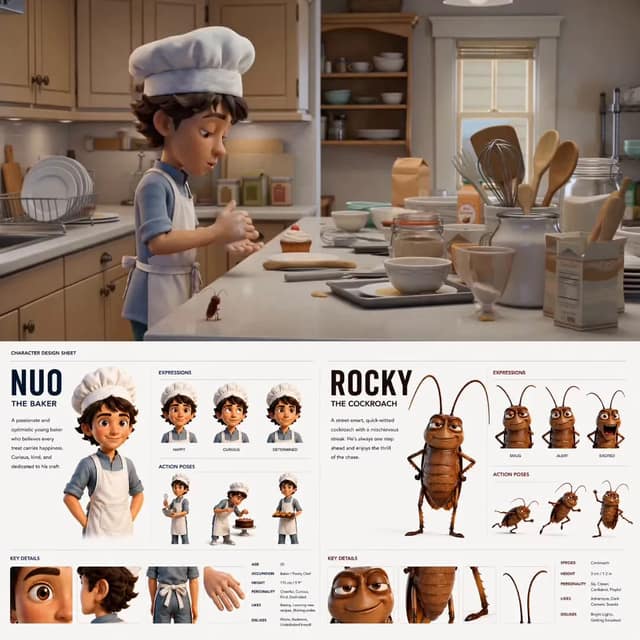
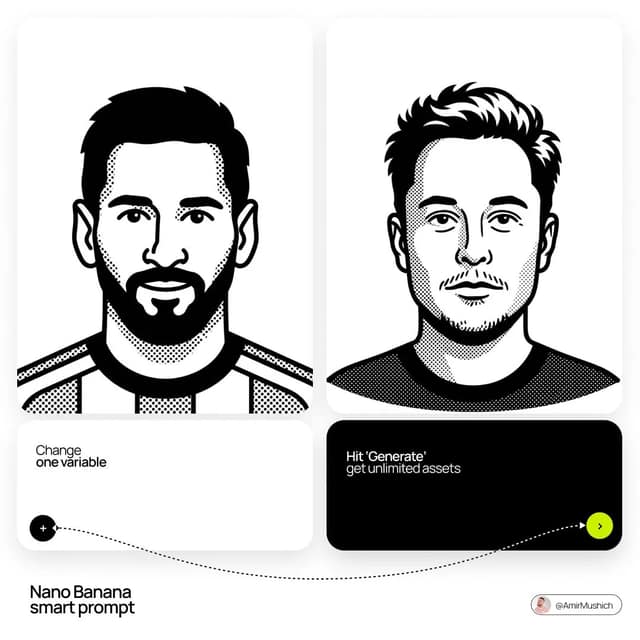
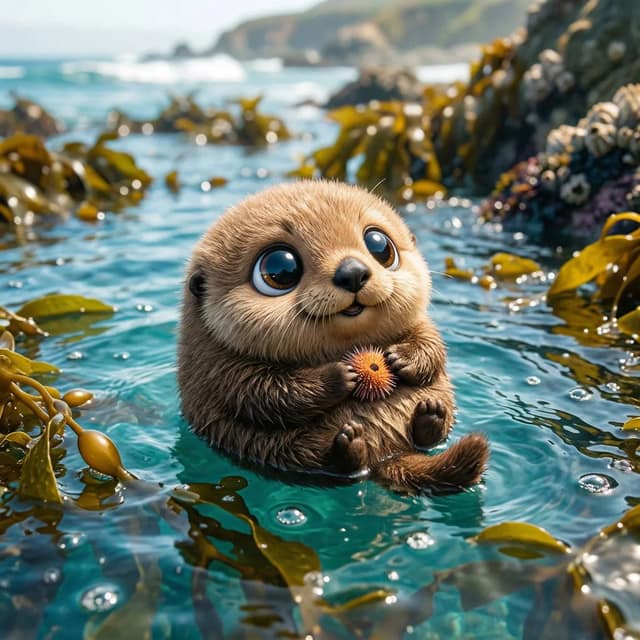
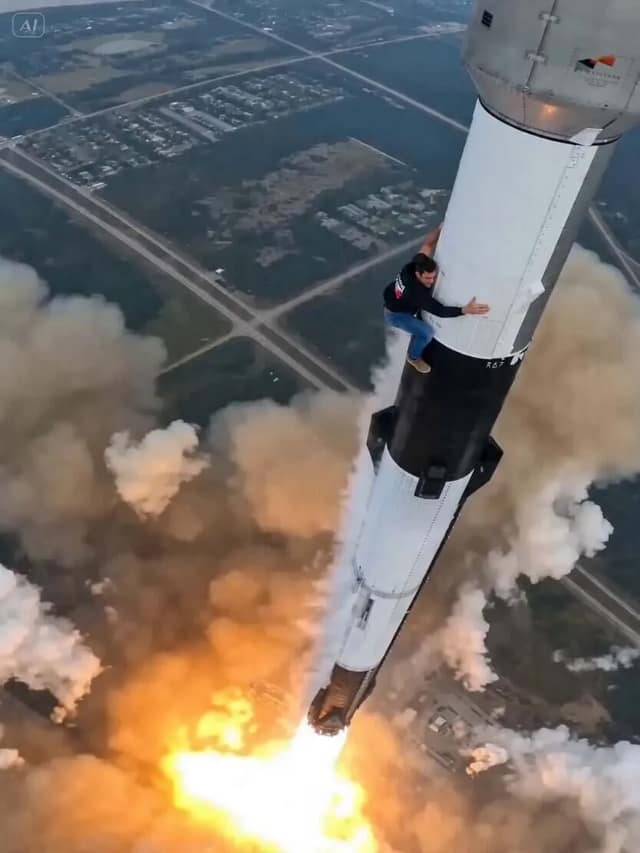
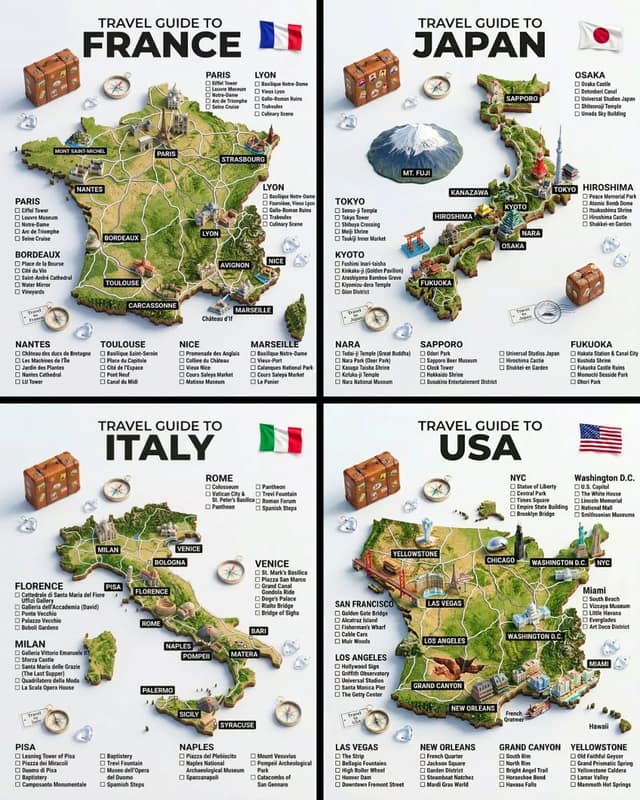
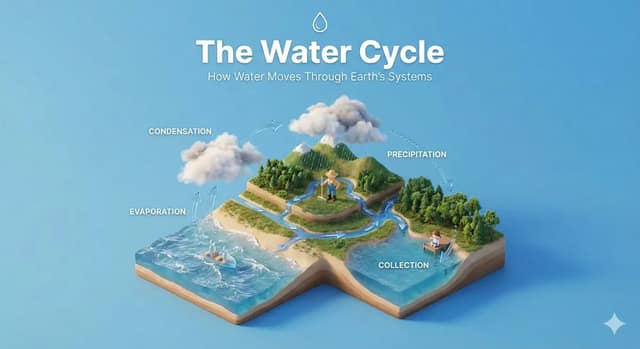
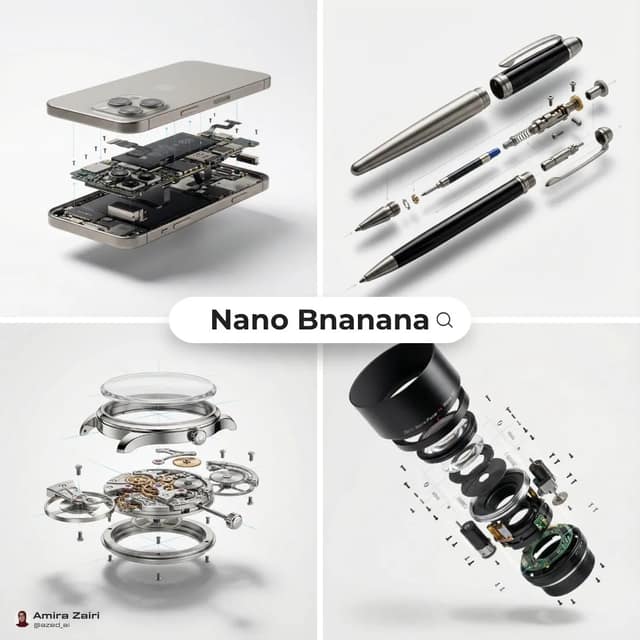
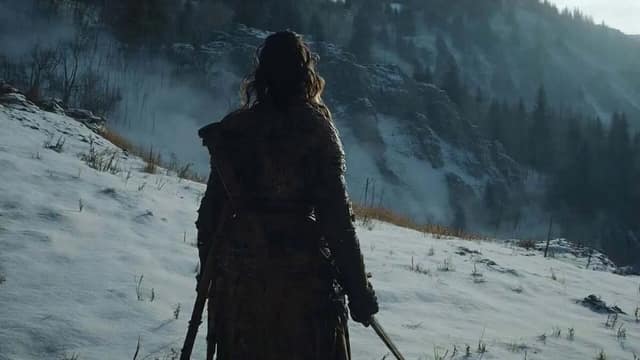
Every image and video here came from a prompt you can run instantly on SupaImagine—then tweak it to make it your own.
No blank canvas — remix a prompt that already works

How it works
No prompt engineering, no juggling tabs. Describe it, pick a model, generate—and every image lands in your library, ready to reuse.
Type what you want in plain language—an image or a video scene. Short or detailed, SupaImagine handles the prompt work for you.
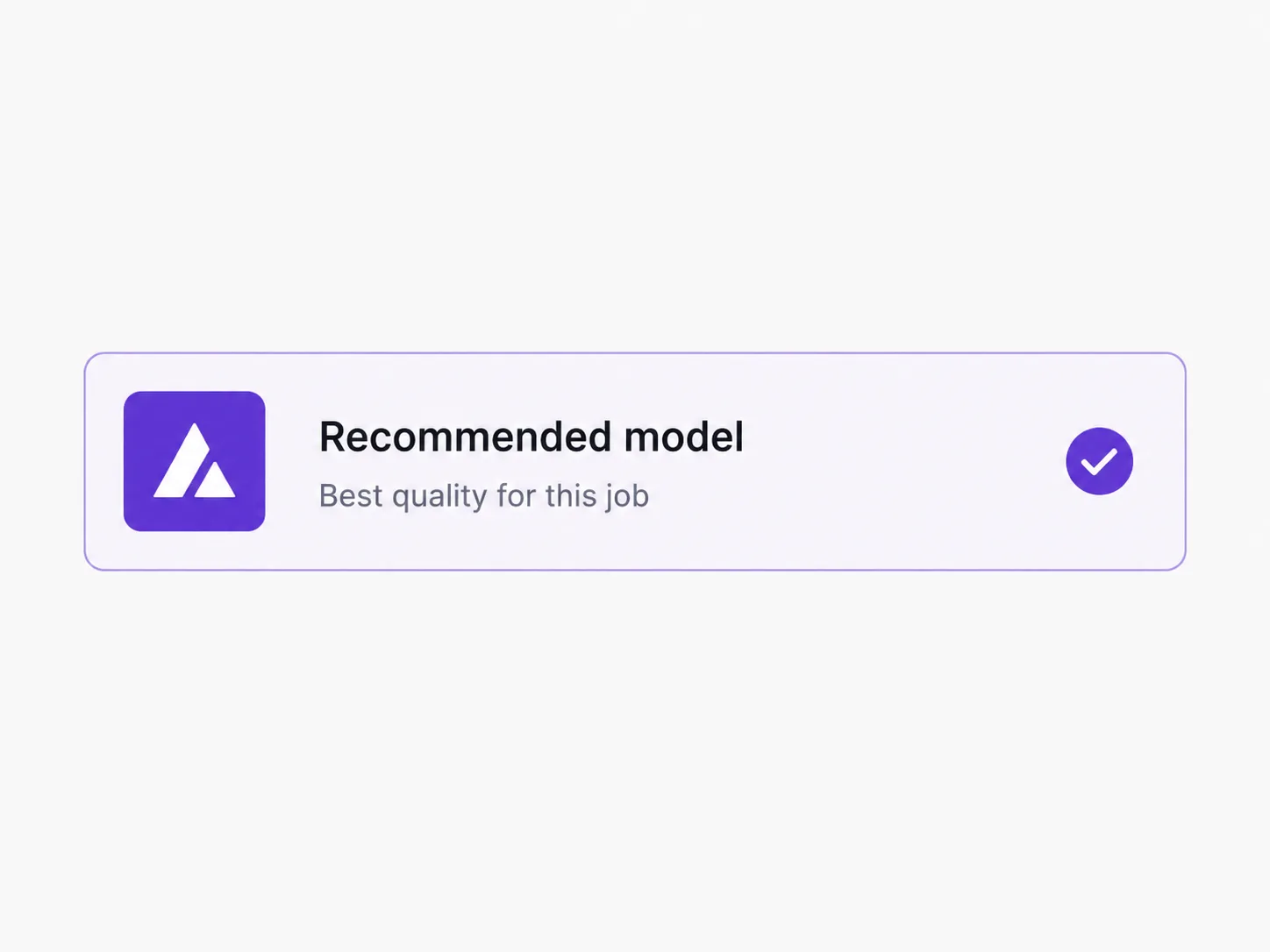
Choose the best image or video model for the job, or start with the recommended one and switch any time.
Get your result in seconds, then refine the prompt or run it through another model.
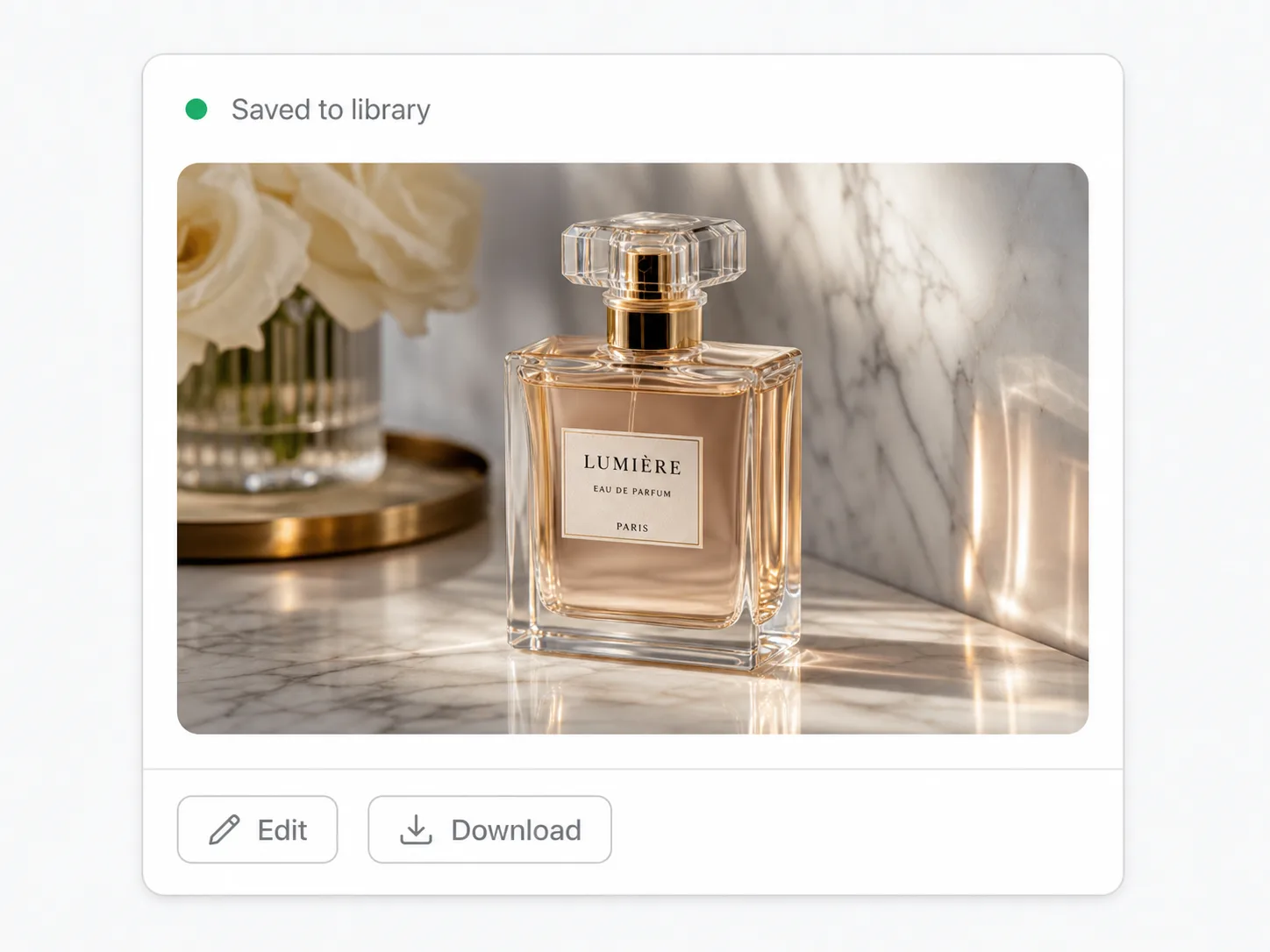
Every image and video lands in your personal library—organized into projects, ready to reuse, re-edit, or animate.
Edit, not just generate
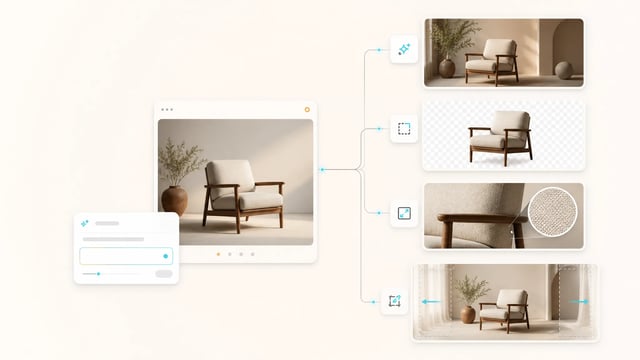
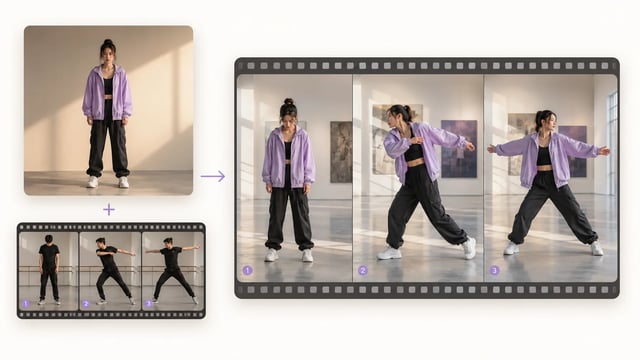
Remove backgrounds, upscale, and extend in one AI photo editor—plus motion control for video—without leaving the workspace or paying for separate apps.
Built for paid work
The parts that matter when images go to clients and customers.
Who it's for
SupaImagine is for people who need images and video often, in different styles, and don't have a studio on call.
Use the AI image generator for product shots and lifestyle scenes for listings and ads—no photographer to book.
Turn campaigns, landing pages, and social feeds around in minutes—on-brand visuals without booking a designer, kept in one shared library for the whole team.
Make an original featured image for every post instead of paying per stock photo—with commercial-use rights on a paid plan.
Explore concepts and moodboards across multiple models, then refine them in the built-in AI photo editor—solo or in a shared workspace for client work.
Animate stills into scroll-stopping reels and ads—no separate video app or editor to learn.
Spin up app-store screenshots, launch heroes, and social assets for every release—be your own design team without slowing down to brief one.
Find answers to common questions
Frequently Asked Questions
SupaImagine is an AI image generator and AI photo editor in one workspace—generate with multiple top models, then remove backgrounds, upscale, or extend, all saved to your private library.
GPT Image 2, the Nano Banana family, and Grok Imagine for images, plus Veo and Seedance for video—so you can match the model to the job instead of being locked into one.
Open the Background Remover, upload your image, and it cuts out the subject in one click—clean edges, transparent PNG.
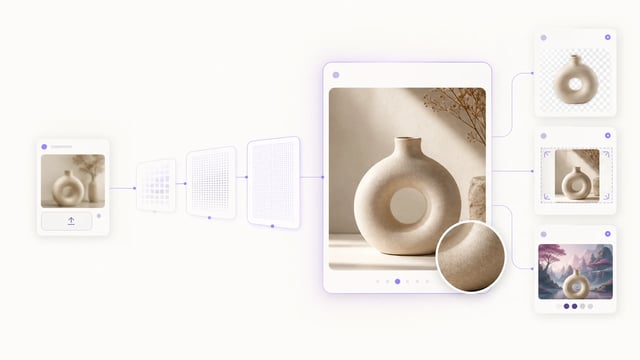
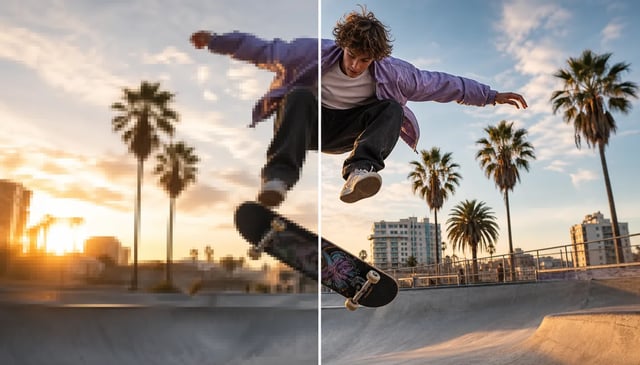
Yes. The Upscaler enlarges low-res images to print-ready resolution; the Extender outpaints beyond the frame to change aspect ratio without cropping.
Both. Upload a photo or reopen anything in your library, then remove the background, upscale, extend, or restyle it with a prompt. SupaImagine works as an AI photo editor for any image, not just AI-generated ones.
Upload an image and SupaImagine writes an editable prompt that recreates its look—tweak the wording to keep the style and change the subject.
Start free with credits when you sign up. Commercial-use rights come with any paid plan—the free tier is for trying the product, not commercial work.
Yes. Every image and video auto-saves to your private library, organized and ready to reuse. It's private by default—nothing is shared unless you choose to.
No. Describe what you want in plain language and SupaImagine handles the prompt work—no syntax to learn.
No. We never train AI models on your uploads or generated content—it stays yours, private in your library unless you choose to share it.
Yes. Models like GPT Image 2 and Nano Banana Pro render legible text, so you can make posters, social graphics, logos, and product mockups with real words baked in. Put the exact wording in quotes in your prompt.
Yes. Alongside the image models, an AI video generator with Veo, Seedance and more creates from text or animates a still into video—on the same subscription.
Yes. Generate or upload an image, then send it to a video model to animate it—the starting frame carries across model switches, and every clip saves to your library.
Yes—one subscription and one credit balance cover every image and video model. Move an asset from image to video without re-uploading; there's no separate plan per modality.
Need more help?
If the FAQs don't solve your problem, email our support team and we'll help.
ContactGenerate, edit, and keep everything you make—start free with credits, no credit card.