

AI Image and Video Generator with Top Models
Make images with GPT Image 2, Nano Banana and Seedream, and videos with Veo 3.1, Seedance 2 and Wan 3.0, all from one prompt box, without a separate account for each model.
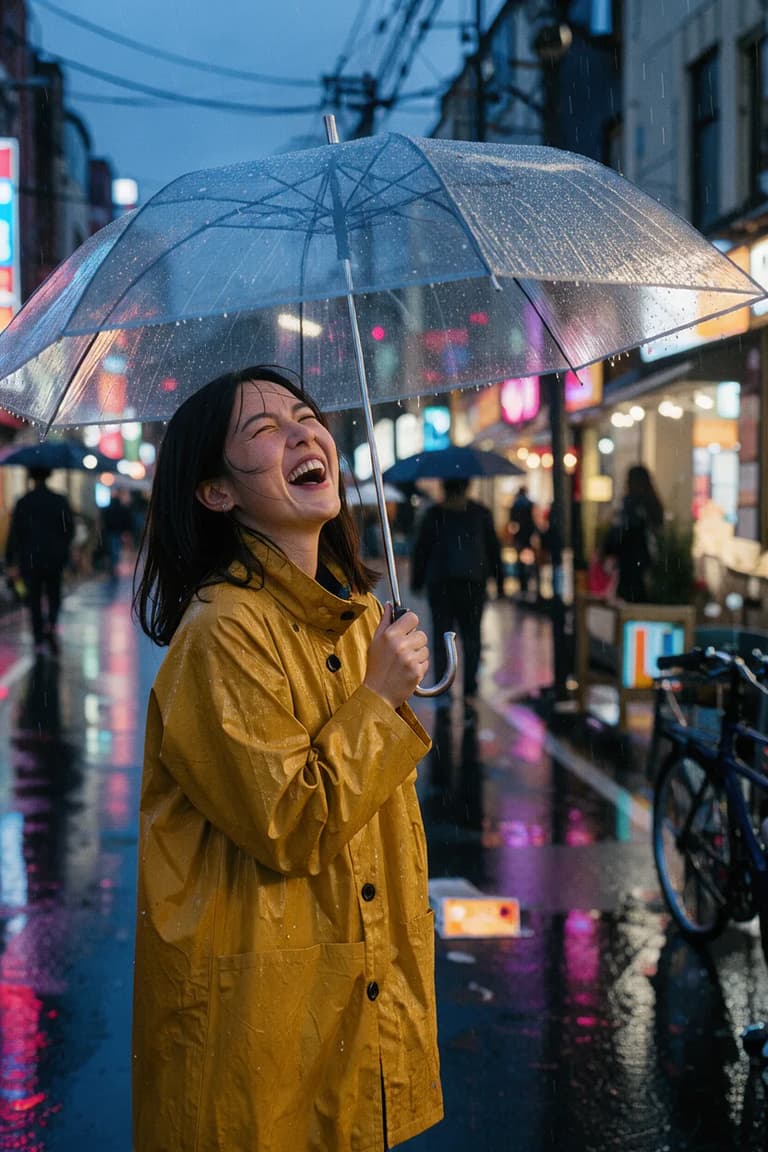
Candid street portrait of a young woman in a mustard raincoat laughing under a clear umbrella on a rainy Tokyo side street at dusk, neon reflections on wet asphalt, shallow depth of field, 35mm film look.
Start from a sentence, a picture, or both
Pick the way in that matches what you already have. Each one opens its own page with the generator ready and only the models that can do that job.
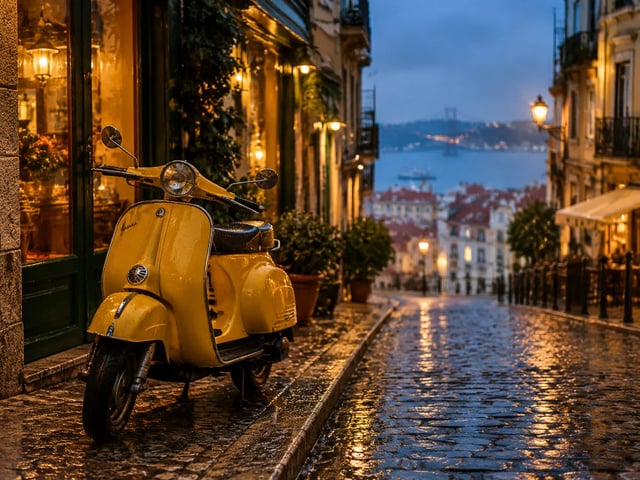
Text to image
Describe a scene and get an image. Switch to GPT Image 2 when the picture needs readable text.
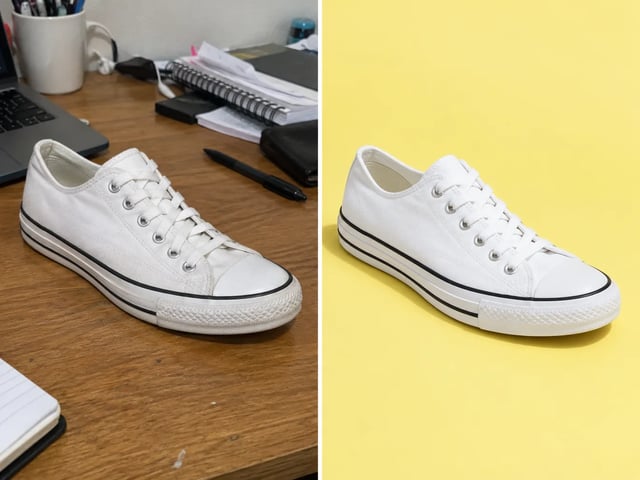
Image to image
Upload a photo and say what should change: the background, the light or the style.
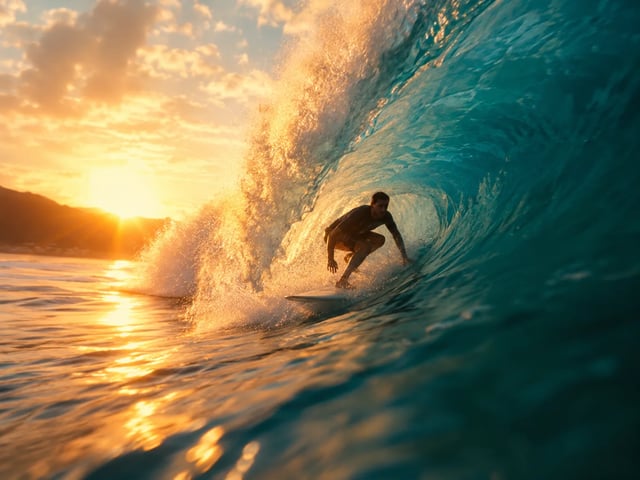
Text to video
Describe a shot and how it moves. The default, Veo 3.1 Lite, makes clips with sound.
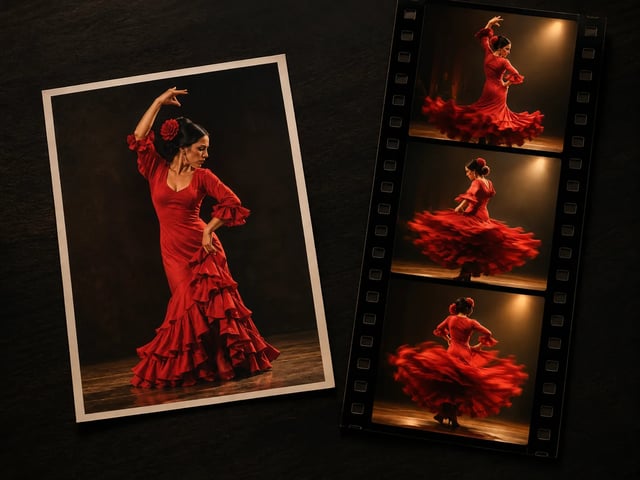
Image to video
Start from a still and describe the motion. Several models also take a last frame.
Which AI image model to use
Every model here does text to image, and all but Krea 2 Turbo can also edit a picture you upload. Credits are per image. Higher resolutions and more than one image per run need a paid plan or a credit pack.
| Model | Best for | Highest resolution | Reference images | Credits per image | |
|---|---|---|---|---|---|
| DefaultNano Banana 2 Lite | Low-cost drafts and everyday edits | Standard size | up to 10 | 4 | Use it |
| GPT Image 2 | Posters, menus and labels with readable text | 4K | up to 16 | 6 at 1K, up to 20 at 4K | Use it |
| Nano Banana Pro | Complex compositions and brand work | 4K | up to 8 | 20 at 1K, up to 25 at 4K | Use it |
| Nano Banana 2 | Up to 4K output below Pro pricing | 4K | up to 14 | 8 at 1K, up to 20 at 4K | Use it |
| Seedream 5.0 Pro | Putting a product in a new setting from a reference photo | 2K | up to 10 | 9 at 1K, 20 at 2K | Use it |
| Grok Imagine | 4-credit images with up to 5 reference images | Standard size | up to 5 | 4 | Use it |
| Reve 2.1 | Wide banners and tall formats, from 4:1 to 1:4 | Standard size | 1 | 50 | Use it |
| Krea 2 Turbo | Text-only drafts at 2 credits an image | Standard size | None | 2 | Use it |
| SupaImagine Turbo | Testing a prompt idea for 1 credit | Standard size | up to 10 | 1 (text to image), 2 (image to image) | Use it |
Which AI video model to use
Every model here does text to video and image to video. Credits depend on resolution and length: Veo prices are per clip, the others are per second, and the generator shows the price before you start. Veo 3.1 Fast, Seedance 2 Fast and Seedance 2 Mini are in the model list too, as faster or cheaper versions of Veo and Seedance.
| Model | Best for | Highest resolution | Length | Credits | |
|---|---|---|---|---|---|
| DefaultVeo 3.1 Lite | Clips with sound at the lowest Veo price | 4K | 8 seconds | 30 per clip at 720p | Use it |
| Veo 3.1 | Final clips with sound, up to 4K | 4K | 8 seconds | 250 per clip at 720p | Use it |
| Seedance 2 | Guiding a clip with reference images, video or audio | 4K | 4 to 15 seconds | 20 per second at 480p | Use it |
| Wan 3.0 | Longer clips, up to 30 seconds | 1080p | 2 to 30 seconds | 8 per second at 480p | Use it |
| MiniMax H3 | 2K clips with a set first and last frame | 2K | 5 to 15 seconds | 15 per second at 768p | Use it |
| FLUX 3 | Editing an existing video as well as making new ones | 1080p | 5 to 20 seconds | 35 per second at 720p | Use it |
| HappyHorse 1.1 | Building a clip from several reference images | 1080p | 3 to 15 seconds | 25 per second at 720p | Use it |
| Grok Imagine Video 1.5 | Very low-cost drafts | 720p | 1 to 15 seconds | 3 per second at 480p | Use it |
One AI photo and video generator for the whole job
Most projects need both: a still for the listing or the post, and a short clip to go with it. Here is how to split the work.
- 01
Product listing shots
Upload one clean product shot and put it on new backgrounds for listings and ads with image to image. Check details like labels and colors against the real item before you publish.
- 02
Short video ads
Turn the product still into a few seconds of motion for a social ad, in 9:16 for stories and reels. Veo 3.1 clips come with sound, which saves a separate audio step for quick tests.
- 03
Covers and thumbnails
Make a header image for each post or video instead of paying per stock photo. To keep a series consistent, upload the last cover as a reference instead of starting from a blank prompt.
- 04
Storyboards
Draft the key frames of a sequence as images first, then animate the ones you like with image to video. A frame is quick to redo; a finished clip means a whole new run.
From prompt to finished image or video in three steps
The same three steps work for every model, so trying a second one takes a click, not a new account.
- 1
Choose what to make
Pick text to image, image to image, text to video or image to video, then a model. The default is a sensible start; the tables above help when you want something specific.
- 2
Describe it
Write the subject, setting, light and, for video, the movement. Upload a picture if you are editing it or animating it.
- 3
Keep the good ones
Results land in My creations with their prompt and model, so you can rerun a setup later or try the same prompt on another model.
Choose a plan or a credit pack
Start with 10 free credits. Paid plans and credit packs unlock every resolution and more images per run, and pack credits never expire.
Up to 1,000 images or 41 videos
- Up to 1,000 images
- Up to 41 videos
- All models, including Premium
Up to 2,500 images or 104 videos
- Up to 2,500 images
- Up to 104 videos
- All models, including Premium
Up to 7,500 images or 312 videos
- Up to 7,500 images
- Up to 312 videos
- All models, including Premium
· No card required
Failed runs are refunded automatically · Cancel anytime
Frequently Asked Questions
SupaImagine FAQ
Answers to common questions
What is SupaImagine?
SupaImagine is an AI image and video generator that puts models from several companies behind one prompt box: GPT Image 2, the Nano Banana family and Seedream for images, and Veo 3.1, Seedance 2, Wan 3.0 and others for video. You pay with one credit balance instead of a subscription per model.
Is the AI image and video generator free to try?
New accounts get 10 free credits, enough to try the low-cost image models at their standard size. What you make with free credits is for personal, non-commercial use. Paid plans and credit packs add higher resolutions and several images per run.
How do credits work?
Each run costs credits: images are priced per image and videos per clip or per second, depending on the model and resolution. The generator shows the price before you start. If a run fails on our side, its credits are returned automatically.
Can I use what I make commercially?
Yes, on a paid plan, within our Terms and the model providers' rules, for example in ads, client work and products. You are responsible for the rights to anything you upload. Output made only with free credits is for personal use.
Which model should I start with?
For images, start with Nano Banana 2 Lite and switch to GPT Image 2 when the image needs readable text. For video, start with Veo 3.1 Lite; move to Seedance 2 or Wan 3.0 when you want reference images or a longer clip.
Can I turn an image into a video?
Yes. Open image to video, upload the still as the first frame and describe the motion. The Veo 3.1 models, Seedance 2, Wan 3.0 and MiniMax H3 also accept a last frame if you want to control where the shot ends.
How long are my images and videos kept?
Results and uploads in your library are kept for about 30 days after they are made, and for as long as you have an active subscription. Download anything you want to keep for longer.
Do you use my uploads to train AI models?
No. We don't use your prompts or results to train our own AI models, and photos of people you upload are never used for training. The model providers process your input to return the result, under their own terms.
Pick a model and make your first image or video
10 free credits on sign-up, no card needed.