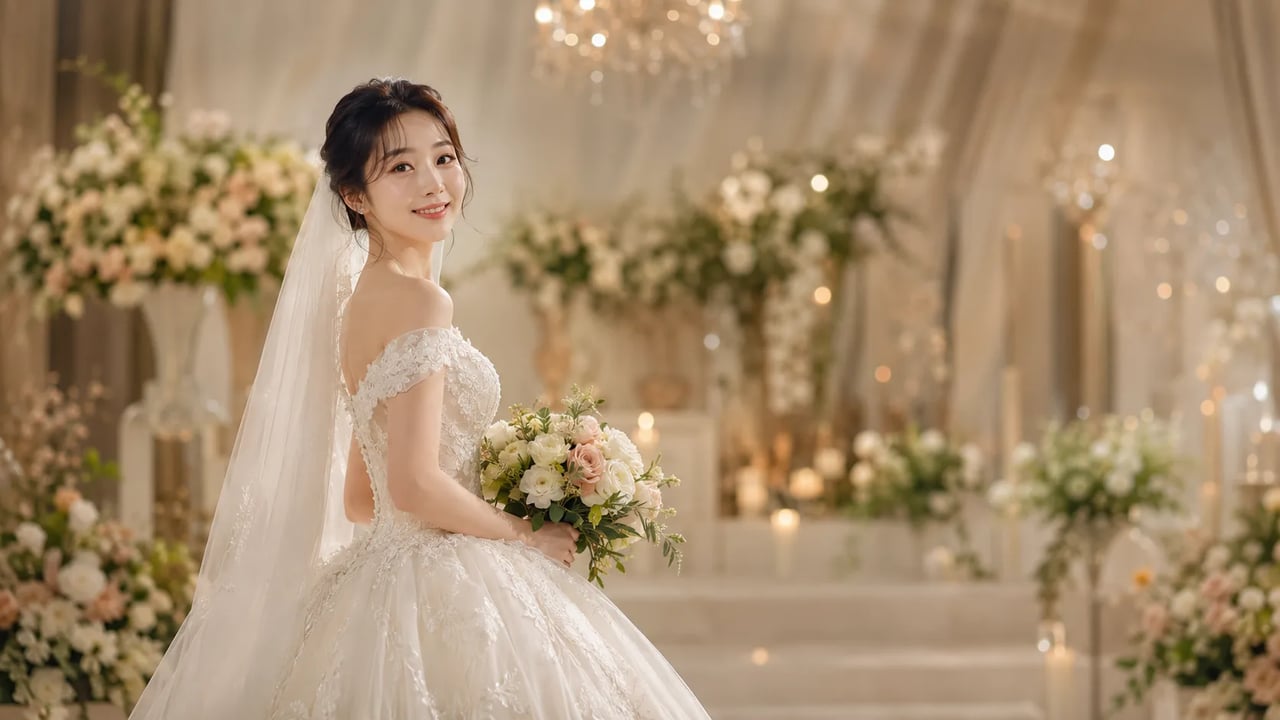

Soft dress and ceremony light — your face stays the anchor, one photo at a time
Upload a clear selfie or casual portrait and run the AI wedding photo generator. The fixed bridal preset restyles clothing and light into a wedding-day still while your face, age cues, and expression stay recognizable. One photo per run — not a batch gallery editor for whole wedding shoots.


When you want the wedding-day feeling from one portrait you already shot.
A good AI bridal portrait should keep your face and only change the dress and light. Use this wedding dress photo AI path for invite mood boards, profile play, or a quick look at a bridal vibe — not for batch-editing hundreds of ceremony frames with cross-shot color matching.
| AI wedding photo generator | wedding photo AI | bridal photo AI | AI bridal portrait |
Before & after
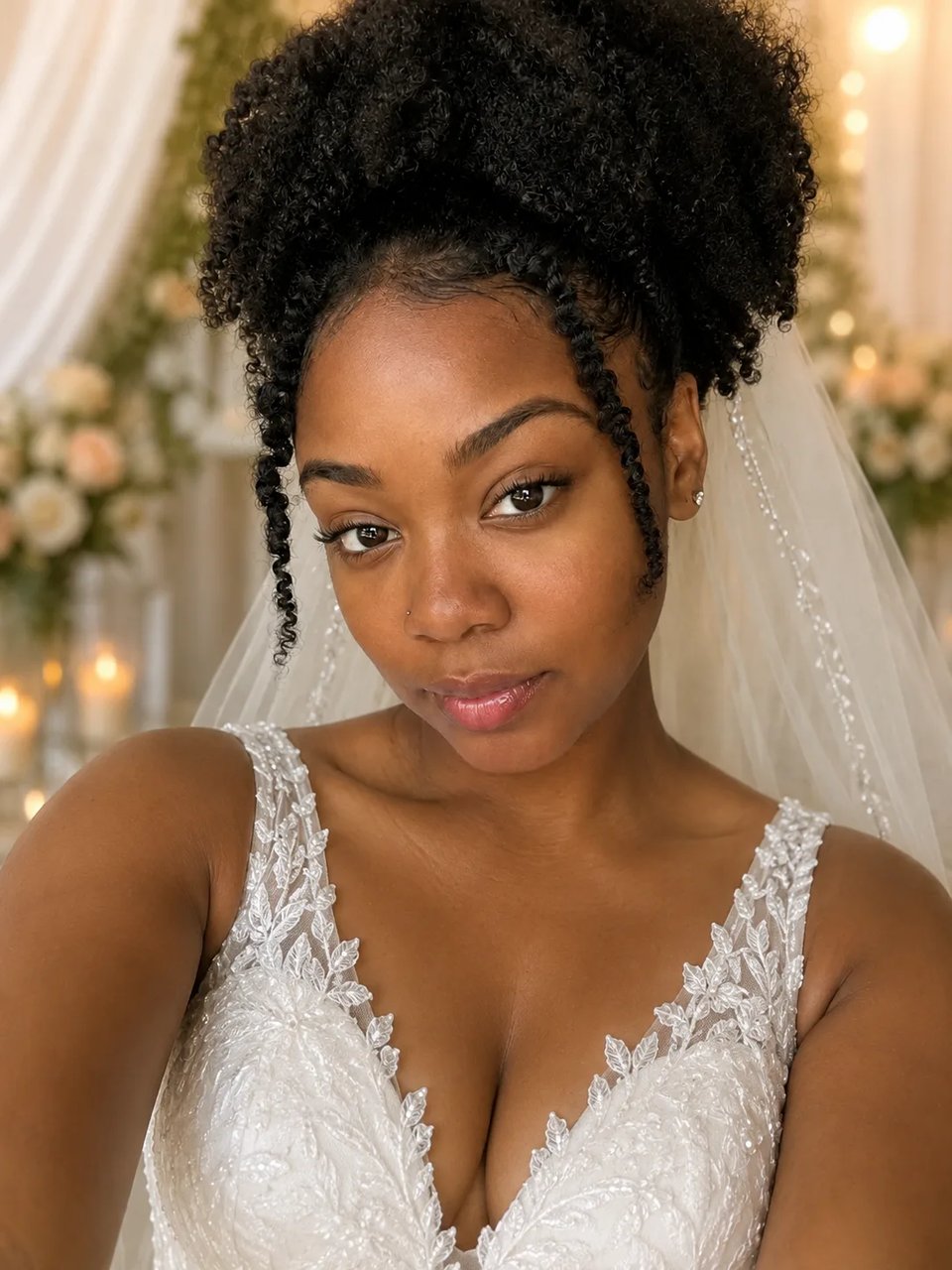
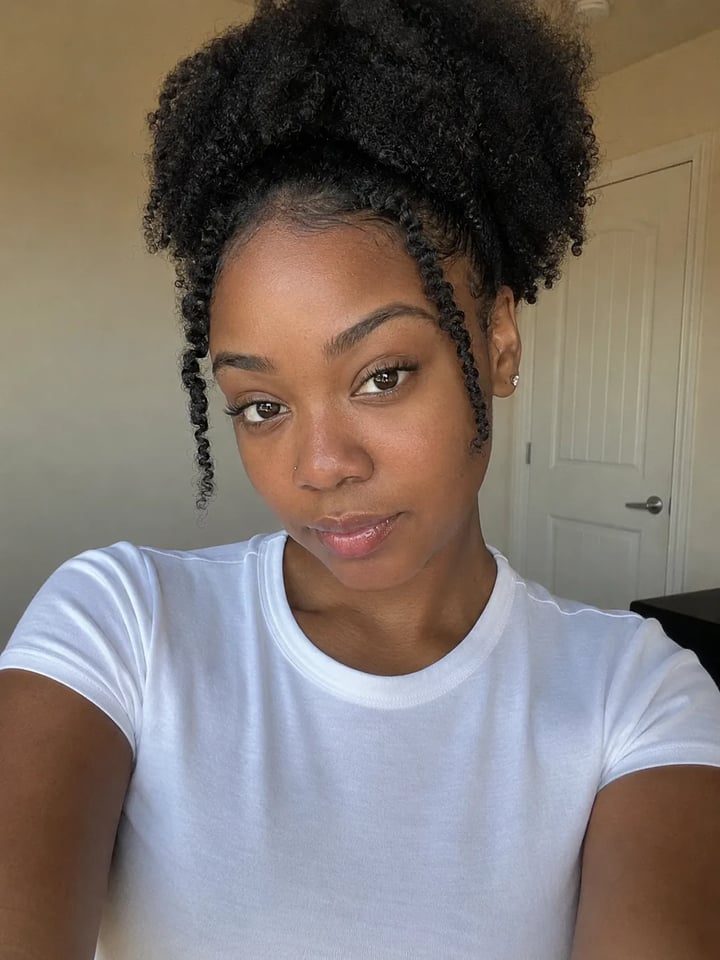
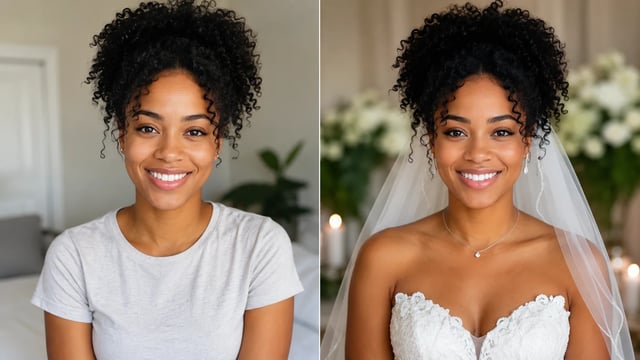
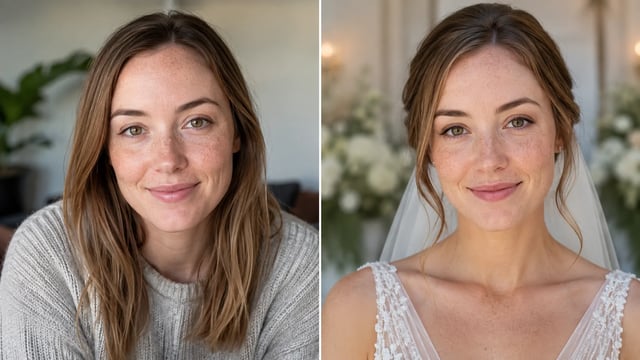
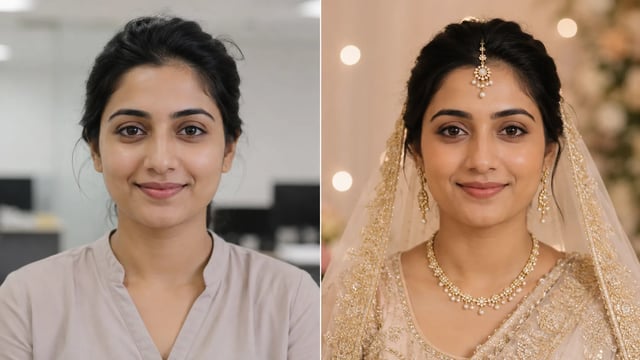
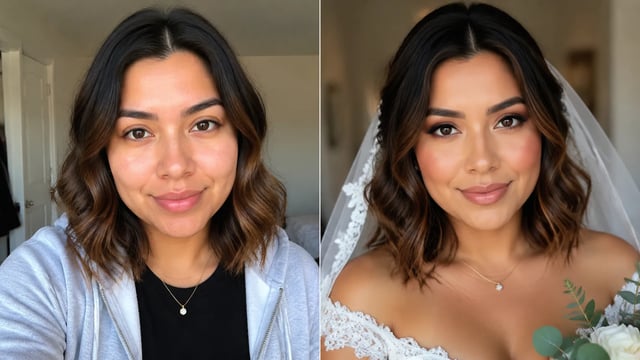
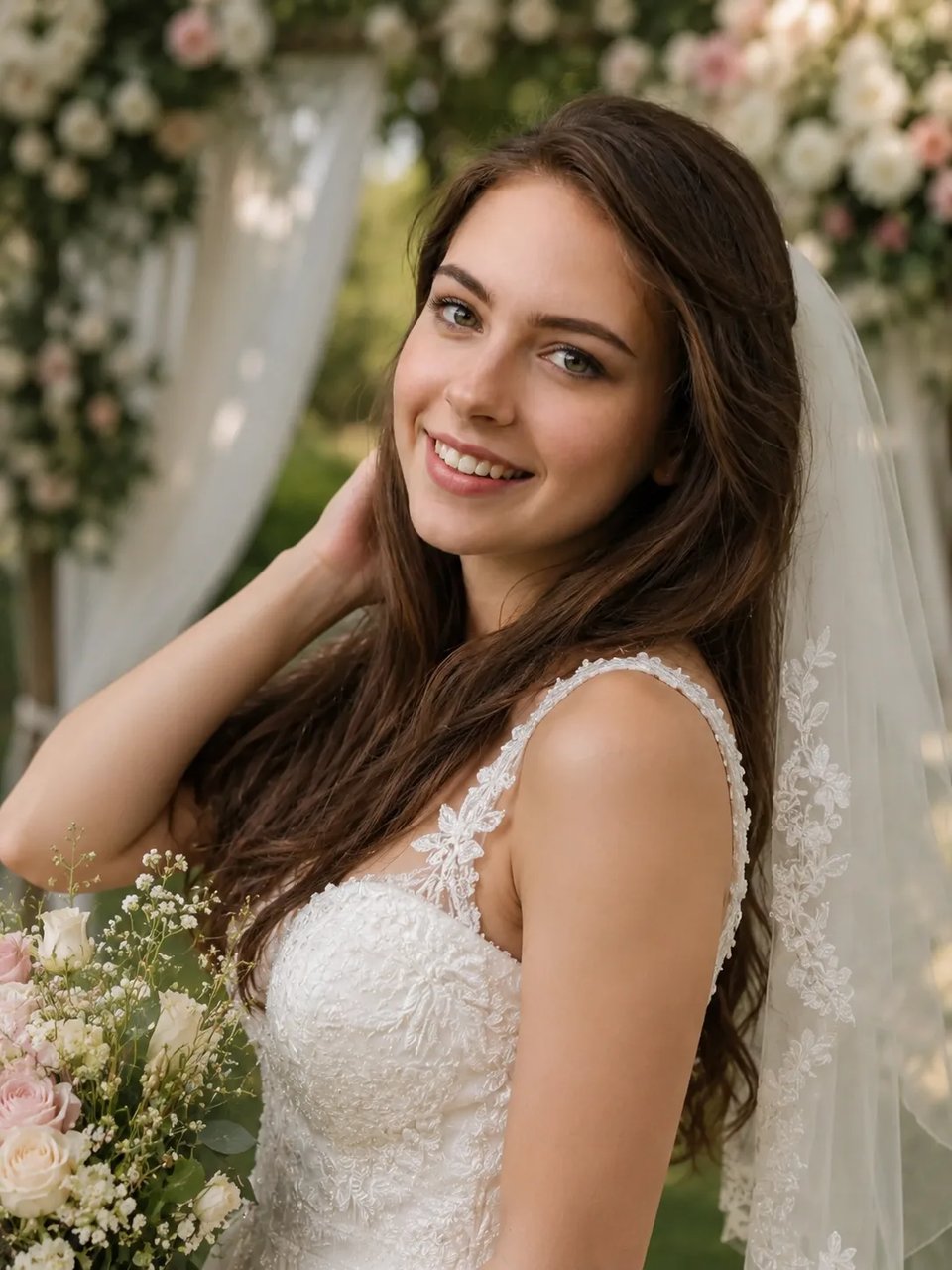
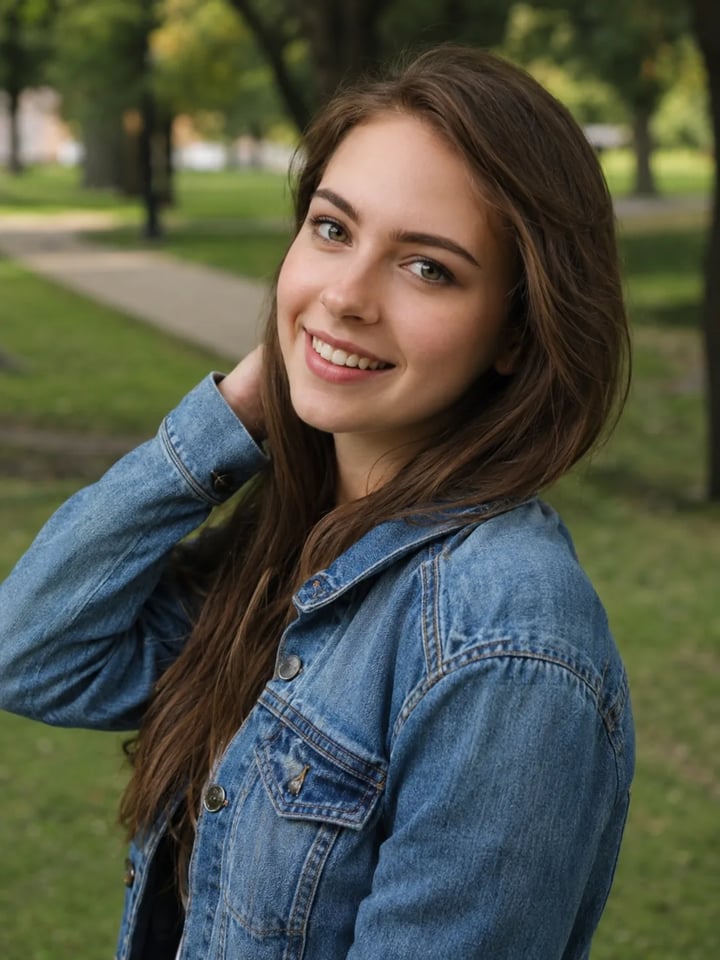
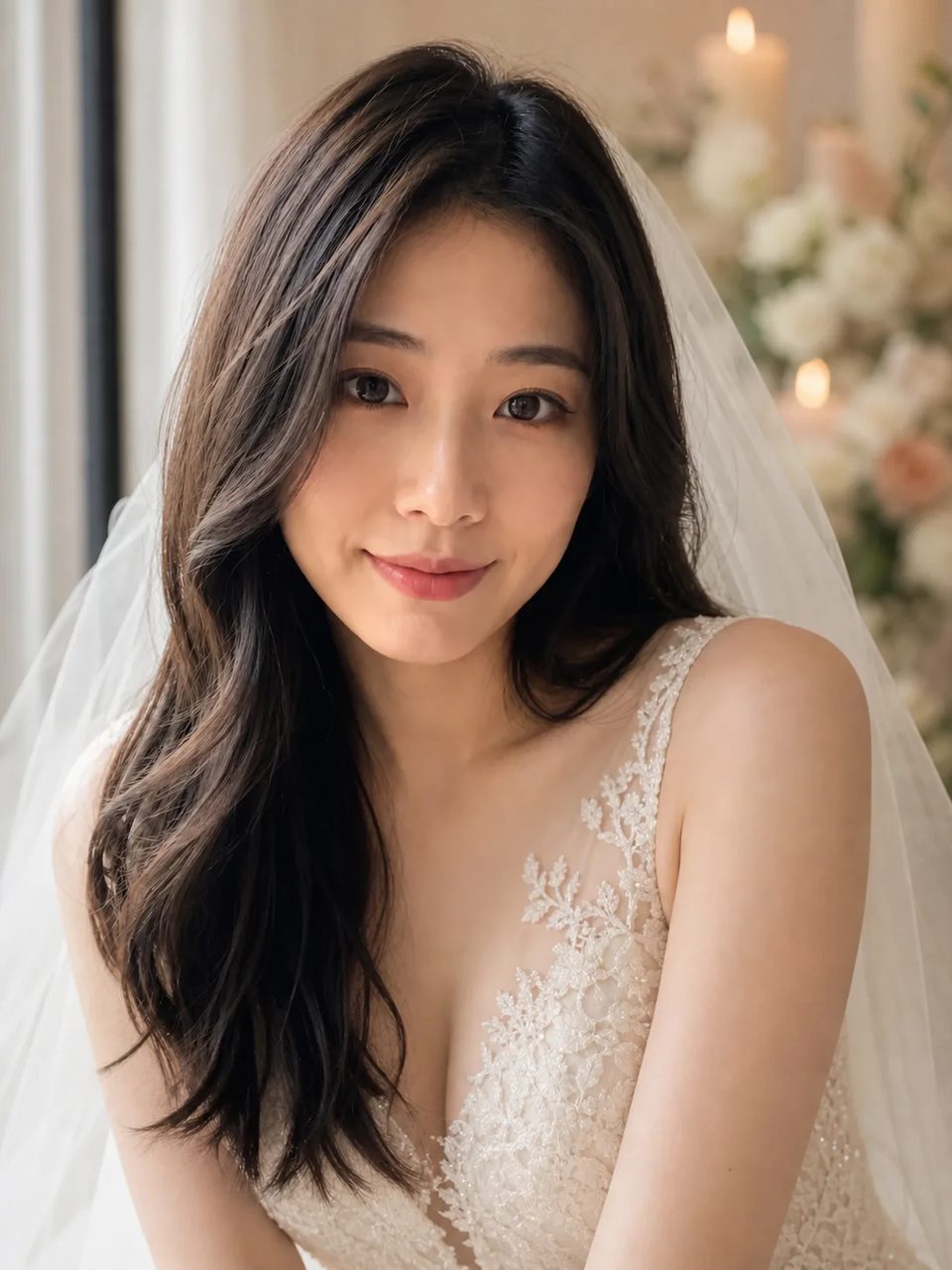
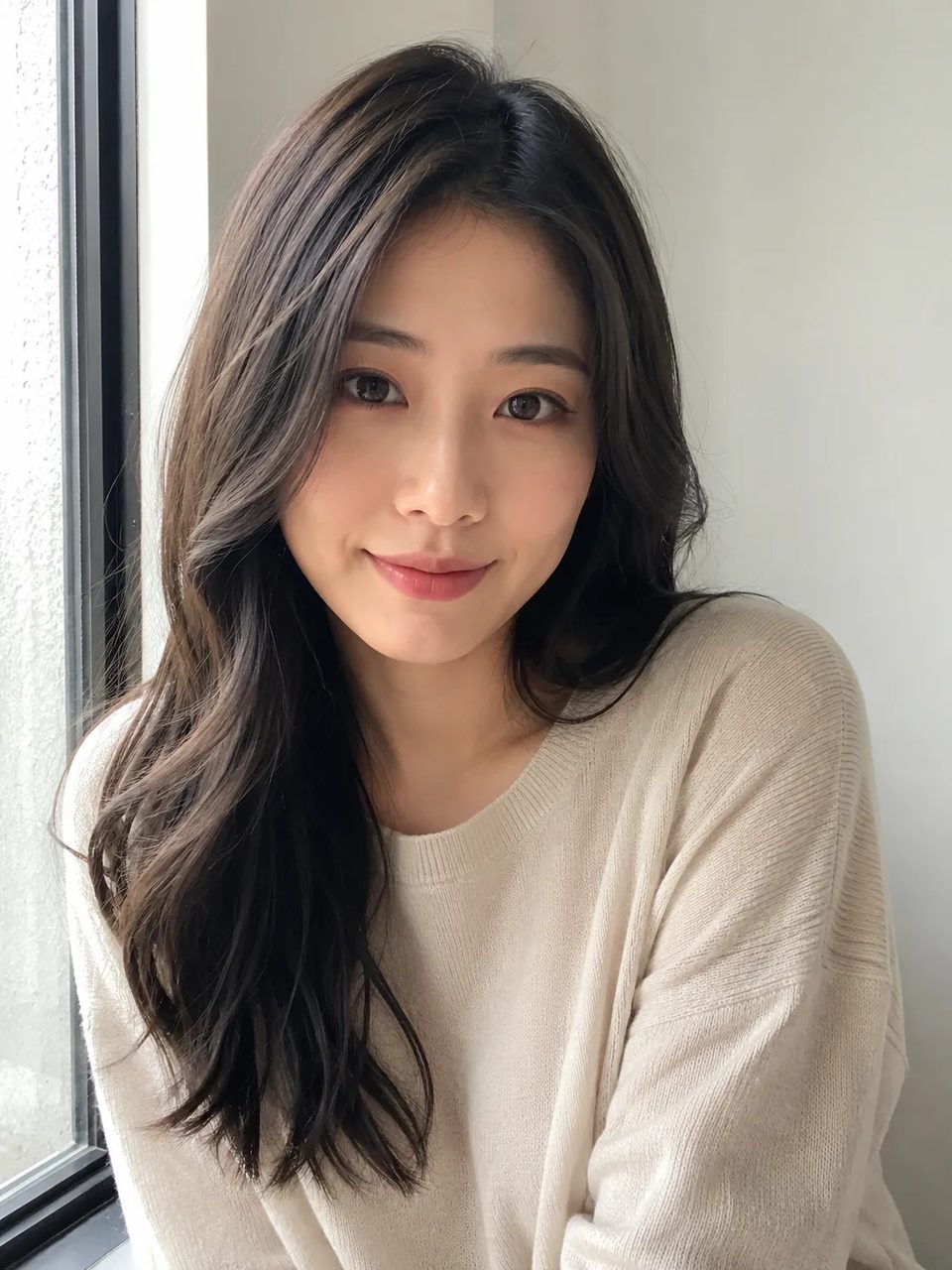
Same person, same pose anchors — bridal dress and soft wedding light on the result. Single-photo runs only.
Casual portrait → bridal still
Before
Preset
Daylight casual → ceremony soft light
Before
Preset
Face lock, bridal restyle, soft light — and honest single-photo limits.
The wedding dress photo AI path rebuilds fabric folds, neckline, and soft sheen so the gown sits on the body with real contact shadow. The AI wedding look reads photographed, not pasted on a casual tee.
Identity, skin tone, age cues, and expression stay locked when you turn a selfie into a wedding photo. Guests should still recognize you in the bridal photo AI result, not a swapped model face.
Skin highlights and gown sheen share one gentle wedding atmosphere so the AI bridal portrait feels like one exposure. Mixed flash chaos from a real reception is not what this single-photo path is for.
Each run is a single portrait. There is no multi-upload culling, cross-shot skin matching, or delivery workflow for hundreds of ceremony frames. For that pro job you need a different product path.
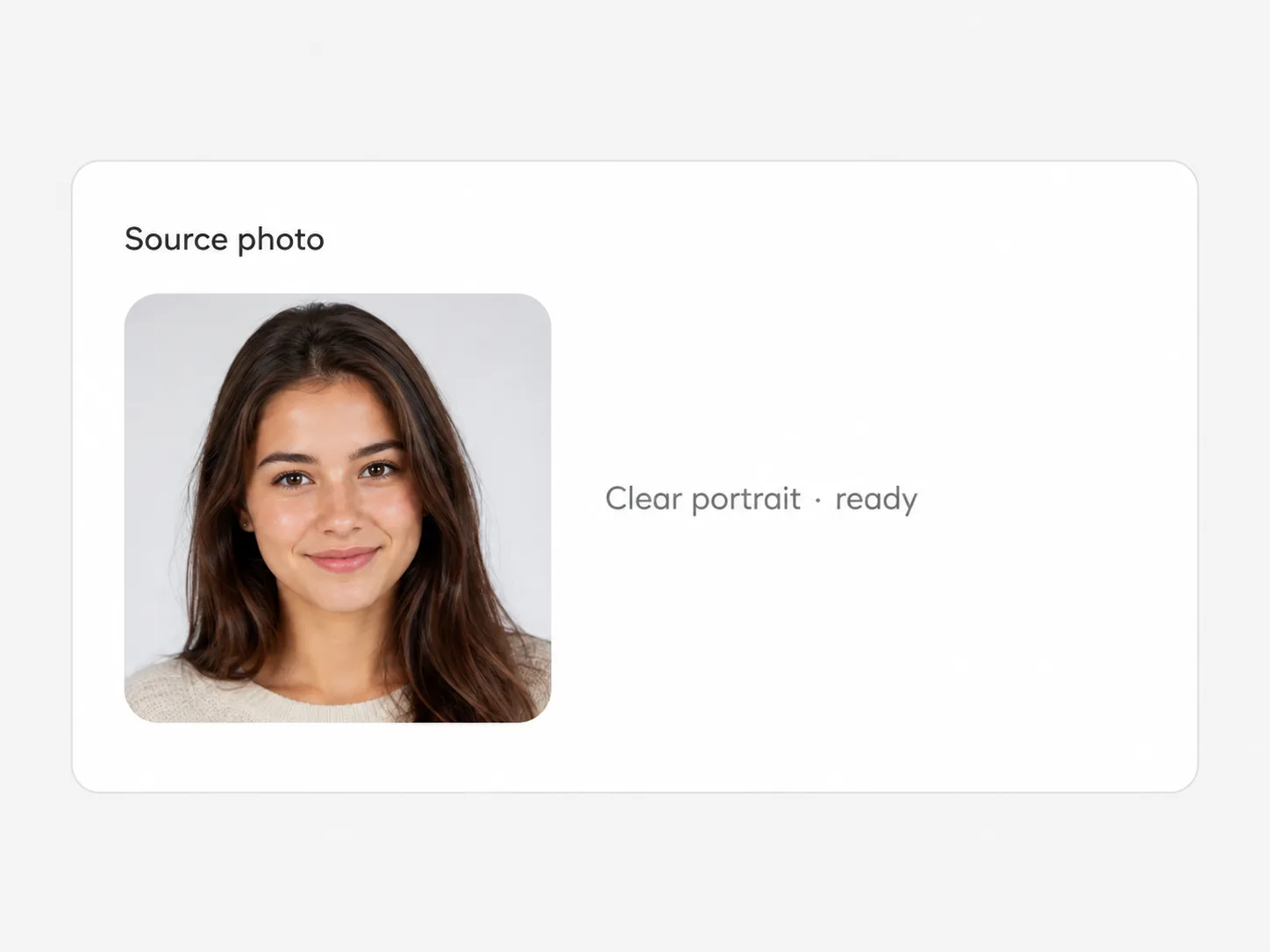
Upload a portrait, run the fixed bridal preset, download the cleanest version.
Front or three-quarter face shots work best. Heavy costume already in the frame or extreme crops can fight the bridal restyle.
Generate a couple of outputs to compare gown line and light. The bridal direction stays fixed — no freeform wedding essay prompt.
Choose the version with the cleanest face match and download full resolution from the workspace.
Mood boards, profile play, and invite drafts — not full-gallery delivery.
Sketch a bridal vibe for paper or digital invite art without booking a second dress shoot.
Post a wedding photo AI still that still reads as you in a small crop.
Give guests a playful bridal portrait from a casual phone photo.
Spin a few AI bridal portrait stills for thumbnails — one face, one look per run.
It tries to keep your face, skin tone, age cues, and expression while restyling dress and light. Results can vary with hard angles or heavy filters on the source photo.
No. Each run is one portrait. There is no multi-upload gallery pipeline, cross-shot color matching, or delivery workflow for a full wedding set.
Studio tools polish shots a photographer already took across a whole day. This page is a fixed bridal look on a single casual photo for fun or mood boards — not RAW finishing or client delivery.
No. Upload, set versions and ratio if you want, and run the fixed bridal preset. There is no free-form essay box for custom designer gowns.
Yes. Sign up, then spend signup credits on this effect for a free trial. You need an account; later runs use your balance as shown in the generator.
Clear portraits with a visible face and decent light. Extreme close-ups that hide shoulders can limit how natural the gown restyle looks.
No. Treat outputs as creative previews or social stills. Do not present them as a licensed studio package or legal ID photo.
Yes. Download or keep working in the same image workspace with other tools and effects once you like a version.
Try related one-click looks that run in the same image workspace.
Turn a casual portrait into a bridal still, keep your face, and download a clean result — one photo at a time.