Describe the image
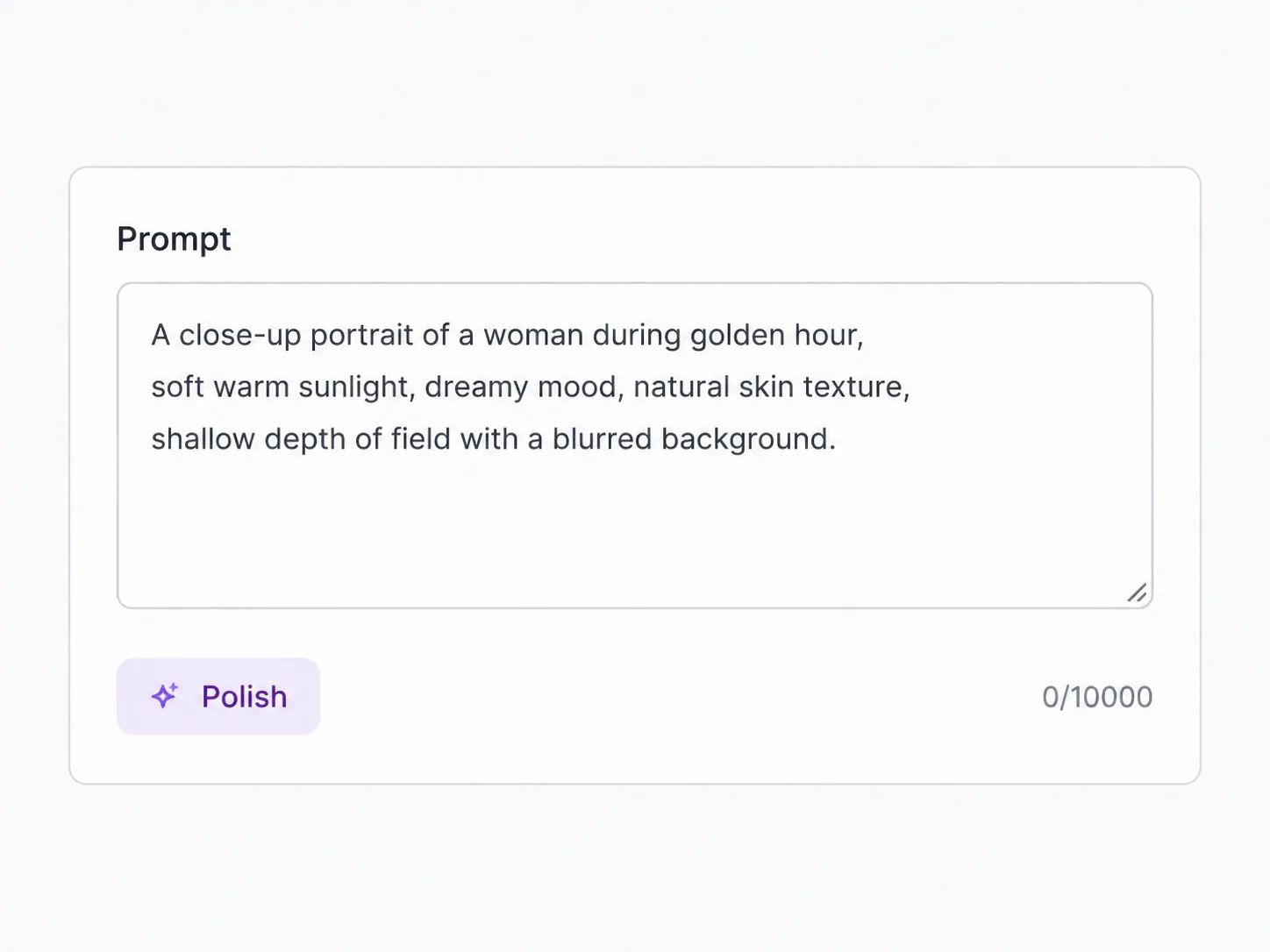
Type what you want in plain language — subject, style, and any words you need rendered into the picture. The more specific the prompt, the more the model has to hold onto.
OpenAI's model for prompt-accurate images with readable text
GPT Image 2 is OpenAI's latest image model, and SupaImagine runs it right in your browser. It holds long, specific prompts together and renders clean, legible text inside the picture — then lets you edit any result image-to-image. Create at 1K, 2K, or 4K, and every image you make saves to your own library.
Type a prompt to create a new image, or upload one to edit — nothing to install, and results save straight to your library.
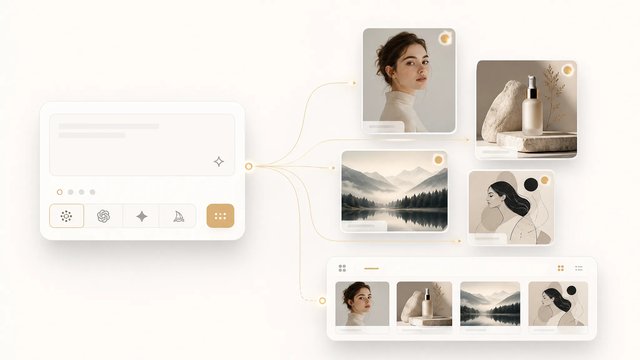
Switch between top image models in one generator.
The model to reach for when the prompt is long or the picture needs real, readable text — generate or edit, all on-site.
Describe the picture you want and the model builds it, keeping the objects, layout, and relationships in a long prompt instead of dropping half of them once it runs past a sentence or two. Where it pulls ahead is text: spell out a headline, label, or caption and it appears legibly in the result, including non-Latin scripts. Already have an image? Switch to image-to-image and describe the change. Work at 1K for a fast draft or 2K–4K for finished output, and reuse anything from your library on the next run.
| gpt image 2 | gpt image 2 generator | gpt image 2 ai image generator | gpt image 2 prompts |
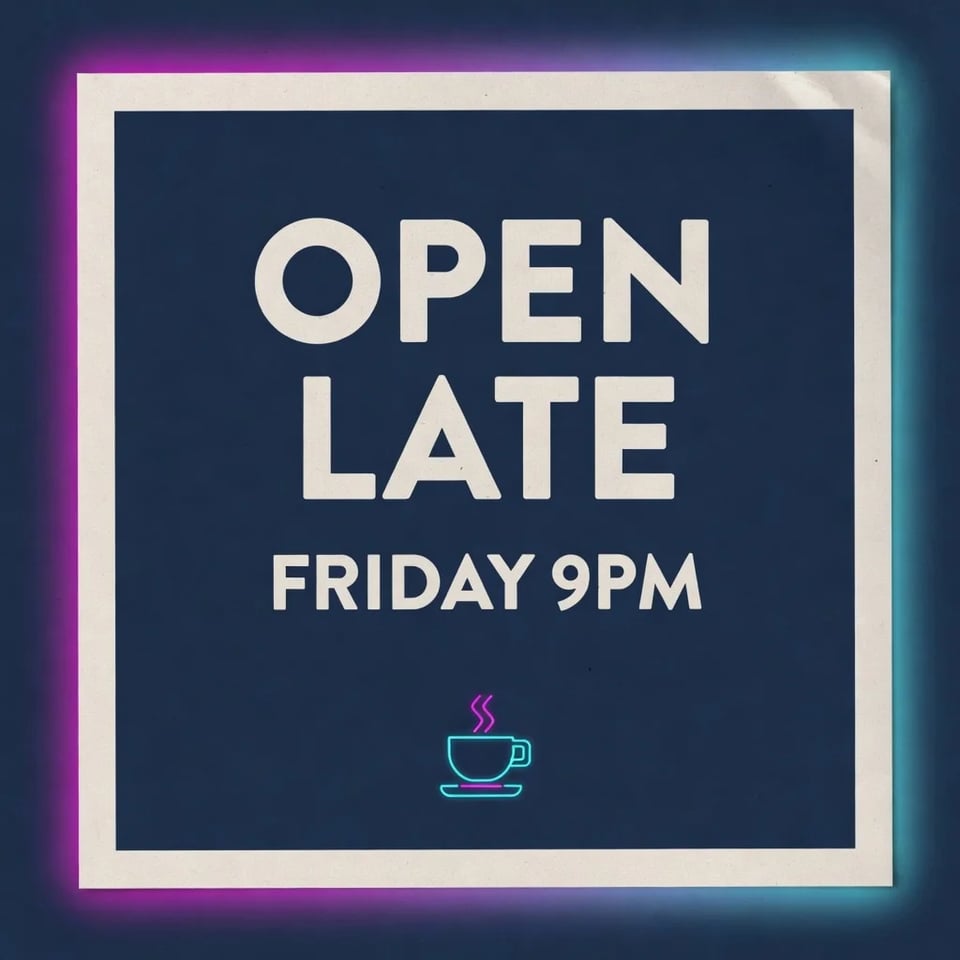
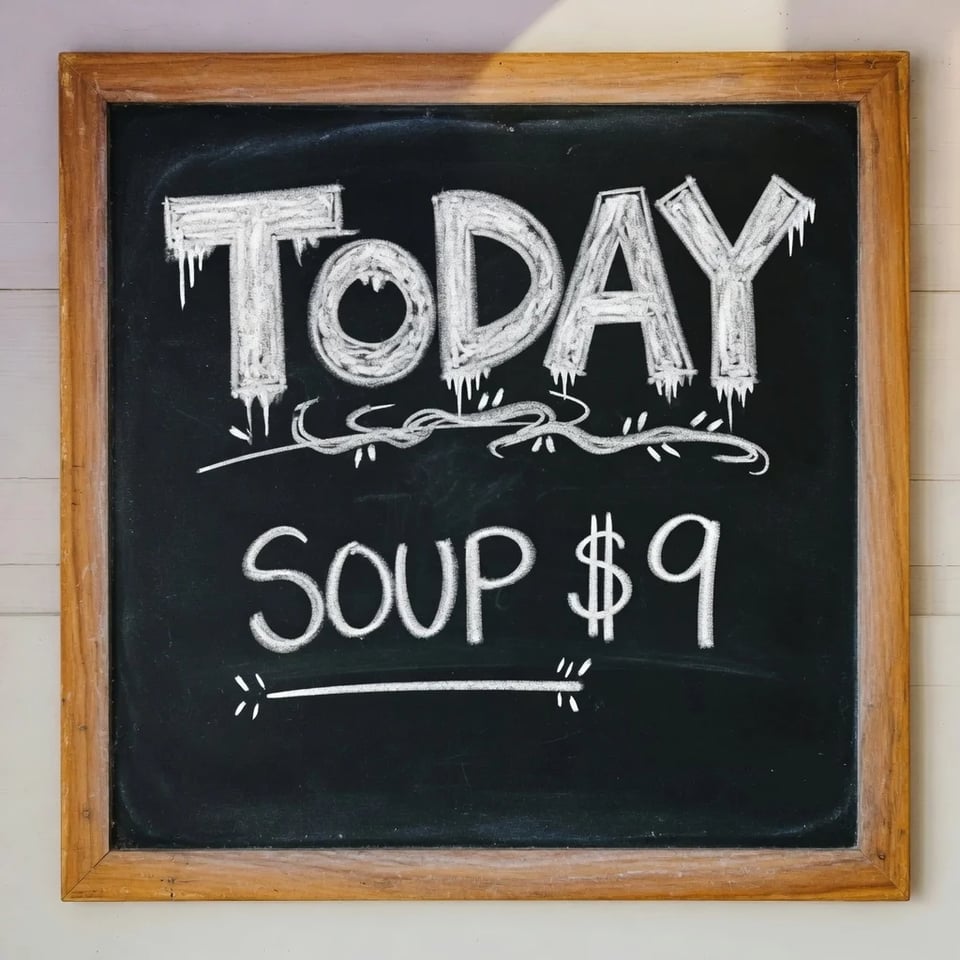
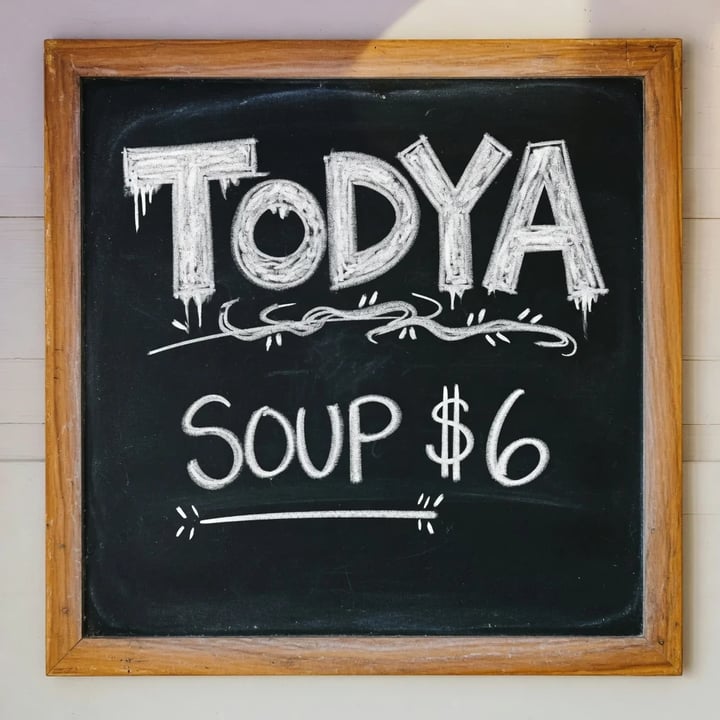
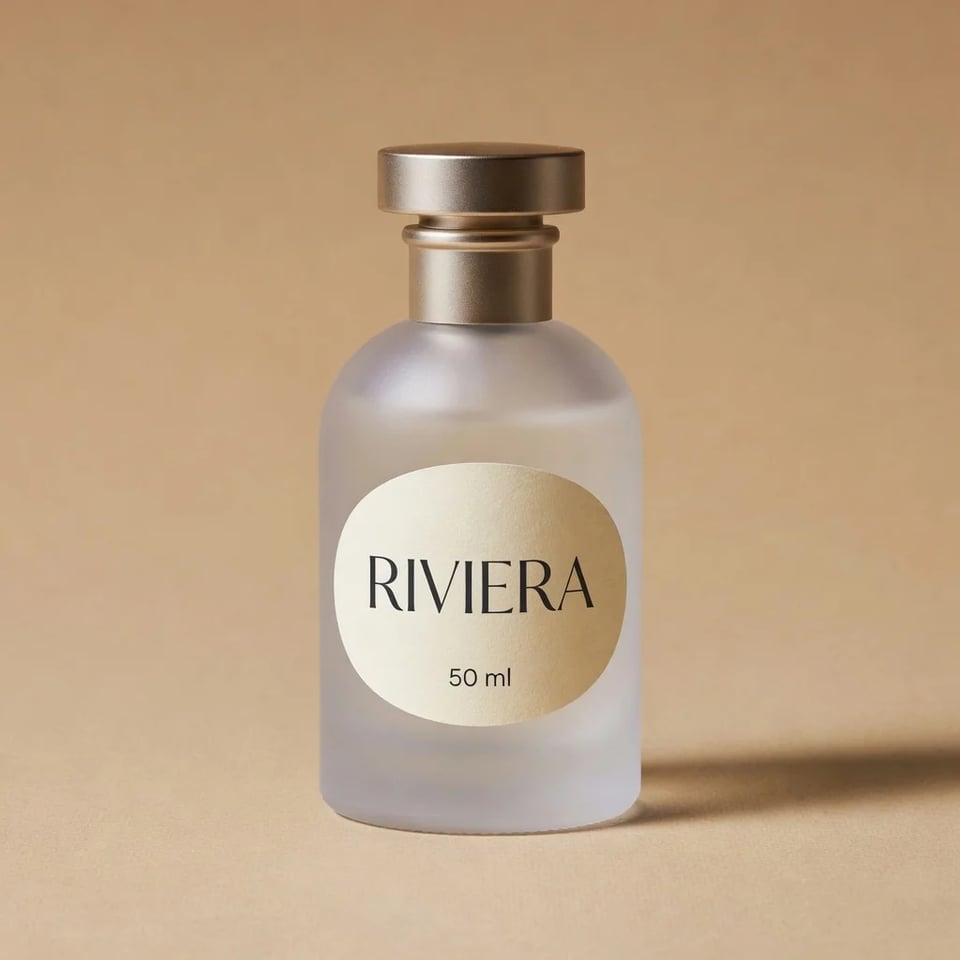
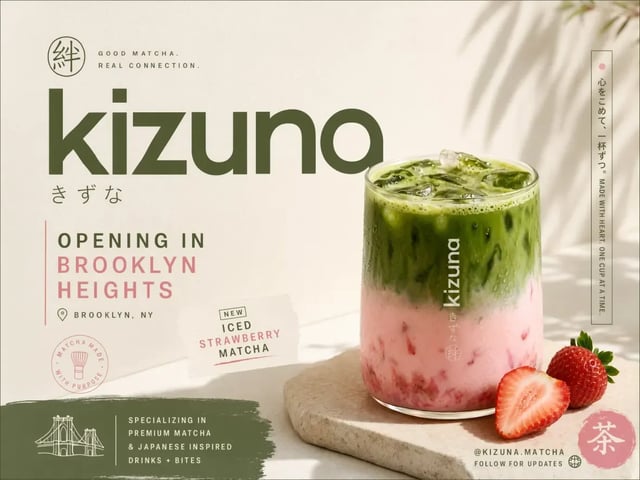
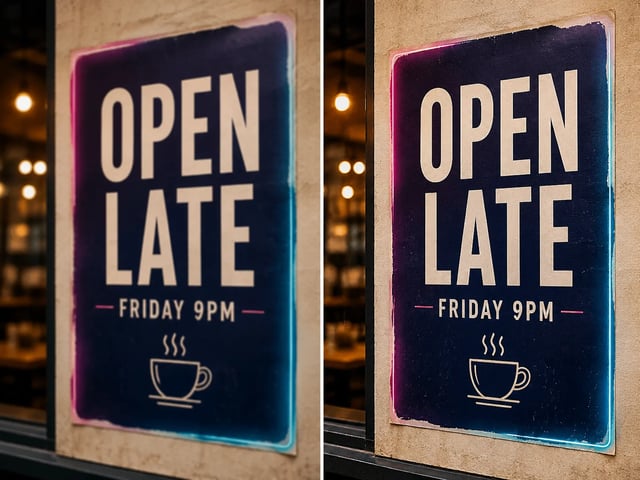
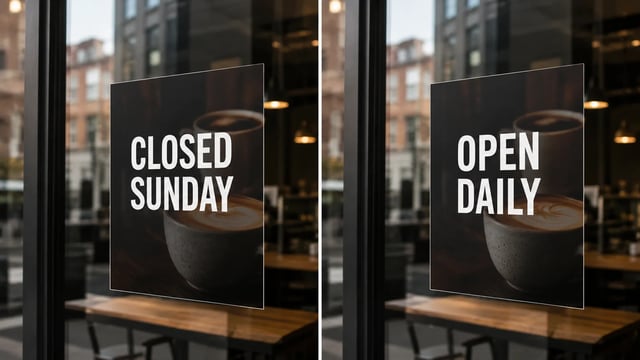
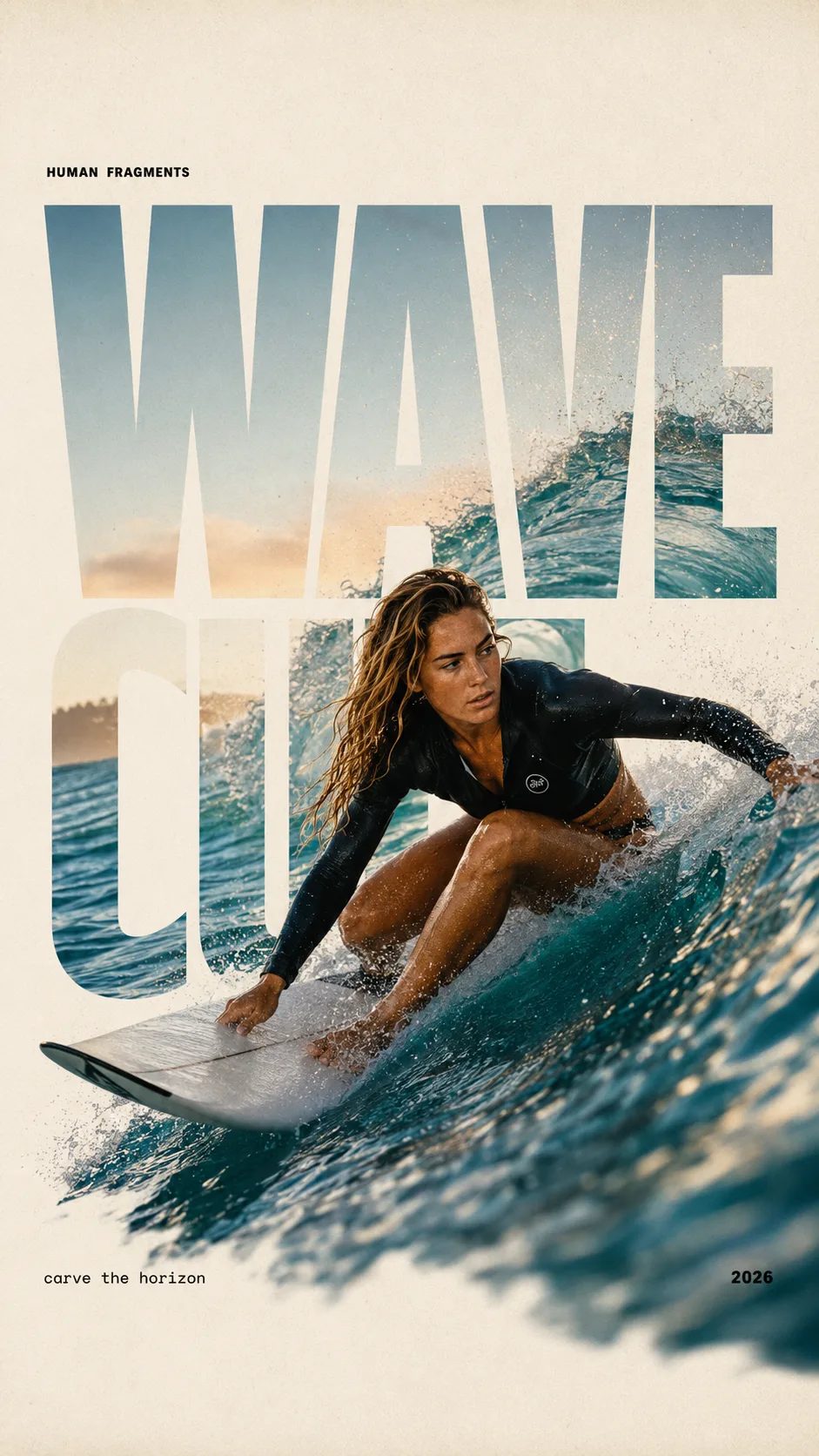
Type the exact words you need — a headline, a price tag, a caption — and they come out as sharp, correctly-spelled type, including CJK and other non-Latin scripts. That dependability is what makes it the pick for posters, packaging mockups, product labels, and social cards where the copy has to read right.
Pile on objects, spatial relationships, and multi-step instructions; the model keeps them in the frame rather than quietly dropping entities once the prompt runs long. You art-direct by description instead of fighting the model for the layout you asked for.
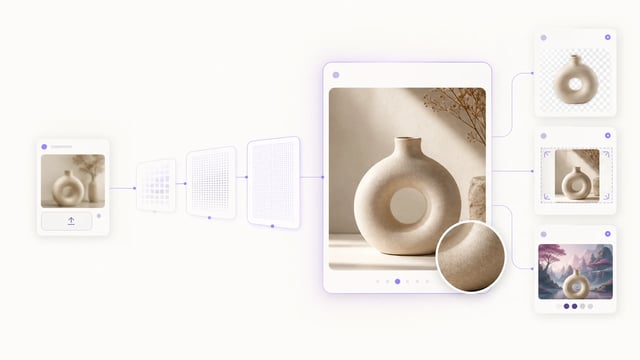
Most of the work here is text-to-image: describe it, and the model makes it. When you'd rather begin from a picture you already have, drop it in and the same model takes prompt-driven edits — so creating and refining stay in one workspace instead of two separate tools.
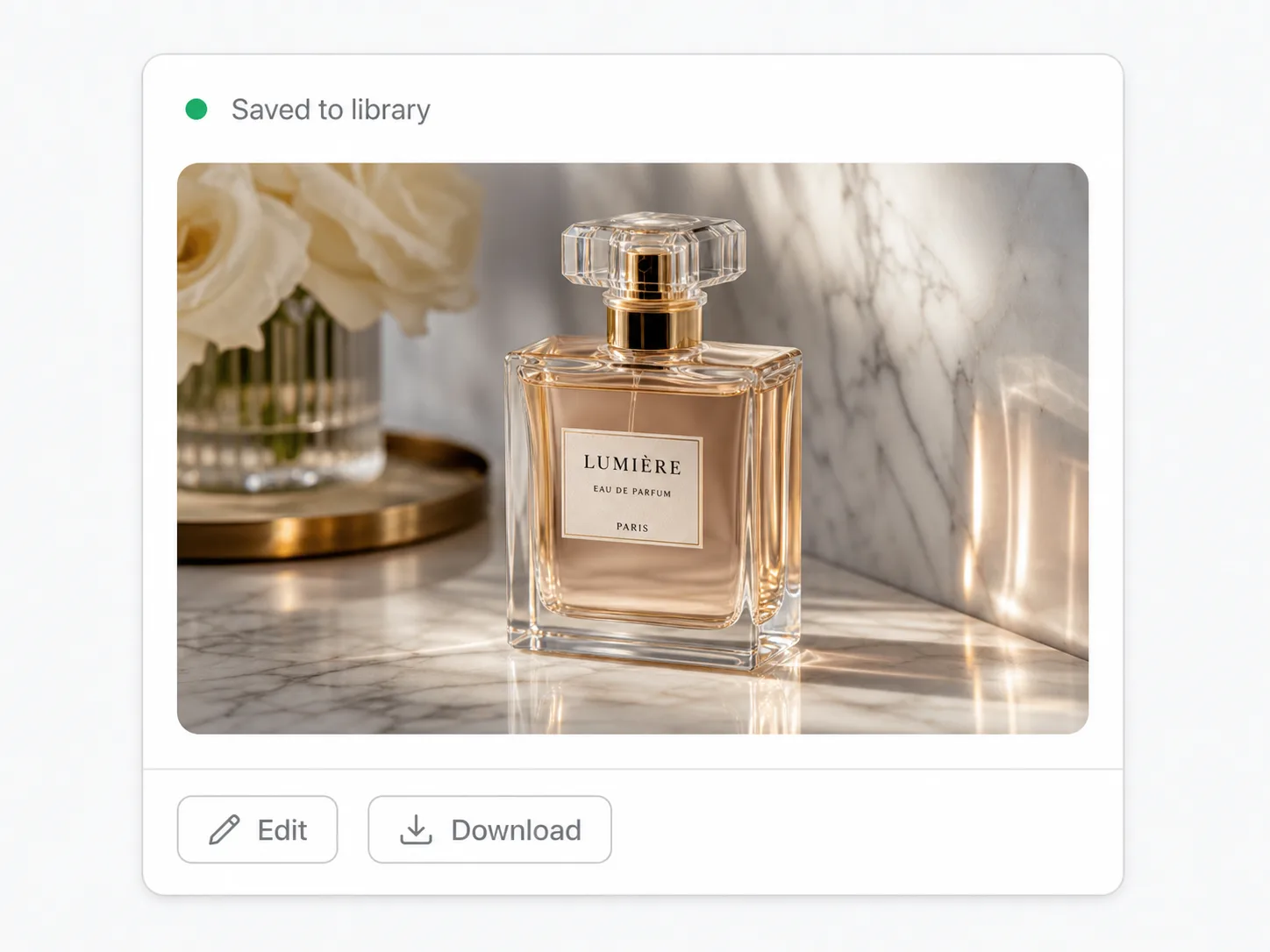
Each generation and edit lands in your private SupaImagine library, organized and reopenable. Iterating on a prompt stays cheap, and nothing disappears when you close the tab the way a one-off generator loses it.
Type what you want in plain language — subject, style, and any words you need rendered into the picture. The more specific the prompt, the more the model has to hold onto.
Switch to image-to-image, drop in a photo or graphic, and describe the change instead of starting from scratch.
Dial in size and shape — 1K for a quick draft, 2K or 4K when it's final — and the aspect ratio that fits where the image will run.
Run it, check the result, and download — or tweak the prompt and go again. Each version lands in your library, and if a run fails, its credits come back on their own.
Posters, ad creative, and social cards where the text has to be legible and on-brand straight out of the generator, not pasted on afterward.
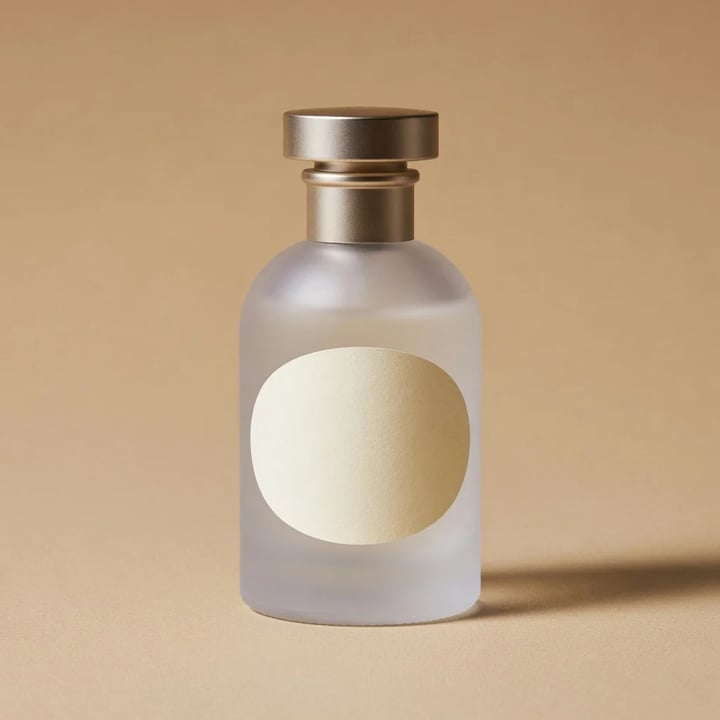
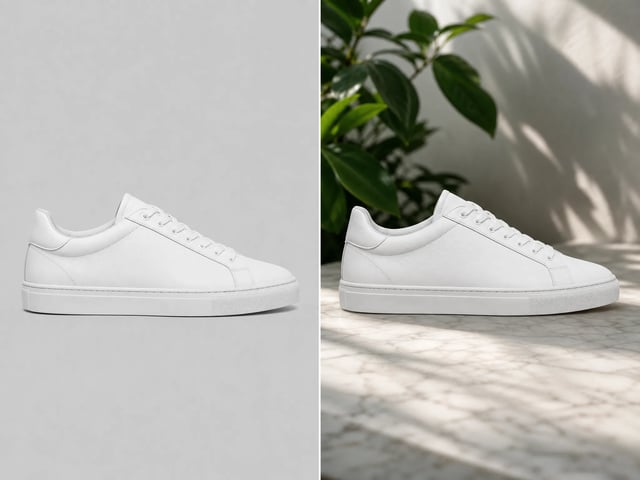
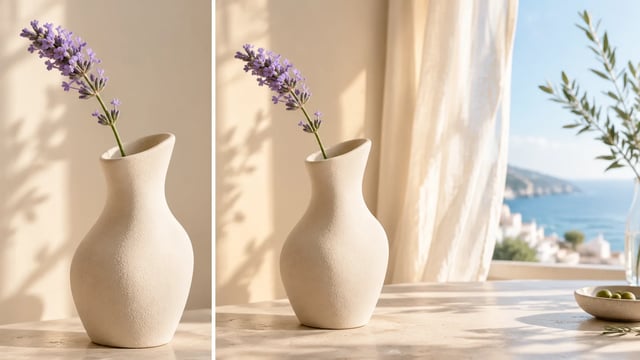
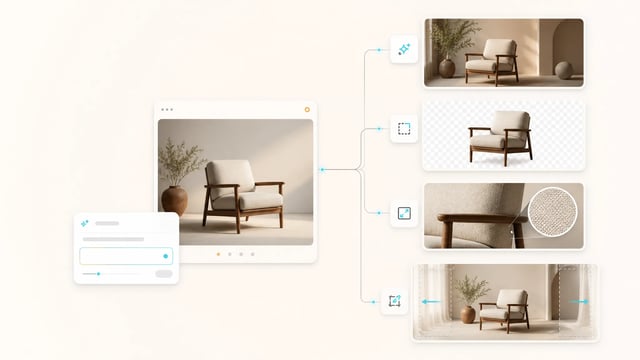
Product and packaging visuals with labels that read correctly, then the same shot moved onto fresh backgrounds for the rest of a listing.
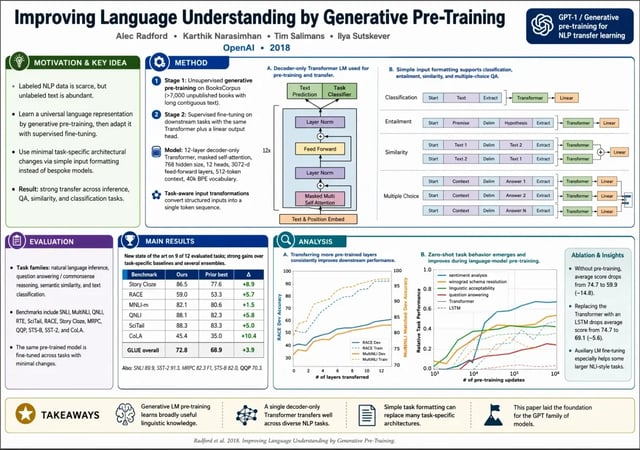
Original featured images and explainer diagrams from a detailed prompt, instead of paying per stock photo for every post.
A steady feed of on-theme posts, with the caption rendered into the image itself and resized per platform — no separate design pass.
Clean, specific illustrations for slides and explainer graphics, exported at a resolution ready for print and screen.
GPT Image 2 is OpenAI's latest image model, released in 2026. On SupaImagine you run it in the browser to generate images from a text prompt or edit an existing image, at 1K, 2K, or 4K — alongside other top models in the same workspace.
It's the same OpenAI image family that powers image generation in ChatGPT, used here as a model you call directly. SupaImagine puts it next to other top models, so you pick GPT Image 2 when you need prompt accuracy and readable in-image text, and switch when another model suits the job better.
Two things stand out: keeping long, detailed prompts intact, and rendering legible text inside the image — posters, packaging, labels, and infographics. It's also a strong pick for photoreal scenes and for prompt-driven edits of an image you upload.
Generations start at 5 credits per image at 1K, with 10 at 2K and 15 at 4K. New accounts get 10 starter credits to try it, and paid plans add more credits plus commercial-use rights — see the pricing page for current packages.
On a paid plan, yes — images you generate or edit come with commercial-use rights for ads, listings, and client work. Output made with the free starter credits is for trying the model, not for commercial use.
Yes — besides text-to-image it runs image-to-image. Switch modes, upload your file, and describe the edit in plain words; the result saves to your library next to the original.
Generate or edit in the browser at 1K–4K, with every result saved to your SupaImagine library.