
AI Tools
Pick a category, then open the tool you need.
Image16
AI tools for photos and still graphics.
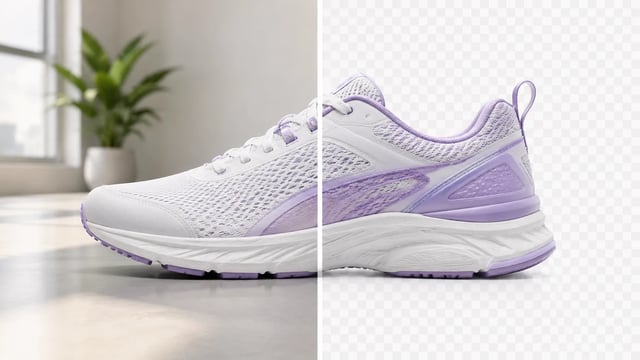
Background Remover
Product, portrait, or graphic — subject clean, ready for the next layout
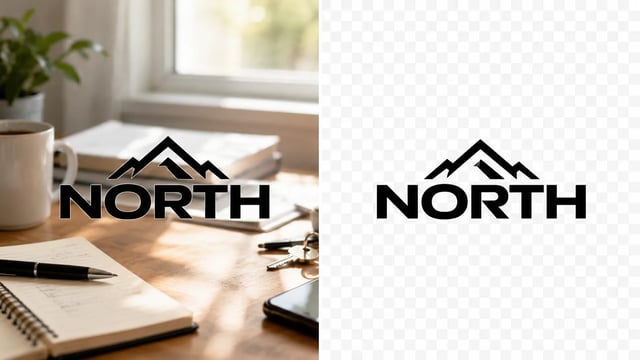
Logo Background Remover
Wordmarks, icons, and monograms — isolate the logo, clear the backdrop
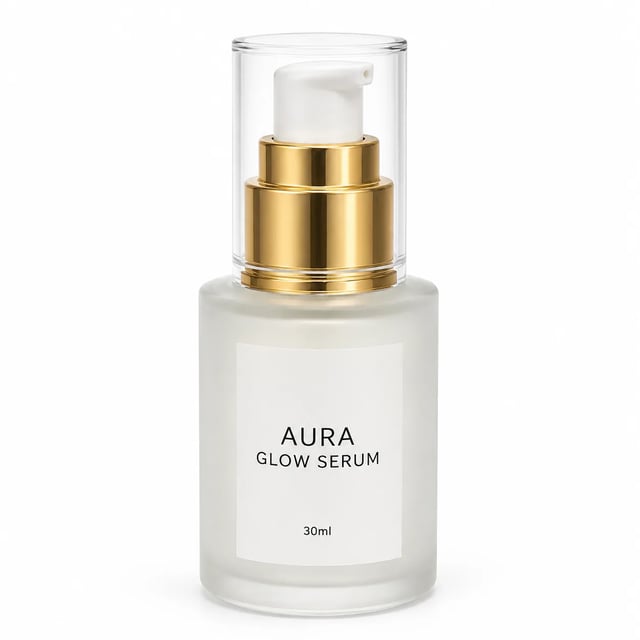
AI Product Packshot Generator
Turn a phone product photo into listing-ready packshots
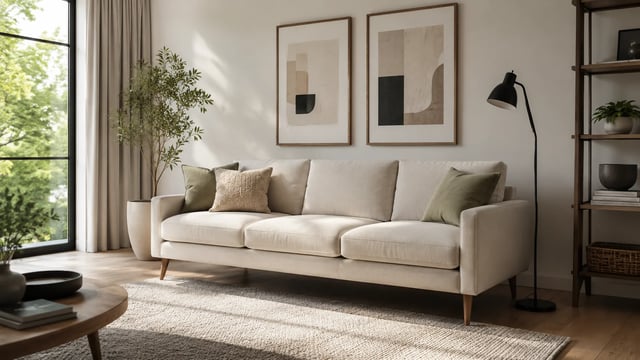
AI Furniture Visualizer
Room photo + product shot → in-room preview
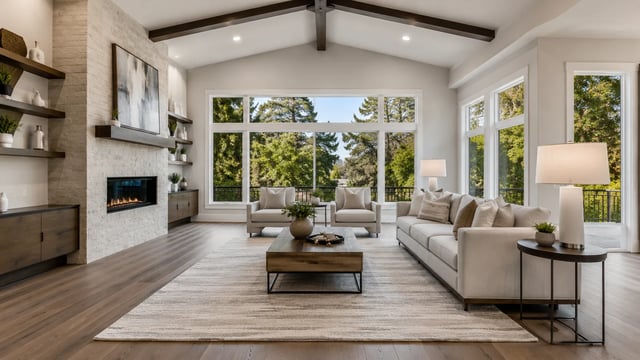
AI Virtual Staging
Empty room in → furnished listing still out
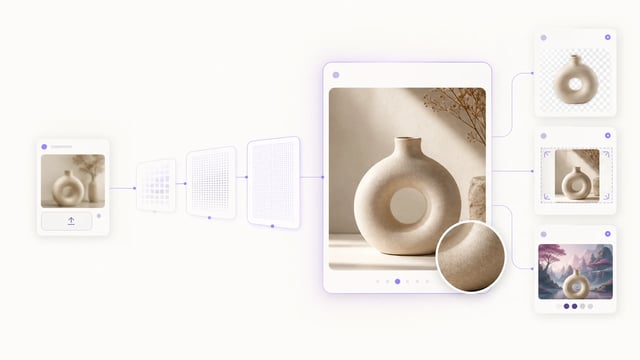
Image Upscaler
Small crops, soft exports, and AI drafts — bigger files you can actually place

Photo Restore
Clearer faces — not a larger blurry file
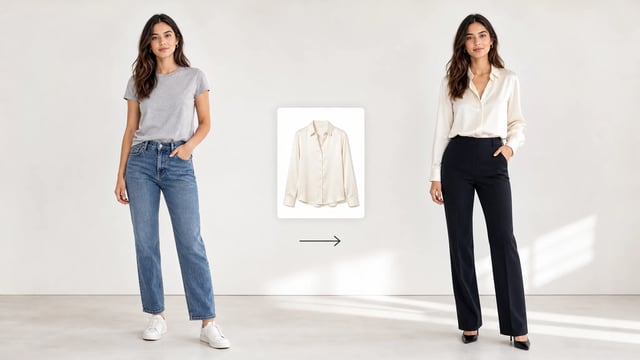
AI Clothes Changer
Keep the face, pose, and body — swap the clothes from garment photos you upload
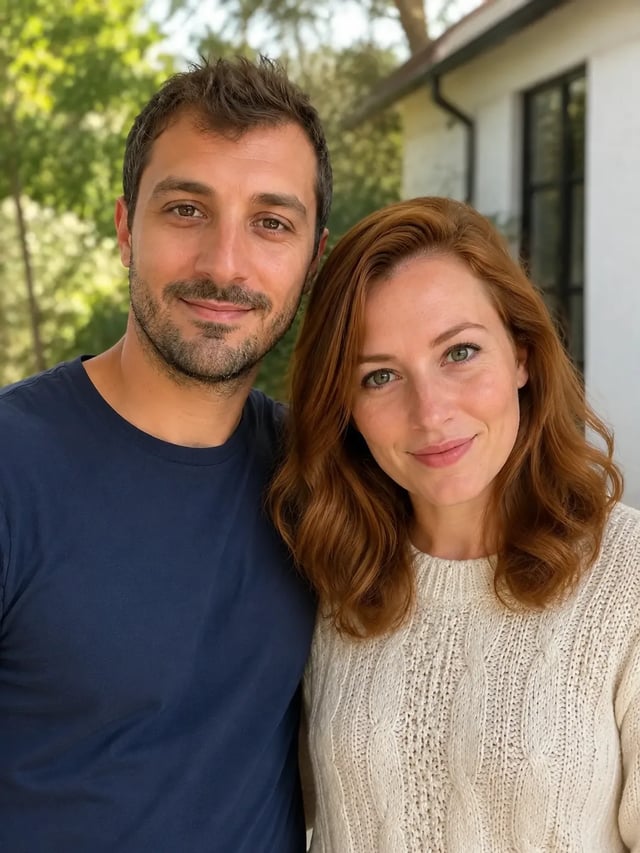
AI Couple Photo Generator
Upload person A, then person B — both faces stay the point
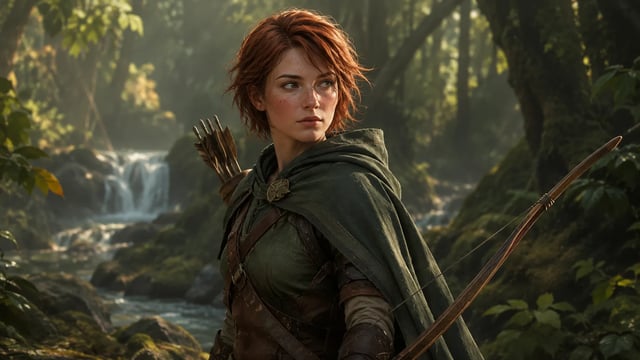
AI Character Creator
From a character brief to a still you can keep iterating.
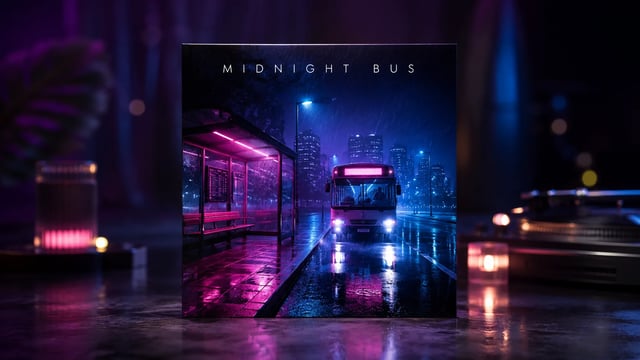
AI Album Cover Generator
Pick a genre style, describe the track, generate a cover you can ship.
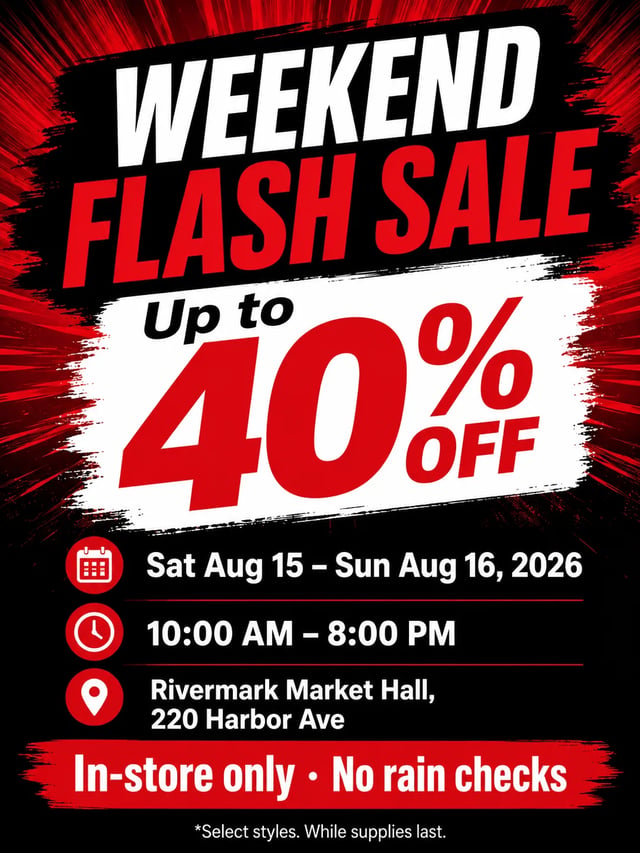
AI Flyer Generator
Write the headline, date, venue, and offer—generate a printable flyer still.
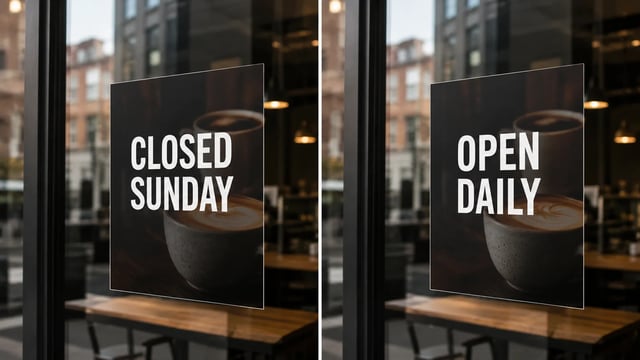
Image Text Editor
Posters, menus, labels, and screenshots — rewrite in place without rebuilding the graphic
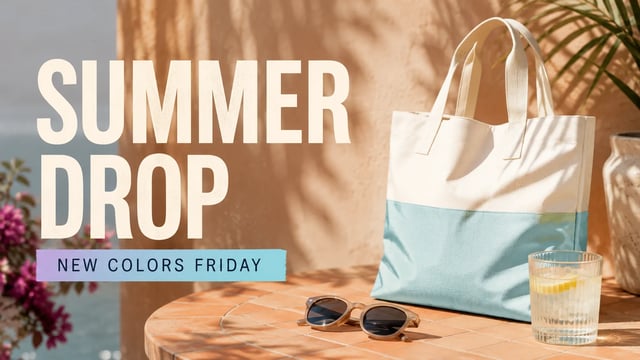
Add Text to Photo
Posters, product labels, social graphics, and quick visual notes from one upload
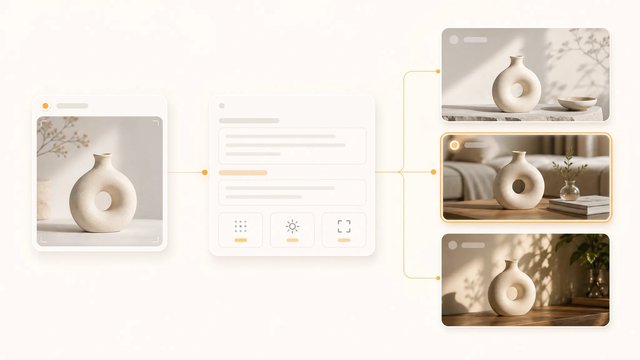
Image to Prompt Generator
Upload an image, extract the reusable prompt, then generate a new version.
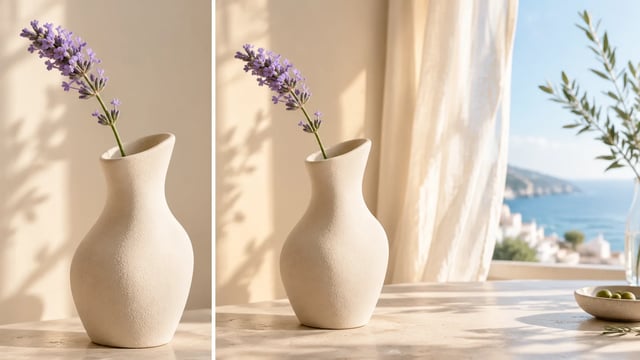
Image Extender
Tight crops become banners, stories, and wide layouts without a reshoot
Video4
AI tools for clips and motion.
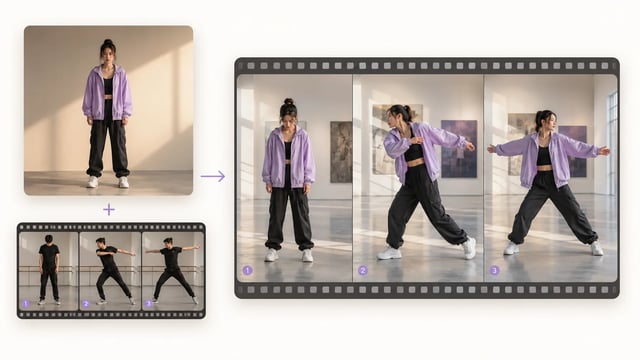
Motion Control
One character image + one motion clip → the same action on your character
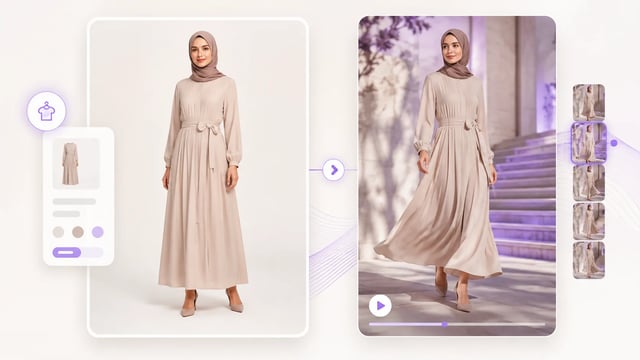
AI Fashion Video Generator
Turn a clothing still into a reel-ready motion draft
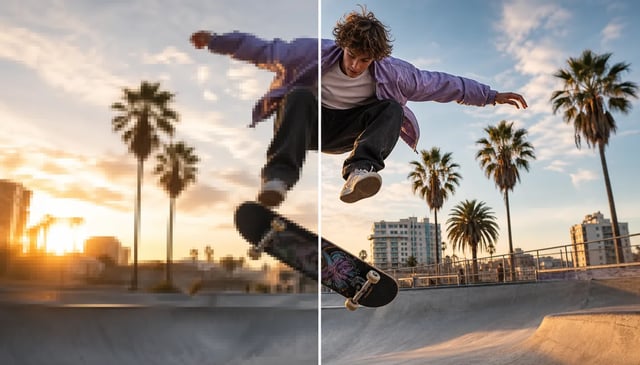
Video Upscaler
Keep the edit, grow the resolution for larger screens and tighter crops
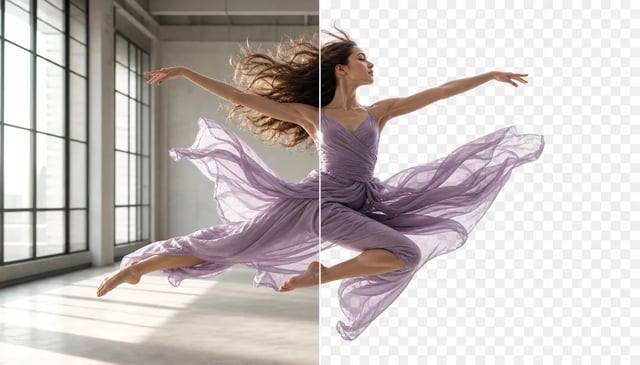
Video Background Remover
Transparent cutouts for people and products — without a green screen shoot
Photo Effects18
Preset looks applied to a single photo.

Make Image Black and White
Rich gray tones, clear subjects — upload any color photo

Sepia Filter
Classic sepia tone — not cool gray, not a yellow wash over color

Add Noise to Image
Fine grain, real colors — upload any photo
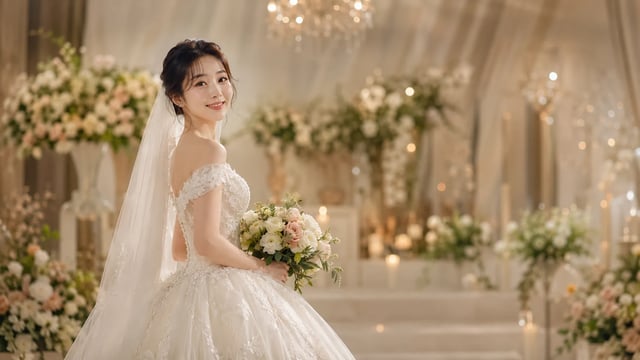
AI Wedding Photo Generator
Soft dress and ceremony light — your face stays the anchor, one photo at a time
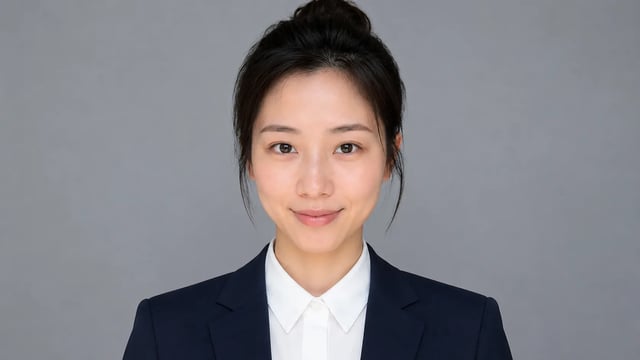
AI Resume Photo Generator
Clean business attire and a simple backdrop — your face stays the anchor, one photo at a time

Disney Silhouette Portrait
Side-profile silhouette, decorative oval frame, warm parchment ground — park-memento energy
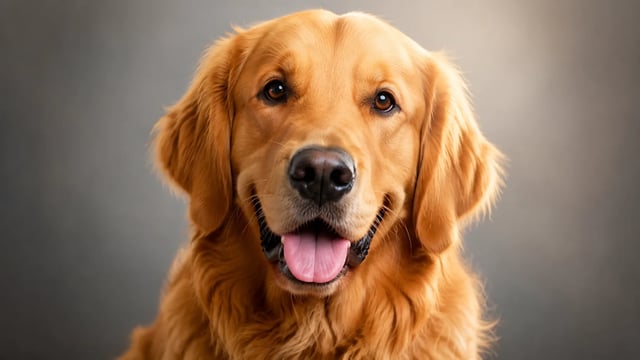
AI Pet Portrait Generator
Keep coat color and expression — one dog or cat per run, studio light included

AI Cowgirl Generator
Cowboy hat, denim or leather, ranch light — your face stays the anchor

Add Sunglasses to Photo
Eyewear frames, lens tint, and reflections blended into the portrait — not a floating sticker
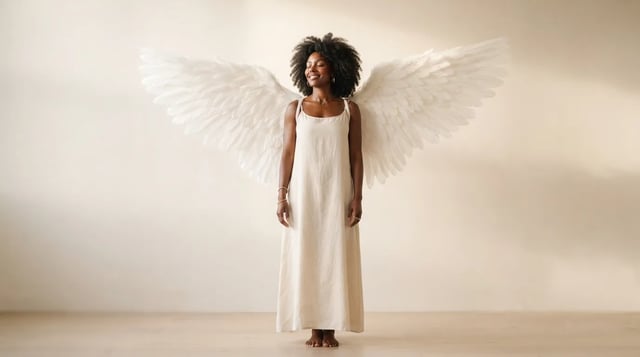
Add Angel Wings
Upload a portrait and grow realistic wings behind the shoulders — not a flat sticker

Two Block Haircut
Clean sides, layered top volume, soft fringe or middle part — preview before the chair

AI Blonde Hair Filter
Natural tone and shine on your real face — hair color only, not a new identity

Buzz Cut Filter
Clean even length, natural scalp texture, face fully yours
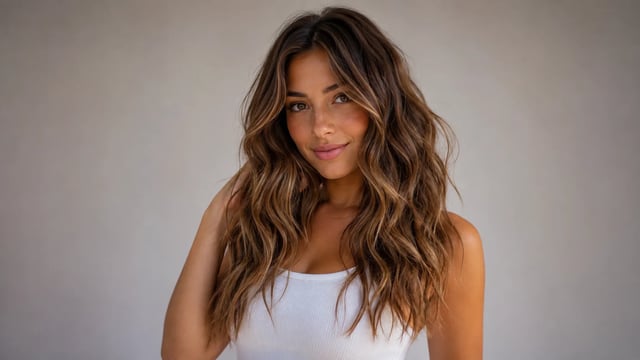
AI Wavy Hair Generator
Beach-style S-curves and hairline continuity — not a sticker wig or full identity rewrite

AI Dreadlocks Filter
Mid-length natural dreads on your real face — not a new identity

AI Henna Generator
Original floral and mandala lines that follow palm and wrist curves — not tile stickers

Baroque Art Style
Deep shadows, bright highlights, canvas texture — subject still readable as yours
AI Baby Generator
For fun only — not a real-child prediction
Video Effects1
Preset video looks from a single photo.

Choose the Right AI Tool for Your Next Edit
Start from the result you want, not from a model name.
Upload a photo when you need a practical edit, choose a video tool when the output is a clip, or open a Photo Effect when you want a preset look with fewer decisions. The AI Image Tools are best for cleanup, upscaling, virtual try-on, image-to-prompt, and outpainting. The AI Video Tools focus on motion control, video quality, and background removal for clips. If you are not sure where to begin, pick the card that describes the change you want to see first.
What Do You Want to Make?
Use these shortcuts when you know the goal but do not want to choose a model first.
-
Clean Up a Photo
Remove a busy background or prepare a cleaner product, profile, or portrait image before your next edit.
-
Make an Image Sharper
Upscale a low-resolution image when you want more detail for a post, mockup, product listing, or visual draft.
-
Try a New Outfit or Look
Use AI Clothes Changer or portrait effects when you want to preview a style change without setting up another shoot.
-
Turn a Reference Into a Prompt
Use Image to Prompt when you like an image and want a reusable starting point for your own generation.
-
Edit or Enhance a Video
Choose motion control, upscaling, or background removal when the job is a clip instead of a still image.
-
Add a Quick Photo Effect
Try sunglasses, angel wings, or a two-block haircut when you want a specific transformation in one focused flow.
Choosing an AI Tool
Which AI tool should I start with?
Start with the card that matches the change you want. Use an AI Image Tool for still images, an AI Video Tool for clips, and a Photo Effect when you want a preset portrait transformation.
Do I need to write a prompt?
Not always. Some tools and Photo Effects are designed around a specific task, so you can start from an upload and a selected workflow. Use the Image or Video generator pages when you want a broader prompt-first workspace.
What is the difference between AI Image Tools and Photo Effects?
AI Image Tools handle practical edits like removing a background, upscaling, extending an image, changing clothes, or creating a prompt from a reference. Photo Effects are more specific preset looks, such as adding sunglasses, angel wings, or a two-block haircut.
Can I use these tools for product photos or portraits?
Yes, choose the tool by the job. Background Remover and Image Upscaler fit product or listing images, while AI Clothes Changer and portrait Photo Effects are better for people-focused images. Always review the result before publishing.
When should I use the Image or Video generator instead?
Use this page when you already know the task. Use the generator pages when you want to write a prompt, compare models, or explore a wider creative workflow before choosing a specific tool.
Start with the Edit You Need
Choose an AI Image Tool, AI Video Tool, or Photo Effect and open the matching workspace.
Browse AI Tools