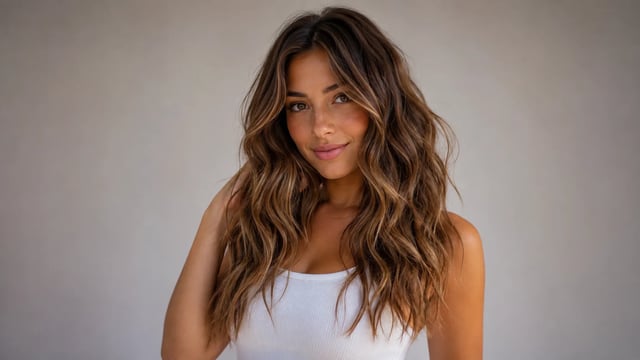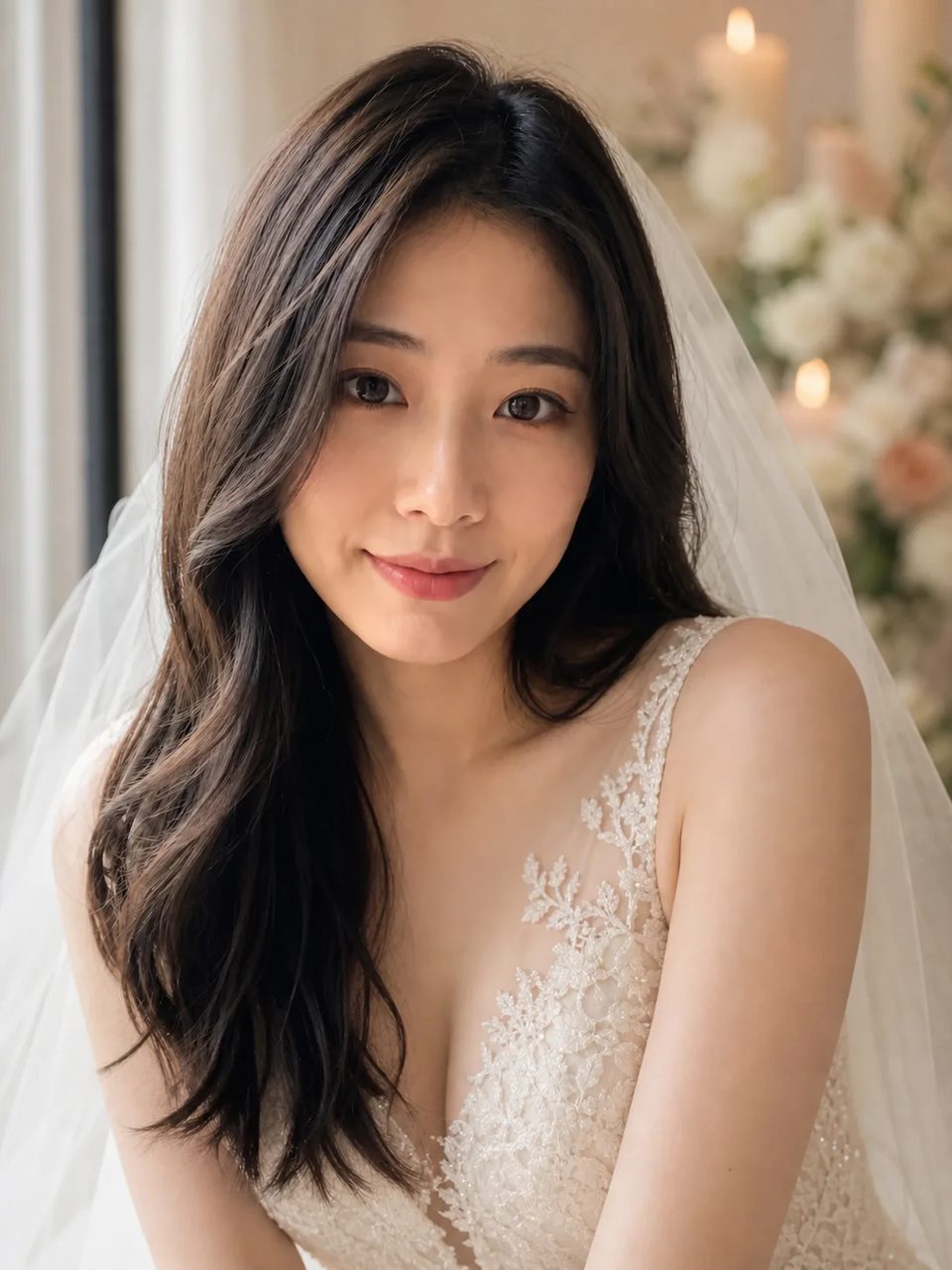
Vestido suave e luz de cerimônia — seu rosto continua sendo a referência, uma foto por vez
Envie uma selfie nítida ou um retrato casual e rode o gerador de fotos de casamento com IA. A predefinição fixa de noiva transforma roupa e luz em uma foto de dia de casamento, enquanto seu rosto, seus traços de idade e sua expressão continuam reconhecíveis. Uma foto por rodada — não é um editor em lote para o ensaio de casamento inteiro.
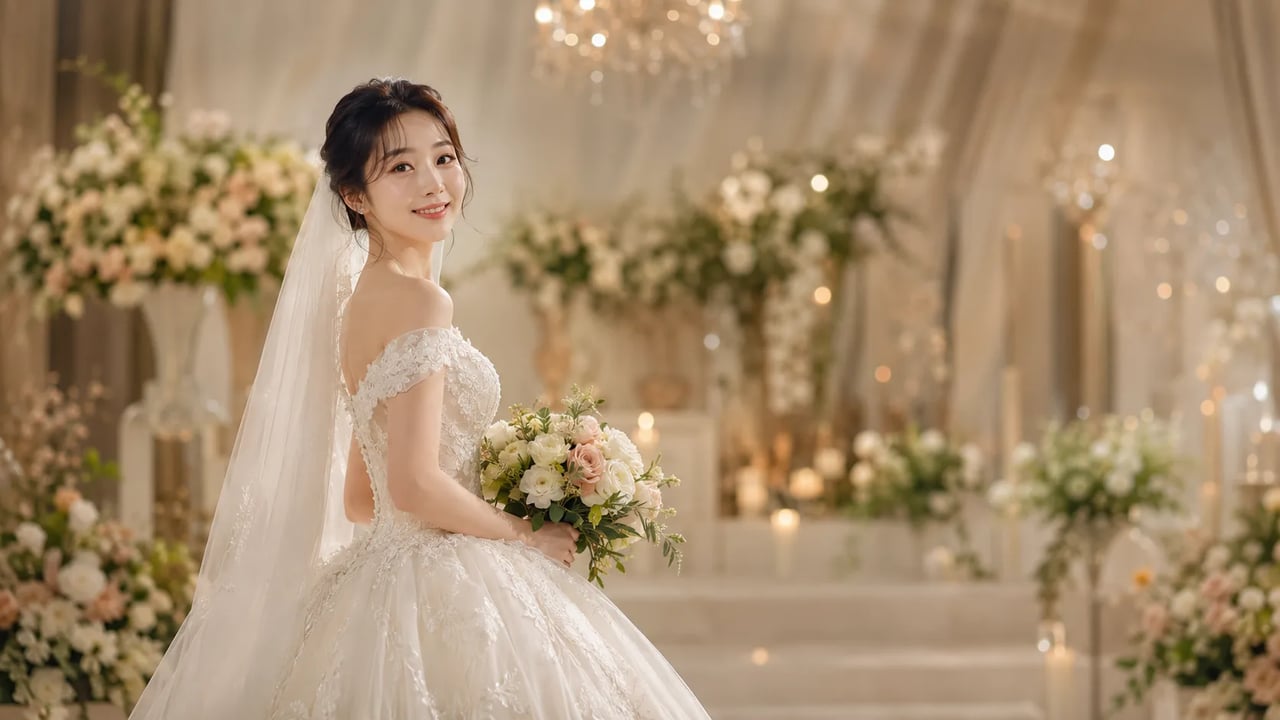
Para quando você quer a sensação do dia do casamento a partir de um retrato que já tirou.
Um bom retrato de noiva com IA preserva seu rosto e muda só o vestido e a luz. Use este caminho de foto com vestido de noiva por IA para moodboards de convite, fotos de perfil ou uma prévia rápida do clima de noiva — não para editar em lote centenas de fotos da cerimônia com correção de cor entre cliques.
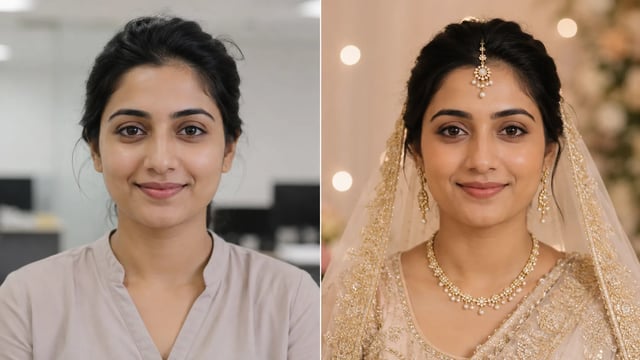
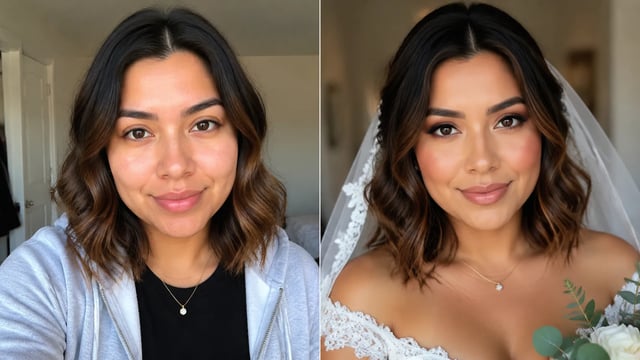
Antes e depois
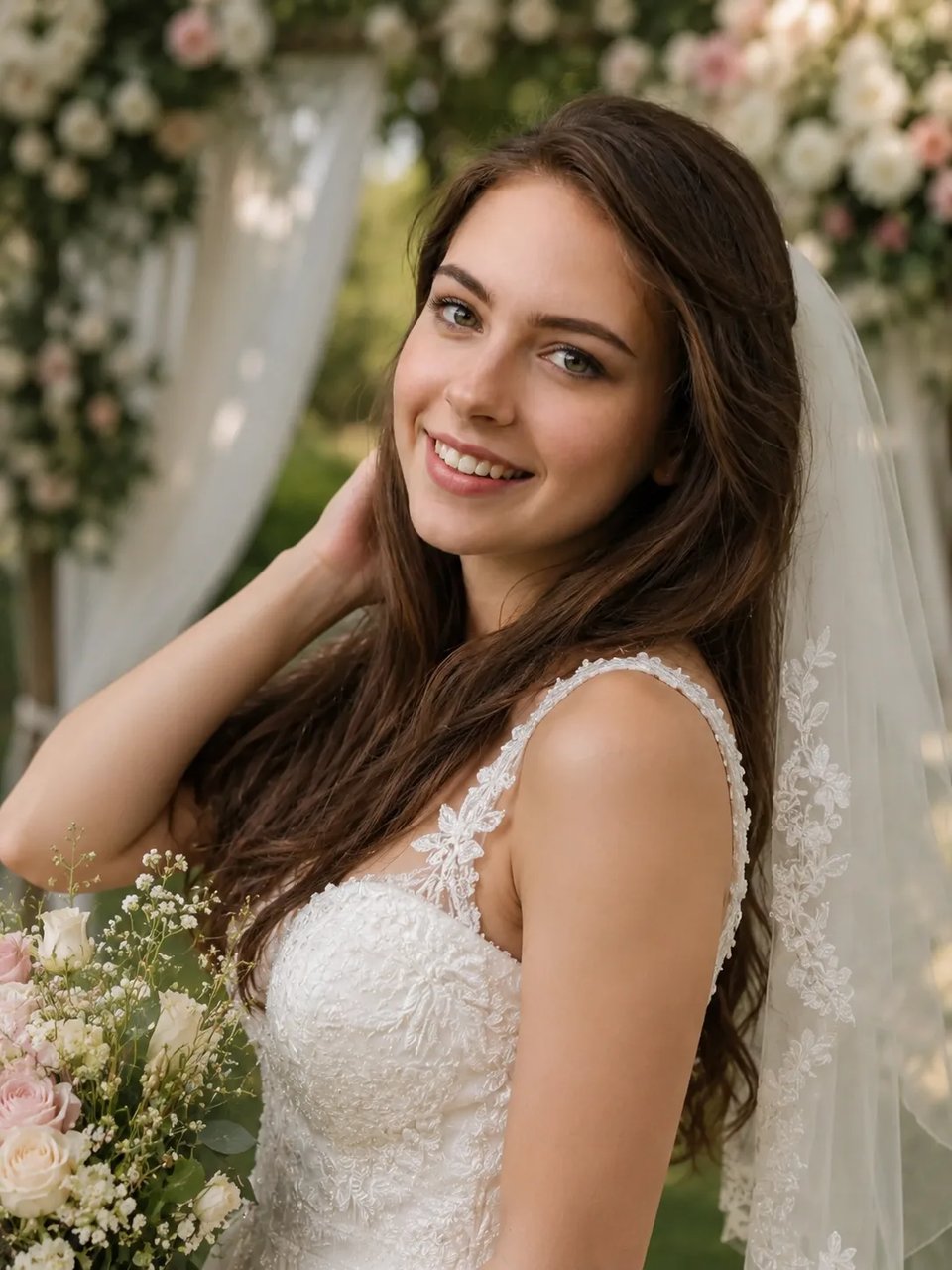
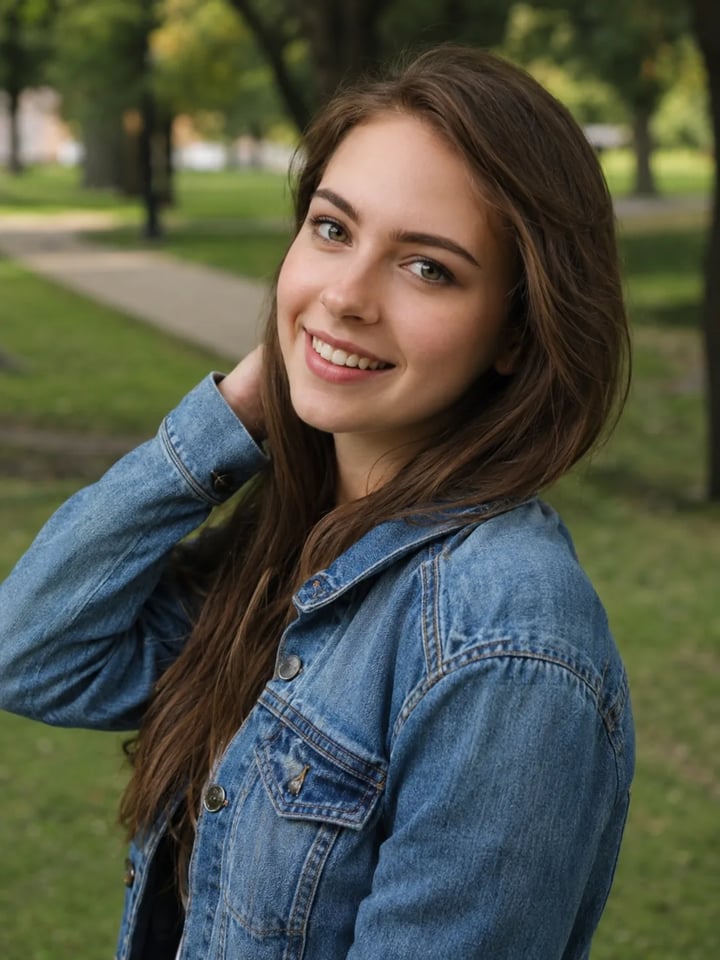
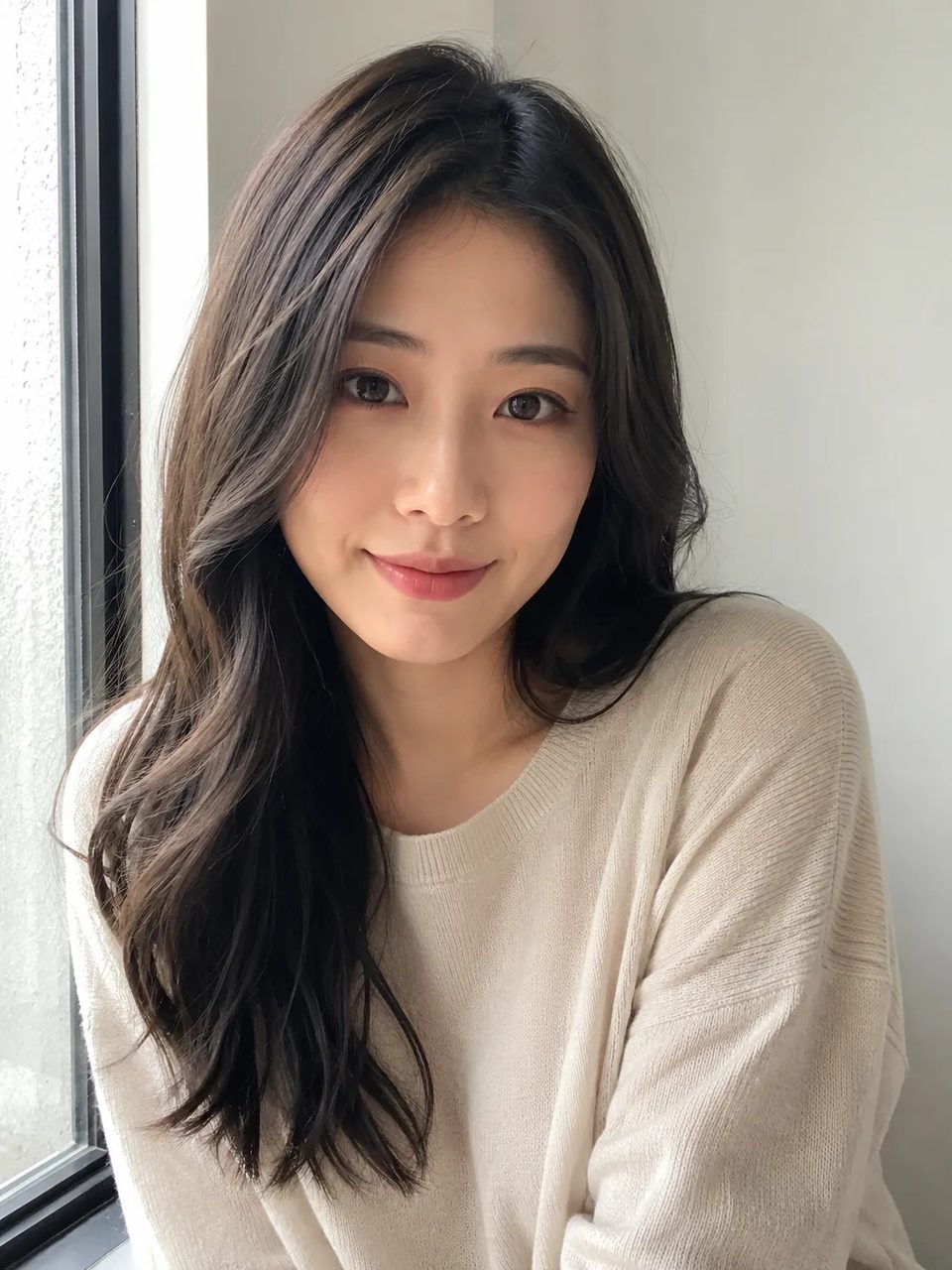
A mesma pessoa, os mesmos pontos de pose — no resultado, vestido de noiva e luz suave de casamento. Uma foto por rodada.
Retrato casual → foto de noiva
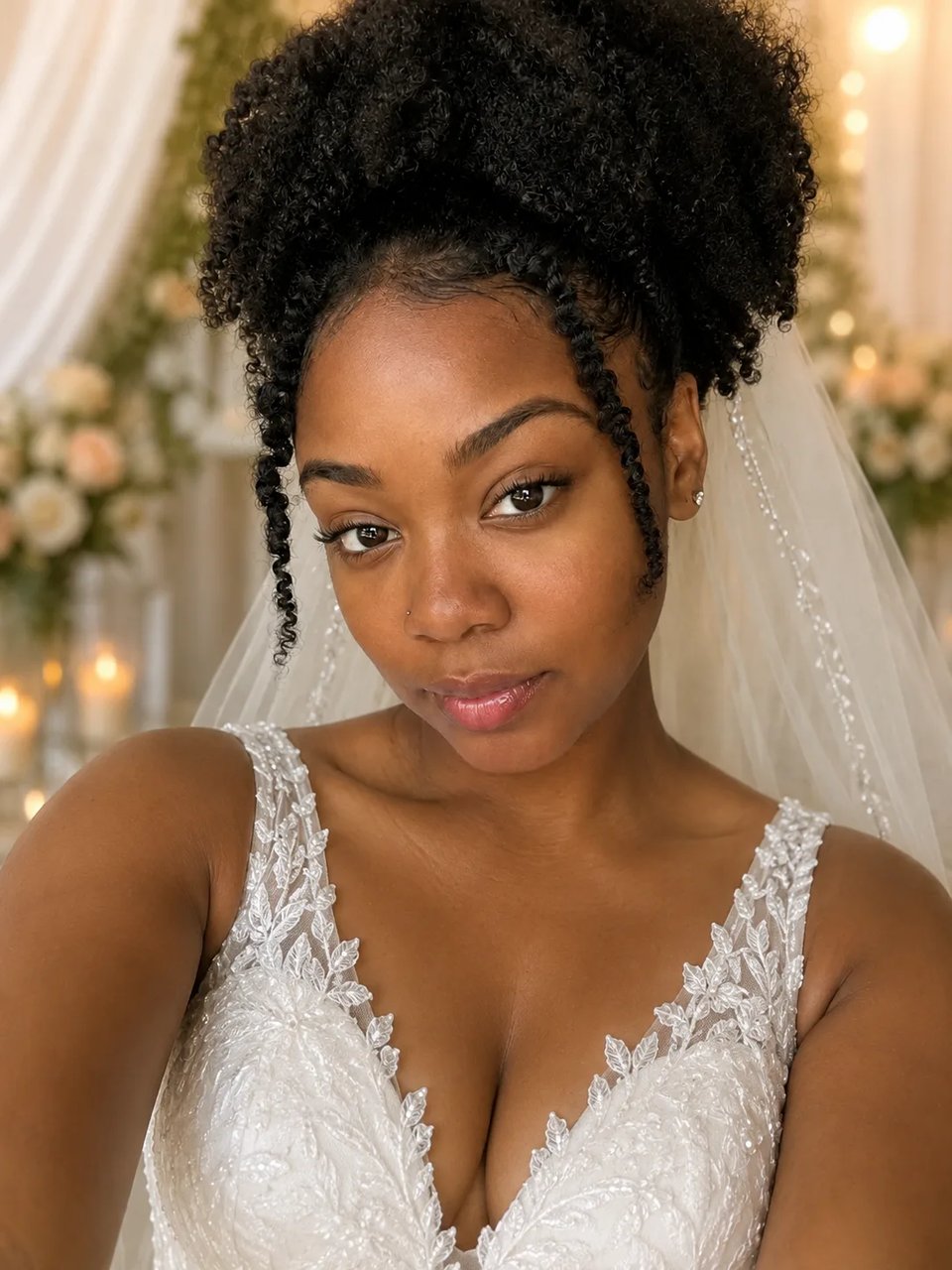
Antes
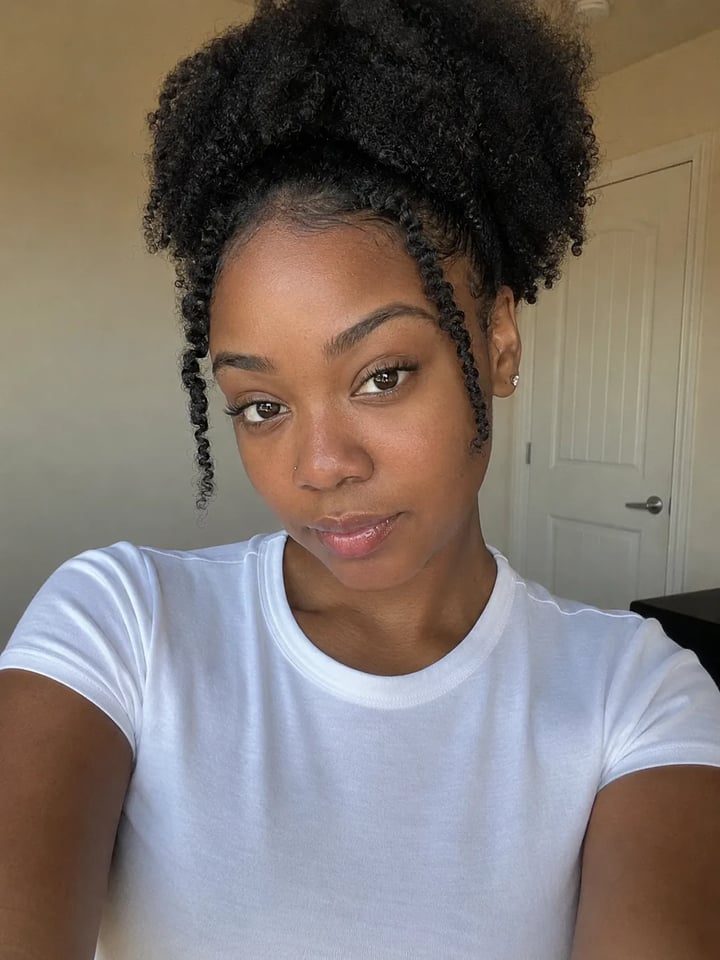
Preset
Rosto preservado, transformação em noiva, luz suave — e limites honestos de foto única.
O caminho de foto com vestido de noiva por IA reconstrói dobras do tecido, decote e brilho suave para que o vestido assente no corpo com sombra de contato real. O look de casamento com IA parece fotografado, não colado sobre uma camiseta casual.
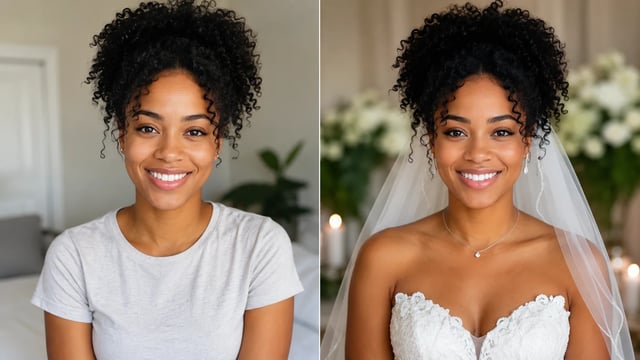
Identidade, tom de pele, traços de idade e expressão ficam preservados quando você transforma uma selfie em foto de casamento. Os convidados ainda devem reconhecer você na foto de noiva com IA, não um rosto de modelo trocado.
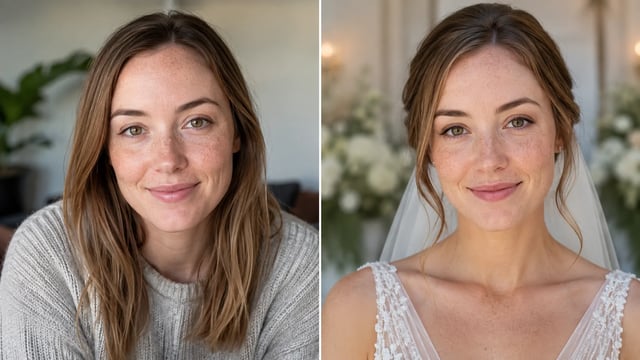
Os brilhos da pele e o cetim do vestido compartilham a mesma atmosfera suave de casamento, para que o retrato de noiva com IA pareça uma única exposição. O caos de flashes de uma recepção real não é para o que este caminho de foto única serve.
Cada rodada é um único retrato. Não há seleção de vários uploads, correção de pele entre cliques nem fluxo de entrega para centenas de fotos da cerimônia. Para esse trabalho profissional, você precisa de outro caminho de produto.
Envie um retrato, rode a predefinição fixa de noiva e baixe a versão mais limpa.
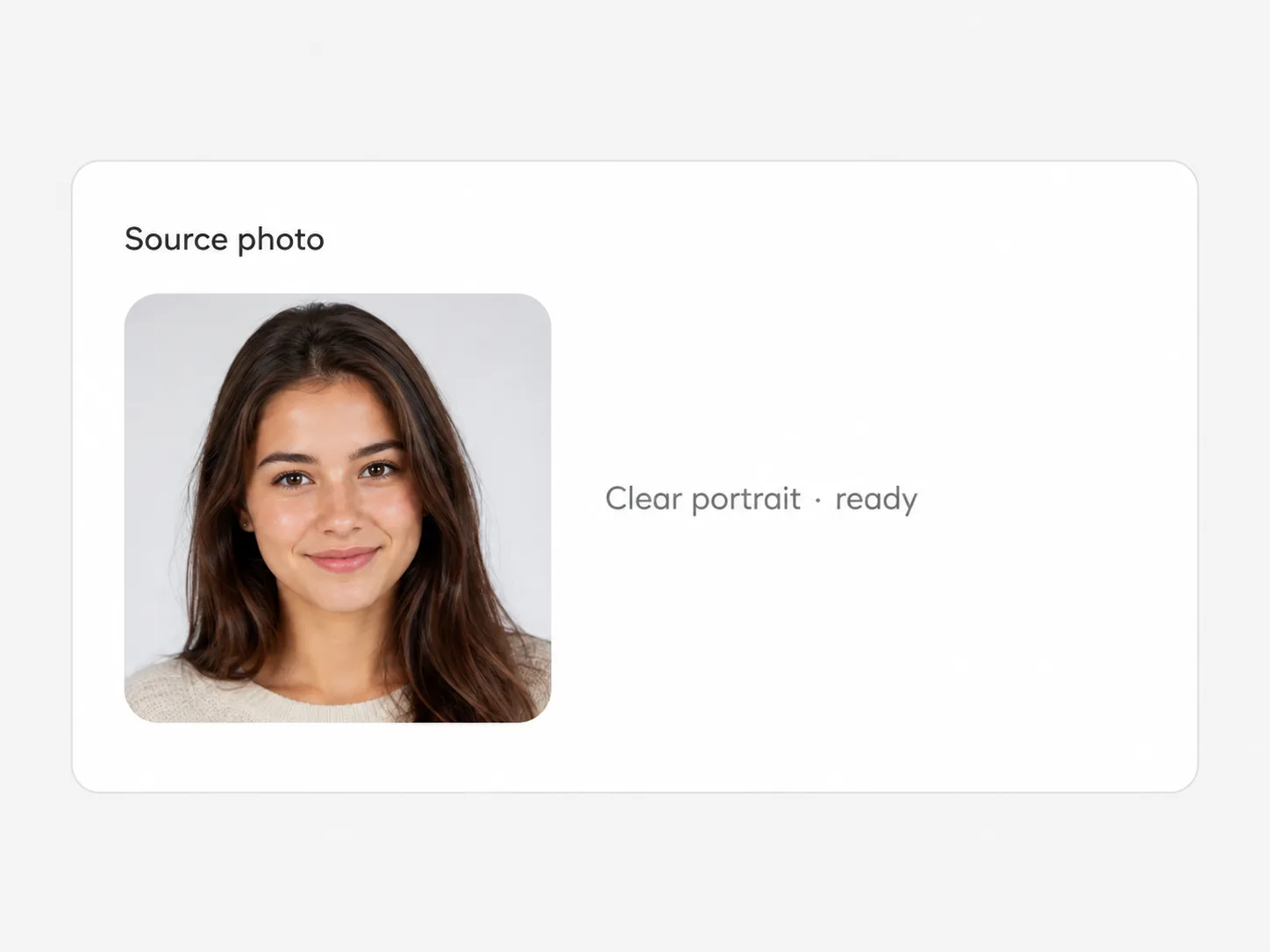
Fotos de frente ou em três quartos funcionam melhor. Fantasias pesadas já no enquadramento ou cortes extremos podem atrapalhar a transformação em noiva.
Gere algumas saídas para comparar a linha do vestido e a luz. A direção de noiva fica fixa — sem prompt livre em forma de redação.

Escolha a versão com o rosto mais fiel e baixe em resolução completa direto do espaço de trabalho.
Moodboards, fotos de perfil e rascunhos de convite — não a entrega de uma galeria completa.
Esboce o clima de noiva para a arte do convite impresso ou digital sem agendar um segundo ensaio com vestido.
Publique uma foto de casamento com IA que continua parecendo você mesmo em um recorte pequeno.
Dê aos convidados um retrato de noiva divertido a partir de uma foto casual de celular.
Gere alguns retratos de noiva com IA para thumbnails — um rosto, um look por rodada.
Ele tenta manter seu rosto, tom de pele, traços de idade e expressão enquanto muda o vestido e a luz. Os resultados podem variar com ângulos difíceis ou filtros pesados na foto original.
Não. Cada rodada é um retrato. Não há pipeline de galeria com vários uploads, correção de cor entre cliques nem fluxo de entrega para um conjunto completo de casamento.
Ferramentas de estúdio lapidam fotos que um fotógrafo já tirou ao longo de um dia inteiro. Esta página aplica um look fixo de noiva em uma única foto casual, para diversão ou moodboards — não é finalização de RAW nem entrega para cliente.
Não. Envie a foto, escolha versões e proporção se quiser e rode a predefinição fixa de noiva. Não há caixa de texto livre para vestidos de estilista personalizados.
Sim. Cadastre-se e use os créditos de cadastro neste efeito para um teste grátis. É preciso ter conta; as rodadas seguintes usam seu saldo, como mostrado no gerador.
Retratos nítidos com o rosto visível e luz razoável. Closes extremos que escondem os ombros podem limitar a naturalidade do vestido.
Não. Trate as saídas como prévias criativas ou imagens para redes sociais. Não as apresente como pacote de estúdio licenciado nem como foto de documento.
Sim. Baixe a versão que gostar ou continue trabalhando no mesmo espaço de imagem com outras ferramentas e efeitos.
Experimente outros looks de um clique que rodam no mesmo espaço de imagem.
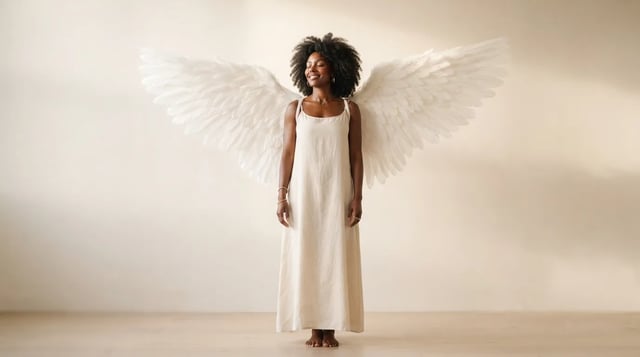
Envie um retrato e faça asas realistas crescerem atrás dos ombros — não um adesivo chapado

Armação, tom da lente e reflexos fundidos no retrato — não um adesivo flutuando

Laterais limpas, volume em camadas no topo, franja suave ou partição no meio — prévia antes da cadeira

Chapéu cowboy, denim ou couro, luz de rancho — seu rosto fica como âncora

Linhas florais e mandalas originais que seguem as curvas da palma e do pulso — não adesivos de tile

Sombras profundas, destaques brilhantes, textura de tela — sujeito ainda legível como o seu

Silhueta de perfil lateral, moldura oval decorativa, fundo pergaminho quente — energia de memento de parque

Tons de cinza ricos, sujeitos claros — envie qualquer foto colorida

Tom sépia clássico — não cinza frio, não lavagem amarela sobre a cor

Grão fino, cores reais — envie qualquer foto

Tom e brilho naturais no seu rosto real — só a cor do cabelo

Comprimento uniforme limpo, textura natural do couro cabeludo, rosto totalmente seu

Dreads naturais de comprimento médio no seu rosto real
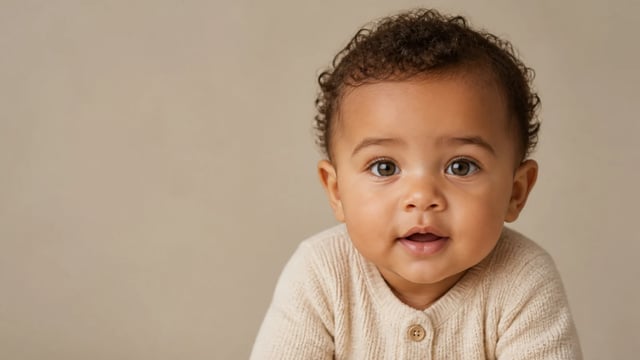
Só por diversão — não é previsão de criança real
Transforme um retrato casual em foto de noiva, mantenha seu rosto e baixe um resultado limpo — uma foto por vez.