Start from a prompt or upload
Create a new image from text, or add reference images when you want Seedream 5.0 Pro to edit or rebuild something you already have.
Create product scenes, ads, posters, and image edits from one browser workspace
Use Seedream 5.0 Pro on SupaImagine to turn a prompt or reference images into product scenes, social ads, poster concepts, thumbnails, and polished edits. Start at 1K for a 5-credit draft, step up to 2K for a 10-credit keeper, and save every version in your library so you can compare, reuse, or refine it later.
Type a prompt, add reference images when you want an edit, choose 1K or 2K, then generate product scenes, social ads, posters, thumbnails, and polished image variations.
Run the same prompt through nearby models when you want a different look, resolution, or editing behavior.
Google's Gemini 3.1 Flash Image — newest, smarter, up to 4K
Google's Gemini 3 Pro Image — photoreal, high-res, precise
Krea's first foundation model — aesthetic-first realism, at turbo speed
xAI's image model for making, editing, and combining — fast
Google's Flash Lite image model for fast 1K drafts and edits
Google's Gemini 2.5 Flash Image — say the change, get it
A practical image generator for product shots, ads, posters, and prompt-based edits.
The easiest way to use Seedream 5.0 Pro is to start with the output you need: a product scene for a listing, a vertical ad for social, a poster concept for a launch, or an edited image based on references you already have. SupaImagine keeps the controls visible: pick the model, write the prompt, add references for edits, choose 1K or 2K, and review the result in the same place. You are not just reading about the model; you can make a usable image and keep the best versions for the next pass.
| Seedream 5.0 Pro | Seedream 5.0 Pro generator | Seedream 5.0 Pro AI Image Generator | AI product image generator | AI poster generator |
Seedream versions
Both Seedream versions are available in SupaImagine, but they fit different moments: Lite is the faster everyday draft lane, while Pro is the higher-quality lane for product scenes, ads, posters, and reference-image edits.
| Seedream 5 Lite Fast drafts · 2K/4K | ||
|---|---|---|
| Best for | Quick direction tests, everyday prompt runs, and higher-volume iteration | Polished product scenes, campaign images, posters, thumbnails, and reference-image edits |
| Input support | Text prompts and uploaded reference images | Text prompts and uploaded reference images |
| Output tiers | 2K or 4K on SupaImagine | 1K or 2K on SupaImagine |
| Credits | 6 credits at 2K or 10 credits at 4K | 5 credits at 1K or 10 credits at 2K with the 50% off launch badge |
| Catalog signal | Speed 4 / quality 3 in the SupaImagine catalog | Speed 2 / quality 5 in the SupaImagine catalog |
| Use when | You want several directions before deciding what to keep | You know the deliverable and want a stronger keeper version |
What to make
Use it when the output needs to look useful immediately: a product scene, campaign image, poster draft, or edited reference shot.
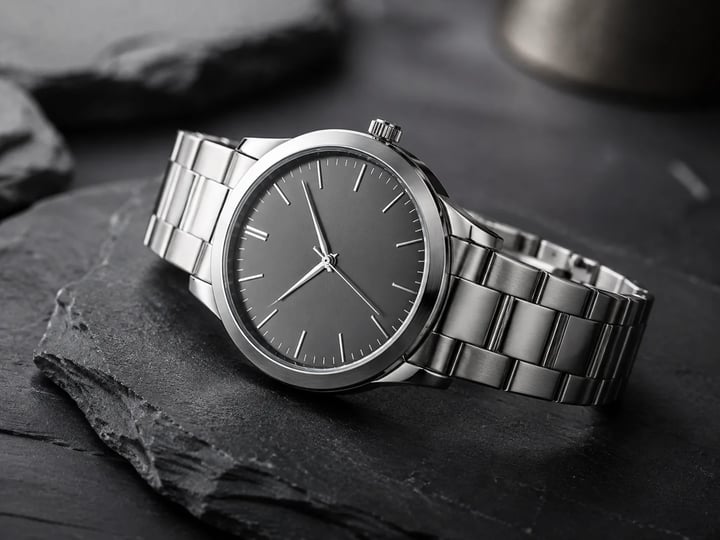
Describe the product, background, light, camera angle, and mood, then generate a product photo, lifestyle scene, listing hero, or catalog concept. Use 1K to test directions, then rerun the winning prompt at 2K.
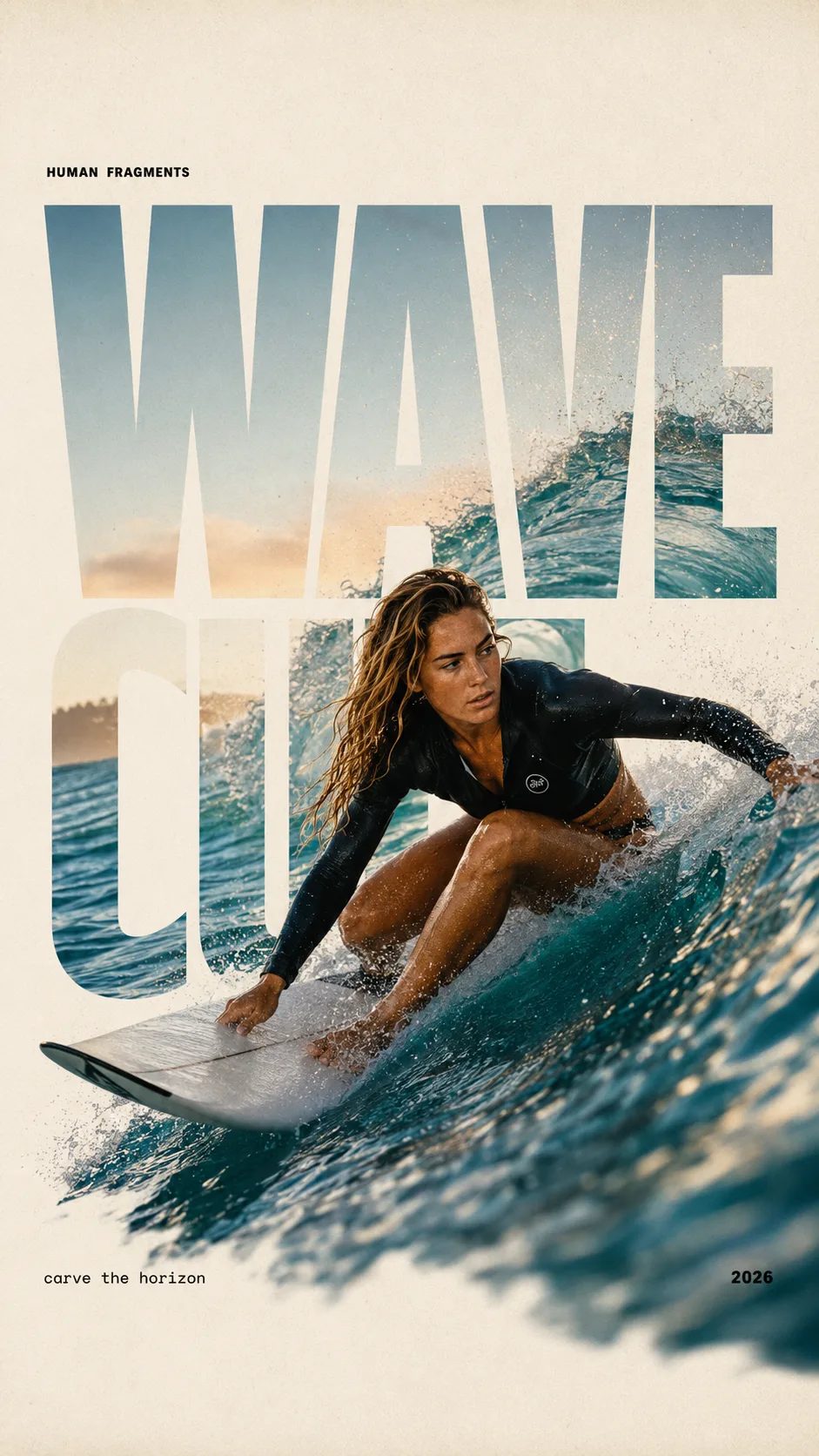
Write the offer, audience, season, color palette, and placement, and turn that prompt into social ads, banner ideas, campaign visuals, or launch-page images. It is a faster first pass before you commit design time.
Bring in one or more images and explain what should change: refresh a background, restyle a product setup, keep a subject recognizable, or make a rough concept look more polished. The edited output lands beside the original in your library.
Seedream 5.0 Pro is useful when the image has a job: a poster needs hierarchy, a thumbnail needs a clear focal point, and a promo graphic needs room for copy. Name the format and destination so the result fits the channel.
Start with the deliverable, choose the output tier, then keep the best version.
Create a new image from text, or add reference images when you want Seedream 5.0 Pro to edit or rebuild something you already have.
Say whether you need a product scene, social ad, poster, thumbnail, catalog image, or polished edit. Add style, lighting, camera angle, copy space, and anything that must stay unchanged.
Use 1K for a quick 5-credit direction check. Use 2K for a 10-credit version when the image is closer to something you want to download, compare, or hand off.
Open the result, compare it with earlier runs, download the strongest image, or rerun the same idea with another SupaImagine model when you want a different finish.
Use cases
Generate product hero images, lifestyle backgrounds, seasonal variants, and listing visuals before choosing what deserves a full shoot or design pass.
Turn campaign angles into vertical ads, carousel images, thumbnail tests, and launch graphics sized for different placements.
Explore poster concepts, landing-page hero images, mood directions, and polished visual routes before the final brand system is locked.
Use references to update a background, rebuild a product setup, improve a rough image, or create a cleaner version without starting from a blank canvas.
Seedream 5.0 Pro is a ByteDance image model available in SupaImagine for text-to-image generation and prompt-based image editing. You can use it to create product scenes, ad creatives, posters, thumbnails, and edited images from prompts or references.
Yes. The Seedream 5.0 Pro edit mode accepts reference images plus a text instruction. Upload the image or references, describe what should change and what should stay, then review the edited output in your SupaImagine library.
Start with a concrete deliverable: a product lifestyle scene, a social ad, a poster concept, a launch-page hero image, a thumbnail, or a polished edit of an existing product photo. Those tasks make it easy to judge whether the result is useful.
Current SupaImagine launch pricing is 5 credits for 1K and 10 credits for 2K. The model is marked with a 50% off badge, and the exact credit cost is shown before you generate.
It is not one of the anonymous daily free models. Sign in to use your available credits, check the current launch discount, and choose a paid plan when you need more credits or commercial-use rights.
Commercial-use rights are tied to paid SupaImagine plans. Use free or starter-credit output for testing; use a paid plan for client work, ads, listings, and product campaigns.
Generate or edit at 1K or 2K, compare versions in your library, and keep the image that fits the job.