
An AI Prompt Library for Image and Video, With the Result Behind Every Prompt
A curated AI prompt library for image and video — every prompt shown with the result it made and the model that ran it. Copy, swap placeholders, generate in one click.


![[Product type]: [perfume / sunscreen / sports drink / cushion compact / other]
[](/cdn-cgi/image/format=auto,width=640,quality=72/https://cdn.supaimagine.ai/__shared__/showcase/image/bento/ben-213-product-stage-campaign/0-eba506a49e36c2e9.webp)



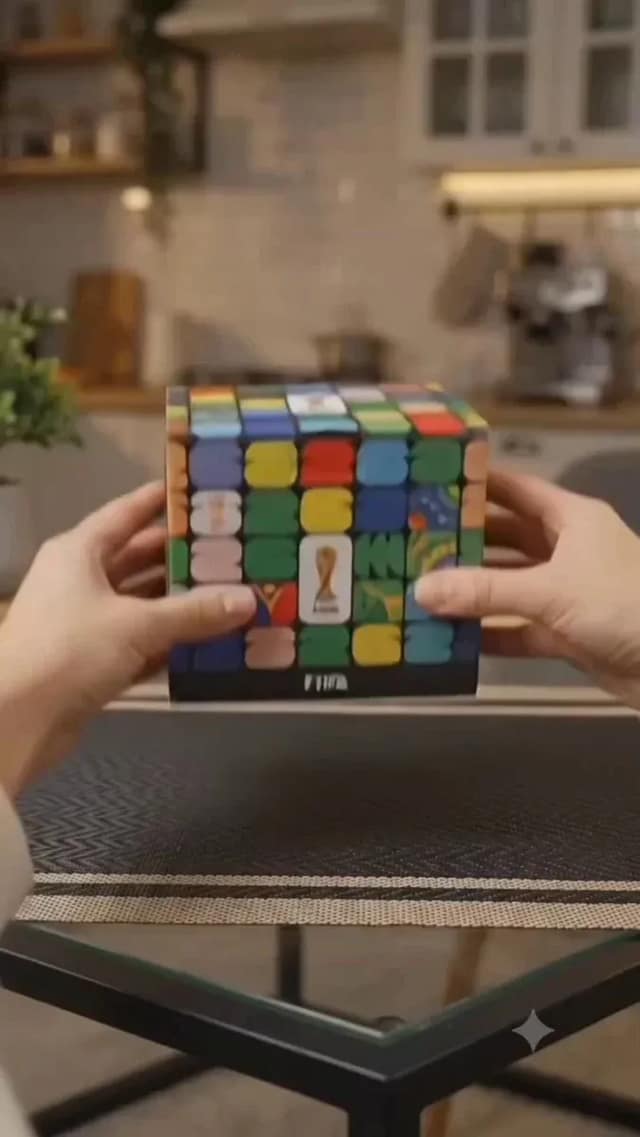

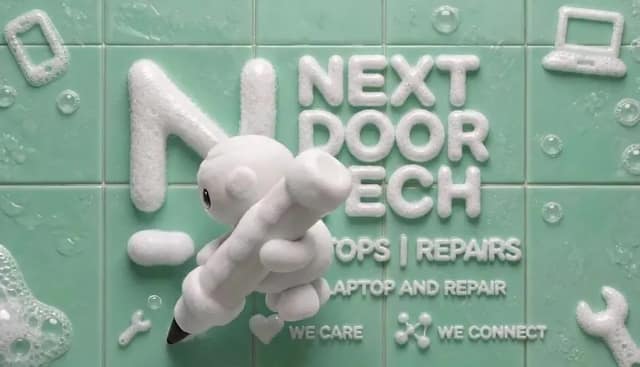
![[Magic Pen Street-Magic Vlog · 15 seconds · vertical 9:16]
[Style] Live-Action](/cdn-cgi/image/format=auto,width=640,quality=72/https://cdn.supaimagine.ai/__shared__/showcase/image/x/2077032531636125758/0-72999981f6ce5257.webp)
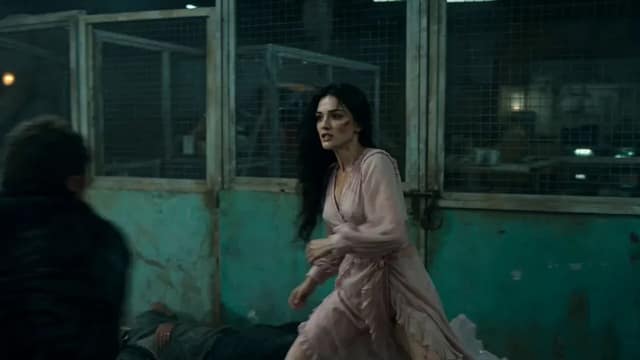
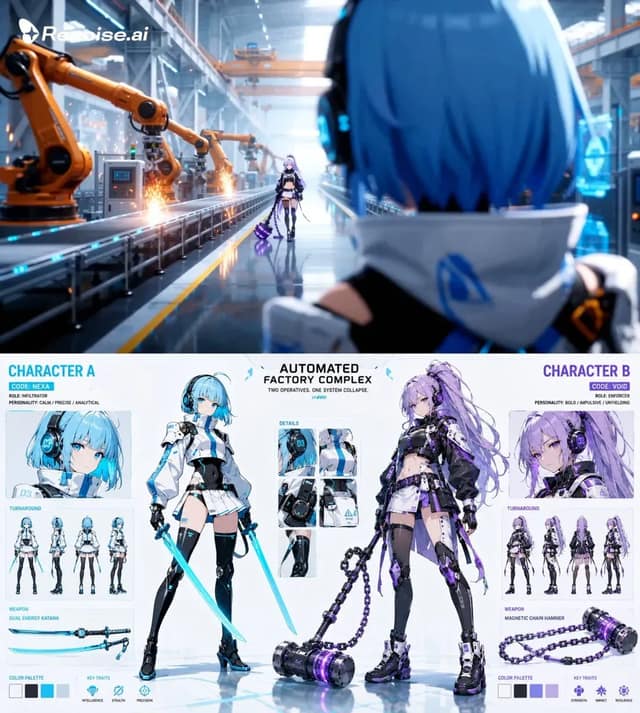
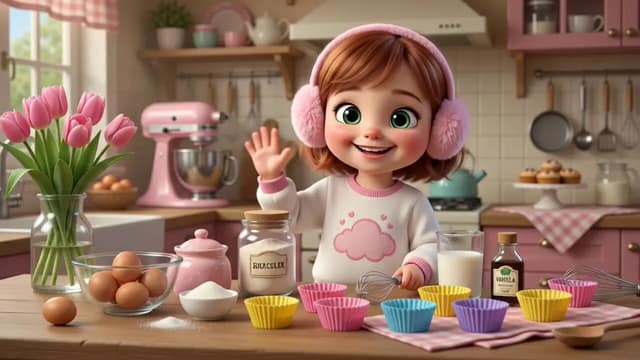
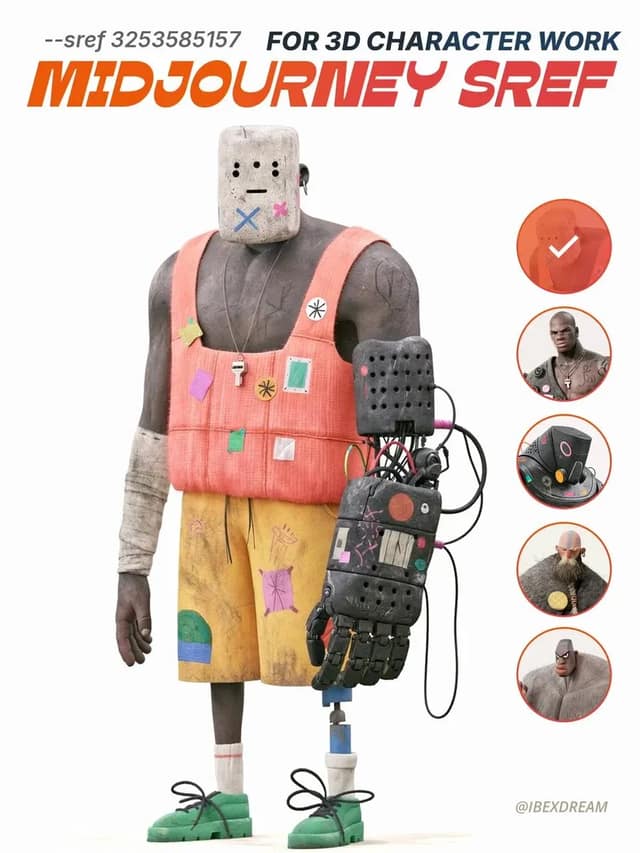
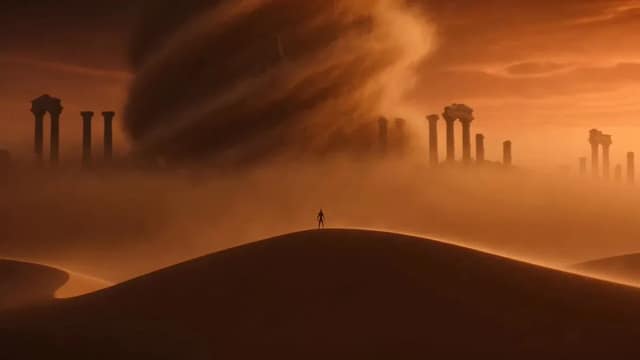
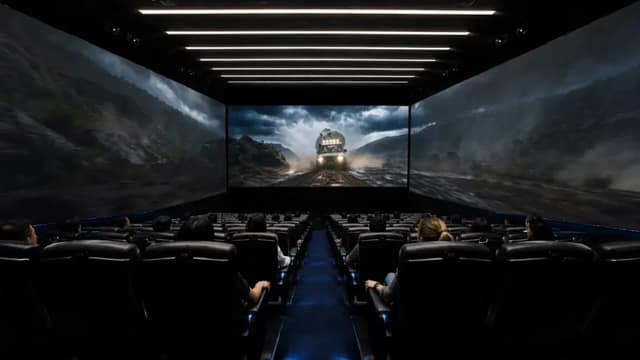
Image and video prompts you can run, not just read
What's inside this prompt library
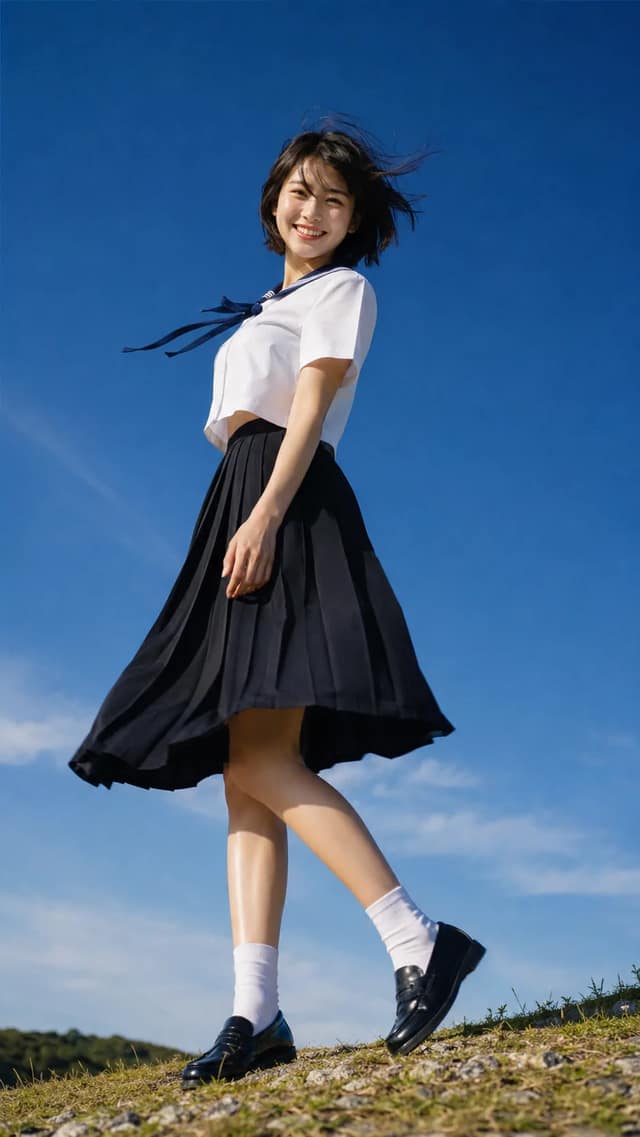
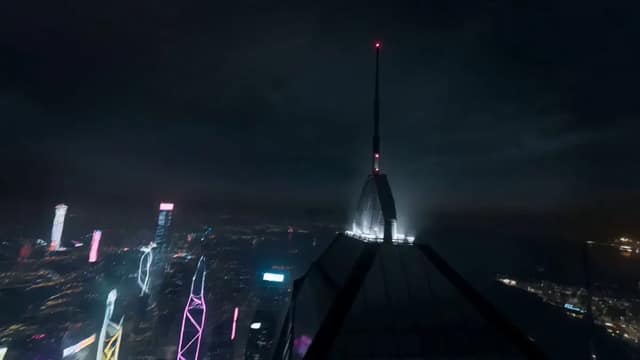
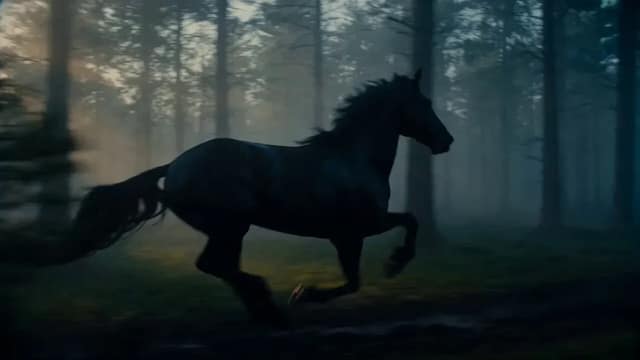
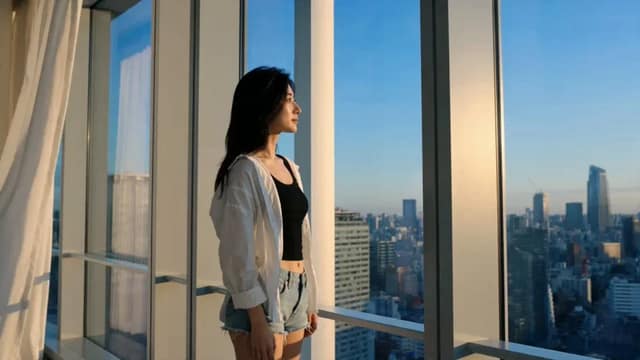
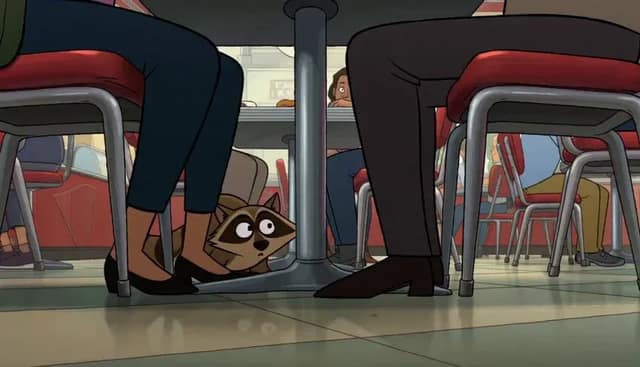
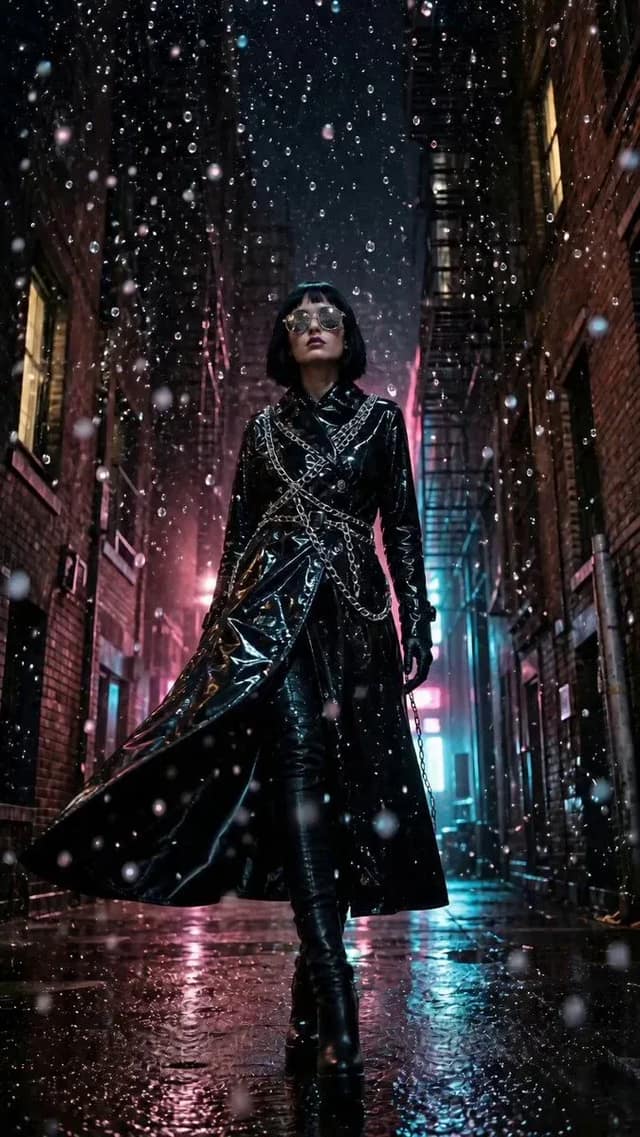
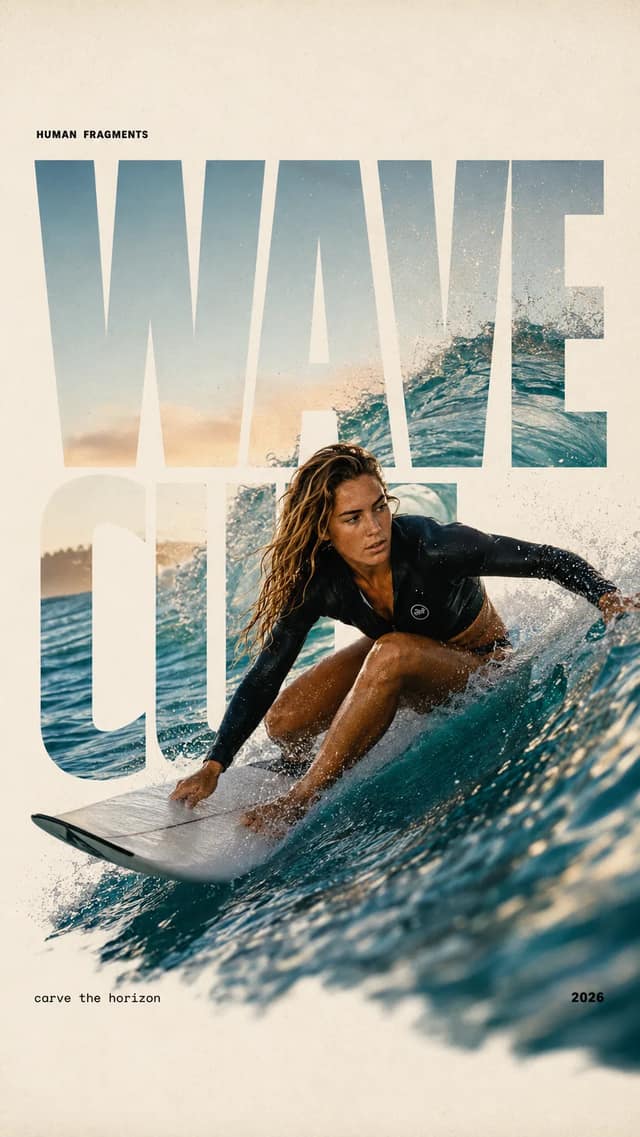
Every entry here is a real AI prompt that already produced a finished result — a still image or a video clip — on the same models you can run in supaimagine. You don't just read the wording; you see the exact output it generated, the model that made it, and the creator it came from. Use the type filter at the top to switch between image prompts and video prompts, or sort by trending to see what people are actually running right now.
From a prompt to a finished result in one click
Open any card to read the full prompt, then copy it to your clipboard, or hit Use this prompt to load it straight into the generator with its original settings kept intact. For an image you like, Use as reference feeds the source into an image-to-image flow, so you keep the composition and restyle the rest. Anything in square brackets — like [PRODUCT NAME] or [SUBJECT] — is a placeholder you swap for your own idea before generating, so you reuse a proven structure instead of starting from a blank box.
The image and video models behind the prompts
On the image side, these prompts run on the Gemini-family generators most people know as Nano Banana, plus Nano Banana Pro, GPT Image 2, Seedream, and Grok. On the video side, the same library covers prompts built for Veo and Seedance. Because every prompt is plain text the wording is portable: load an image prompt once, then re-run it on a different model to compare how each one reads your instructions — and every card names the exact model that produced its preview.
Image and video prompts for the work you actually do
Image prompts here span photorealistic portraits, product and packaging shots, brand mockups, illustrated characters, and clean studio scenes — the kind of photo you'd otherwise have to stage or shoot. Video prompts cover short product clips, animated scenes, and motion concepts you can post or hand to a client the same day. Filter to the media you need, find a result that matches the look you're after, and you start from something that already worked instead of guessing.
A library you can trust the results from
Most AI prompt galleries dump thousands of scraped, untested entries and rank them by upvote noise. This one works the other way around: every prompt arrives with the real result it produced and a link back to the creator who shared it, so you can judge the output before you spend a credit. New prompts pass a safety review before they appear, and the trending order is weighted by how often people actually load a prompt into the generator rather than by passive views.
Start from a result, not a blank prompt box
The hardest part of AI generation — wording a prompt that reliably produces a great image or clip — is already done for you here, so you don't need prompt-engineering experience to get a strong output. Browsing the library, previewing every result, and copying any prompt is free and needs no account; you only spend credits when you run a prompt through the generator. Find a look you want, swap the placeholders for your own subject, and generate — the structure, lighting, and model are all carried over.