Google Veo 3.1 · quality SKU, native audio, 4K upgrade

Veo 3.1 AI Video Generator

Google's high-fidelity video model — text or frames in, native audio by default, 720p to 4K in one workspace

Veo 3.1 is Google's quality video model, and SupaImagine runs it in the browser. Write a prompt, add a first frame, or define a first-and-last-frame transition, then generate SupaImagine's current 8-second run with native audio by default. Start at 720p for the first pass and upgrade the keeper to 1080p or 4K without moving the shot out of your library.

  • Google Veo 3.1 quality model
  • Native audio by default
  • Text-to-video and frame-to-video
  • 720p, 1080p, or 4K output
  • Prompts and clips save to your library
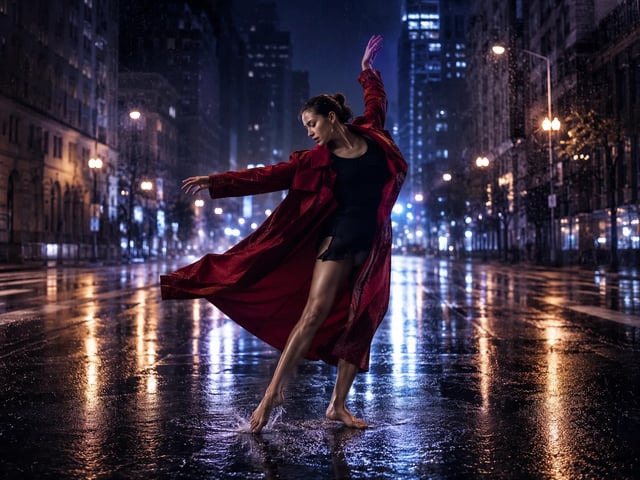
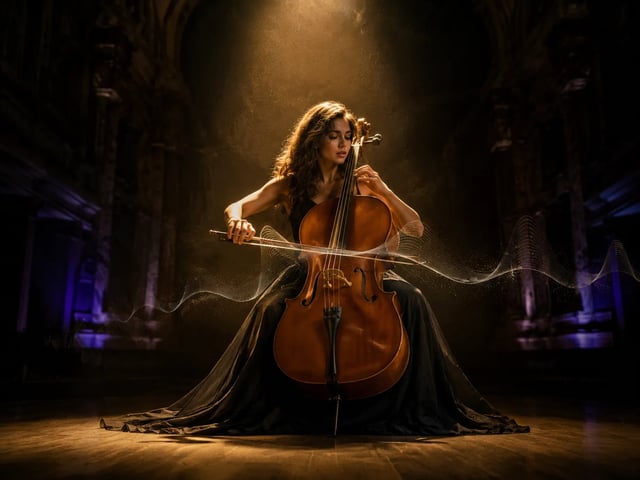
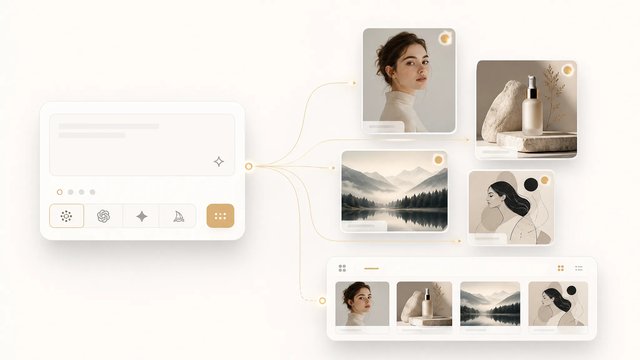
Veo 3.1 AI video generator hero in SupaImagine

Run Veo 3.1

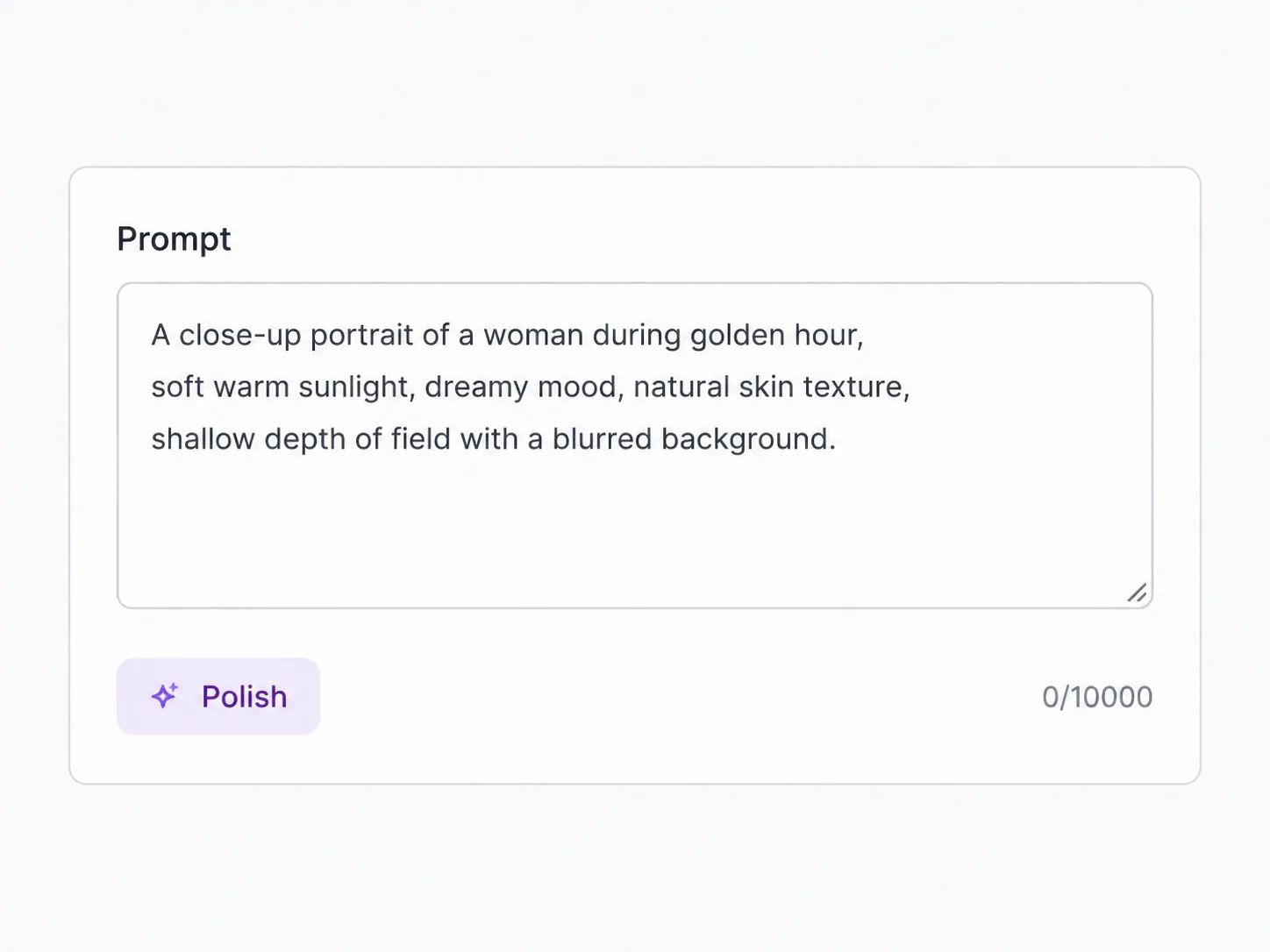
Write a shot, add a start frame if you have one, choose 16:9, 9:16, or Auto, then render SupaImagine's current 8-second pass. Upgrade the keeper to 1080p or 4K when the shot earns it.

The Google Model for a Cinematic Short Take

On SupaImagine, the current Veo 3.1 path is focused: text or frames, a short 8-second run, and a clear resolution ladder.

Veo 3.1 is not the model for reference-heavy continuity. In the current SupaImagine integration, its strength is a tight, high-fidelity 8-second shot: a prompt that describes the action, a still that anchors the first frame, or a first and last frame that define the transition. SupaImagine keeps that flow practical. You can generate the source still in the same studio, animate it with Veo 3.1, keep the 720p base render, then upgrade only the result worth polishing to 1080p or 4K. If you need exposed 4-to-15-second timing controls or video/reference inputs, Seedance 2 sits beside it in the picker; if you need a talking character, HappyHorse is one click away.

| veo 3.1 ai video generator | veo 3.1 generator | veo 3.1 text to video | veo 3.1 image to video | veo 3.1 4k | veo 3.1 vs seedance 2 |

How it works

Make a Veo 3.1 Clip Without Leaving the Studio

1

Describe the short shot

Write the scene, action, camera movement, and sound you want. Veo 3.1 works from text alone, so you can start before you have footage.

2

Anchor it with one or two frames

Add a start image to animate a still, or add both start and end frames to guide a transition. Full Veo 3.1 uses frames, not a reference stack.

3

Choose format and resolution

Pick landscape, vertical, or Auto, then choose 720p, 1080p, or 4K. The local Veo path starts from a 720p base and handles higher-resolution upgrades as a second stage.

4

Save the keeper

Every result lands in your private SupaImagine library. Re-run the shot with a tighter prompt, compare it with Seedance, or keep the upgraded version for the final edit.

What Veo 3.1 is good at

Short Google-Quality Clips With a Clear Upgrade Path

The page stays honest about the current integration: 8-second SupaImagine runs, t2v/i2v only, native audio by default, and 4K when you choose the upgrade.

A short cinematic pass

Use Veo 3.1 for a single strong beat: a product reveal, a vertical social moment, a camera move, or a realistic motion test. The current 8-second run keeps the prompt focused.

First frame, or first-to-last frame

Drop in one still to bring it to life, or add a final frame to guide the transition. That makes it useful after you generate a hero image in SupaImagine.

720p base, 1080p or 4K keeper

Start with the lighter base render, then upgrade the clip that works. SupaImagine tracks the higher-resolution stage so the final version stays attached to the same task.

Native audio by default

Veo 3.1 can generate picture and sound together, so a shot can arrive with ambience or motion-matched audio already present. Sensitive scenes may suppress audio, so the honest promise is audio by default, not an absolute guarantee.

Landscape or vertical from the start

Choose 16:9, 9:16, or Auto before rendering, so the first pass already matches the channel instead of needing a crop after export.

Shot direction, not vague prompting

Veo 3.1 works best when the prompt names the subject, camera move, lighting, and sound cue, turning a short brief into one polished motion beat.

Veo vs alternatives

Veo 3.1, Seedance 2, or HappyHorse — Pick by Shot Shape

They all live in the same video workspace, but their best uses are different.

You're here Veo 3.1 8s current run · Google quality Generate
Seedance 2 4-15s · references
HappyHorse 1.1 Dialogue · lip-sync
Best for A short high-fidelity beat Flexible shots and reference continuity Talking characters and localized dialogue
Clip length Current SupaImagine run: 8s 4-15s 3-15s
Inputs on SupaImagine Text, first frame, first+last frame Text, frame, video/reference media Text, first frame, reference images
Max resolution 4K 4K 1080p
Audio By default Native synced Dialogue/lip-sync focused

Where it fits

Short Veo 3.1 Shots Worth the Upgrade

Use it when the shot is short, visual, and worth upgrading.

Launch teasers

A crisp product or brand reveal, rendered vertical or landscape, ready to compare against another model before the campaign cut.

Product motion

Start from a product still and turn it into a short camera move: rotate, glide, reveal, or texture detail without leaving the image workspace.

B-roll tests

Prototype one realistic motion beat for a larger edit: a street, vehicle, table scene, fashion detail, or establishing shot.

Vertical social clips

Use 9:16 when the output is headed to Shorts, Reels, or TikTok, instead of cropping a landscape render afterward.

Image-first creators

Generate the key frame with an image model, then send that still into Veo 3.1 for a short motion pass that saves back to your library.

Cinematic prompt tests

Try a camera move, lighting setup, or sound cue before committing budget to a higher-resolution pass or a longer sequence.

Veo 3.1 Questions, Answered

What is Veo 3.1?

Veo 3.1 is Google's video generation model. On SupaImagine, the veo3 catalog entry runs the quality SKU for text-to-video and image-to-video: write a prompt, optionally add a start frame or start/end frames, then generate the current 8-second SupaImagine run with 720p, 1080p, or 4K output options.

Can Veo 3.1 turn an image into a video?

Yes. Add a start image to animate a still, or add both start and end frames to guide the transition between them. This full Veo 3.1 page does not promise reference-to-video stacks; in the current SupaImagine catalog, that reference mode belongs to Veo 3.1 Fast.

Does Veo 3.1 support 4K on SupaImagine?

Yes. The local integration starts from a 720p base render and supports 1080p and 4K upgrades. Higher-resolution runs take extra processing, so the best workflow is to find the keeper first, then upgrade the version you want to use.

When does Veo 3.1 add sound to the clip?

Veo 3.1 supports native audio by default, so a clip can come back with sound generated alongside the picture. Some sensitive scenes may suppress audio upstream, so SupaImagine frames this as audio by default rather than a guarantee that every clip will include sound.

Veo 3.1 vs Seedance 2 — which should I pick?

Use Veo 3.1 for the current 8-second Google-quality run from text or frames. Use Seedance 2 when you need exposed 4-to-15-second timing controls, video/reference inputs, or a sequence that carries a look across multiple shots. Both are in the same picker, so the practical answer is to run the shot on both and keep the result that fits.

Why do Veo 3.1 renders need more than starter credits?

SupaImagine's current Veo 3.1 run is priced by resolution: 720p costs less than 1080p, and 4K costs more. The generator and pricing page are the current source for packages; a new account's starter credits are not enough to render a full Veo 3.1 clip.

Which Veo 3.1 renders are cleared for client work?

On a paid SupaImagine plan, yes — clips you generate there are cleared for commercial use under the site's terms. Free starter credits are for evaluating the workspace and do not carry commercial-use rights.

A focused Google short shot — start with Veo 3.1

Text or frames in, native audio by default, and one place to keep the 720p draft plus the 4K keeper.