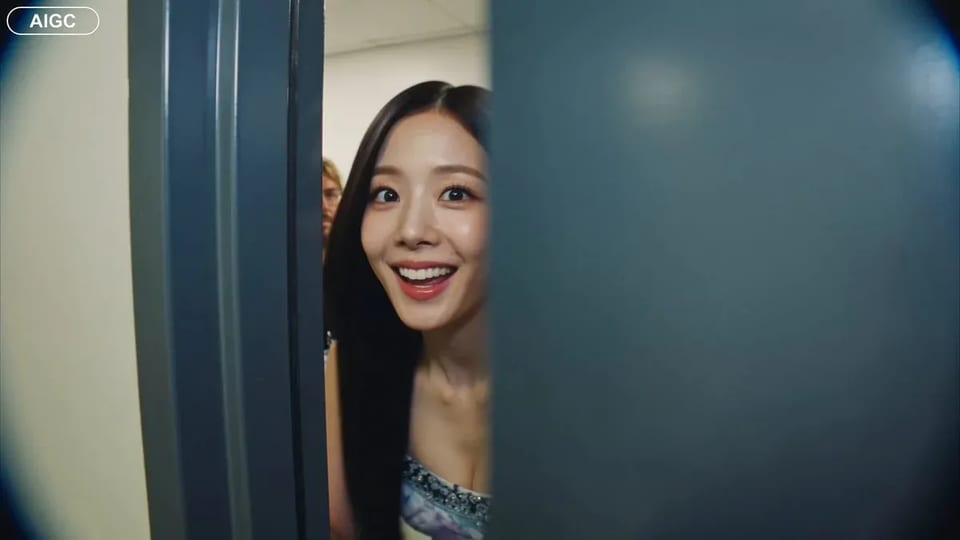
MiniMax H3 2K clips from text or a still
5–15 second takes at 2K — write a scene or start from a first frame (optional last frame). 15 credits per second.
Open MiniMax H3 when you want a flexible short clip without hunting a shelf of lookalikes. Write the subject, motion, and camera, or upload a still that already owns the look. SupaImagine opens MiniMax H3 so you land in the generator ready to set seconds and run.
- Text-to-video from a single clear prompt
- Image-to-video with optional last frame
- 2K output locked for every take
- 5–15s duration you choose before spend
- 15 credits per second · default 5s = 75
MiniMax H3: 2K clips from a prompt or a still
MiniMax H3 on SupaImagine — flexible length, fixed 2K, text or first-frame start.
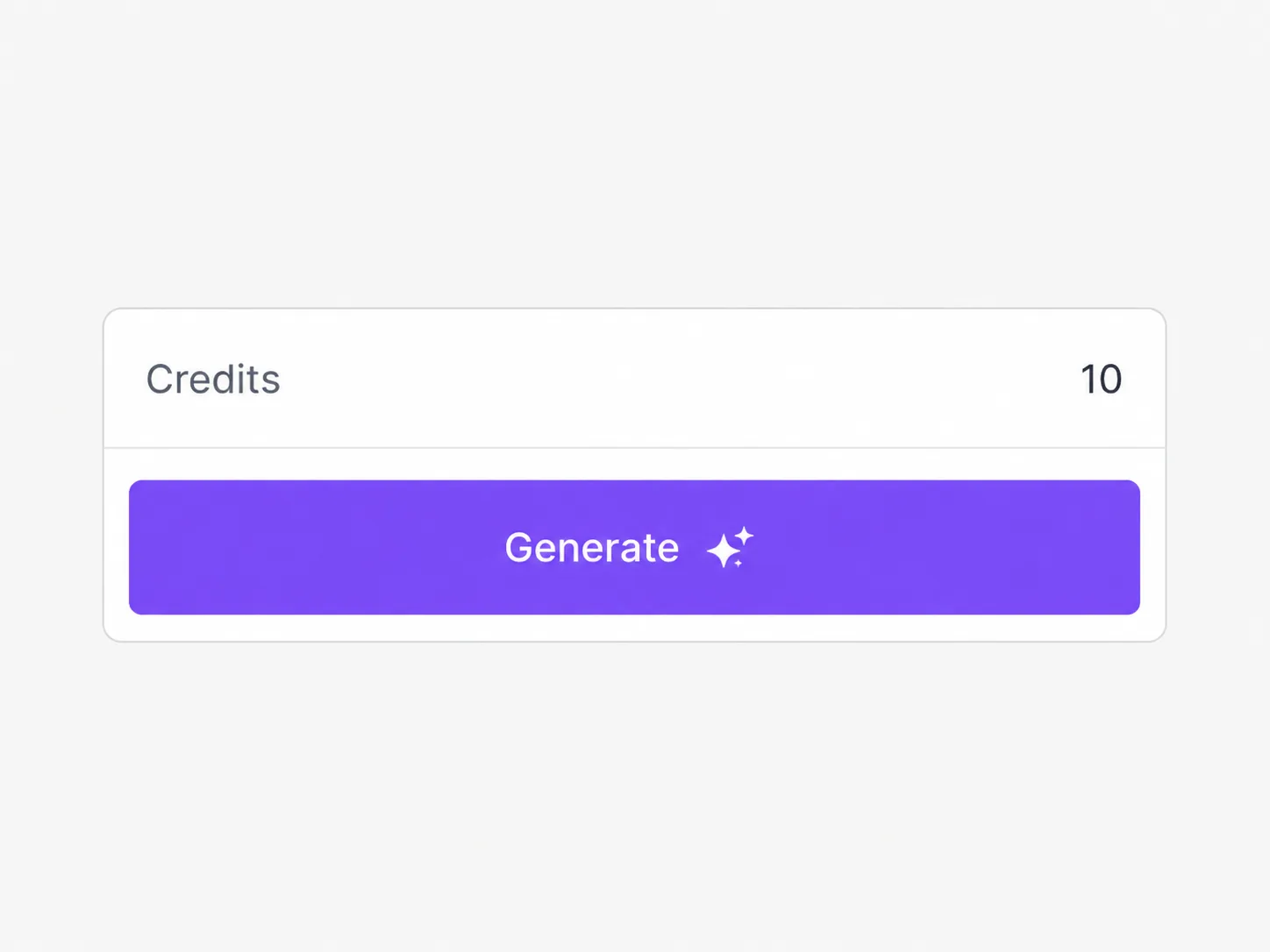
MiniMax H3 runs text-to-video and image-to-video only. Duration is an integer from 5 to 15 seconds (default 5). Output resolution is locked to 2K. Text-to-video exposes common aspect ratios from 21:9 through 9:16; image-to-video follows the start image’s aspect and can take an optional end frame for first-to-last control. Pricing is 15 credits per second, so a five-second default costs 75 credits and a fifteen-second keep costs 225. Signup credits (10) cannot fund a default run — buy credits or a plan before you generate. Commercial use sits on paid plans under the Terms.
| MiniMax H3 | Hailuo 03 | MiniMax Hailuo 03 | MiniMax H3 text to video | MiniMax H3 image to video | MiniMax H3 2K |
Four controls · one 2K lane
Four controls that define a MiniMax H3 take
Prompt or still, optional last frame, seconds, and ratio — then pay only for the length you queue.
Write a continuous scene when nothing exists yet
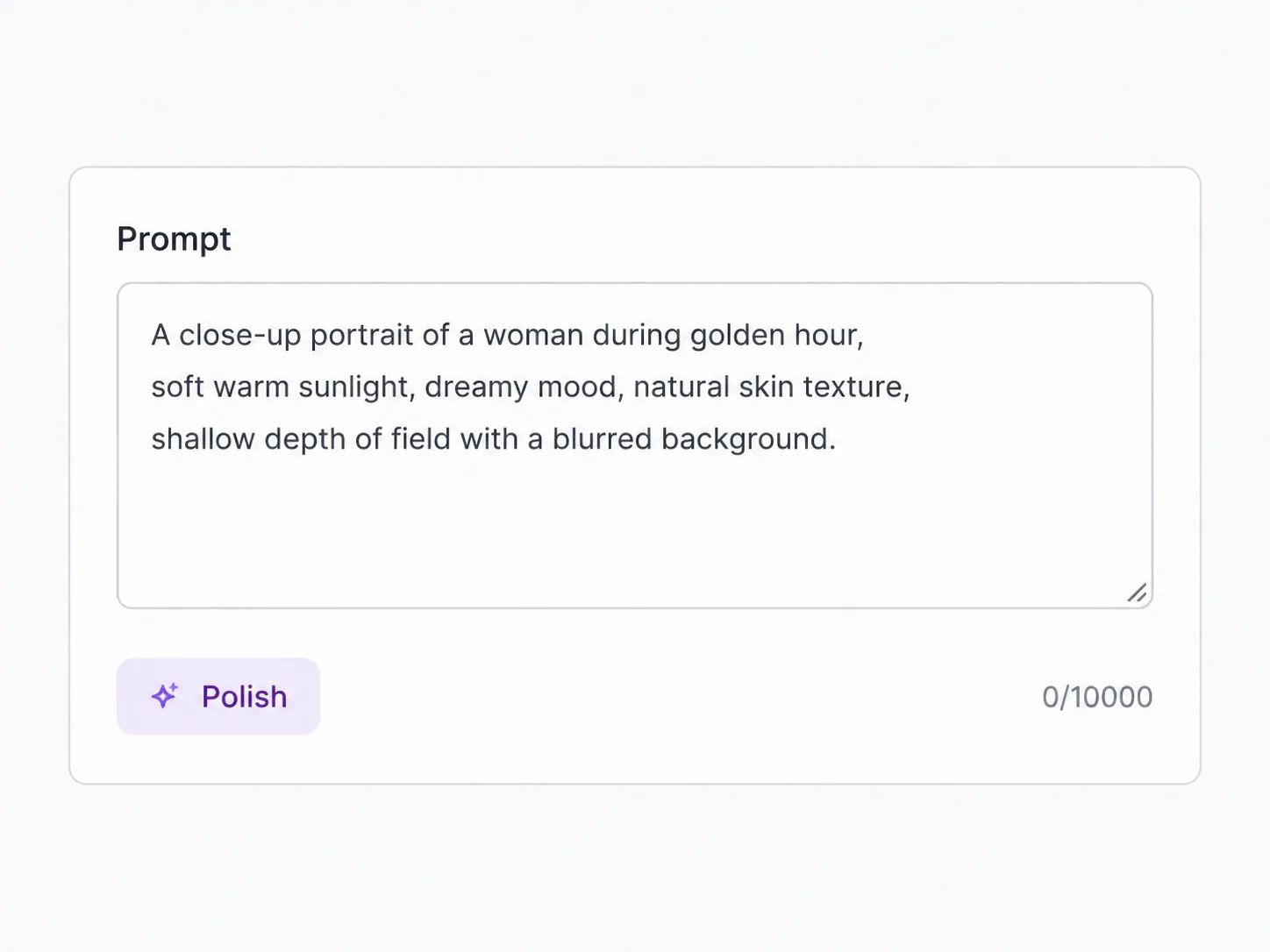
Subject, action, camera, and light go in one MiniMax H3 prompt for a single continuous beat — hooks, product glides, or establishing inserts. Text-to-video is not a multi-scene cut list; keep the instruction focused so motion stays coherent across the seconds you pick. Negative notes (for example no on-screen text) live in the same prompt. This is the MiniMax H3 text to video path when you are starting from blank paper.
Animate a still — add a last frame when the ending must match
Upload a product shot, key art, or portrait when composition is already approved. Describe the motion you want while the still carries identity and materials. Optional end-frame upload turns the pass into first-to-last control so the finish lands on a chosen board — useful for before/after arcs without inventing a multi-reference stack. That is the MiniMax H3 image to video path exposed here; there is no multi-image reference or source-video restyle mode on this SKU.
Pick 5–15 seconds before credits move
Duration is an integer from five to fifteen seconds, billed at 15 credits per second on every MiniMax H3 path. A five-second probe is 75 credits; ten seconds is 150; fifteen seconds is 225. Use the short end to test prompt wording, then lengthen only when the beat earns the spend. Signup balance is ten credits and cannot fund the seventy-five-credit default — treat free grant as orientation, not a free MiniMax H3 clip.
Stay in 2K — set the frame that matches the feed
Every MiniMax H3 export is 2K — there is no 720p draft tier or 4K upsell on this model. On text-to-video, choose aspect among 21:9, 16:9, 4:3, 1:1, 3:4, and 9:16 before you run so landscape ads and vertical social stay intentional. On image-to-video, aspect follows the start still, so crop the board first if the feed needs a different frame. Need native 4K finish tiers or multi-ref stacks? Switch to full Seedance 2 or another video model after a keeper take.
Write or upload, set seconds, then generate MiniMax H3
Four decisions before the queue: material, instruction, duration, and frame.
Choose text or a start still
Blank prompt for a new scene, or a first-frame image when the board already owns the look. Add an end frame only when the finish must match a second still.
Write one clear motion brief
Name subject, action, camera, and light. Keep one continuous beat — MiniMax H3 is built for a short take, not a multi-scene script.
Lock 5–15 seconds and aspect
Default is five seconds at 16:9 on text paths. Stretch only when the beat needs a longer arc; remember 15 credits multiply by every second.
Generate, review, then lengthen or switch
Queue the MiniMax H3 run, check the 2K file, then re-run with tighter wording, longer duration, or move winners to another video model when you need 4K or refs.
Jobs that fit this 2K short lane
Jobs that fit a flexible MiniMax H3 short take
Situations where 5–15s at 2K from text or a still beats a fixed eight-second only model or a heavy reference stack.
Vertical social probes
Spin five-second 9:16 tests on MiniMax H3, then stretch only the winner toward ten or fifteen seconds before you commit a heavier spend.
Packshot motion from an approved still
Animate a product or packaging board when composition is locked and you only need a clean motion pass in 2K.
First-to-last story beats
Upload start and end stills so MiniMax H3 bridges two boards with natural motion instead of cutting between unrelated clips.
Campaign insert scouts
Prototype a single continuous insert at the short end of the duration range, then promote keepers to longer or higher-tier models.
Prompt exploration without a fixed eight-second tax
Iterate wording on five-second MiniMax H3 runs before you pay for a longer take once the motion reads.
Same brief, different model families later
Use MiniMax H3 for flexible 2K shorts, then compare winners against Veo or Seedance when length, audio, or resolution needs change.
Explore other video models
One plan, every video model — pick a better fit for length, resolution, or input style.
MiniMax H3 questions before you spend
MiniMax H3 exposes 5–15 second lengths at 15 credits per second. A five-second default is 75 credits, ten seconds is 150, and fifteen seconds is 225. Set duration before you run so the estimate matches the file you want.
A written prompt for text-to-video, or a required first-frame image for image-to-video with an optional last frame. There is no multi-image reference stack and no source-video restyle path on this MiniMax H3 SKU.
Yes. MiniMax H3 is our product name for MiniMax's Hailuo-03 model (the upstream endpoint). The model list shows MiniMax H3 — same generator, same 2K and duration controls.
Yes. Resolution is locked to 2K for every take. There is no 720p draft tier and no 4K option on MiniMax H3; use another video model if you need those resolution ladders.
No. Signup credits are 10, and the cheapest MiniMax H3 default (5s × 15 credits/s) is 75 credits. Buy credits or a plan before the first run.
On image-to-video, upload a start still and optionally an end still. The model bridges those boards with motion guided by your prompt — useful when the opening and closing compositions are already approved.
Text-to-video offers 21:9, 16:9, 4:3, 1:1, 3:4, and 9:16. Image-to-video follows the start image’s aspect, so crop the still first when the feed needs a different frame.
Paid-plan runs follow SupaImagine Terms for commercial use. You still need rights to any third-party faces, brands, or stills you upload as first or last frames.
Before and after the MiniMax H3 pass
Pair MiniMax H3 with still boards and finish tools
Build the still first, animate here, then upscale or switch models without leaving the product.
Make the next MiniMax H3 clip in 2K
Text or first frame in — 5–15s at 15 credits per second — review the take, then lengthen or switch.