01DAY16HOUR45MIN56SEC
Limited-Time 50% OFF!Get Offer

AI Video Generator Animate Any Image, Every Model

Veo 3, Seedance and more — turn a prompt or any still into video, all on one subscription.

SupaImagine is an AI video generator built on an image-first studio: generate a still, or pull one from your library, and animate it with every top video model behind one subscription. Text-to-video or image-to-video, your prompt and starting frame carry across model switches, and every clip is saved to your library. Free starter credits on signup; commercial-use rights on paid plans.

  • Every top video model in one picker
  • Image-to-video from any still
  • One subscription, one credit pool
  • Every clip auto-saved to your library
Animate Any Image, Every Model
Live workspace

Generate a Video Now

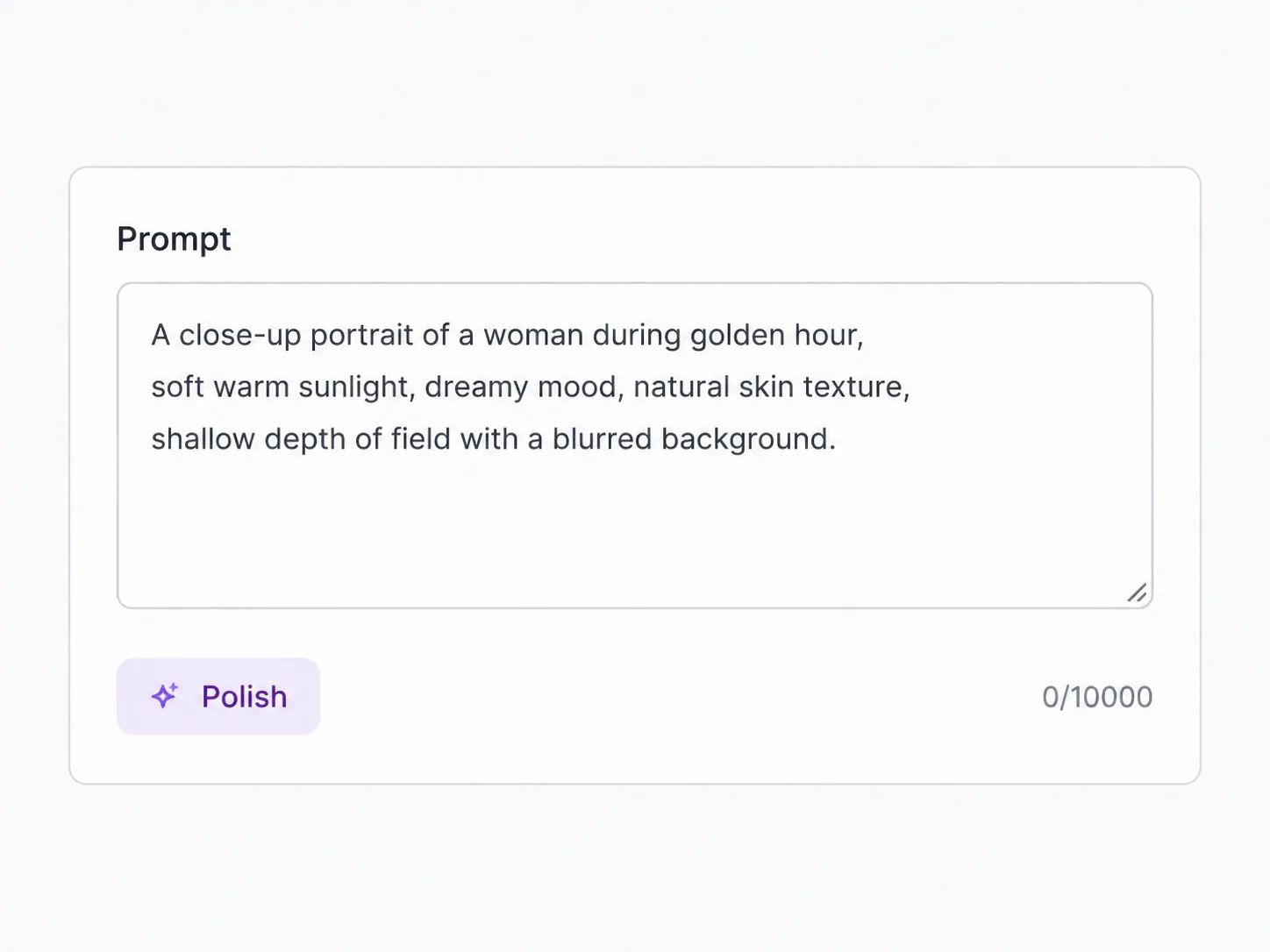
Pick a model, write a prompt or drop a starting image, and run. Switch models freely — your prompt and reference frame carry across, and every clip saves to your library.

Why an Image-First Studio Makes a Better Video Generator

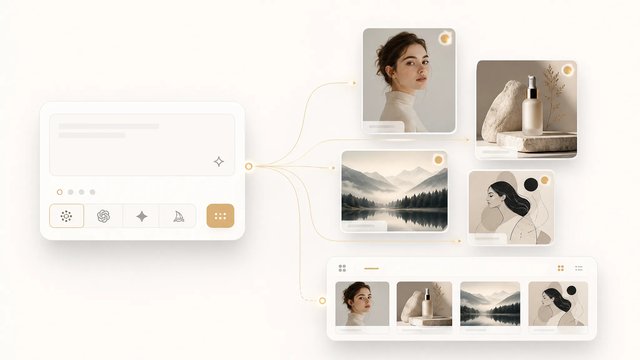
Most AI video generators start you at a blank prompt every time. SupaImagine starts from your images instead: generate a frame in the same workspace, or pull one from your library, then bring it to life with whichever model suits the shot — Veo 3 when you need realistic motion with sound, Seedance when you want a fast draft, image-to-video when you already have the still. One subscription and one credit pool cover all of them, your prompt and starting frame stay loaded as you switch models, and every clip is filed back into the library right next to the still it came from.

Why an Image-First Studio Makes a Better Video Generator

| image to video | text to video | veo3 | seedance-2 | auto-saved library |

How it works

From Still to Saved Clip in Three Steps

No per-model accounts, no re-setup between models — the workspace carries the shot.

1

Start from a prompt or a still

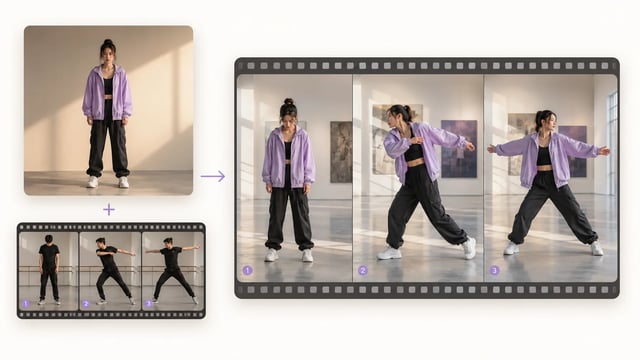
Describe the shot for text-to-video, or drop a starting frame — a generated image, a product photo, or any still from your library — for image-to-video. The prompt and frame stay loaded across every model.

2

Pick a video model

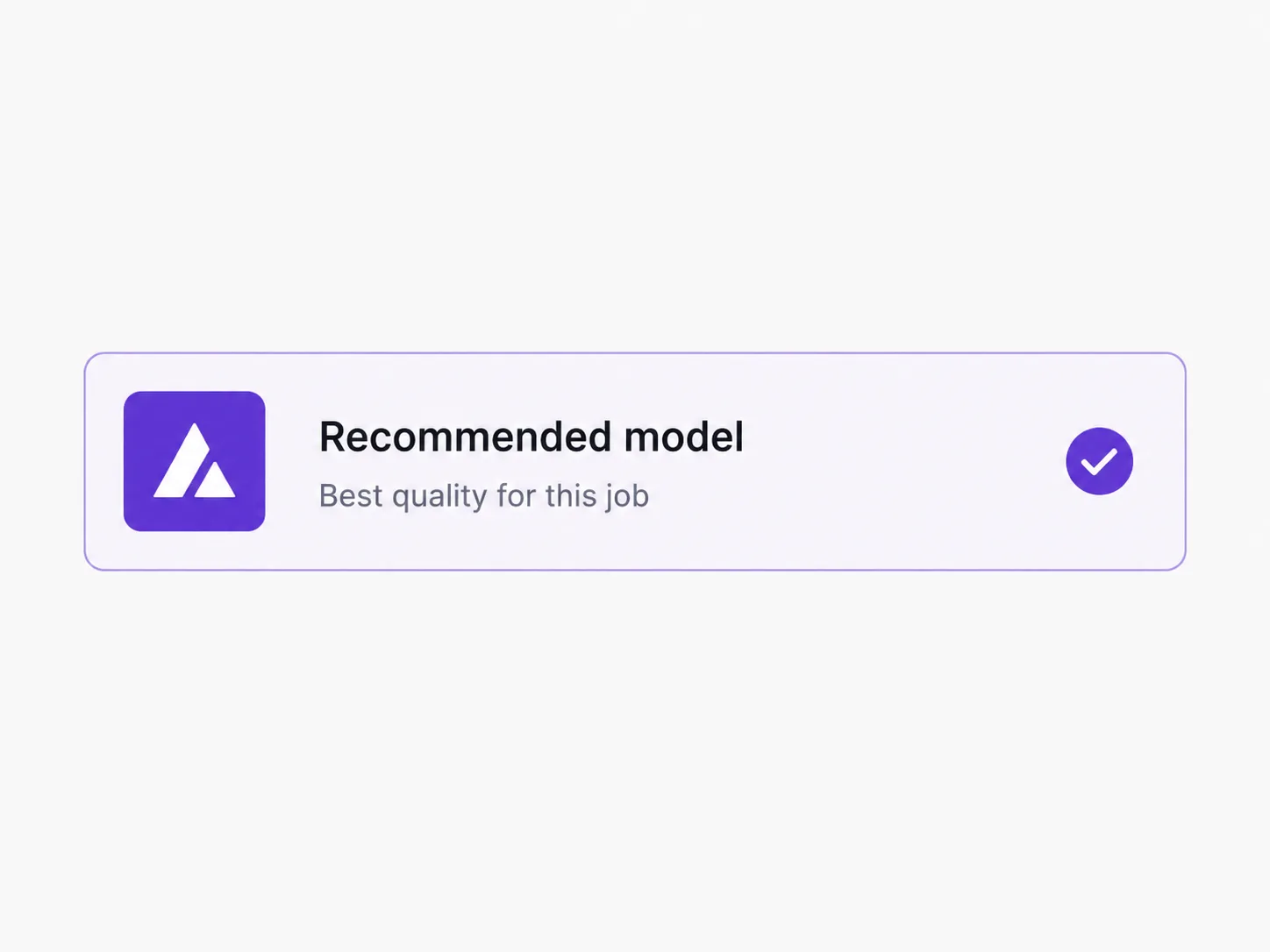
Open the dropdown and choose from every top video model; each shows a clip-length and credit badge so you know what fits. Switching is one click and keeps your shot set up.

3

Render — and it's saved

Long renders queue in the background while you keep working; failed runs refund credits automatically. Every clip lands in your private library, ready to reopen, re-run, or upscale. Paid plans add commercial-use rights and remove the watermark.

Who it's for

Who Generates Video on SupaImagine

Teams that already make images here and want to bring them to life — on one plan, with everything kept.

Content creators

Generate b-roll, transitions, and concept clips, or animate a thumbnail you already made — the still and the clip live side by side in one library.

E-commerce sellers

Turn flat product shots into short motion clips for listings, ads, and reels, pulling the source image straight from the library you generated it in.

Marketers

Test a campaign cut across models to find the tone that lands, all billed to one subscription instead of a stack of per-tool video plans.

Social media managers

Keep a steady feed of short, on-theme clips, with every render auto-filed so reusing or re-cutting a past video is a search, not a re-render.

Indie filmmakers

Prototype scenes and storyboard motion with the model best at the shot, then upscale the keeper — without leaving the workspace.

Image-first makers

Generate the hero frame and animate it in the same place: the image and video lines share one prompt history, one library, and one credit pool.

What's included

Everything an AI Video Generator Should Ship With

Every top video model in one picker

Veo 3, Veo 3 Fast, Seedance and more sit in one picker — real production models we refresh as providers release new versions.

Image-to-video from any still

Every i2v-capable model takes a starting frame: upload a photo or pick a still from your library and the model animates it. The frame carries across model switches.

Every clip auto-saved to your library

Renders don't vanish into a downloads folder. Each clip is filed into your private library next to its source still — reopen, re-run, or upscale it any time.

Native audio where the model supports it

Veo 3 outputs synced sound with the picture. The picker surfaces which models carry audio, so you pick the right one for dialogue, ambience, or silent B-roll.

One subscription, one credit pool

Free starter credits on signup. Spend them across any video model in the picker — credits aren't locked to any single model, and there's no separate plan per generator.

Commercial-use rights on paid plans

Clips rendered on a paid plan come with commercial-use rights and no watermark. The legal page lists exact terms.

Frequently Asked Questions About the AI Video Generator

Is the AI video generator free?

Signing up gives you starter credits to explore the workspace. Video renders cost more credits than images because they take far more compute, so you'll typically add a plan or credit pack before rendering clips — paid plans also remove the watermark and add commercial-use rights.

Can it turn an image into a video?

Yes — image-to-video models animate a still you provide. Upload a photo or pick one from your library, describe the motion, and the model renders a clip. The frame carries across models, so you can try the same motion on several.

Which video model should I pick?

Veo 3 for physical realism and native audio; Veo 3 Fast and Seedance for quick or bulk drafts. The picker shows a badge and clip-length for each, and switching keeps your prompt and frame loaded.

How long are the clips?

Clip length depends on the model — the picker surfaces the supported lengths when you switch. Chain multiple clips in the workspace to build a longer sequence.

Are my videos saved and private?

Yes. Every clip is automatically saved to your private library, organized alongside the stills it came from, and available to reopen or reuse. Your library is private by default unless you choose to share it.

Can I use the clips commercially?

Clips rendered on a paid plan come with commercial-use rights. The free tier is for trying the product, not for commercial work.

Open the AI Video Generator

Every top video model on one subscription, image-to-video from any still, and every clip saved to your library.