01DAY16HOUR45MIN58SEC
Limited-Time 50% OFF!Get Offer

AI Image Generator Every Top Model, One Library

GPT Image 2, Nano Banana, Seedream and more — one subscription, every image you make kept.

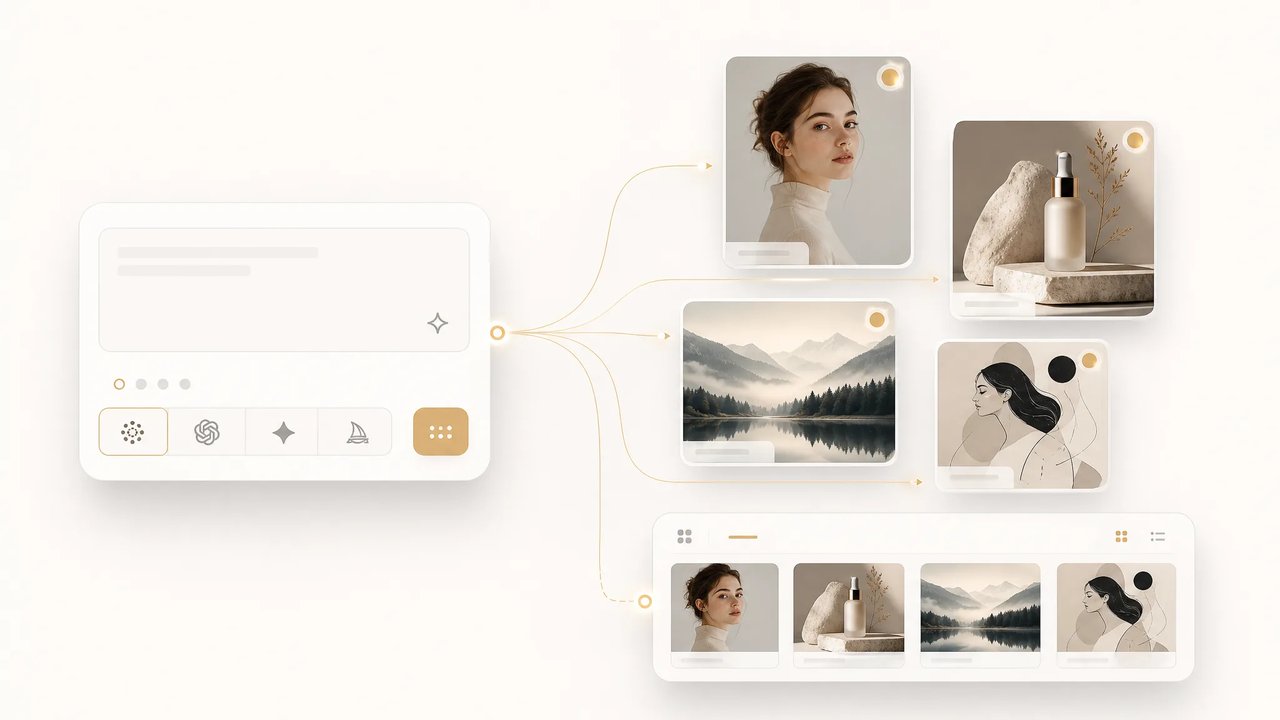
SupaImagine is an AI image generator that puts every top model behind one subscription. Write a prompt or drop a reference, switch models without switching plans, and every result lands in your private library — organized, reusable, and ready to re-edit. Free starter credits on signup; commercial-use rights on paid plans.

  • Every top image model in one picker
  • Text-to-image and image-to-image
  • One subscription, one credit pool
  • Every image auto-saved to your library
Every Top Model, One Library
Live workspace

Generate an Image Now

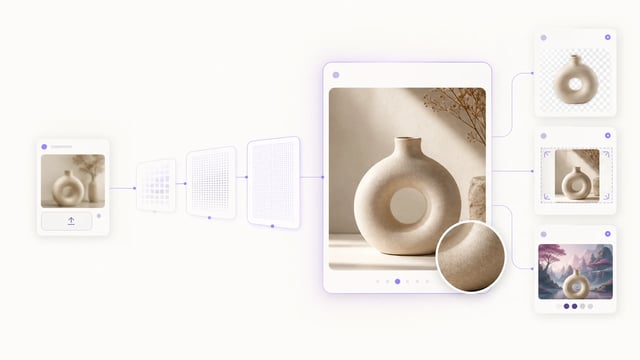
Pick a model, write a prompt or drop a reference image, and run. Switch models anytime — your prompt and references carry across, and every output saves to your library automatically.

Why One Subscription Across Every Model Beats Five Separate Tools

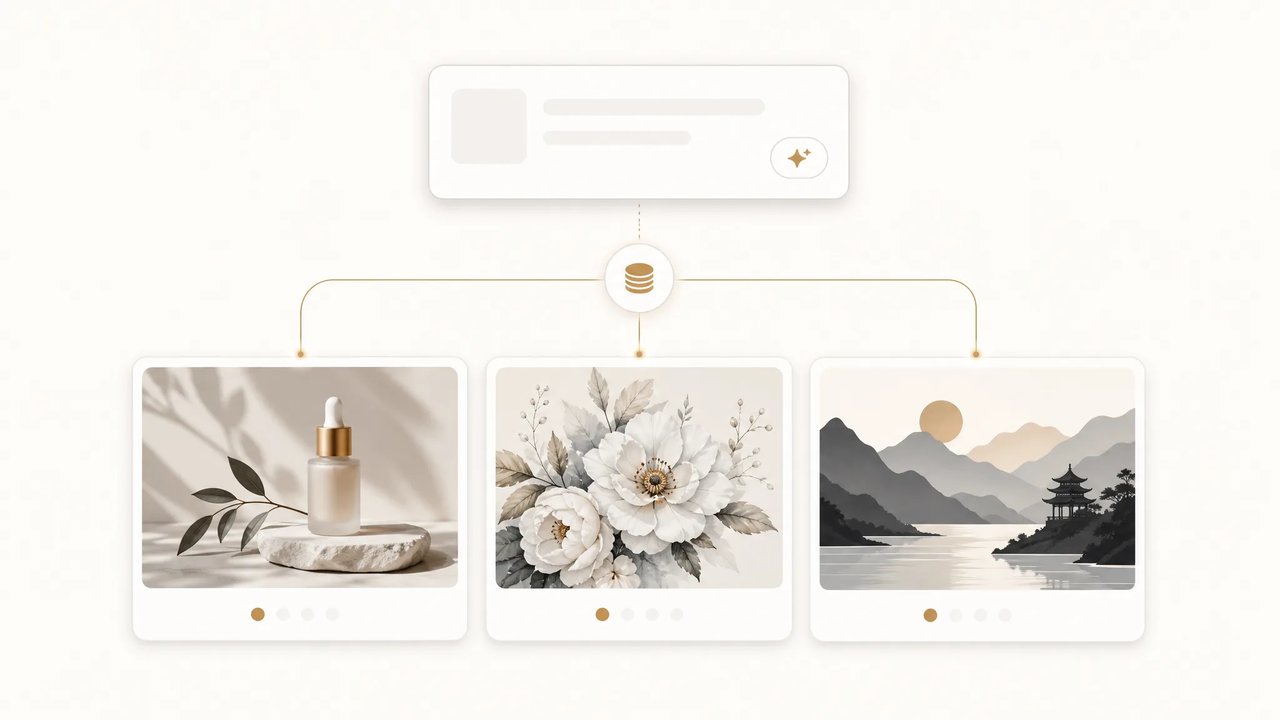
Most AI image generators lock you to a single model — and a single set of weaknesses. GPT Image 2 is the one to trust when in-image text and packaging layouts have to be exact; Nano Banana Pro is the pick for photoreal faces and lighting; Seedream is built for bold, stylized looks; Nano Banana 2 is the clean everyday workhorse. Subscribe to each separately and you pay several bills to cover one workflow. SupaImagine puts all of them behind one subscription and one credit pool, keeps your prompt and reference images loaded as you switch, and files every result in a library you can reopen, re-edit, and reuse — so the work compounds instead of scattering across tools.

Why One Subscription Across Every Model Beats Five Separate Tools

| text to image | image to image | gpt-image-2 | nano-banana-pro | auto-saved library |

How it works

From Prompt to Saved Image in Three Steps

No per-model accounts, no re-typing, nothing to organize by hand — the workspace keeps it all.

1

Pick a model from the picker

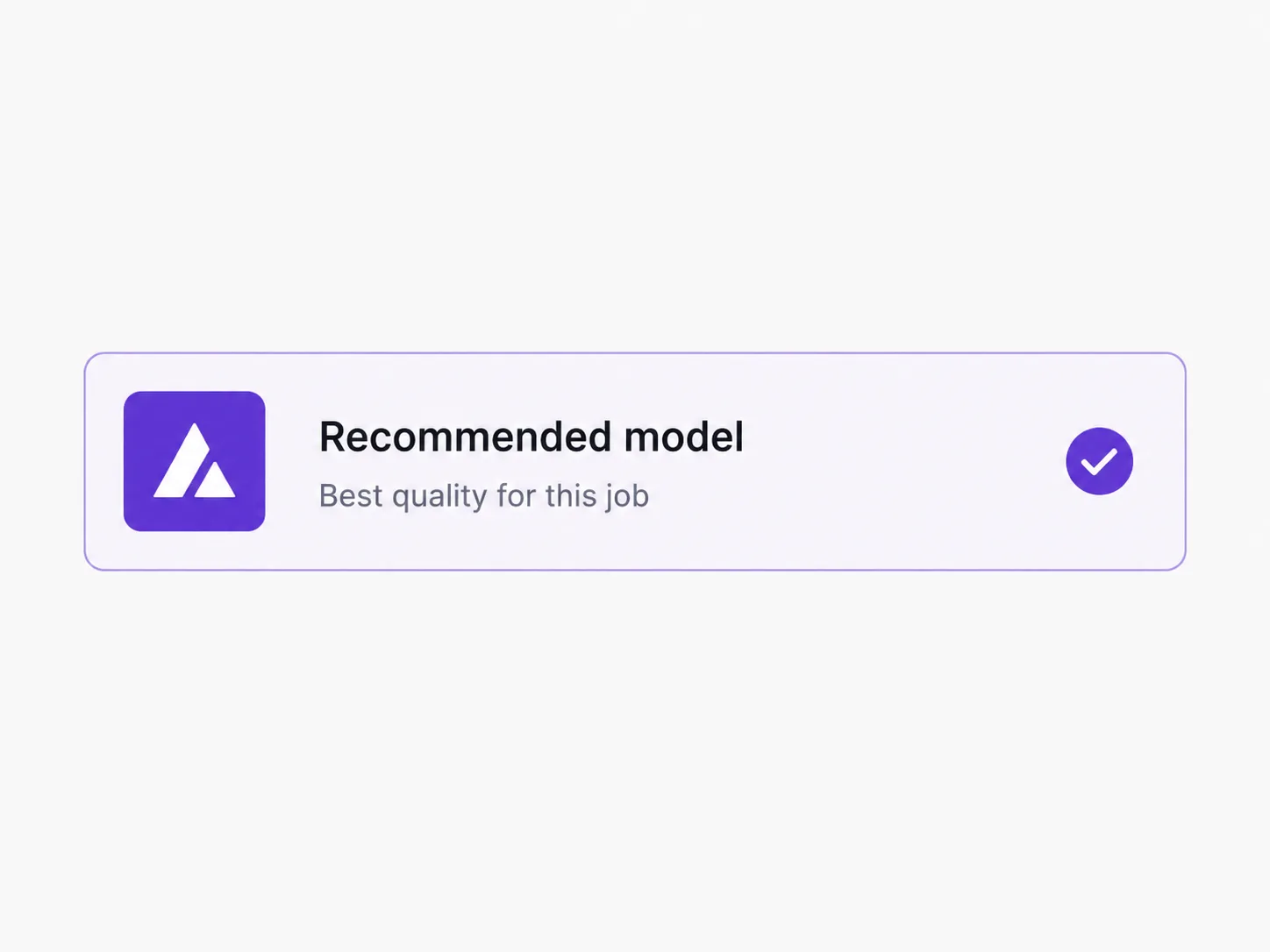
Open the dropdown and choose from every top image model — each carries a credit badge and a one-line description so you know which fits today's brief. Switching is one click and keeps your prompt and reference images loaded.

2

Write a prompt or drop a reference

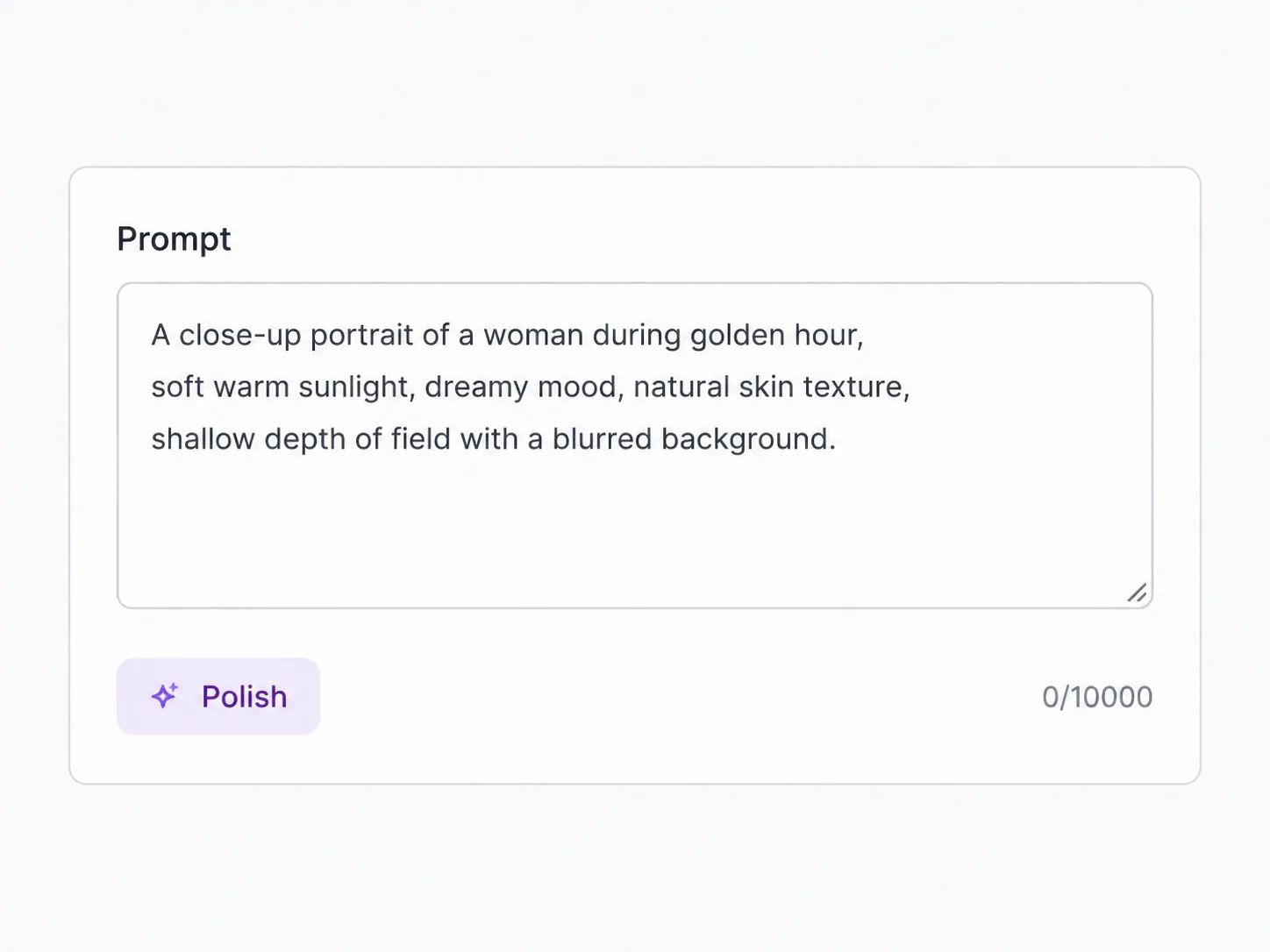
Describe what you want in plain language for text-to-image, or upload a photo for image-to-image and ask SupaImagine to restyle, edit, or extend it. No prompt syntax to learn — and you can reverse any image into an editable prompt when you'd rather start from a look you like.

3

Generate — and it's saved

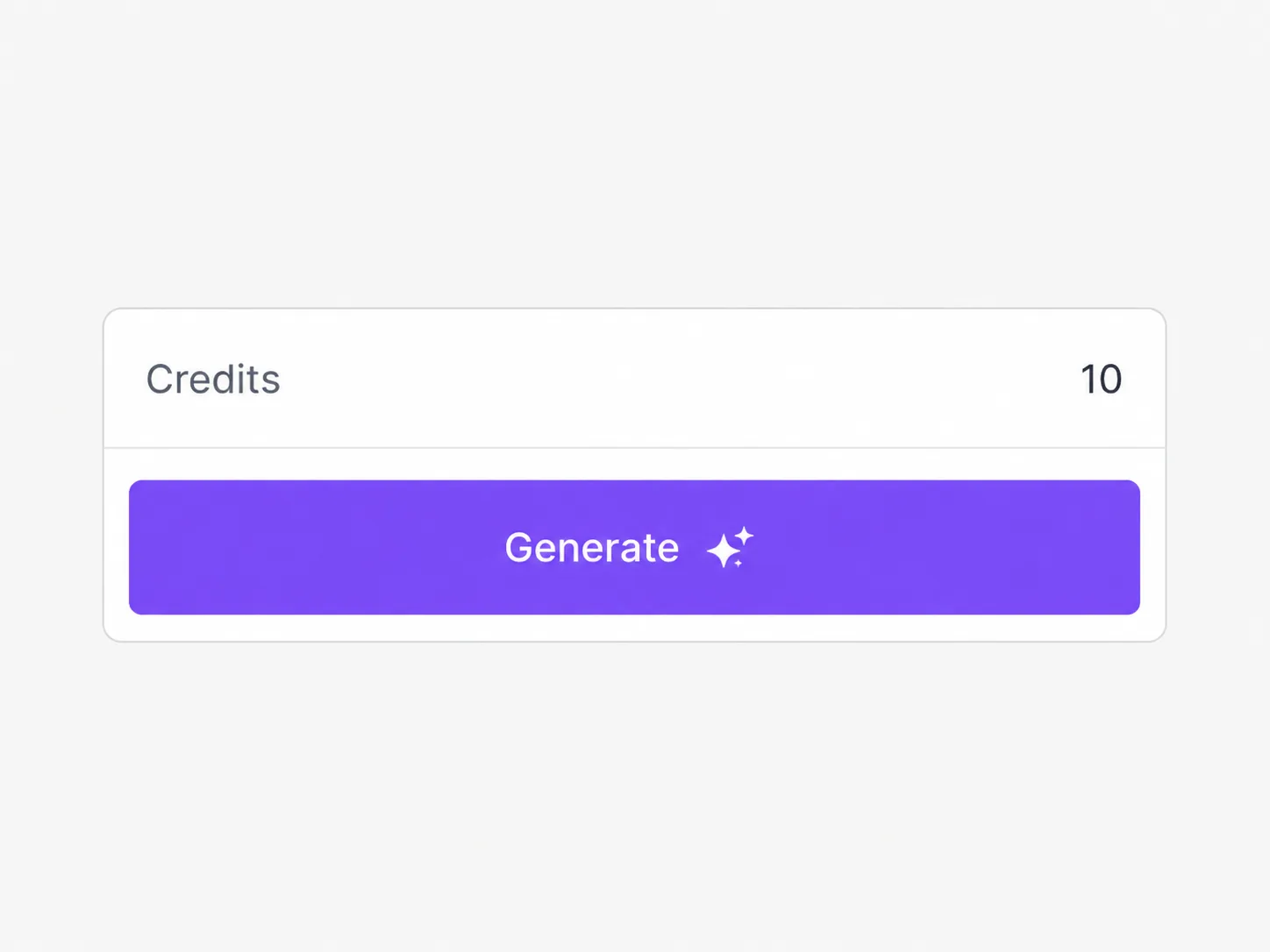
Run as many variations as you need; failed runs refund credits automatically. Every image lands in your private library, sorted into projects and ready to reopen, re-edit, or re-run through another model. Paid plans add commercial-use rights and remove the watermark.

Who it's for

Who Generates Images on SupaImagine

People who need images often, in different styles, and want the whole back catalog in one place.

E-commerce sellers

Generate product shots and lifestyle scenes for listings and ads, then pull last month's set straight from the library when a variant is needed — no re-generating from scratch, no photographer to book.

Marketers

Spin up on-brand campaign, landing-page, and social visuals on whichever model lands the look, all billed to one subscription instead of a stack of per-tool plans.

Bloggers & writers

Make an original featured image for every post instead of paying per stock photo — the model that handles in-image text is one click from the one that nails a photoreal hero.

Social media managers

Keep a steady feed of fresh, on-theme visuals, with every asset auto-filed so reusing a past graphic is a search, not a re-render.

Designers

Explore a concept across several models from one prompt, then re-edit the keeper later without hunting through downloads — the library holds the working history.

Small studios & teams

Give the whole team one model-agnostic workspace and a shared, organized image library for client work, on a single subscription.

What's included

Everything an AI Image Generator Should Ship With

Every top model in one picker

GPT Image 2, Nano Banana Pro, Seedream and more sit in one picker — real production models that we update as providers release new versions, never a frozen list.

Text-to-image and image-to-image

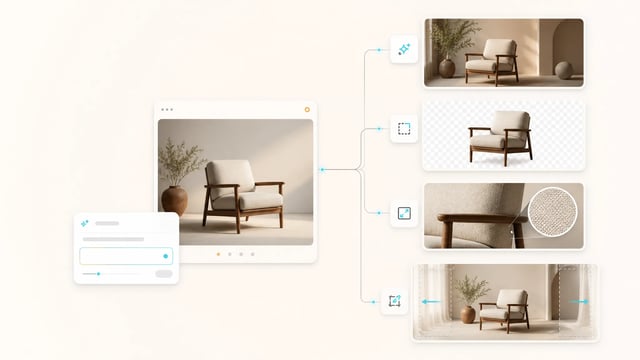
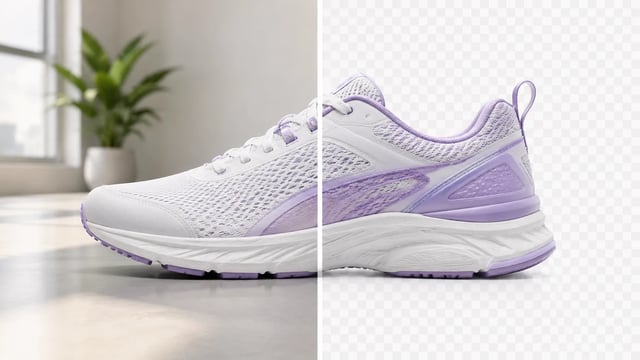
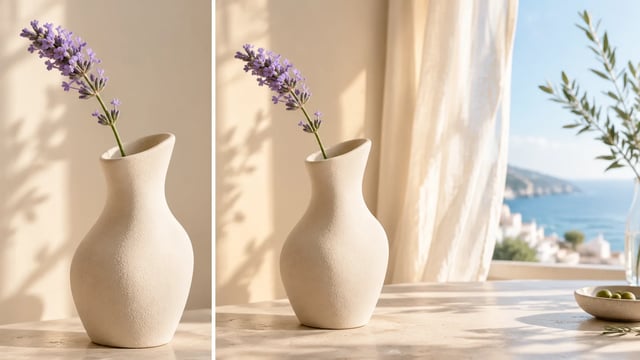
Start from a prompt, or upload a reference to edit, restyle, swap a background, or extend the scene. Every i2i-capable model takes your reference, and it carries across model switches.

Every image auto-saved to your library

Nothing you make disappears into a downloads folder. Each output is filed into your private library and projects — reopen, re-edit, or re-run it through another model any time.

One subscription, one credit pool

Free starter credits on signup. Spend them across any model in the picker — credits aren't tied to any one model, and there's no separate plan per generator.

Reverse any image into a prompt

Drop in an image and SupaImagine writes the editable prompt that recreates its look — swap the chips to keep the style and change the subject.

Commercial-use rights on paid plans

Images generated on a paid plan come with commercial-use rights and no watermark, so client and product work is covered. The legal page lists exact terms.

Frequently Asked Questions About the AI Image Generator

Is SupaImagine a free AI image generator?

You can try it free with starter credits on signup, spent across any model in the workspace. Paid plans remove the watermark, add commercial-use rights, and give you a larger monthly credit balance.

Which AI image model should I pick?

It depends on the job. GPT Image 2 is the most reliable for posters and packaging where in-image text matters; Nano Banana Pro is the photoreal specialist; Seedream leans stylized; Nano Banana 2 is a clean everyday choice. The picker shows a badge and description for each, and switching keeps your prompt loaded.

Can it edit an image I already have?

Yes — most models support image-to-image. Upload a reference, describe the change, and the generator applies object-level edits while leaving the rest intact. You can also reverse an image into an editable prompt and remix from there.

What formats and sizes does it support?

Models accept common reference formats like JPG, PNG, and WEBP. Output sizes depend on the model — most cover square, portrait, and landscape — and the picker surfaces the supported options when you switch.

Are my images saved and private?

Yes. Every image you generate is automatically saved to your private library, organized into collections, and available to reopen, re-edit, or reuse. Your library is private by default — nothing is published unless you choose to share it.

Can I use the images commercially?

Images generated on a paid plan come with commercial-use rights. The free tier is for trying the product, not for commercial work.

Open the AI Image Generator

Every top model on one subscription, a full editing toolkit, and every image you make saved to your library.