限时 5 折优惠!领取优惠
生成 · 编辑 · 合成 · 注册赠送积分可免费试用

Grok Imagine 生成、编辑,并把多张照片合成一景

从提示词起步、用文字改一张照片,或把多张图合进同一张静图——无需安装。

Grok Imagine 适合短创作链:先做底图、再改,或把几个来源并进一张图。在 SupaImagine 上已预选在下方。每张结果 5 积分,注册赠送积分够免费试用大约两次。

  • 把多张照片合成一个场景
  • 用白话提示词编辑上传图
  • 从零开始时走文生图
  • 出图快,迭代成本仍可控
  • 每张图 5 积分 · 注册赠送积分可免费试用
Grok Imagine 产品 Hero:紫罗兰神经核球体与淡紫标题
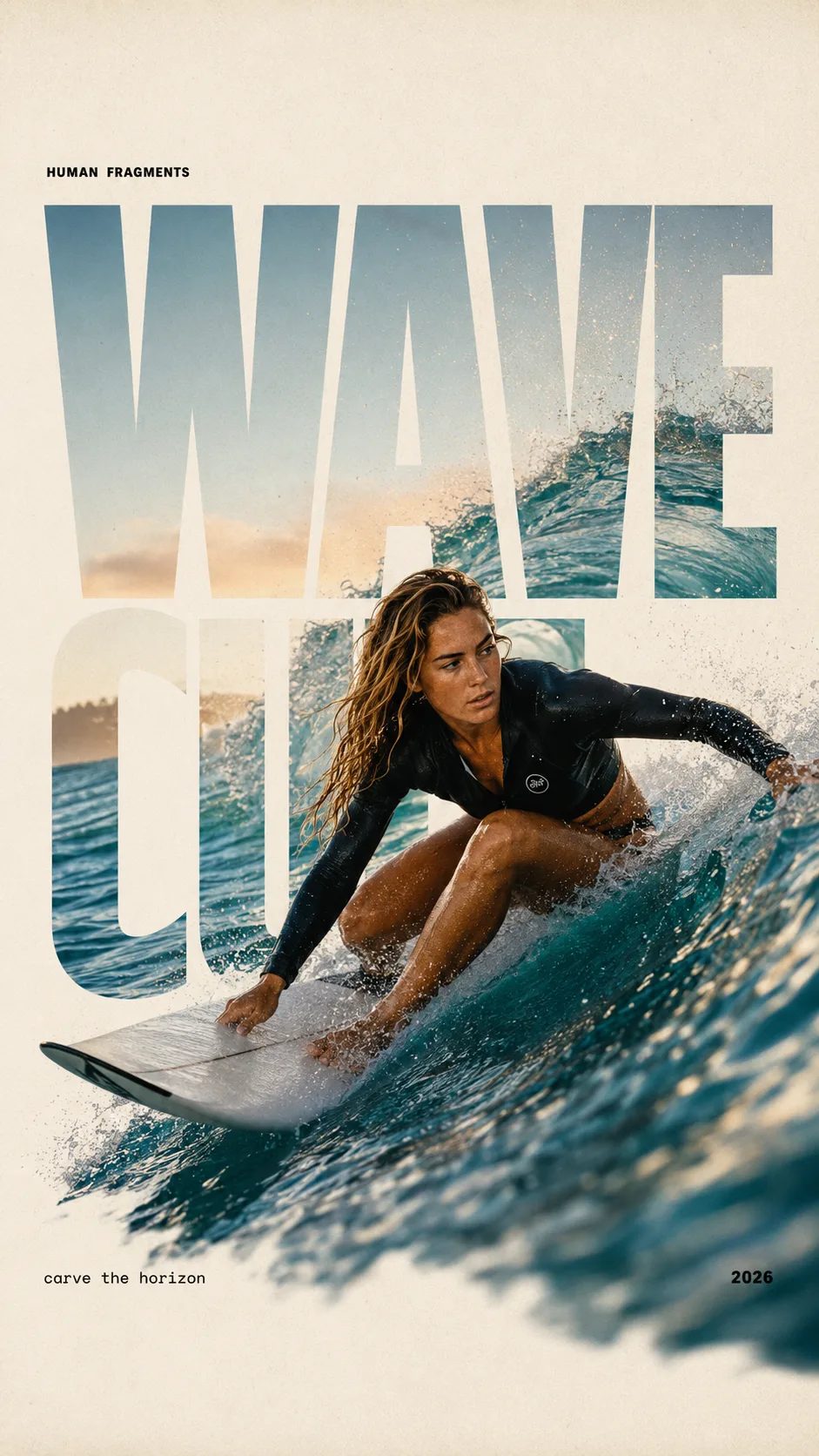
HUMAN FRAGMENTS editorial poster sample

Create a 9:16 editorial poster in the HUMAN FRAGMENTS visual system. Theme: [surfing / basketball / boxing / cake decorating] Subject: [gender, age, appearance, outfit] Action: [specific movement or handcraft] Scene: [location and environment] Title: [custom two-word title] Supporting line: [one short phrase] Year: 2026 Use oversized cropped typography as the main structural framework. The letters should act as windows that reveal the surrounding environment, while the main person remains visually complete in front of the type. Do not let the letters cut through the face, torso, arms, thighs, or other important parts of the body. Let one key action element break beyond the typography to create strong depth: 1. WAVE CUT — a surfer carving across a rising wave, with the board nose, hand, water spray, and curled wave breaking outside the letters. 2. RIM RISE — a basketball player reaching toward the hoop from a camera placed above the rim, with the basketball, hand, and hoop fully outside the letter masks and aligned naturally. 3. IMPACT FRAME — a boxer throwing a straight punch toward the camera, with the foreground glove enlarged and breaking beyond the typography while the gym remains inside the letters. 4. SOFT SWIRL — a graceful young woman decorating a cake, with the piping bag, hands, cake, and cream details extending beyond the letters while the bakery interior appears inside the type. Use realistic photography, believable anatomy, natural skin texture, strong foreground perspective, subtle paper grain, a warm off-white background, restrained colors, and clean editorial spacing. Keep the text minimal and freely placed: [Title] HUMAN FRAGMENTS [Short supporting line] 2026

为什么多步图像工作打开 Grok Imagine

一个型号覆盖生成、编辑与多图合成——不必三个工具。

很多图像工作不是一次干净动作。你先生成底图,换掉什么,再拉进第二张照片。Grok Imagine 接住这条弧线:描述静图它来建;上传一张并说明改动它来改;加几张它合成一景。动作快,每个版本都进 SupaImagine 素材库。

| Grok Imagine | Grok Imagine 生成器 | 多图合成 | 图生图 |

复制提示词

三条 Grok Imagine 起步提示词

可粘贴文生图 brief。要合成/改图时,在生成器上传图片并说明怎么合。

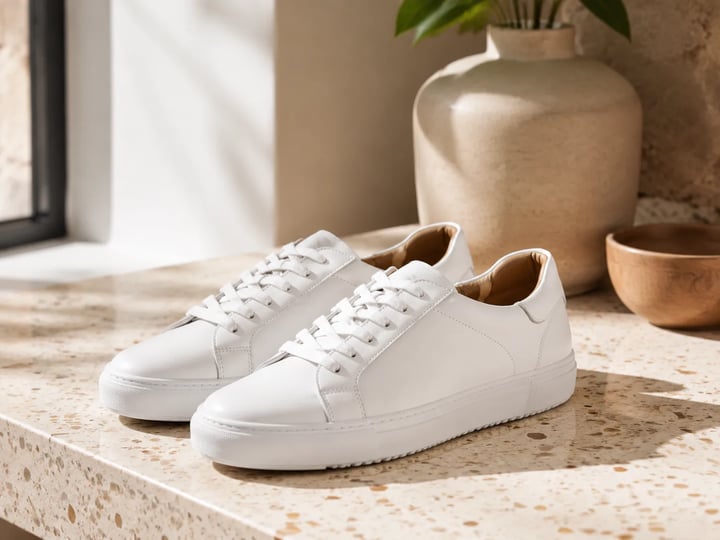
水磨石台面上的白球鞋产品静图
示例静图

示例提示词

水磨石台面上的球鞋

Photoreal white leather sneaker product still on a sunlit terrazzo counter, soft window light, shallow depth of field, clean lifestyle ecommerce look, natural materials, no logos, no text, no watermark.

用途 生活方式静图 模式 文生图
使用此提示词
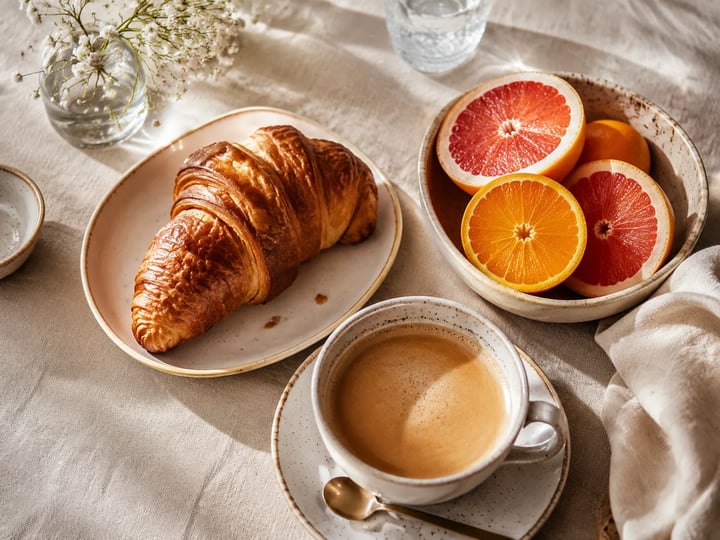
可颂、咖啡与柑橘的早午餐俯拍
示例静图

示例提示词

早午餐俯拍静物

Square-friendly photoreal brunch flat-lay: croissant, coffee cup, and cut citrus on a linen tablecloth, soft overhead morning light, cozy creator food still, no logos, no readable packaging text, no watermark.

用途 美食静图 模式 文生图
使用此提示词
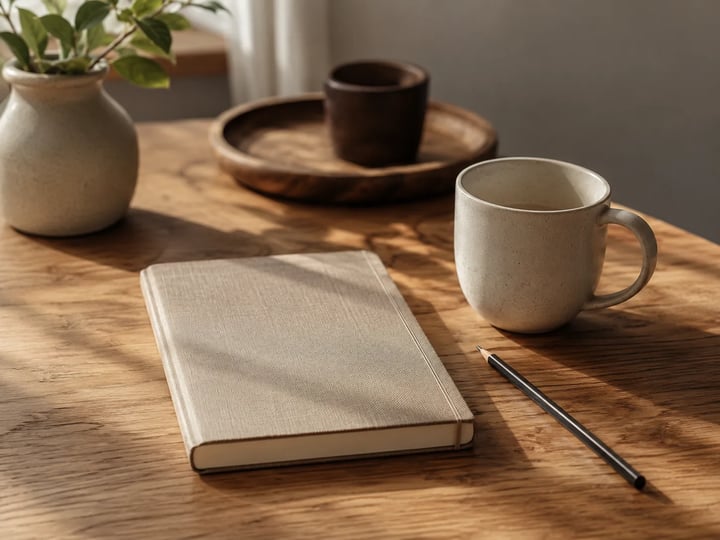
橡木桌上的笔记本铅笔与马克杯
示例静图

示例提示词

极简创作者书桌

Photoreal minimal creator desk still with a closed notebook, pencil, and ceramic mug on warm oak wood, soft side daylight, calm workspace lifestyle photo, no screens with UI, no logos, no text, no watermark.

用途 工作台静图 模式 文生图
使用此提示词

Grok Imagine 擅长什么

生成、编辑与合成:Grok Imagine 的能力

多图场景、白话编辑、全新提示词与快速迭代——每一行都是本型号上的真实任务。

把多张图拉进同一个场景

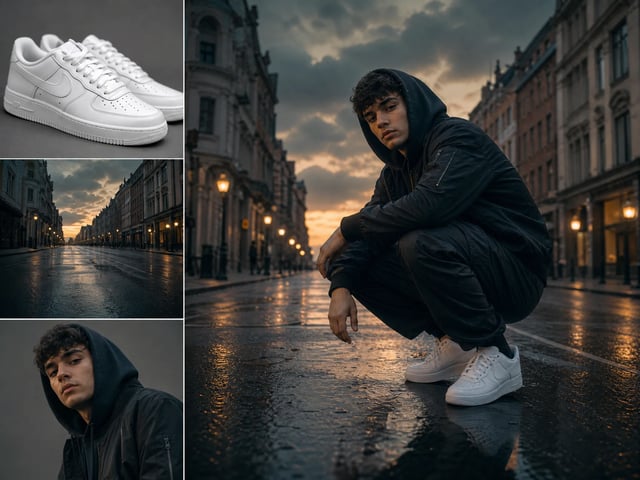
上传不止一张图,告诉 Grok Imagine 它们怎么合在一起——产品放到新背景、两个人进同一镜头,或把一张图的观感带到另一张。它按部件构图,而不是让你手工遮罩再叠层。

Grok Imagine 把多张照片合进一个构图场景

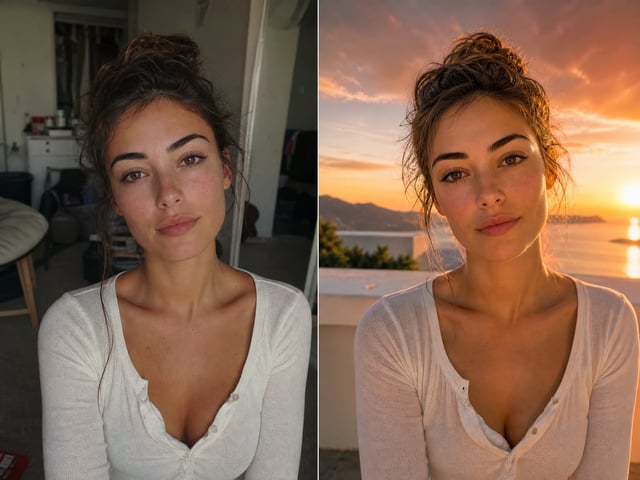
说清楚就改一张照片

已有图像?切到图生图,拖进去,用白话描述编辑——改色、换背景、加或删某物。没提到的部分保持原样。

在 Grok Imagine 里用白话提示词编辑的照片

从文字生成全新静图

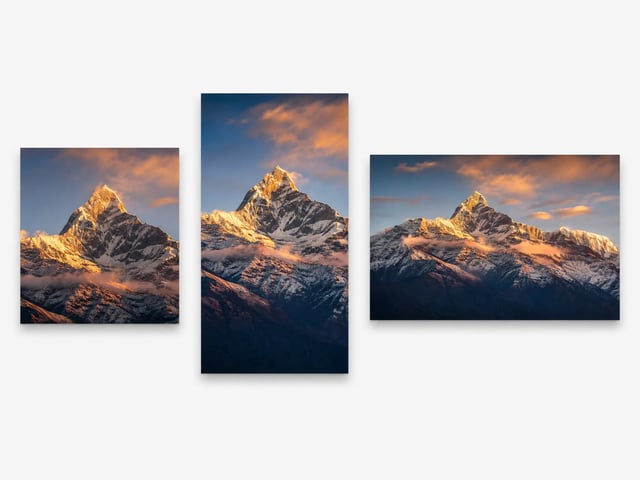
没有起点时从文字开始。写场景,Grok Imagine 按你需要的比例渲染——帖子方形、故事竖版、横幅宽幅。会编辑、会合成的同一个型号也会创建。

Grok Imagine 按方形、竖版与宽幅生成图像

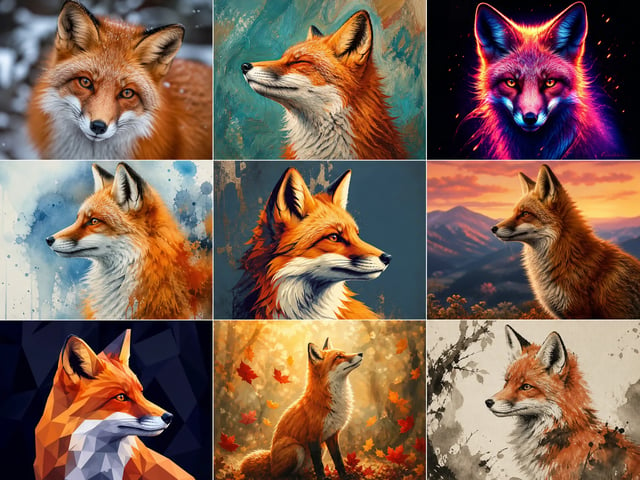
快循环,成本仍可控

结果回来得快,你可以改提示词再跑,而不用等得让迭代显得很贵。每张 5 积分,注册赠送积分够免费试用大约两次,每个版本都进素材库。

同一主体的多张快速 Grok Imagine 风格变体
如何使用 Grok Imagine

用 Grok Imagine 创作,一步步来

提示词、编辑或合成——再保存你喜欢的那张。

1
写提示词或上传

写提示词或上传

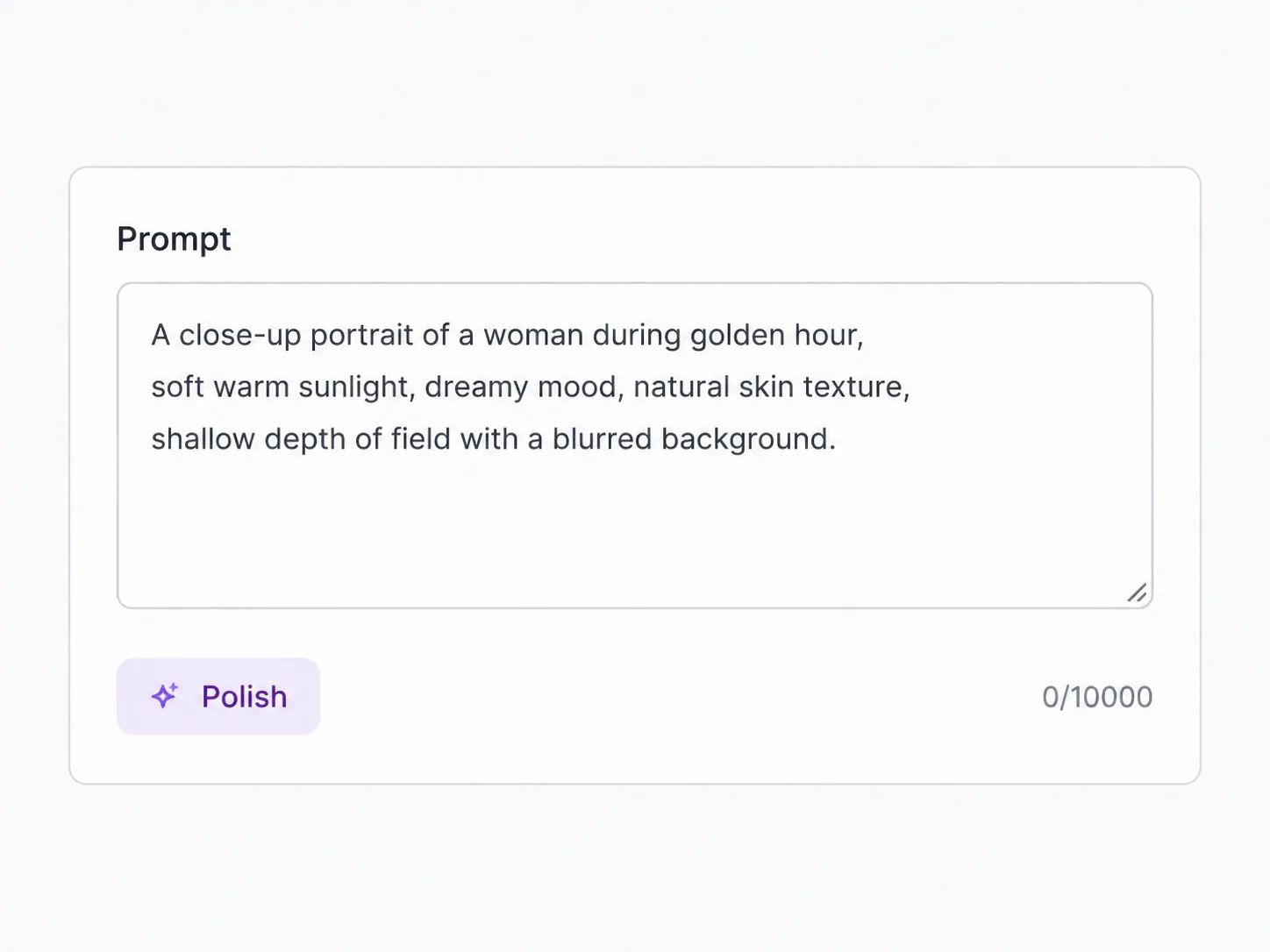
输入想创建的内容,拖入一张图来编辑,或加几张图来合成。

2
说清你要什么

说清你要什么

描述静图、编辑,或上传图该如何合在一起——无需蒙版。

3
设画幅比例并生成

设画幅比例并生成

选方形、竖版或宽幅,再生成。回程速度适合再试一张。

4
留下有用的

留下有用的

下载胜出者;每个版本都在素材库。失败任务退还积分。

Grok Imagine 最适合什么

谁会用 Grok Imagine,他们做出什么

生成、编辑与合成在一次坐下来都会出现的短链路。

电商卖家

把产品合进新的生活感背景,再为各渠道旋出比例变体。

内容创作者

把主体并进新场景,或为系列改风格,帖子之间不必另开编辑器。

营销人员

把品牌元素合成广告创意,再在同一流程里生成各版位尺寸。

概念与情绪板

把几张参考合成一个画面,在完整拍摄前推销方向。

Grok Imagine 常见问题

Grok Imagine 能把多张照片合成一张图吗?

可以。切到图生图,加入不止一张图,描述它们如何合在一起——主体、背景或风格。Grok Imagine 会把它们合成一张静图。

上传照片后,能用提示词让 Grok Imagine 改它吗?

可以。拖入图像,用白话描述编辑,它会应用改动并尽量保留其余部分。从零开始时有文生图。

注册后可以免费试用 Grok Imagine 吗?

可以。创建账号并花注册赠送积分——每张图 5 积分,新余额 10 够默认跑两次。需要登录;之后生成前会显示消耗。

合成多图比单次生成更贵吗?

不。无论生成一张静图、编辑一张照片,还是把多个输入合成一个输出,都是每张结果固定 5 积分。

可以用哪些画幅比例?

在生成器里按版位选比例——常见是方形、竖版或宽幅。下载前按该形状构图。

Grok Imagine 是做海报小字的最佳型号吗?

不是它的主线故事。用它做生成、编辑与多图合成。当可读海报字就是全部任务时,请打开偏文字的型号。

Grok Imagine 是谁做的?

Grok Imagine 是 xAI 的图像型号。在 SupaImagine 上你在浏览器里运行它,与其他图像型号共用同一积分余额。

什么时候该换别的型号?

需要无多图工作的纯写实人物、锁定包装版式,或另一套分辨率阶梯时。链路是生成 → 改 → 合成时,就留在 Grok Imagine。

免费试用 Grok Imagine — 生成、编辑、合成

注册后按每张 5 积分使用赠送积分,用提示词或多张照片搭出一个场景。