限时 5 折优惠!领取优惠
快速写实文生图 · 注册赠送积分可免费试用

Krea 2 Turbo 写提示词出写实图 — 免费试用

写清你想看到的人或物。Krea 2 Turbo 很快生成照片感静图——皮肤、毛发和光影像实拍,不像塑料感 AI。

想用文字直接生成逼真人物、宠物或场景时,就打开 Krea 2 Turbo。在 SupaImagine 上它是纯文生图:描述主体与光线,选好画幅比例,再生成。注册赠送积分可覆盖前期试跑(每张图 2 积分),注册后即可免费试用。

  • 逼真人物与动物——皮肤、毛发、真实表情
  • 照片级光影与景深,少一点塑料感 AI 脸
  • Turbo 速度,一次坐下来能多试几张
  • 仅文生图——写提示词,出静图
  • 每张图 2 积分 · 注册赠送积分可免费试用
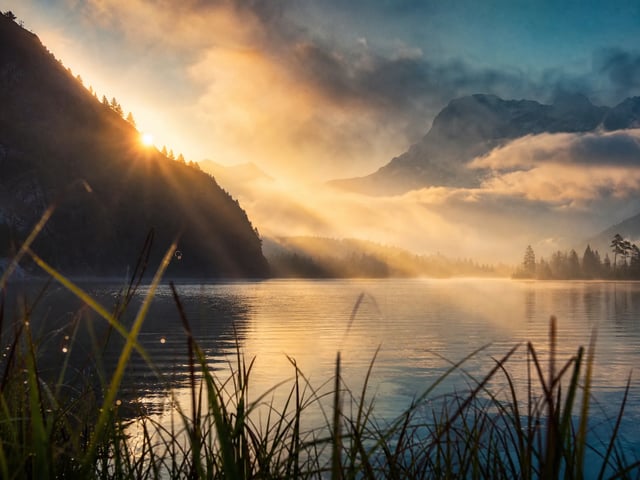
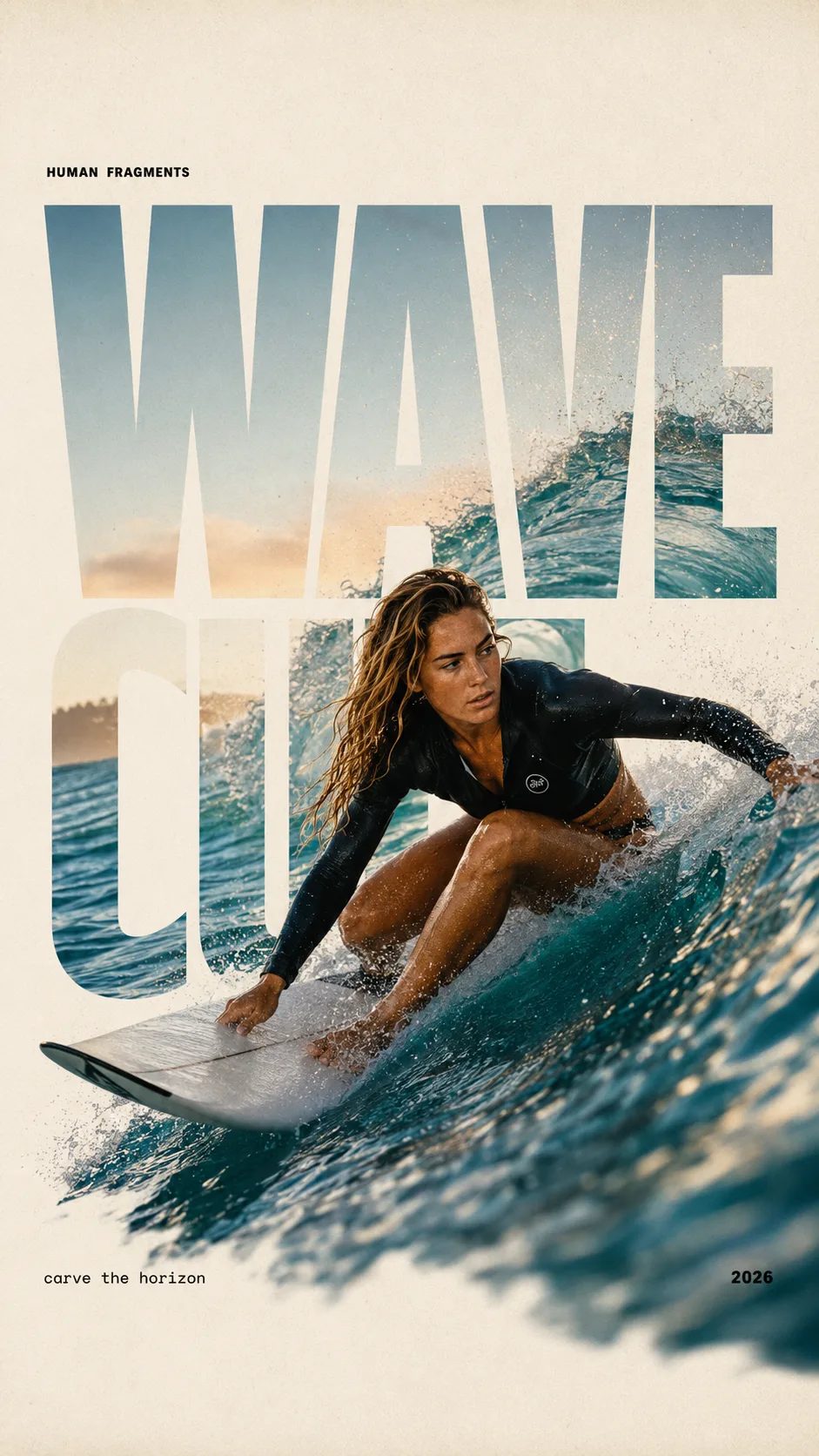
Krea 2 Turbo 产品 Hero:铜色涡轮叶轮与暖色标题
HUMAN FRAGMENTS editorial poster sample

Create a 9:16 editorial poster in the HUMAN FRAGMENTS visual system. Theme: [surfing / basketball / boxing / cake decorating] Subject: [gender, age, appearance, outfit] Action: [specific movement or handcraft] Scene: [location and environment] Title: [custom two-word title] Supporting line: [one short phrase] Year: 2026 Use oversized cropped typography as the main structural framework. The letters should act as windows that reveal the surrounding environment, while the main person remains visually complete in front of the type. Do not let the letters cut through the face, torso, arms, thighs, or other important parts of the body. Let one key action element break beyond the typography to create strong depth: 1. WAVE CUT — a surfer carving across a rising wave, with the board nose, hand, water spray, and curled wave breaking outside the letters. 2. RIM RISE — a basketball player reaching toward the hoop from a camera placed above the rim, with the basketball, hand, and hoop fully outside the letter masks and aligned naturally. 3. IMPACT FRAME — a boxer throwing a straight punch toward the camera, with the foreground glove enlarged and breaking beyond the typography while the gym remains inside the letters. 4. SOFT SWIRL — a graceful young woman decorating a cake, with the piping bag, hands, cake, and cream details extending beyond the letters while the bakery interior appears inside the type. Use realistic photography, believable anatomy, natural skin texture, strong foreground perspective, subtle paper grain, a warm off-white background, restrained colors, and clean editorial spacing. Keep the text minimal and freely placed: [Title] HUMAN FRAGMENTS [Short supporting line] 2026

为什么用 Krea 2 Turbo 做写实静图

面向人物、动物与日常场景的快速基础观感——不是慢腾腾的多步修图工具。

Krea 2 Turbo 专为读起来像照片的文生图而建:自然肤质、能反光的毛发,以及像相机而非滤镜的光线。在 SupaImagine 上模型已预选——写清 Krea 2 Turbo 提示词,选方形、竖版或宽幅,再生成。它不编辑上传图;需要图生图时,在同一生成器里换型号即可。先用注册赠送积分免费试用,观感还在摸索时也能低成本多试几轮。

| Krea 2 Turbo | krea 2 turbo | krea 2 | 写实 AI 图像 |

复制提示词

三条 Krea 2 Turbo 写实静图提示词

成品示意 + 可粘贴提示词。点「使用此提示词」填入生成器——此型号仅文生图。

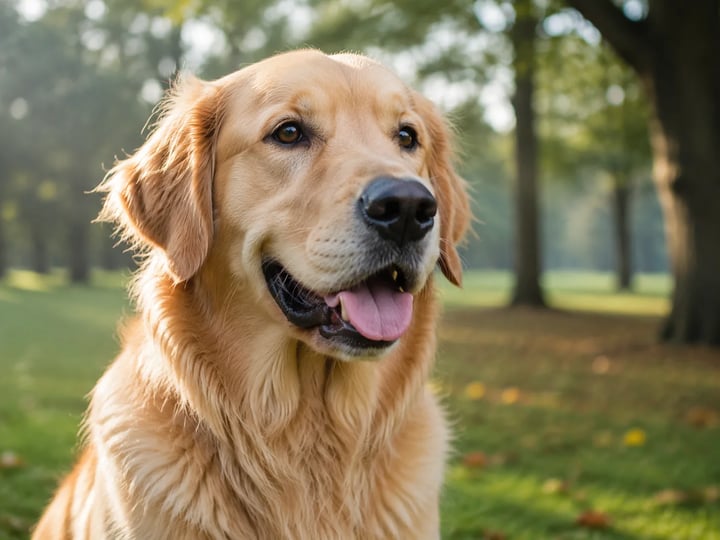
晨光下写实金毛犬肖像
示例静图

示例提示词

晨光公园里的金毛犬

Photoreal outdoor portrait of a golden retriever sitting in soft morning park light, wet nose and individual fur strands visible, shallow depth of field, natural green bokeh, photographic color, no text, no logo, no watermark.

用途 宠物肖像 模式 文生图
使用此提示词
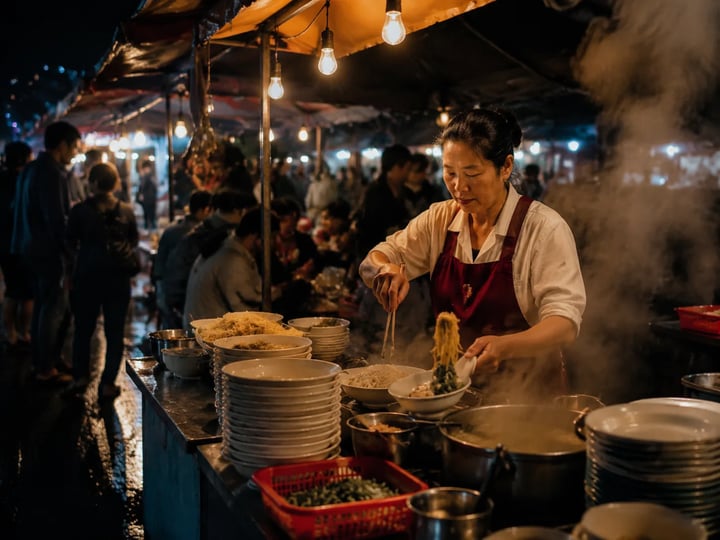
暖光蒸汽中的夜间市集摊位
示例静图

示例提示词

夜间街头小吃市集

Photoreal night street-food market scene, warm tungsten string lights, steam rising from a noodle stall, wet pavement reflections, candid documentary photography look, natural skin tones on a vendor mid-action, no readable brand text, no logo, no watermark.

用途 街景 模式 文生图
使用此提示词
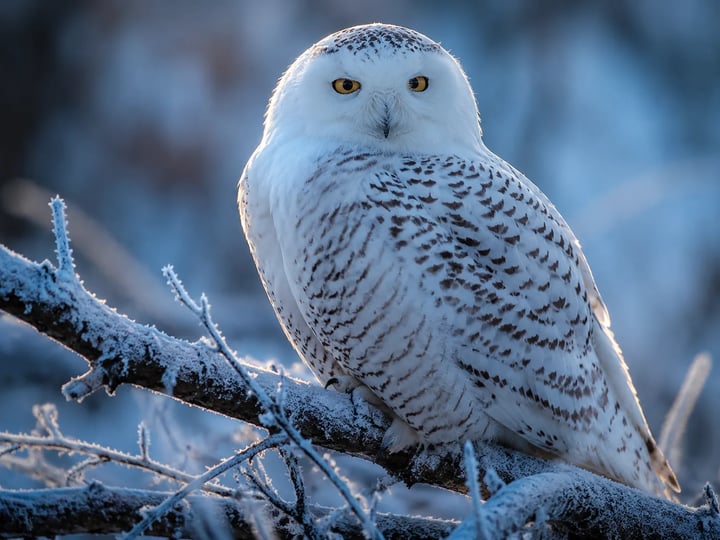
霜枝上的雪鸮特写静图
示例静图

示例提示词

雪鸮野生特写

Close photoreal wildlife still of a snowy owl on a frost-covered branch, individual feather detail, cool blue hour light, soft rim light on the head, shallow depth of field, nature magazine photography, no text, no logo, no watermark.

用途 野生动物 模式 文生图
使用此提示词

Krea 2 Turbo 擅长什么

能在画面里看出来的 Krea 2 Turbo 能力

人物、光影、速度与画幅——每一行都是选这个型号、而不是泛用生成器的理由。

近距离也站得住的人物与动物

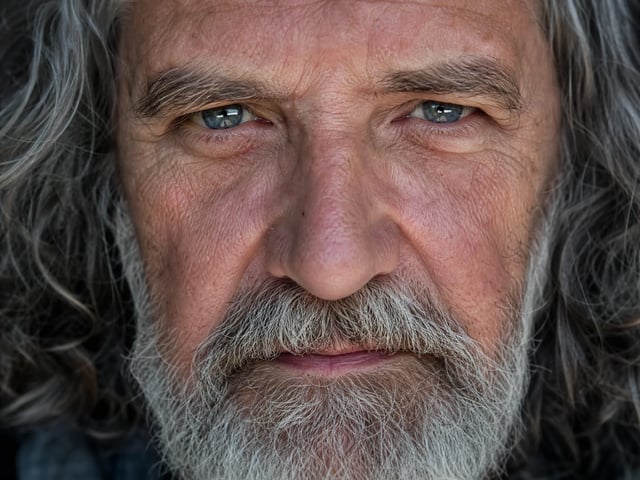
Krea 2 Turbo 最强的时候,是主体要经得起放大:有质感的皮肤而不是蜡面,能接住光的毛发与羽毛,表情像真的在场。用人像、宠物或野生动物提示词写清光线与距离,画面会偏向照片感。这是本型号训练要赢的工作——不是卡通贴纸。

Krea 2 Turbo 人像:真实皮肤与发丝质感

读起来像相机的光与景深

除了主体,Krea 2 Turbo 对用白话写的光向、柔和衰减和景深反应也好。要求侧窗光或浅焦平面,氛围会跟着说明变。你少花时间对抗过度光滑的「AI 脸」,多花时间挑哪一张已经像成片。

Krea 2 Turbo 场景:有方向光与景深

Turbo 速度,写实多试几张

Turbo 检查点就是为了尽快返回成片感静图,所以迭代便宜。跑一条 Krea 2 Turbo 提示词,收紧一个细节,同一时段再跑。每张 2 积分,找对脸、姿势或动物观感时,注册赠送积分更能撑住多轮试探。

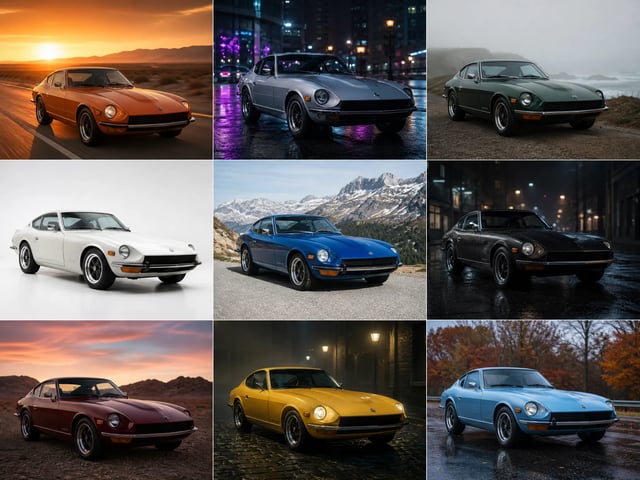
同一提示词下快速出的多张 Krea 2 Turbo 变体

按最终版位来构图

这里没有上传——纯文生图。头像选方形、故事选竖版、页头选宽幅,Krea 2 Turbo 会在该画幅内构图。下载后直接塞进版位,少一次尴尬裁切。

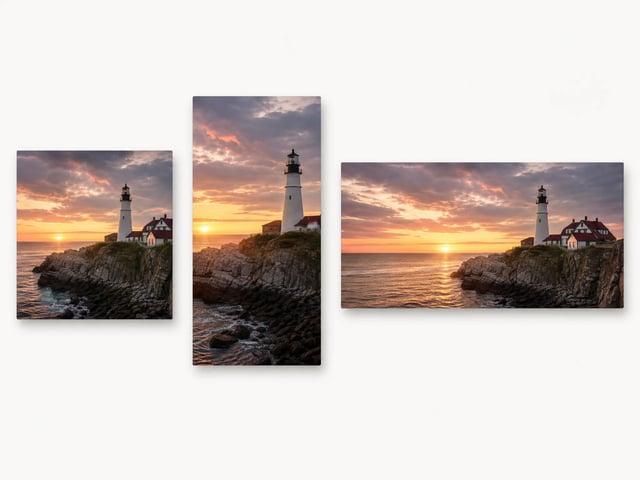
同一主体分别按方形、竖版与宽幅构图
如何使用 Krea 2 Turbo

在 SupaImagine 上怎么用 Krea 2 Turbo

从提示词到下载四步——写、选比例、生成、保存。

1
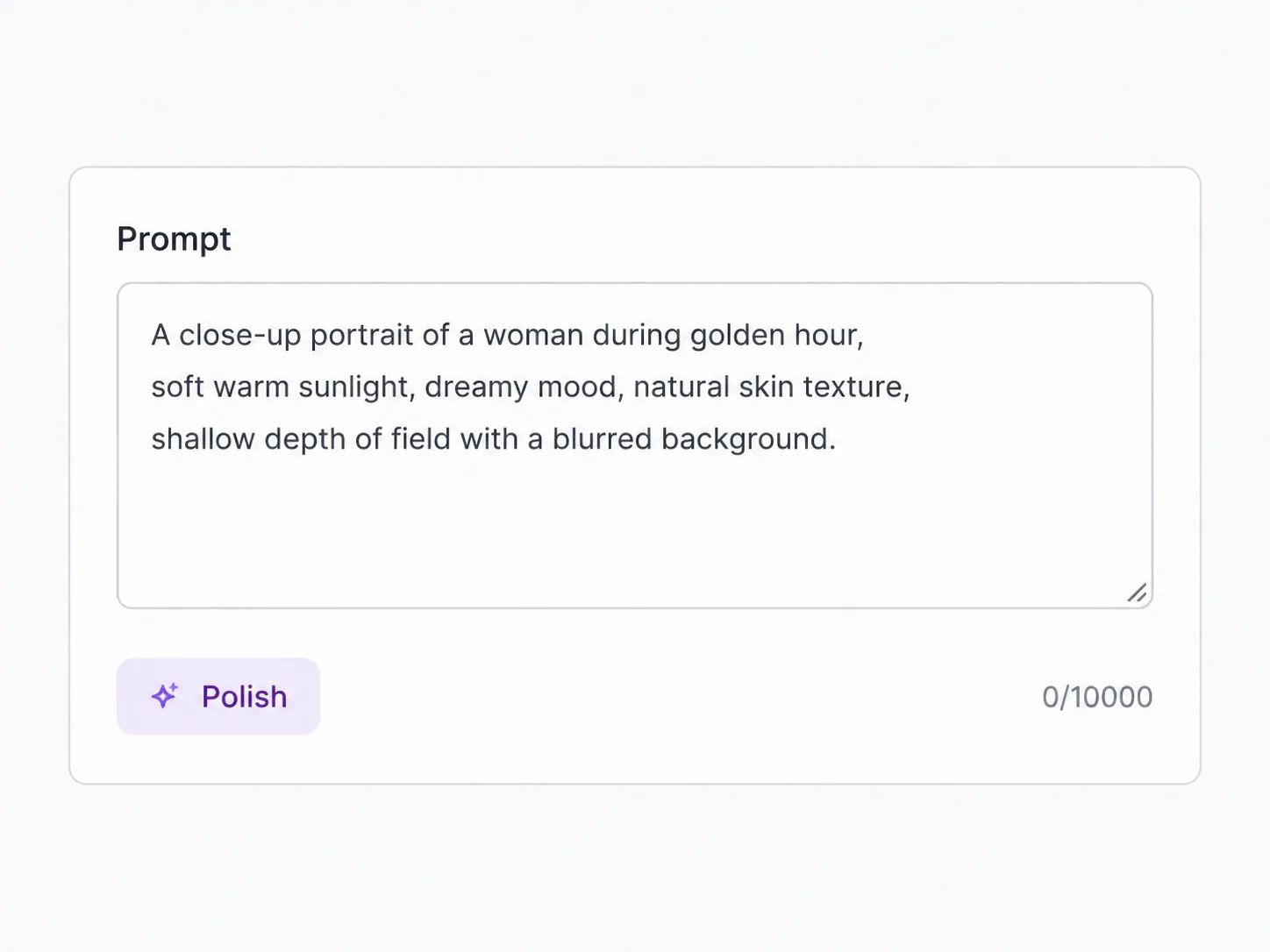
用白话写清这张静图

用白话写清这张静图

点名人物或动物、地点和光线。提示词里的摄影细节,比三个空泛形容词更帮 Krea 2 Turbo。

2
选好画幅比例

选好画幅比例

选方形、竖版或宽幅,让构图对齐图像最终会放的位置。

3
生成并快速看一眼结果

生成并快速看一眼结果

点生成。哪里不对就改一句再试——Turbo 就是为这个循环建的。

4
保存你喜欢的那张

保存你喜欢的那张

下载,或留在素材库。失败任务会自动退还积分。

Krea 2 Turbo 最适合什么

快速写实静图真正划算的场景

需要从提示词拿到照片感画面的工作——不是多图合成台。

人像与生活感主视觉

为文章、演示稿和模拟活动出人脸或全身生活静图,要 Krea 2 Turbo 的写实感,却不想真拍。

宠物与野生动物

毛发、羽毛和表情必须像真的——写清动物与栖息地,再挑放大后仍站得住的那张。

编辑与博客配图

给帖子和通讯做照片感主图,要像实拍,而不是默认 AI 抛光贴图。

概念与情绪板

在上更重型号前,以每张 2 积分快速探索角色观感与场景情绪。

Krea 2 Turbo 常见问题

为什么 Krea 2 Turbo 比别的 AI 图更有照片感?

它更偏向自然肤质、毛发和相机式光线,而不是过度光滑的抛光。把主体和光线写清楚,这份优势才会在画面里出现。

注册后可以免费试用 Krea 2 Turbo 吗?

可以。创建账号,在生成器里花注册赠送积分,每张 Krea 2 Turbo 静图 2 积分。需要登录;之后生成前会显示消耗。

Krea 2 Turbo 能编辑我上传的照片吗?

不能。Krea 2 Turbo 仅支持文生图。写提示词生成新静图。要改已有照片,请在同一工作台切换到图生图型号。

Krea 2 Turbo 静图该怎么选画幅比例?

对齐版位:头像用方形、故事用竖版、页头用宽幅。型号在该形状内构图,下载时更接近最终裁切。

Krea 2 Turbo 适合动物和野生动物吗?

适合——毛发、羽毛和表情是强项。在提示词里点名物种、光线和距离,多生成几张,留下放大后仍站得住的那张。

一次典型的 Krea 2 Turbo 跑完有多快?

Turbo 检查点为快速返回而建,方便一次坐下来迭代。具体秒数随负载变化;产品信号是适合多张写实试探的速度,而不是等好几分钟。

一条强的 Krea 2 Turbo 提示词该写什么?

主体优先,再写光线、场景和镜头感提示(柔和窗光、浅焦、中景)。少写空泛的「杰作」词;具体摄影语言更好使。

什么时候该换别的型号,而不是 Krea 2 Turbo?

必须编辑上传、合成多张照片,或锁死海报小字时。任务是从文字说明出新的写实静图时,就留在 Krea 2 Turbo。

免费试用 Krea 2 Turbo — 写提示词出写实静图

注册后按每张 2 积分使用赠送积分,在浏览器里生成逼真人物与动物。