Describe the image
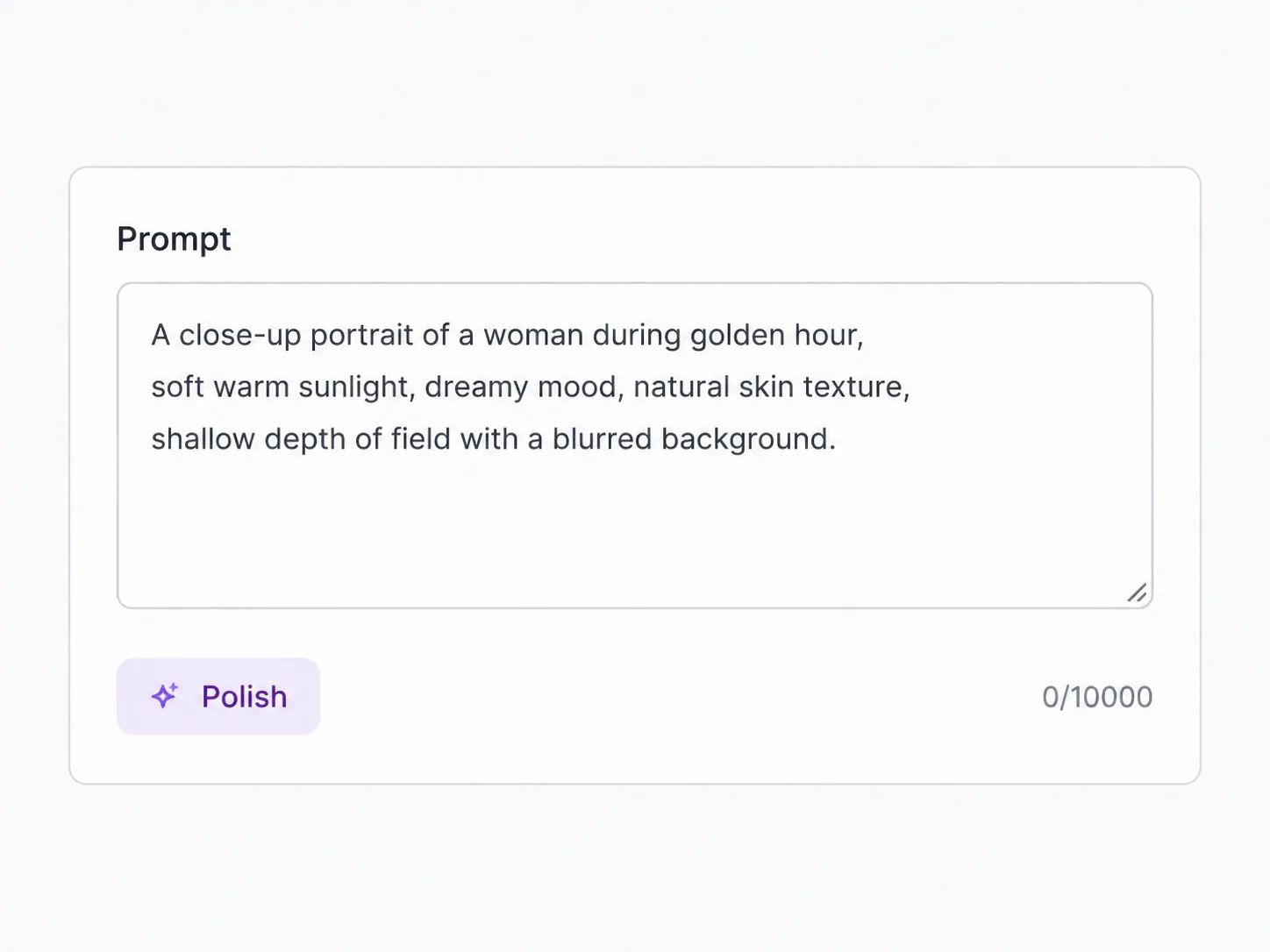
Write your prompt — the subject, the setting, the mood. Krea 2 leans photographic, so details about light, texture, and lens give it more to work with.
Krea's first foundation model — aesthetic-first realism, at turbo speed
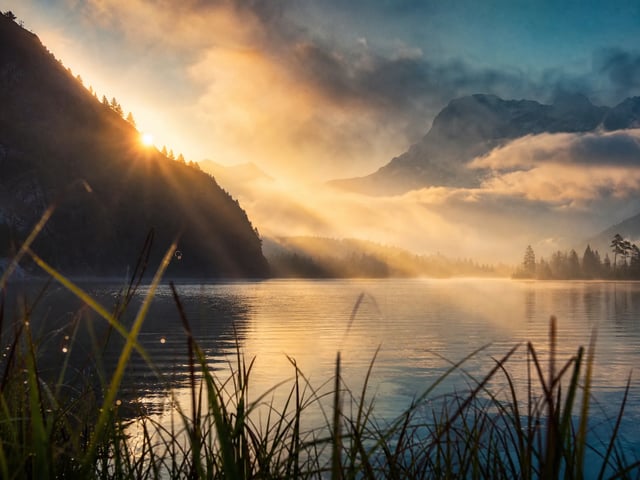
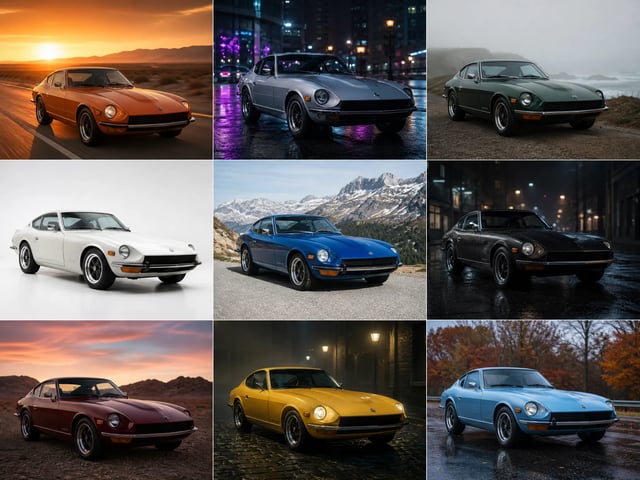
Krea 2 is Krea's first image model built from scratch, made to look less like "AI" and more like a photograph — and SupaImagine runs its fast Turbo checkpoint right in your browser. Describe a person, an animal, or a scene and it renders with lifelike skin, fur, and natural light, the detail Krea 2 was trained for. Pick an aspect ratio, generate from your prompt, and every result saves to your library.
Write what you want to see, choose an aspect ratio, and let Krea 2 Turbo render it — your finished images land straight in the library.
Switch between top image models in one generator.
Krea's first from-scratch foundation model — built to look photographic, run here as the fast Turbo checkpoint.
Most image models share a tell: over-smooth skin, plastic light, a sameness you learn to spot. Krea 2 was built to avoid it. As Krea's first foundation model trained from scratch, it leans toward photographic realism — natural depth in a face, the texture of fur or feathers, light that falls the way a camera would catch it. SupaImagine runs the Turbo variant, an 8-step distilled checkpoint, so that look comes back fast instead of after a long wait. It's text-to-image: you write the prompt, choose the frame, and Krea 2 generates from scratch. To change a photo you already have, switch to an editing model in the same generator.
| krea 2 turbo | krea 2 | krea 2 generator | krea 2 ai image generator |
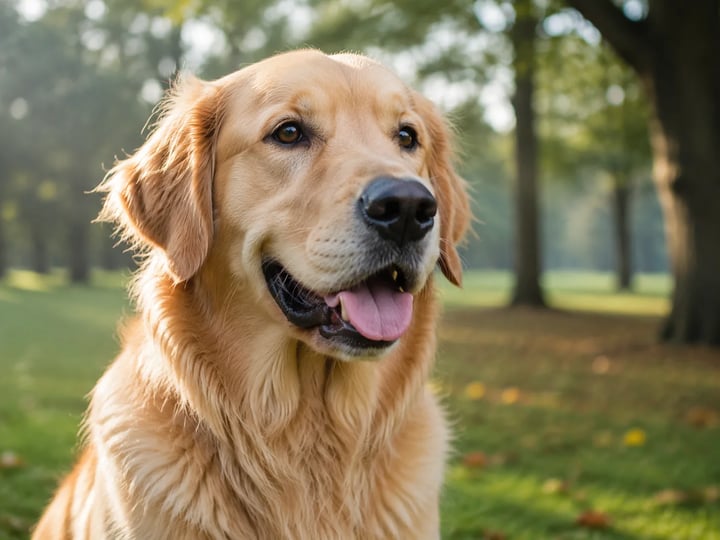
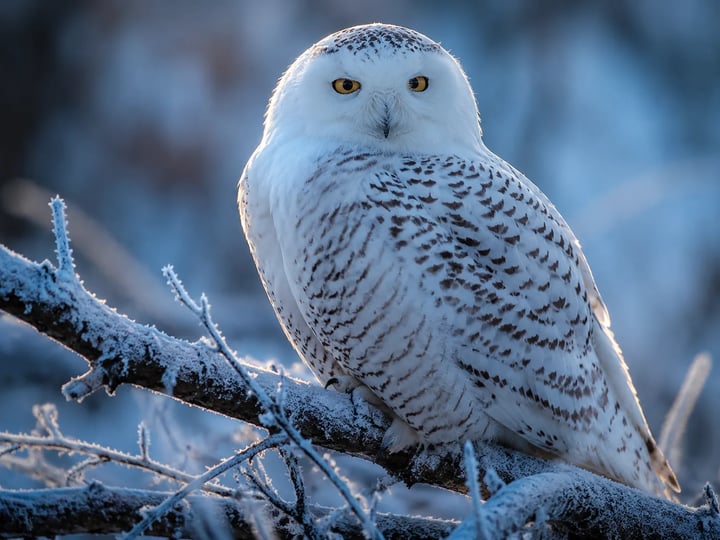
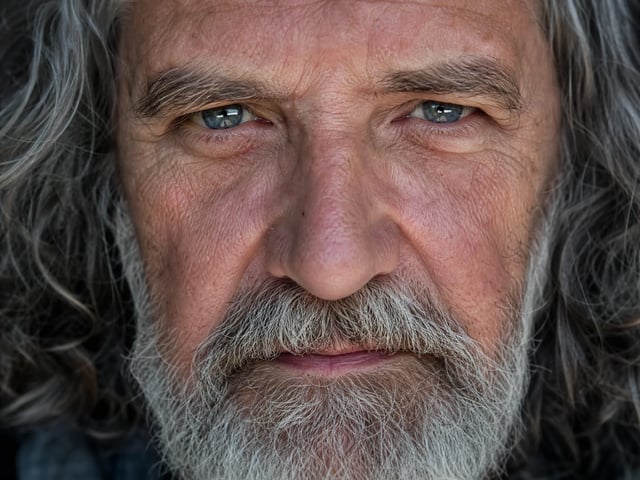
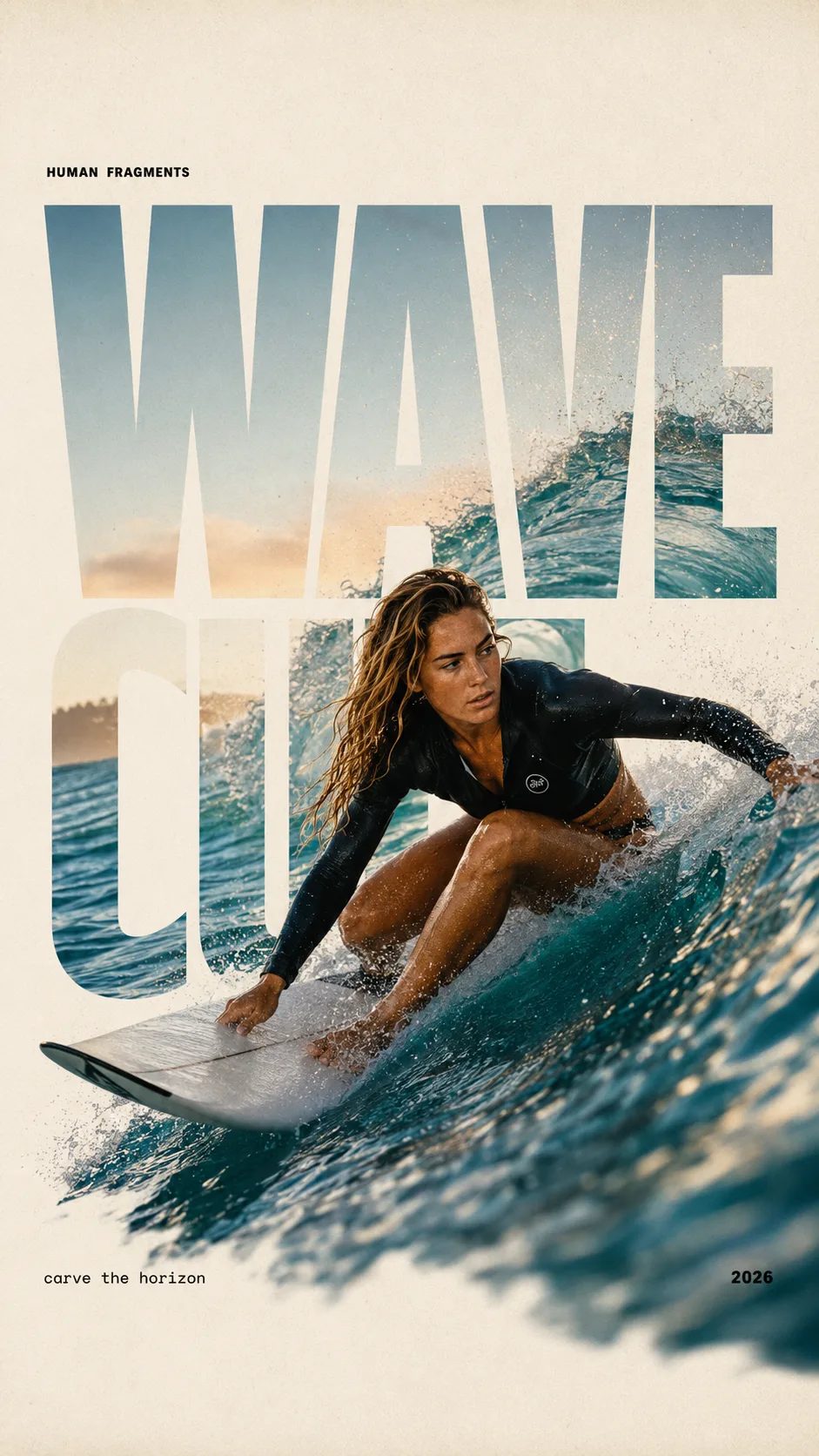
Krea 2's signature is subjects that hold up close — skin with real texture instead of a wax finish, fur and feathers that catch the light, expressions that read as genuine. Prompt a portrait, a pet, or wildlife and the result leans photographic rather than illustrated, which is exactly what Krea trained the model to do.
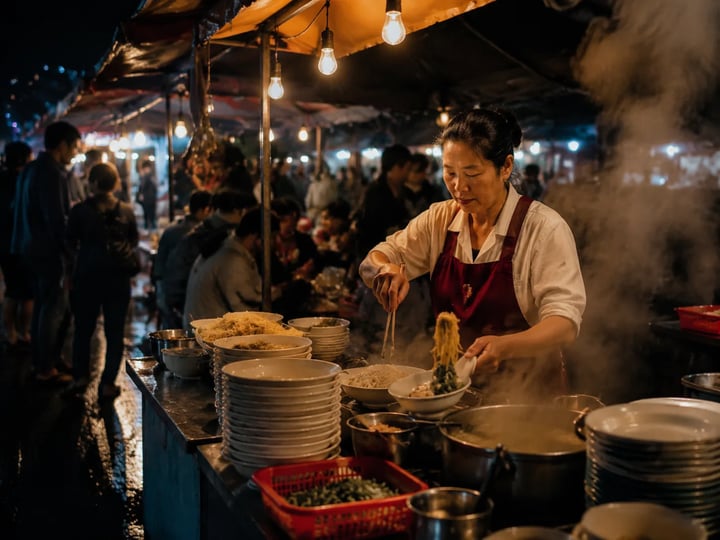
Beyond the subject, Krea 2 brings a sense for how a scene is lit — directional light, believable depth of field, the grain and color cast of a real exposure. It's the gap between a frame that was composed and one that was merely produced, which is why Krea 2 output tends to read as finished work rather than a rough draft.
SupaImagine runs Krea 2 Turbo, an 8-step distilled checkpoint built for fast inference, so a finished-looking image lands in seconds rather than minutes. That speed changes how you work: you can chase one idea through a dozen variations in the time a heavier model needs for a single render, and settle on the frame instead of waiting for it.
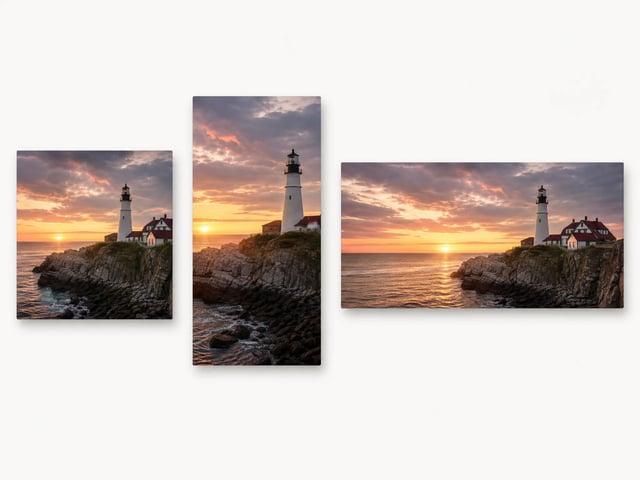
There's nothing to upload; Krea 2 Turbo works from your words alone. Set the shape it has to fill — a square avatar, a tall 9:16 frame, a wide 16:9 header — and it composes inside that ratio, so the render drops into place without a later crop.
Write your prompt — the subject, the setting, the mood. Krea 2 leans photographic, so details about light, texture, and lens give it more to work with.
Set the ratio to match where the image is headed, and Krea 2 builds the composition to fill that shape from the start.
Run it, and the Turbo checkpoint renders a polished image fast — quick enough to refine the prompt and try again in the same sitting.
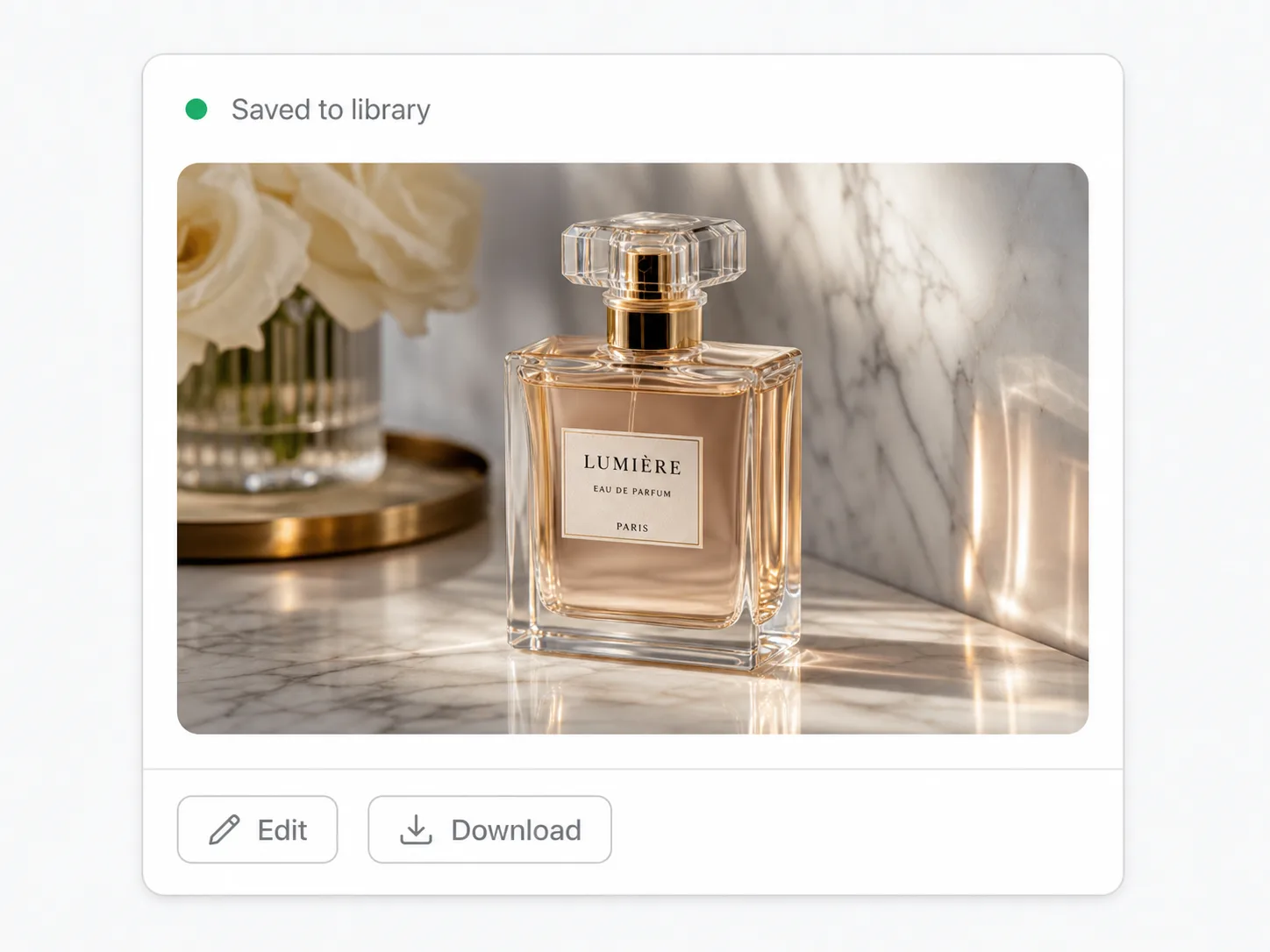
Save the image, or rework the prompt and go again. A failed run costs you nothing — its credits bounce back — and every take you keep is waiting in your library.
Photoreal portraits, scenes, and concept frames with the texture and light of a real shot — a fast way to visualize or extend a series.
Animals where fur, feathers, and expression have to read as real — pets, wildlife, and nature shots Krea 2 was built to handle.
Photographic hero images for articles, blogs, and lifestyle content that need to look shot rather than generated.
Aesthetic-first renders for moodboards, characters, and pitches, where the feel of the image matters as much as the subject.
Polished, on-brief visuals turned around fast, so you can explore several directions before committing to one.
Krea 2 is Krea's first foundation image model, trained from scratch and released in 2026; Turbo is its fast, distilled checkpoint for text-to-image. On SupaImagine you run Krea 2 Turbo in the browser to generate photoreal, aesthetic-first images from a prompt, alongside other top models in one workspace.
That's its strong suit. Krea 2 was trained for lifelike subjects — skin with real texture, fur and feathers, natural expression and depth — so portraits, pets, and wildlife tend to come out photographic rather than obviously generated. Describe the subject and the lighting in detail to get the most out of it.
Both aim for realism, but they trade off differently. Nano Banana Pro pushes top-end fidelity for print and large format and can also edit an uploaded image. Krea 2 Turbo is text-to-image only and leans on an aesthetic-first, photographic look delivered fast from its turbo checkpoint. They sit side by side in the generator, so you can run the same prompt through each and compare.
Not on its own — Krea 2 Turbo is a text-to-image model, so it generates from a written prompt rather than editing an existing picture. To change a photo you already have, switch to Nano Banana or Grok Imagine in the same SupaImagine generator. Reach for Krea 2 when you're creating an image from scratch.
Each image is a flat two credits — one prompt, one image, with no resolution tiers to weigh up. A new account starts with 10 free credits to try Krea 2, and the paid plans top you up from there; current packages and prices are on the pricing page.
Yes, once you're on a paid plan — anything you generate there is yours to use commercially, from ad creative to client deliverables. What you make on the free starter credits is for evaluating Krea 2 only, so it doesn't carry a commercial license.
Generate lifelike people, animals, and scenes from a prompt, at turbo speed — with every render you keep saved in your SupaImagine library.