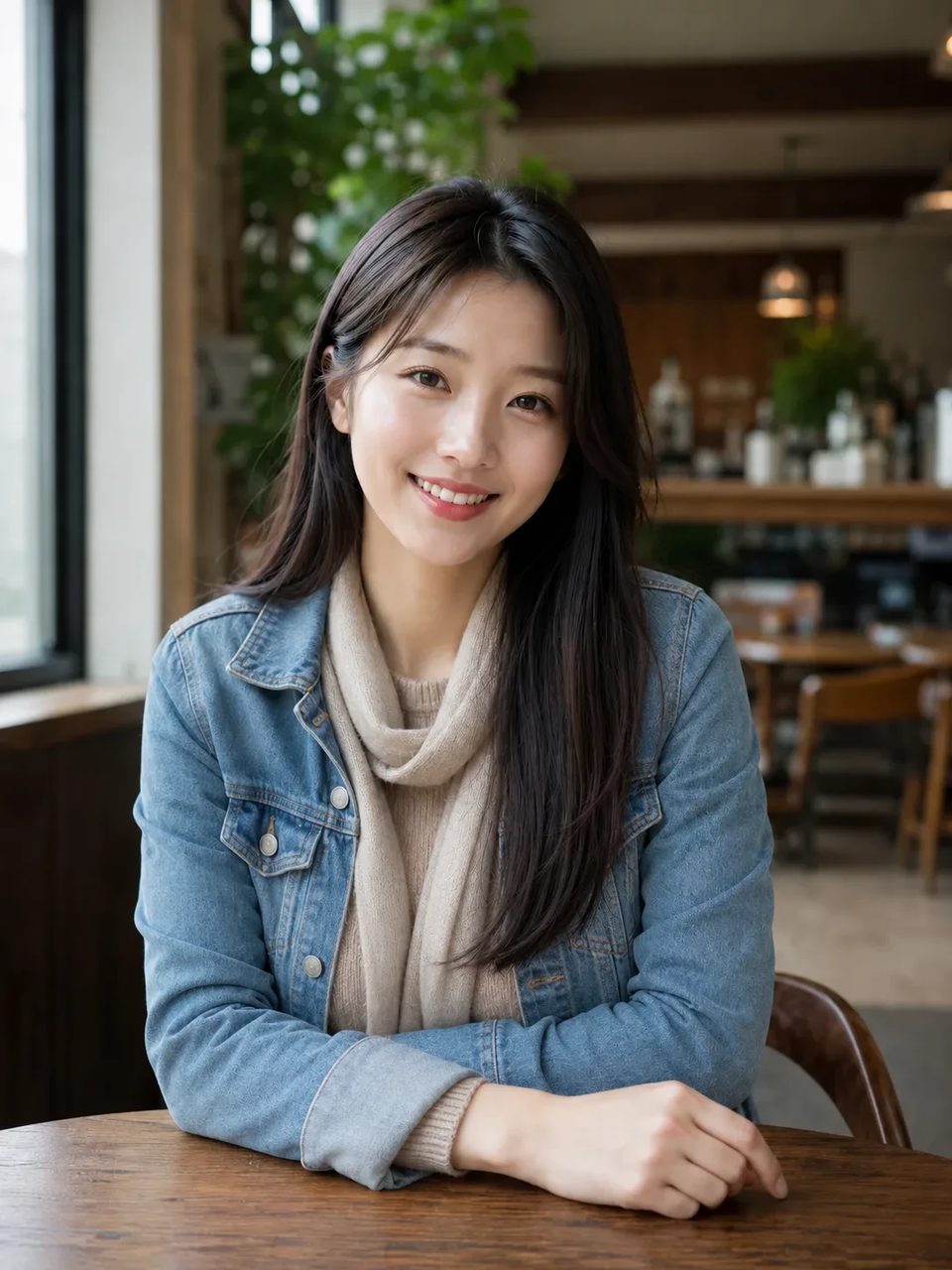
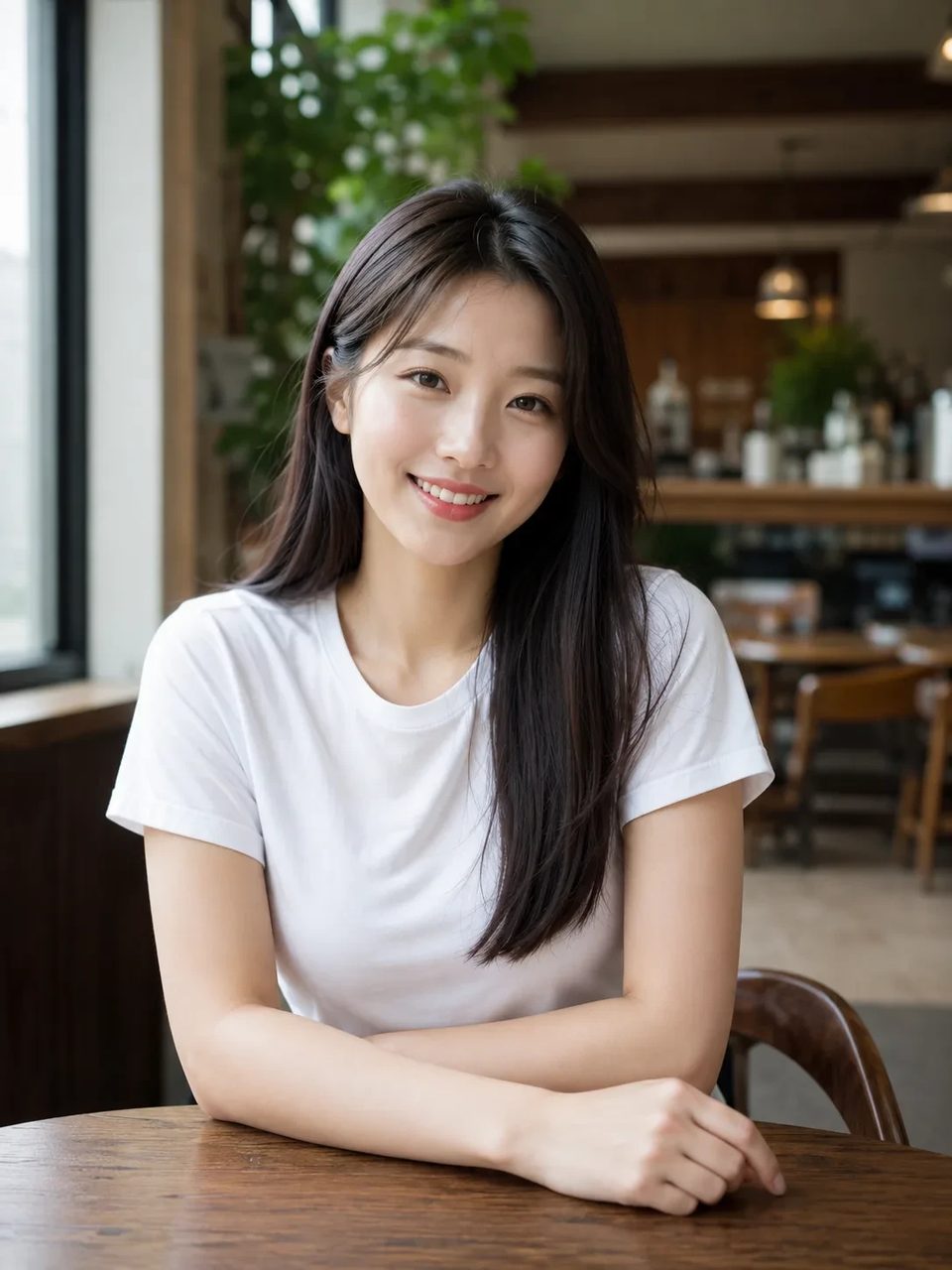
Keep the face, pose, and body — swap the clothes from garment photos you upload
Upload a person photo and one or more garment images, then run the AI clothes changer. Virtual try-on keeps the person recognizable while the outfit changes, so you can preview looks without a full reshoot — then keep editing on SupaImagine.
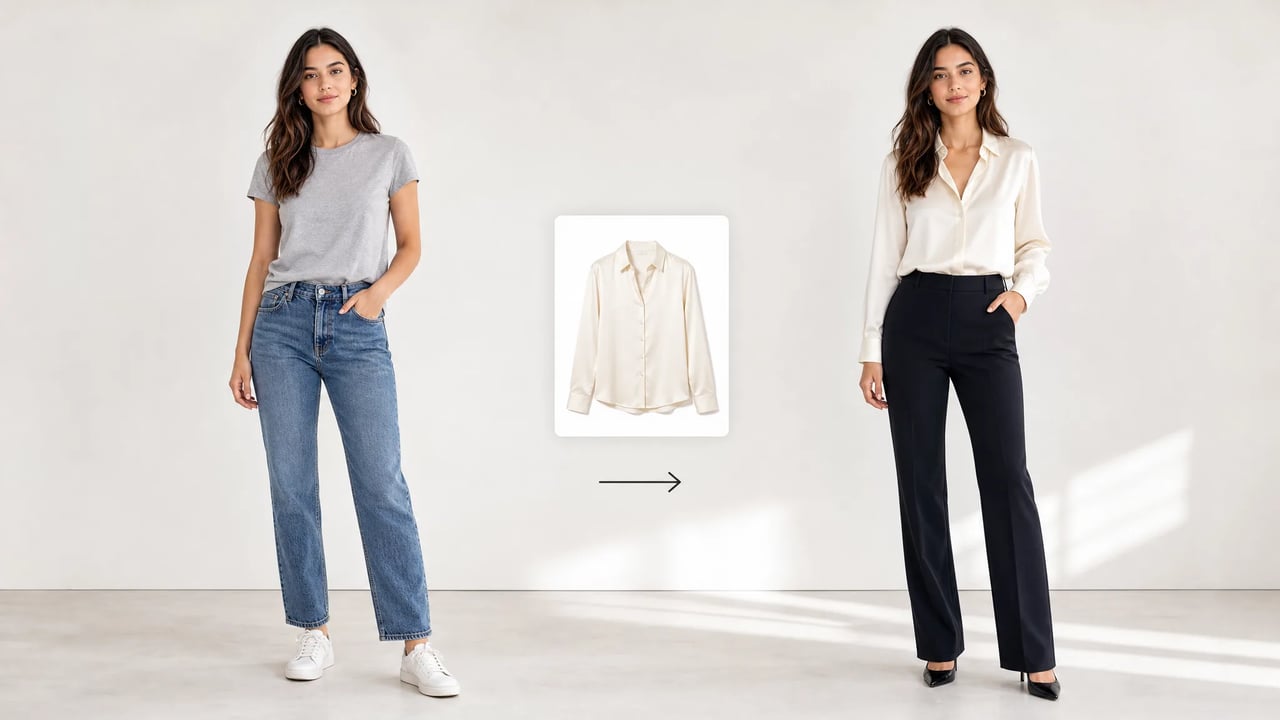
When the garment is ready and you need it on a specific face and pose.
Catalog shots show the product. Your campaign needs that jacket on a real person you already photographed. The AI clothes changer is a virtual try-on path: pair a person image with garment images, change clothes AI-style in one run, and inspect the result before you book studio time.
Person photo, garments, inspect the outfit.
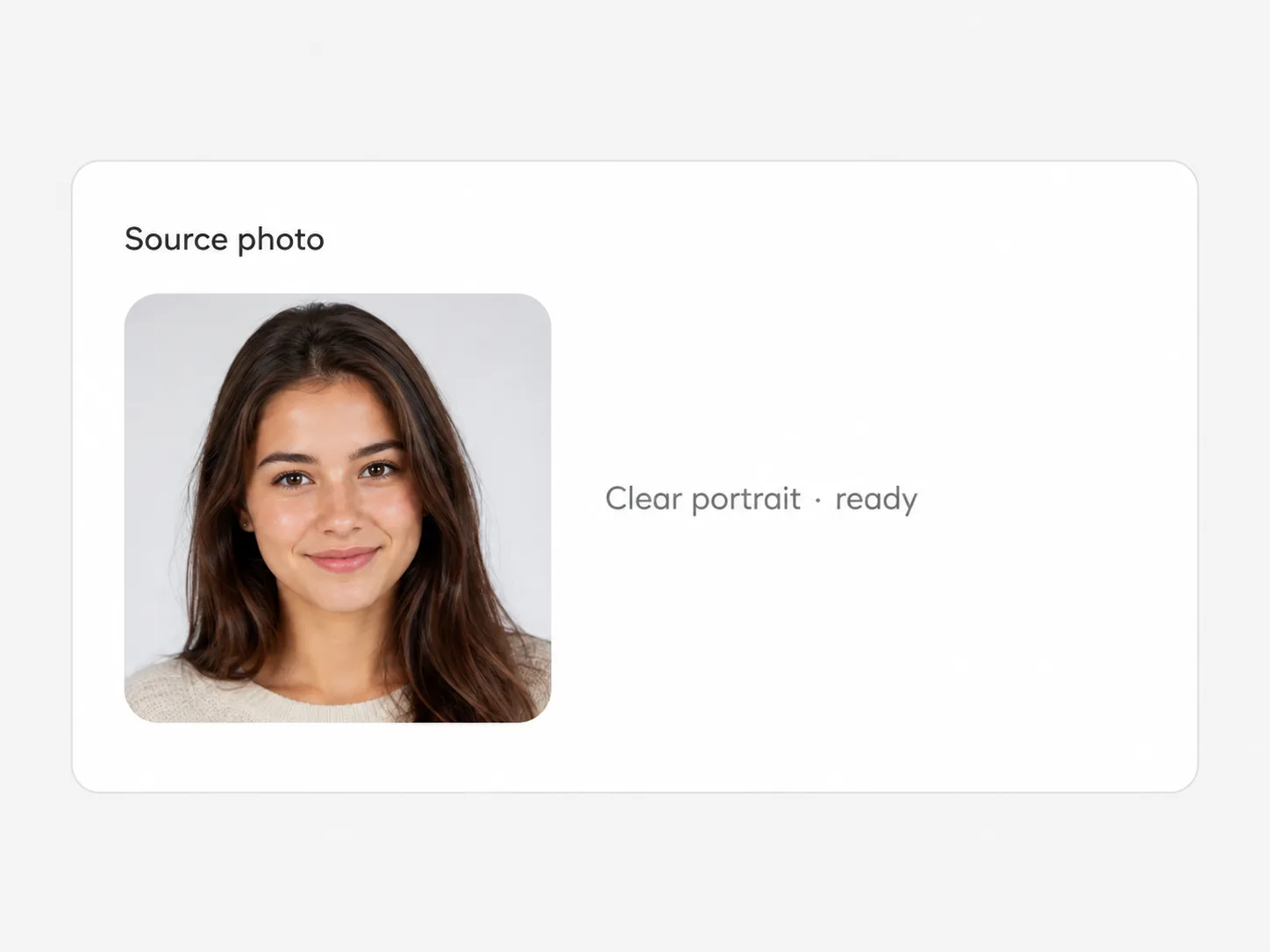
Use a clear full or three-quarter view with a readable pose and face.
Upload one to six clothing references — product shots or flat lays of the pieces you want on the person.

Check face identity, sleeve length, and fabric read. Re-run with cleaner garment photos if the piece is unclear.
Try-on, cutout, upscale, and other jobs on the same image stack.
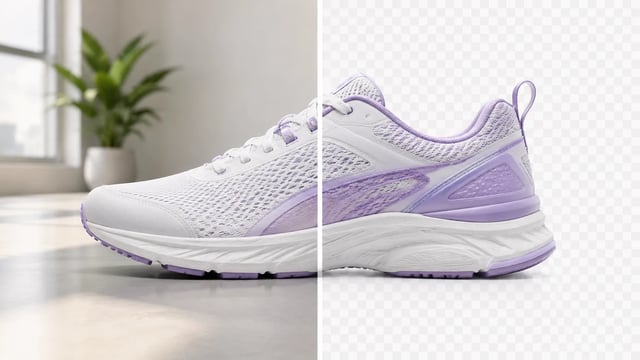
Product, portrait, or graphic — subject clean, ready for the next layout

Wordmarks, icons, and monograms — isolate the logo, clear the backdrop
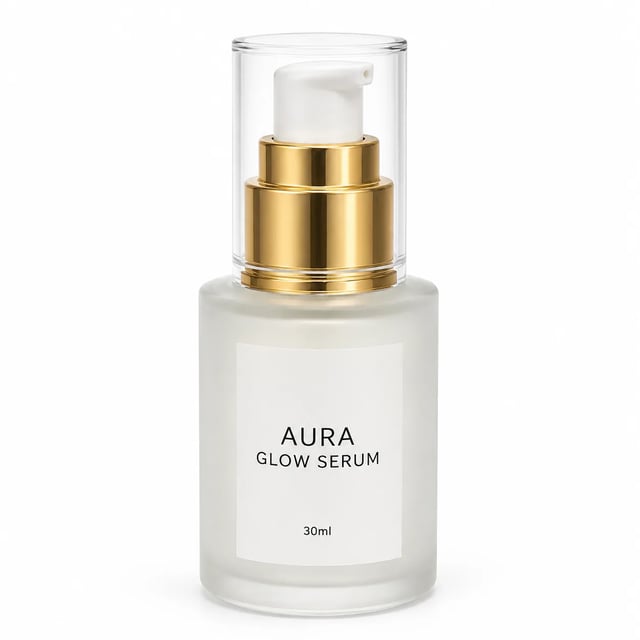
Turn a phone product photo into listing-ready packshots

Room photo + product shot → in-room preview

Empty room in → furnished listing still out

Upload person A, then person B — both faces stay the point

Tight crops become banners, stories, and wide layouts without a reshoot
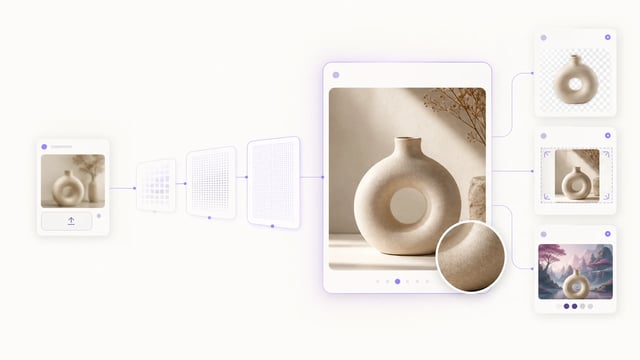
Small crops, soft exports, and AI drafts — bigger files you can actually place

Clearer faces — not a larger blurry file

Posters, product labels, social graphics, and quick visual notes from one upload
What lands
Identity-first outfit swaps for listing and lookbook previews.
Face and body stay the anchor while the outfit updates from your garment uploads.
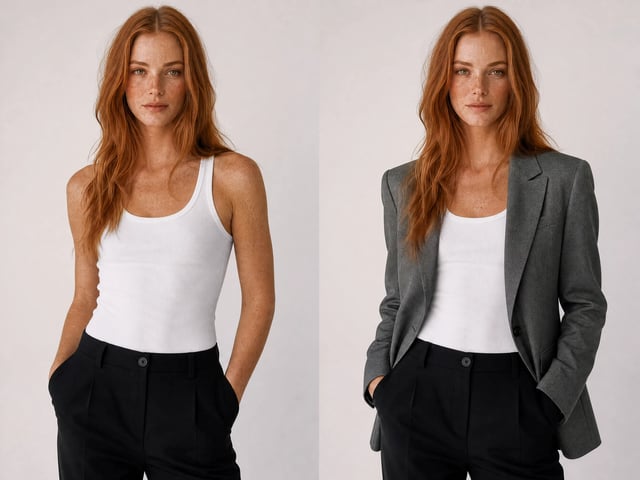
Upload flat lays or product shots so the try-on follows real SKUs, not a vague text description alone.
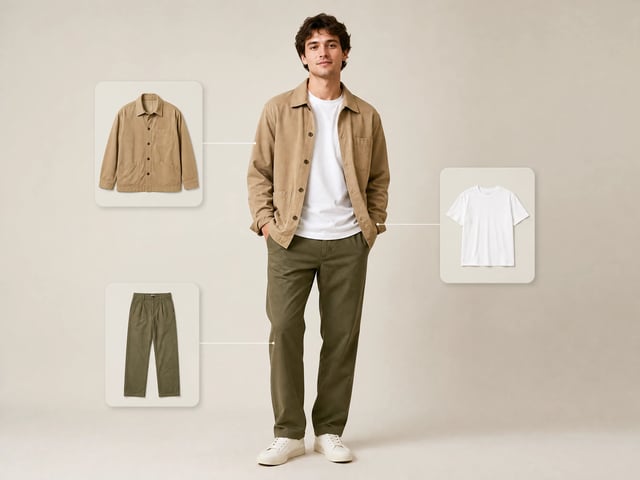
Person image plus garments in, redressed still out — built for speed on listing and creator workflows.
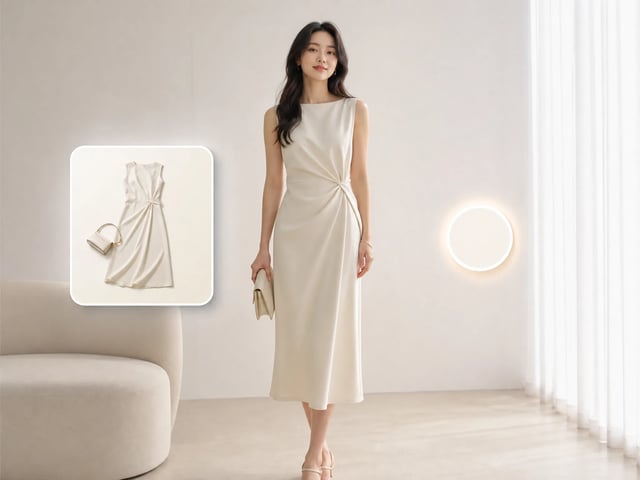
After the outfit swap, stay on SupaImagine for cutout, upscale, or scene work.
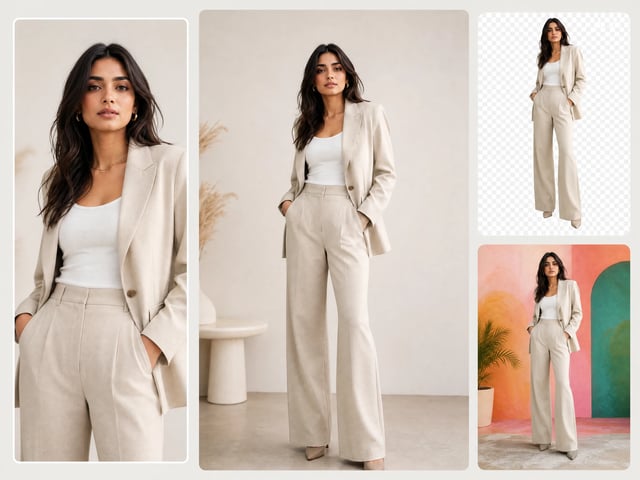
Who needs the outfit on a real person
Reach for the clothes changer when the outfit matters more than the backdrop.
Show a product on a real model without booking a shoot — preview how a listing photo reads before committing to studio time.
Put a one-off thrifted or second-hand piece on a consistent model so a mixed inventory looks like one clean storefront.
Try a sponsored piece or a styling idea on your own photo before filming, so the look is locked before the camera rolls.
Build a client a quick visual of an outfit combination from their photo instead of describing the look in words.
Preview a sample garment on different people for a lookbook while the physical run is still in production.
See a costume or character outfit on the intended person before sourcing fabric or committing to a build.
A single redressed still of the uploaded person wearing the garment references you provided — a virtual try-on preview, not a live AR mirror.
You upload photos and get a new image. There is no live camera fitting room or size recommendation engine.
That is the goal. Clear, well-lit person photos hold identity better. Extreme angles or heavy occlusion can still drift — always review faces.
One to six garment images per run, so you can combine pieces or give multiple views of the same outfit.
Yes. One try-on costs 3 credits, so signup credits cover several first runs. You need an account.
A readable person pose plus sharp garment product shots. Wrinkled piles, tiny thumbnails, or multi-item collages confuse the outfit transfer.
Yes. Download the still or stay on SupaImagine for background removal, upscale, or other image tools.
Commercial use is available on paid plans. Confirm your plan before client or paid campaign use.
Upload a photo and a garment, run the AI clothes changer, and take the result into the next image step.