
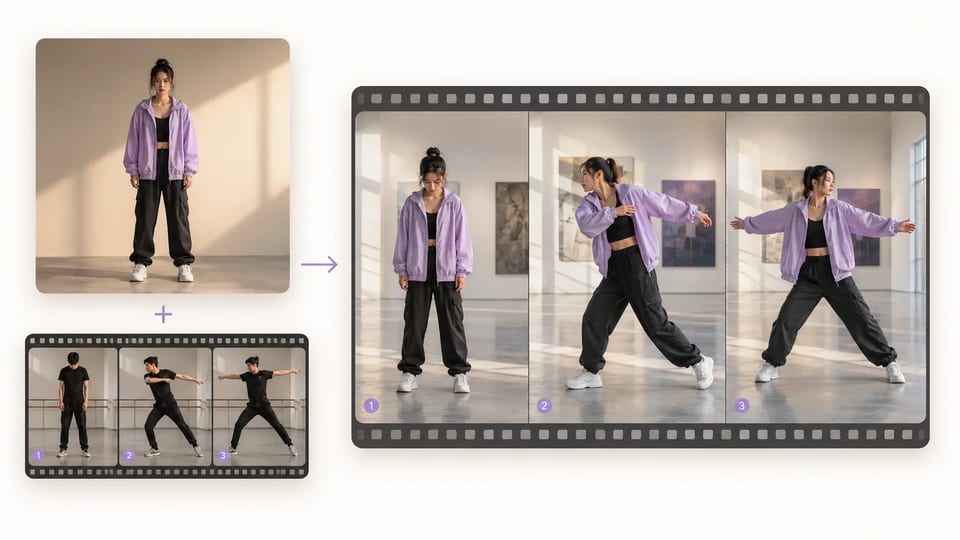
Motion Control Video Generator Character animation from a motion reference
One character image + one motion clip → the same action on your character
Upload a character image and a motion-reference video, then run the motion control video generator. The tool transfers the movement to your character at 720p or 1080p for clips up to 30 seconds — useful when the action is easier to show than to describe.
- Upload one character image
- Add one motion-reference video
- Transfer the reference movement
- Choose 720p or 1080p
- Clips up to 30 seconds
- Commercial use on paid plans
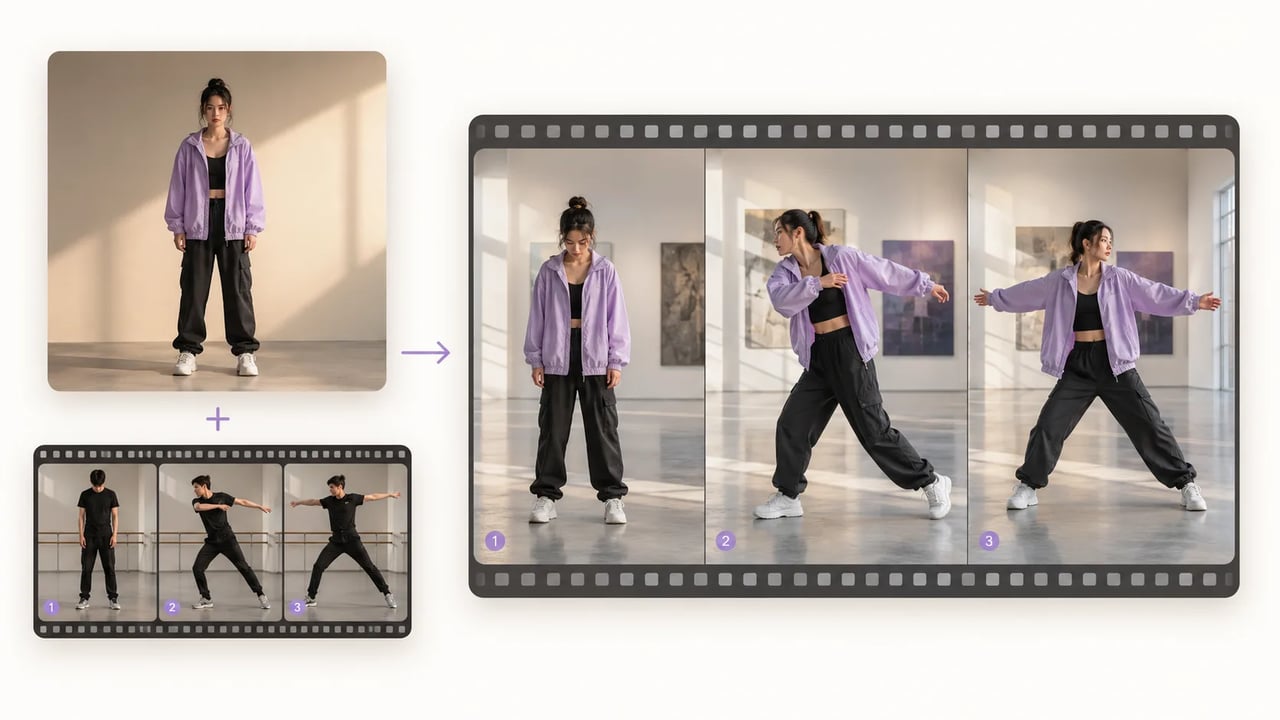
Motion control keeps the character and borrows the movement
When you already have the action on tape and need a different character to perform it.
Dance combos, presenter gestures, and mascot moves are hard to spell out in a text prompt. The motion control video generator takes a readable character design plus a real motion clip, then animates character from video so the new figure follows the same performance.
| motion control video generator | AI motion control video | character motion transfer | animate character from video |
Motion path
Run the motion control video generator in four steps
- 1
Choose the motion control character
Upload a clear character image with a readable face, outfit, and silhouette.
- 2

Add the motion-reference video
Pick a clip where the action is fully visible — dance, gesture, walk, or reaction.
- 3
Choose 720p or 1080p
Start at 720p for tests; use 1080p when you are ready for a delivery-quality transfer.
- 4

Inspect the motion control result
Watch hands, feet, and identity across the full action before you publish or composite further.
What lands
How the motion control video generator uses both references
Two uploads, one controlled performance.
Transfer a full-body performance
Use a clean rehearsal or dance clip so steps, arms, and timing carry over to the character.
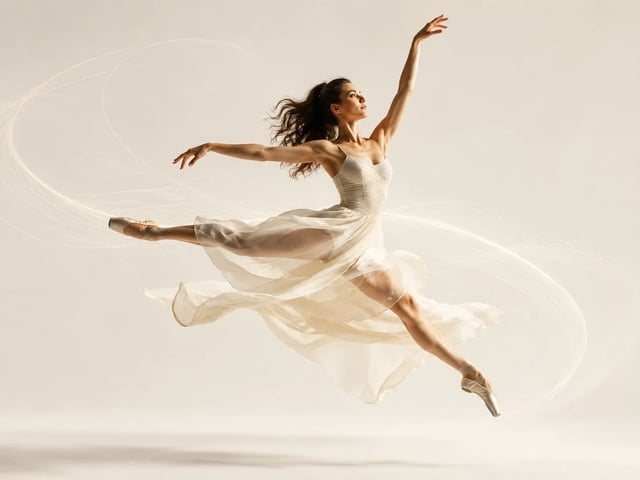
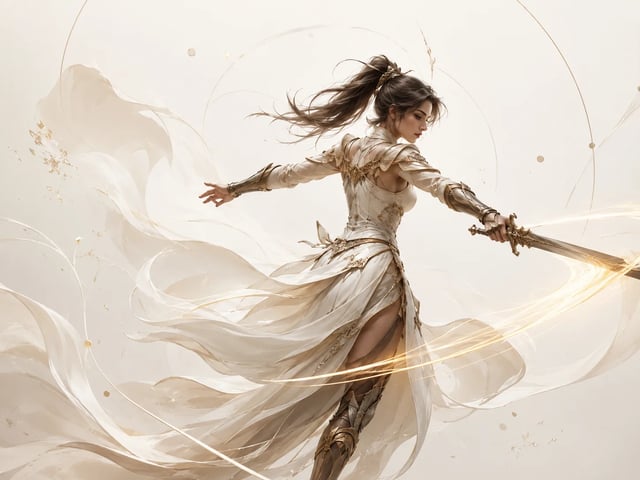
Give motion control a readable character design
Front-facing, well-lit character stills hold identity better than tiny or heavily cropped logos.
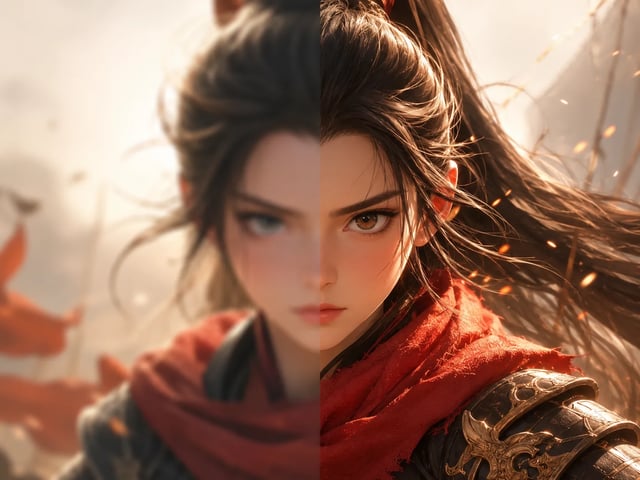
Test at 720p or finish at 1080p
Preview the transfer cheaper at 720p, then render 1080p when the motion and character read correctly.
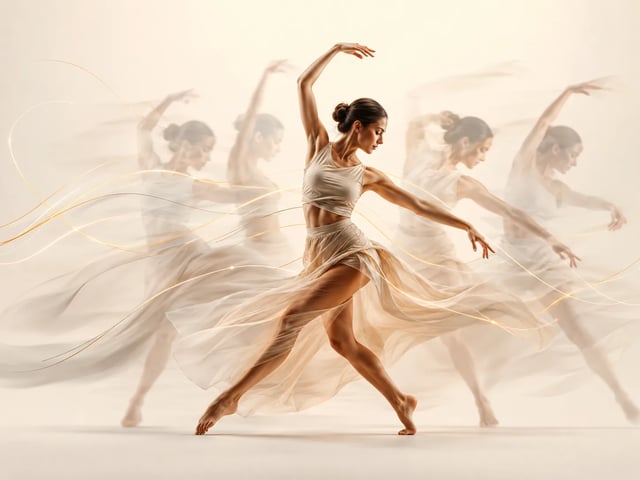
Run motion control for clips up to 30 seconds
Long enough for a combo, a demo gesture, or a short campaign reaction — not a feature film.
Useful references
Use the motion control video generator when movement is easier to show
When you already have the exact action and need a different character to perform it.
-
Dance character videos
Feed the Motion Control Video Generator a clean rehearsal clip and a styled character image to reproduce a dance combination without translating every beat into a prompt. The output becomes a character-led social clip, concept test, or choreography preview.
-
Explainer gestures
Use Motion Control to transfer a presenter's pointing, pacing, and demonstration gestures to a fictional or branded character. Match the character framing to the reference so hands and body language remain visible.
-
Mascot campaigns
Turn a static mascot design into a recognizable human performance with Motion Control. A simple wave, celebration, warm-up, or reaction clip gives campaign teams a concrete motion asset instead of another still pose.
-
Fashion movement tests
Run Motion Control with turns, steps, and full-body poses to evaluate how a styled character reads in motion. Use the result to choose stronger silhouettes and framing before building a longer fashion edit.
Motion control video generator questions before you run
What do I upload to the motion control video generator?
One character image and one motion-reference video. The tool transfers the movement from the video onto the character.
How long can the motion-reference video be?
Up to 30 seconds on this path. Shorter, clear actions usually transfer more cleanly than long multi-scene edits.
Which motion control resolutions are available?
720p and 1080p. Use 720p to test the transfer; use 1080p when the performance already looks right.
How are motion control credits calculated?
Credits scale with resolution and duration (720p at 20 credits per second, 1080p at 40), with a minimum charge of 30 credits per run.
Does the motion control video generator need a text prompt?
No. The motion comes from the reference video, not from a written action prompt.
What character images work best for character motion transfer?
Clear, well-lit designs with a visible full or three-quarter body. Tiny logos, extreme crops, or heavy blur make identity harder to hold.
Can I animate character from video for dance or presenter gestures?
Yes — those are common jobs. Match the character framing to the reference so hands and feet stay visible through the action.
Can I use the resulting clip commercially?
Commercial use is available on paid plans. Confirm your plan before client or paid campaign use.
More video tools
Motion control, upscale, and cutout on the same video stack.
Start with movement
Run the motion control video generator on your character
Upload the character image, add the motion-reference clip, and inspect the full animated performance.