
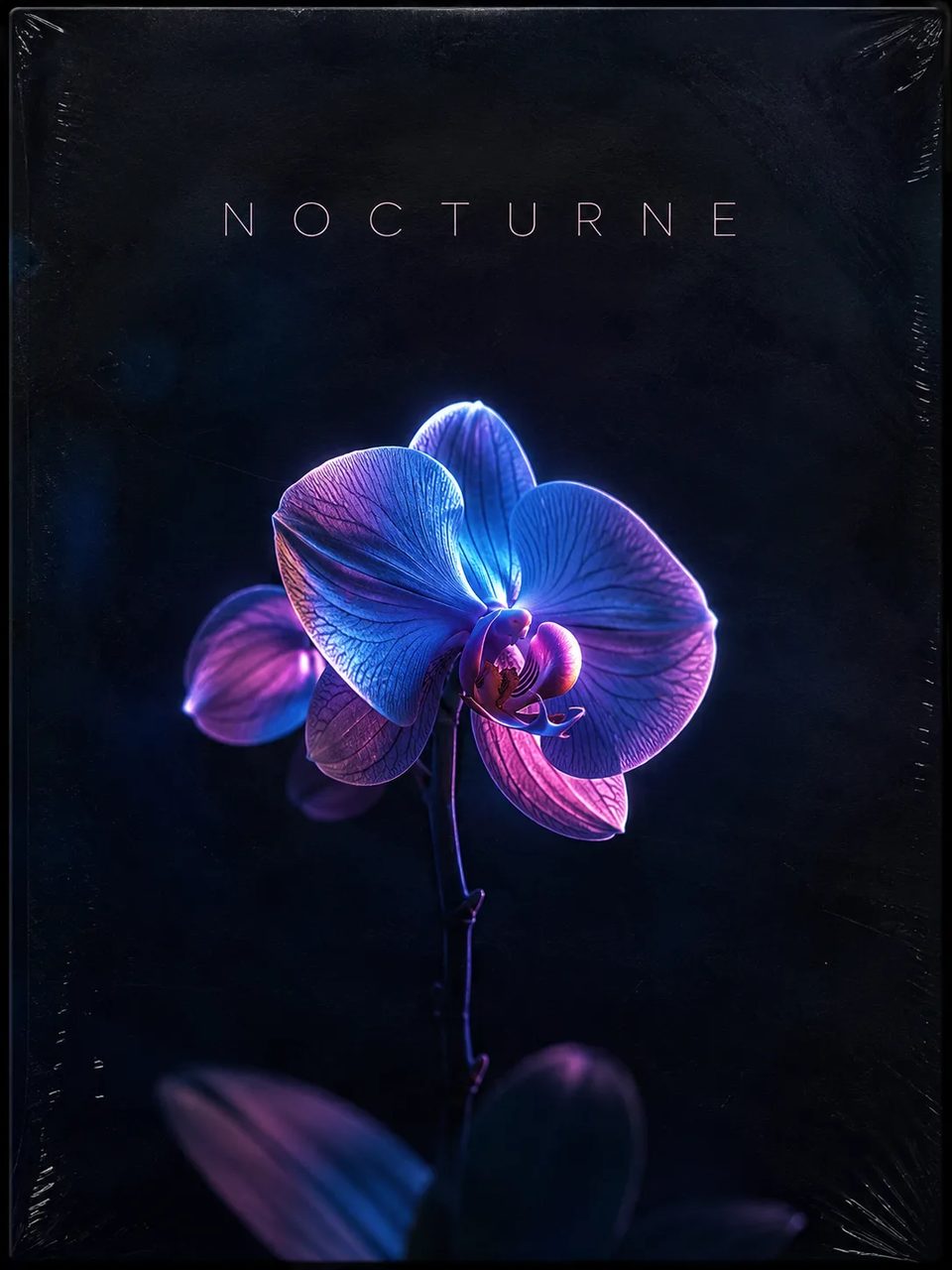
AI Album Cover Generator for Square Streaming Art
Pick a genre style, describe the track, generate a cover you can ship.
Write mood, subject, and optional title text—or add a reference photo—then generate square album cover art online. Six built-in styles (Hip-Hop, Synthwave, Lo-Fi, Jazz, Metal, Pop) combine with your prompt. Try free with signup credits.
- Six genre style chips in the generator—pick one, then write your brief.
- Defaults to 1:1 for streaming covers; switch ratio anytime.
- Placeholder prompt shows how to name mood, subject, and optional lettering.
- Free to try after signup—one default 1K run fits free credits.
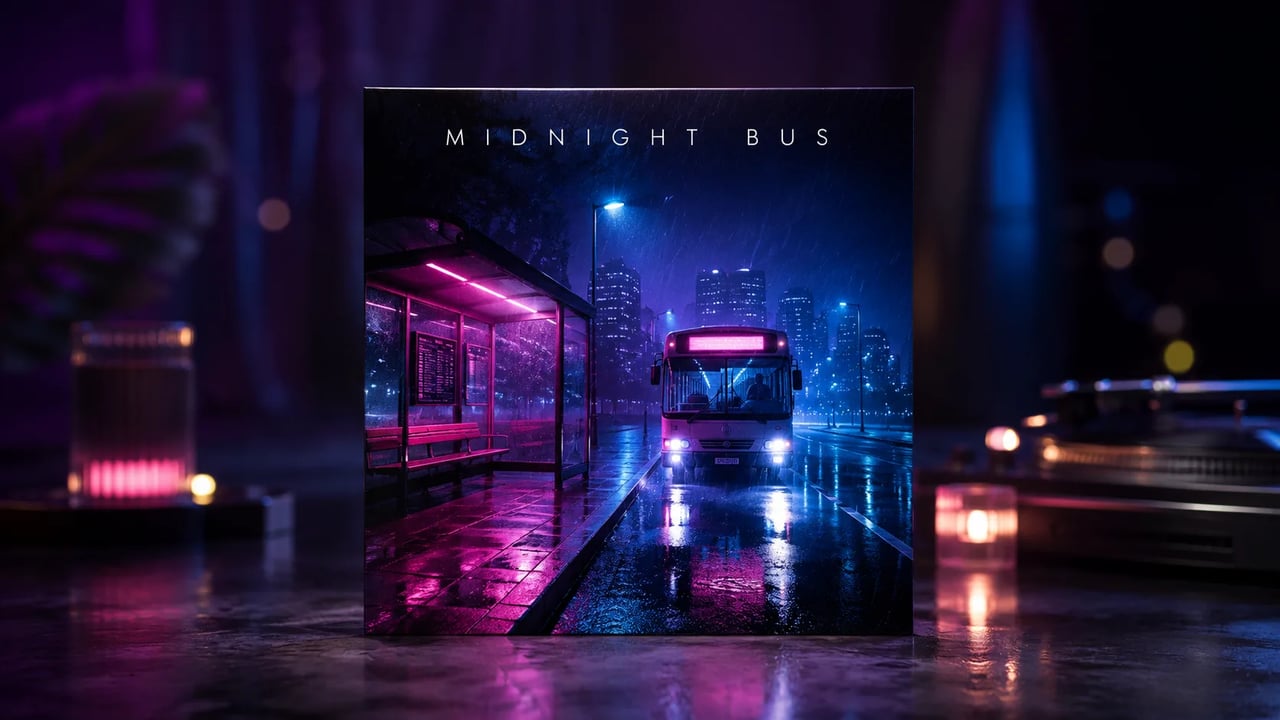
An AI album cover generator built for style + brief, not blank canvas panic
Most people know the vibe, not the full prompt stack.
You land here needing square artwork for a single, EP, or podcast drop. This AI album cover generator starts with a genre style chip, then layers your track mood and subject on top—so you are not inventing a full art direction from zero. Optional photo upload restyles a reference into cover art. It will not auto-publish to Spotify or invent fake chart metadata.
Copyable cover briefs
Three AI album cover generator prompts you can paste
Pair any of these with a style chip in the generator above.
Example brief
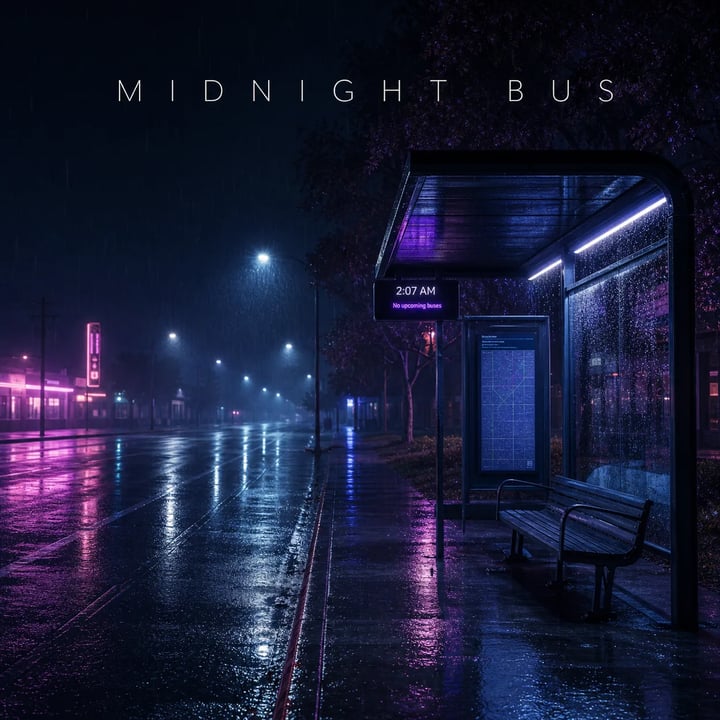
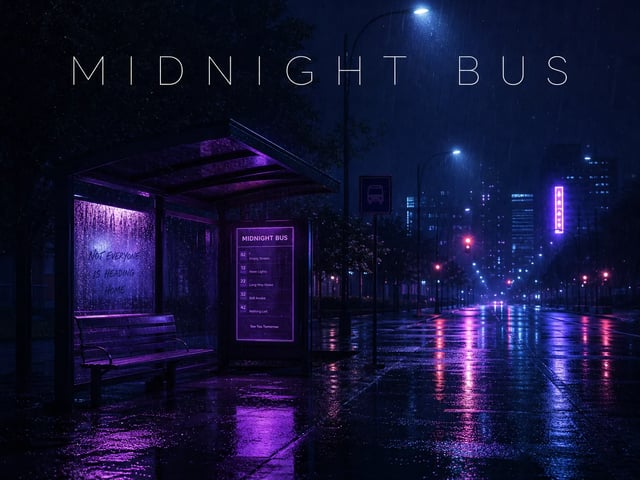
Midnight bus single
Indie single “Midnight Bus”: lonely neon bus stop at 2am, wet asphalt reflections, soft rain, moody blue-violet palette. Optional title text: MIDNIGHT BUS in thin white sans at the top.
Job Single cover Style chip Synthwave / Lo-Fi

Example brief
Club brass jazz
Modern jazz trio EP: smoky club spotlight on a brass silhouette, deep charcoal and gold, elegant negative space for a small serif title “AFTER HOURS” top-left.
Job EP cover Style chip Jazz

Example brief
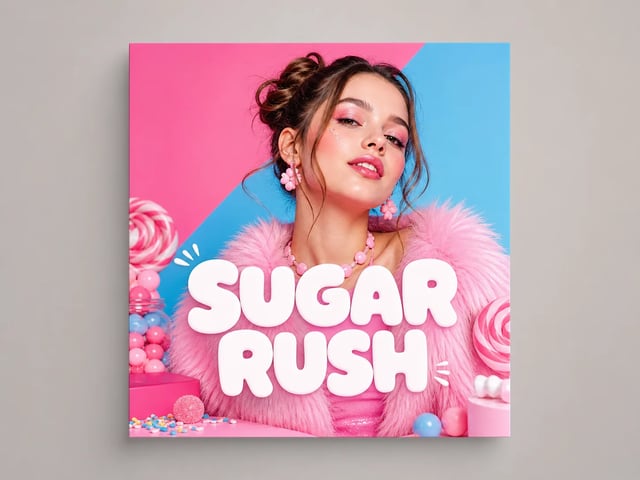
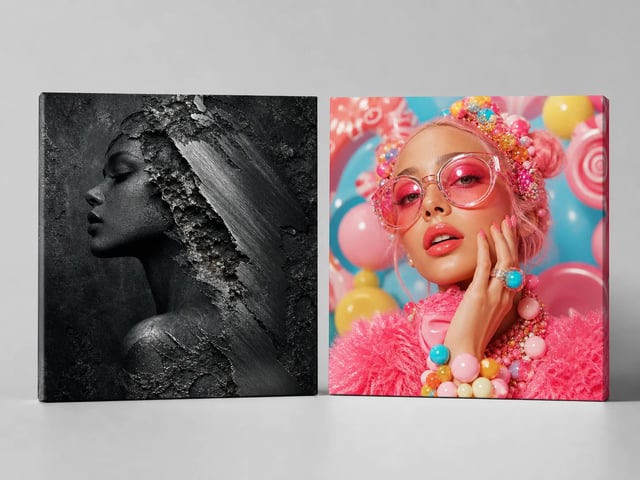
Pop fashion drop
Upbeat pop single: fashion-editorial portrait, candy-pink and sky-blue blocks, playful graphic shapes, clean high-key light. Title “SUGAR RUSH” in bold rounded white letters.
Job Pop single Style chip Pop
What you control
Build square album artwork with style chips and a clear brief
The AI album cover generator follows the genre you pick—then your track details.
Six genre styles, one click
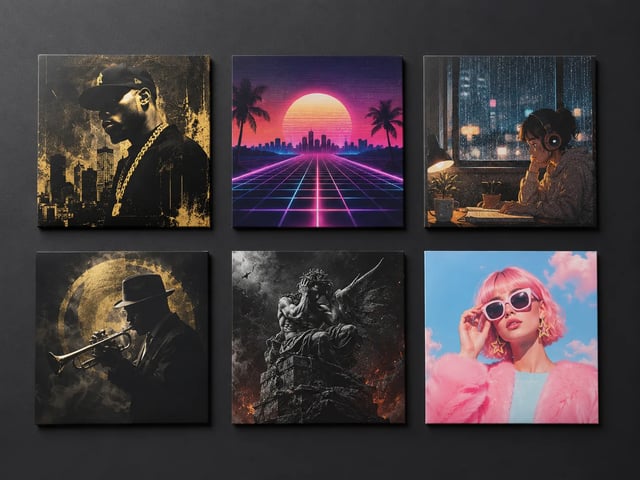
Hip-Hop, Synthwave, Lo-Fi, Jazz, Metal, and Pop each inject a short visual-language block into the run. You still write the subject and mood; the chip stops every cover from looking like the same generic poster. Switch chips between tries without rewriting the whole brief.
Optional readable title text
When you want lettering, put the exact title or artist line in the prompt. GPT Image 2 can place clear words in-frame. Leave text out and the tool will not invent fake track names—honest covers, not random logos.

Text-only or photo-guided
Leave the upload empty for pure text-to-image covers, or drop a portrait / motif reference for image-to-image restyling. Same AI album cover generator page handles both paths so you do not bounce between tools.
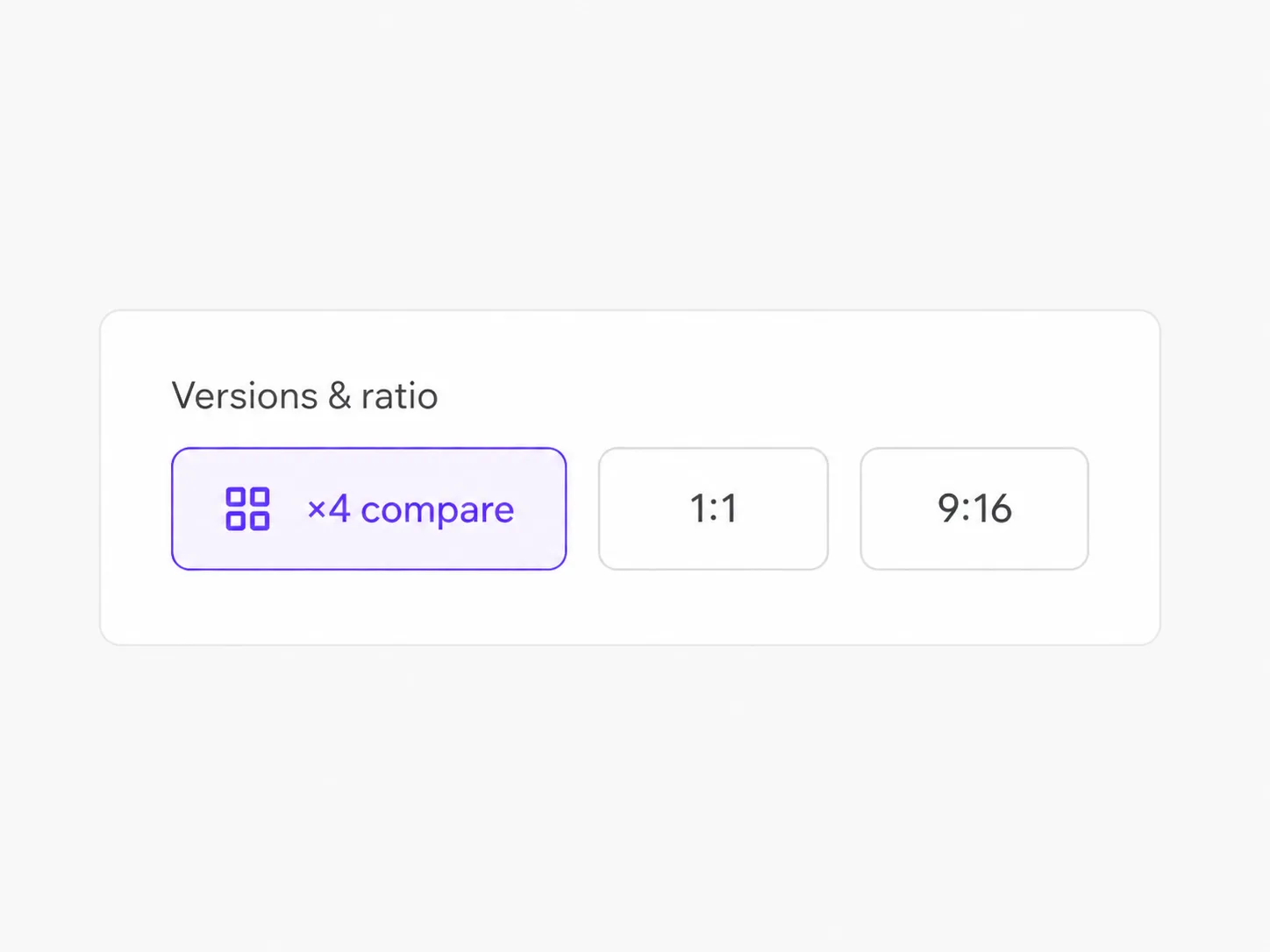
1:1 default, other ratios allowed
Streaming covers start at square. Need a vertical story frame or wide banner crop later? Aspect ratio stays selectable—default 1:1 just matches the most common album art job.
How it works
Make a cover with the AI album cover generator in three steps
Style chip → brief → generate. Optional photo if you have one.
- 1
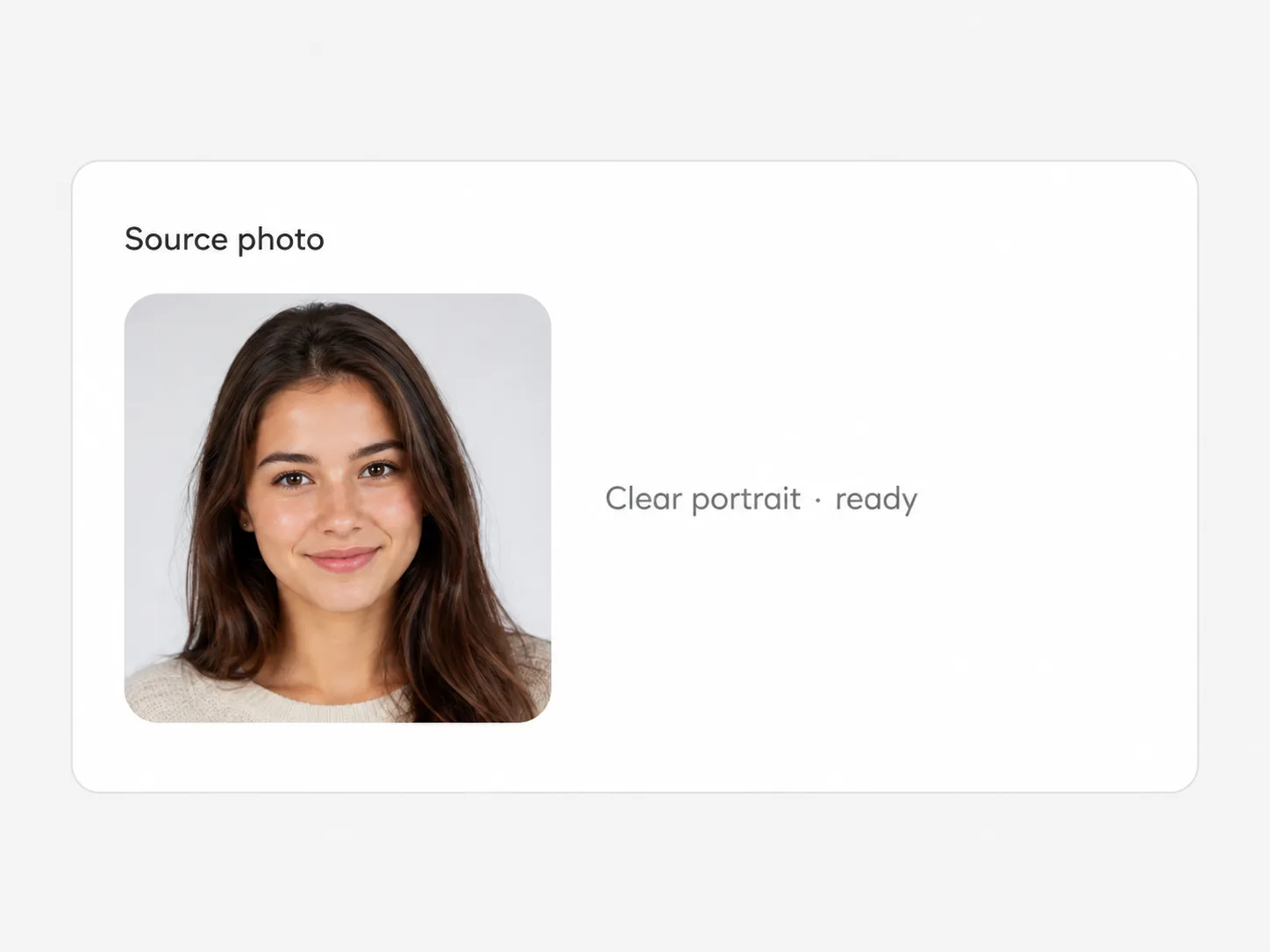
Pick a genre style chip
Choose Hip-Hop, Synthwave, Lo-Fi, Jazz, Metal, or Pop so the visual language is set before you write.
- 2
Write the track brief
Use the placeholder shape: title vibe, subject, palette, optional lettering. Upload a reference only when you want it.
- 3

Generate and refine
Check the square still, swap style or tweak one line, run again. Download the version that fits the release.
Who uses it
Where square album artwork actually ships
Singles, EPs, podcasts, and mixtape drops—not full label design systems.
-
Independent artists
Ship a single cover the same day you finish a mix, without waiting on a designer for the first version.
-
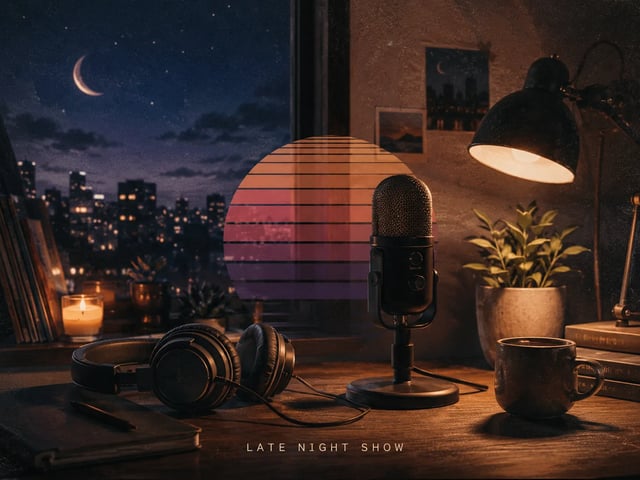
Podcast and mixtape hosts
Keep a series look by reusing the same style chip and swapping only the episode subject line.
-
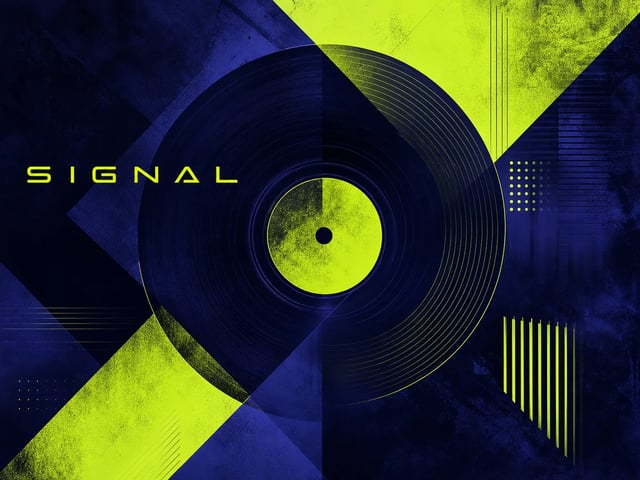
Bedroom producers
Test three genre looks for one track before you lock artwork for DistroKid or Bandcamp.
-
Cover concept freelancers
Show clients two style directions fast, then refine the winner with a tighter brief.
AI album cover generator FAQ
What does this AI album cover generator make?
One square-ready music cover still from your written brief plus an optional genre style chip. Optional reference photo is supported. It is cover art for releases and promos—not a full label design system or auto-upload to streaming platforms.
How do the six styles work?
Each chip (Hip-Hop, Synthwave, Lo-Fi, Jazz, Metal, Pop) appends a short visual-language block to your prompt at generate time. Your text stays editable; switching chips does not erase what you typed.
Do I need a photo, or can I generate from text only?
Text-only works: leave the upload empty. Add a photo when you want reference-guided restyling. Both paths run on the same tool page.
Why is the default ratio 1:1?
Most streaming and single covers are square. You can still pick other aspect ratios in the form when you need a different crop.
Will it add song titles automatically?
Only if you ask for specific words in the prompt. Otherwise it avoids inventing fake titles, logos, or watermarks.
Is the AI album cover generator free?
You can try free with signup credits: a default 1K run costs 6 credits, and new accounts receive free credits that cover at least one run. It is not unlimited free and not free without an account.
How is this different from the GPT Image 2 model page?
This tool is task-shaped for album covers: system guidance, genre style chips, a cover-brief placeholder, and 1:1 default. The GPT Image 2 model page is the general surface for any image task.
What about commercial use of the outputs?
Outputs follow your SupaImagine account plan and the site legal terms. Check pricing and legal pages for commercial rights on your plan; do not assume unrestricted stock-style licensing.
Next tools
Keep building after the first cover
Refine the prompt, try related image tools, or open the model workspace.

Ready when the vibe is
Open the AI album cover generator and pick your first style
Select a genre chip, paste a track brief, generate a square cover, then iterate. Try free with signup credits.