
New audio workspace 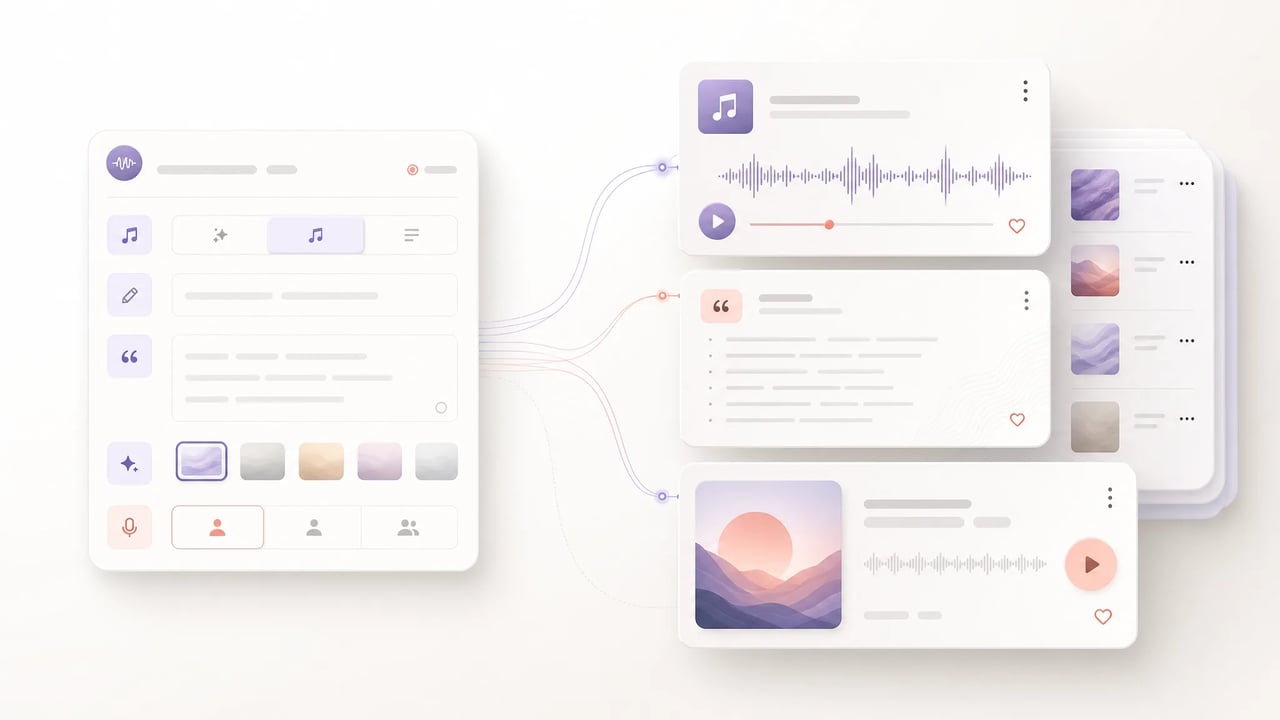
AI Music Generator Songs, Lyrics, Instrumentals
AI Song Generator, AI Music Maker, and AI Song Maker modes in one SupaImagine workspace.
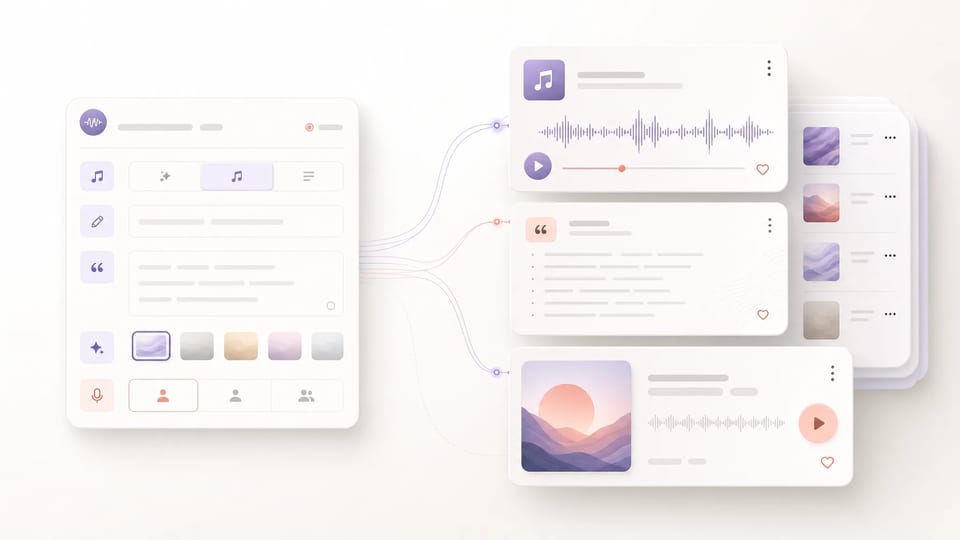
Turn a prompt into a complete music idea inside SupaImagine. Use quick mode for a rough song concept, lyrics mode when you already have words, or instrumental mode when the track needs mood and structure without vocals. Each run costs 20 credits and saves audio results to your library.
- Quick ideas, lyrics, or instrumentals
- Song title, lyrics, and style fields
- 20 credits per generation
- Audio tracks saved to your library
Listen to AI Music Generator Examples
These short sample tracks were generated from original prompts and stored on the SupaImagine CDN so you can preview the kind of audio a finished run can produce.

Synth pop 29s
Generated example
Signal Bloom
A bright vocal hook with glossy bass and an optimistic night-drive mood.
Original bright synth pop, airy vocal, glossy bass, polished electronic drums, clean chorus

Instrumental electronic 24s
Generated example
Orbit Arcade
A playful retro synth cue shaped for game menus, product demos, and loop-friendly scenes.
Instrumental electronic, retro arcade, playful synth lead, rounded bass, polished game-menu energy

Instrumental folk 87s
Generated example
Paper Lantern Morning
Warm acoustic guitar, soft percussion, and gentle piano for creator intros or calm campaign beds.
Instrumental indie folk, fingerpicked acoustic guitar, soft hand percussion, gentle piano
From a One-Line Idea to a Track You Can Keep
SupaImagine turns music prompts into saved audio assets, not throwaway previews.
The SupaImagine AI Music Generator is built for the three ways people actually start a track: a fast mood prompt, a written set of lyrics, or an instrumental brief. Use the AI Song Generator flow when words matter, use the AI Music Maker flow when you need a soundtrack bed, and keep every result beside your image and video work in the same private library. Music generation costs 20 credits per run, so this page frames the tool as a credit-based workspace rather than an anonymous free trial.
| AI Music Generator | AI Song Generator | AI Music Maker | AI Song Maker |
How it works
How to Use the SupaImagine AI Music Generator
Choose the input shape first, then let the workspace turn the brief into an audio track.
- 1
Choose a music mode
Start with quick mode for a short idea, lyrics mode for a titled song with your own words, or instrumental mode for a soundtrack without vocals. The AI Music Generator shows only the fields that match the selected mode.
- 2
Describe title, lyrics, style, or vocal preference
Write a prompt for the mood, paste lyrics when you have them, add a song title, and set style or vocal preference when it matters. The AI Song Generator flow keeps those inputs attached to the task for review and regeneration.
- 3
Generate the track for 20 credits
Run the job from the same SupaImagine workspace that handles images and video. A music generation costs 20 credits; if a run fails, SupaImagine shows the failed state and returns eligible credits instead of leaving users guessing.
- 4
Replay, download, or reuse from your library
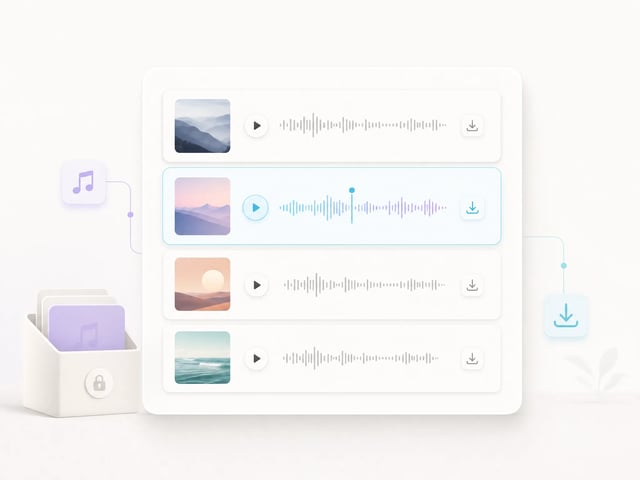
Completed audio tracks appear in your workspace with native playback and download actions. The result stays in your private library rather than disappearing after one browser session.
Music creation controls
What Makes This AI Music Maker Practical
The page focuses on the controls creators can use directly: prompt, mode, lyrics, style, title, vocal preference, playback, and saved results.
Quick prompt-to-music drafts
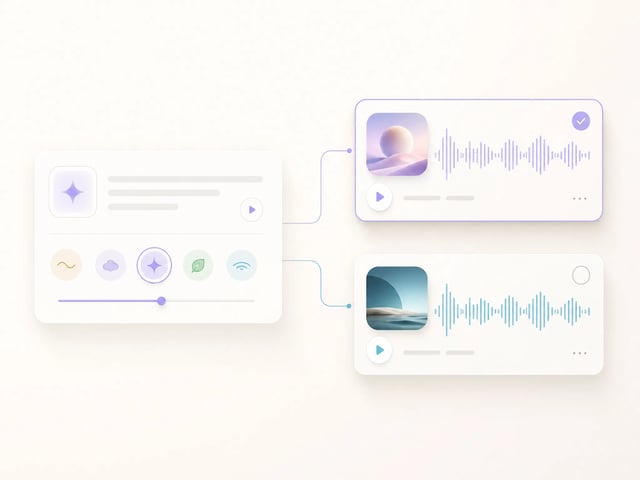
Use the AI Music Generator as a quick idea machine: describe a mood, genre, use case, or scene, then generate a track without preparing lyrics first.
Custom lyrics for song ideas
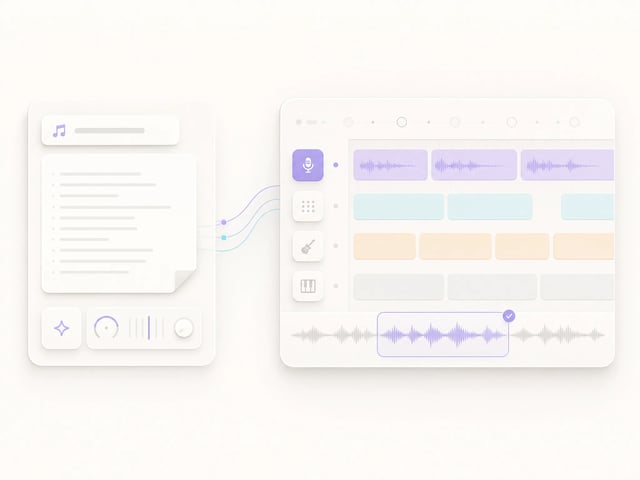
Switch to lyrics mode when the words are already written. The AI Song Generator form exposes song title, lyrics, style, and vocal preference so the submitted task reflects the structure of a real song brief.
Instrumental mode for soundtracks
Instrumental mode keeps lyrics out of the brief and focuses the AI Music Maker on atmosphere, genre, pacing, and scene fit for background beds, intros, or creator soundtracks.
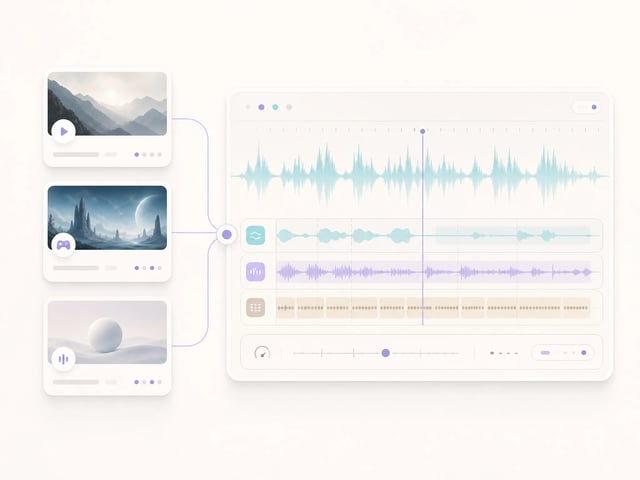
Saved audio results
Music jobs return playable audio assets with poster metadata where available. Your results open with audio playback and download controls, then stay in your private library for reuse.
Who it helps
Who Uses an AI Song Generator on SupaImagine
Music generation sits next to image and video creation, so the best use cases are creative workflows that need sound alongside visuals.
-
Short-form video creators
Creators use the AI Music Generator to draft intro beds, mood loops, and soundtrack ideas for reels, shorts, and video concepts they already build inside SupaImagine.
-
Marketers
Marketing teams can create campaign music directions before a final audio buyout: a bright product-launch jingle, a softer brand bed, or an instrumental cue for a hero clip.
-
Lyric writers
Writers who already have verses and a hook can use the AI Song Generator mode to test how lyrics might feel with a style, title, and vocal preference attached.
-
Game and prototype makers
Indie makers can use AI Music Maker prompts to sketch menu themes, ambient loops, and scene cues before commissioning or producing a final score.
-
Podcasters and educators
Podcasters, course creators, and educators can draft theme music or section stingers, then keep candidates in the library while comparing them against cover art and video assets.
-
Visual creators
Designers and image-first creators can add sound direction to campaigns without leaving the broader SupaImagine workspace, keeping visuals, videos, and audio ideas together.
Related creation paths
Pair AI Music With Visual Generation
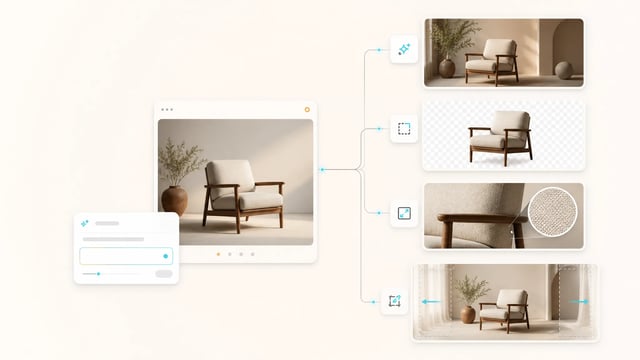
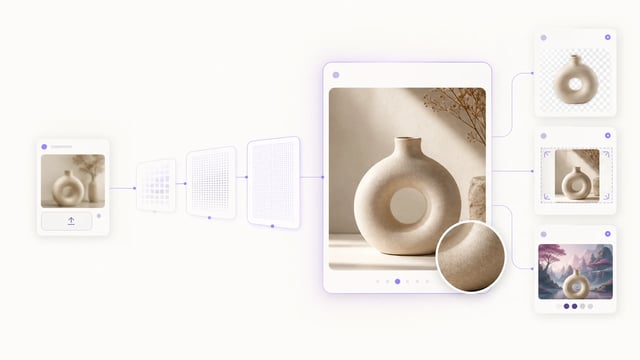
Use the AI Music Generator as the audio layer of a broader SupaImagine workflow.



Pricing, Lyrics, Instrumentals, and Rights for AI Music
What is SupaImagine AI Music Generator?
SupaImagine AI Music Generator is the audio workspace for creating music tracks from prompts. It supports quick ideas, custom lyrics, and instrumental briefs, then saves completed audio results to your library.
Is the AI Music Generator free?
No anonymous free daily music runs are available right now. A music generation costs 20 credits and runs inside the SupaImagine workspace.
How is an AI Song Generator different from an AI Music Maker?
AI Song Generator usually means a track shaped around lyrics, title, vocals, and song structure. AI Music Maker is broader: it can include instrumental mood tracks, background music, and quick prompt-to-music drafts.
Can I generate music with my own lyrics?
Yes. Choose lyrics mode, add a music title, paste lyrics, describe the style, and set vocal preference when needed. The submitted task keeps those fields visible in the music detail view.
Can the AI Song Maker create instrumentals?
Yes. Instrumental mode is built for tracks without vocals. Describe genre, mood, pacing, and use case, then SupaImagine generates an audio track from that brief.
How many credits does AI music generation cost?
A SupaImagine AI music generation costs 20 credits per run. The form keeps pricing simple and shows music mode choices instead of making you choose technical model versions.
Where do generated music tracks go?
Generated music tracks appear in your workspace with native audio playback and download actions. Completed results are saved to your private library.
Can I use AI-generated music commercially?
Commercial use is available on paid plans under the SupaImagine terms. You remain responsible for clearing third-party rights before using generated music commercially.
Start composing
Start With the AI Music Generator
Create a quick song concept, paste lyrics for a structured track, or draft an instrumental bed — all from the same SupaImagine workspace.