TLDR
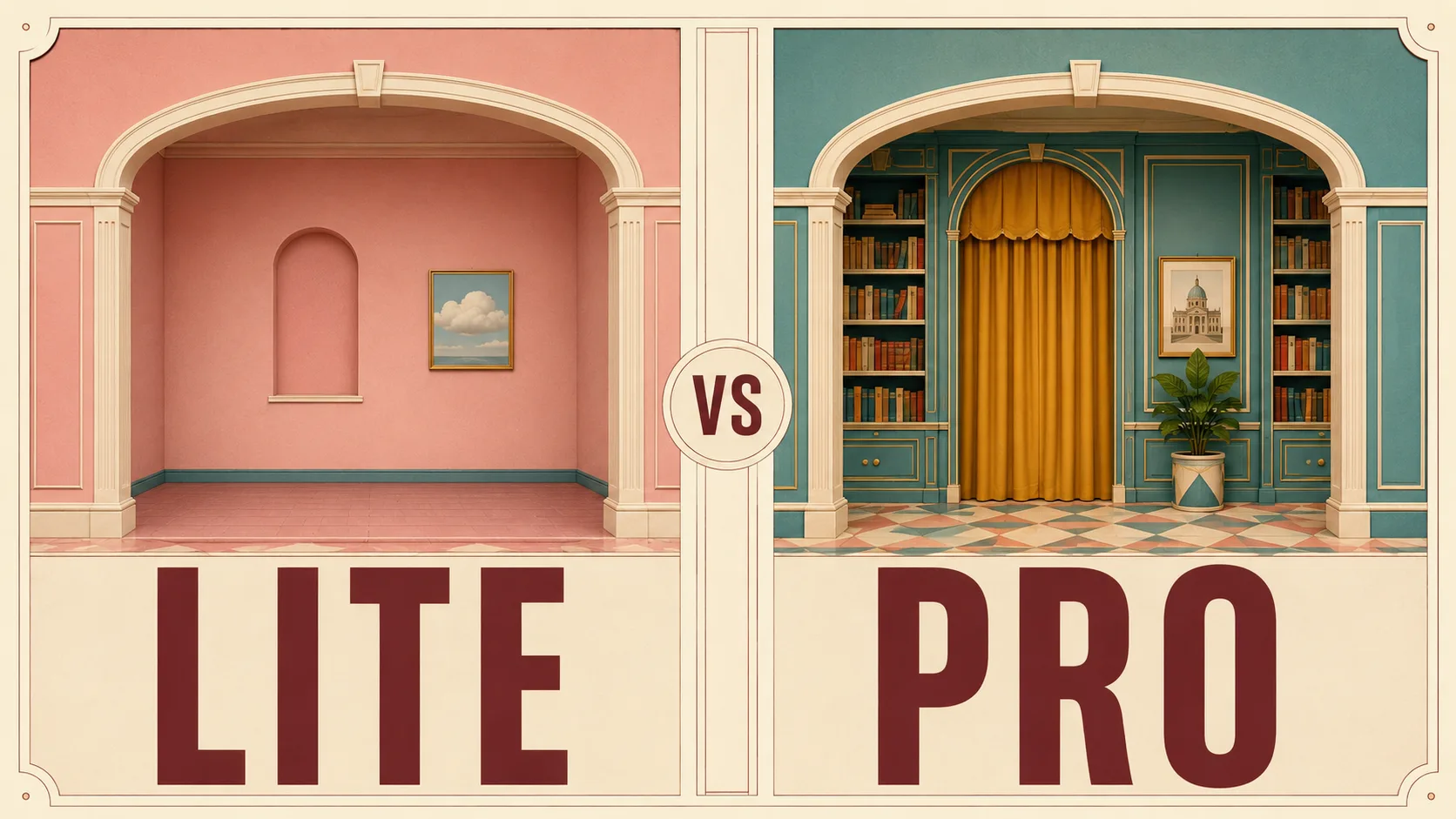
Seedream 5.0 Lite is ByteDance’s earlier 5.x image model positioned as a unified multimodal generator with deep thinking and online search for knowledge-aware prompts (official Lite page). Seedream 5.0 Pro is the later production-oriented sibling: Seed’s Pro page stresses advanced reasoning and professional production, while Lumina’s Pro guide differentiates it from Lite with interactive precise editing, layer separation, and native 14-language text. Use Lite for fast direction and search-backed ideation; use Pro when the image must survive brand edits, dense layouts, or localization.
Key Takeaways
- Timeline: Lite is listed as updated Feb 24, 2026 on BytePlus Models; Pro is listed Jul 8, 2026 — roughly four months later as the premium production cut.
- Lite’s official pitch: “deep thinking and online search” plus broader understanding/reasoning/generation upgrades (Seed · Seedream 5.0 Lite).
- Pro’s official pitch: multimodal generation for “advanced reasoning, efficient content creation, and professional production” (Seed · Seedream 5.0 Pro).
- Lumina’s Pro-vs-Lite table (first-party product comparison): Lite is mostly prompt-driven re-roll editing; Pro adds interactive controls (boxes, points, arrows, coordinates, sketch guidance, multi-image fusion), layer separation (background + independent elements, up to ~20 layers with PNG transparency on that product surface), and native 14-language text vs Lite’s more basic multilingual story (Lumina guide).
- Hosted API resolution lanes differ: WaveSpeed’s Pro endpoints expose 1K / 2K tiers for both text-to-image and edit (edit: up to 10 reference images). Lite hosts vary in wording — for example Replicate’s Seedream 5 lite card describes 2K / 3K, while some market docs label higher tiers as 4K — so treat max resolution as host-dependent.
- On SupaImagine: Seedream 5.0 Pro has a dedicated model page (prompt or references → product scenes, ads, posters, edits). Lite sits in the shared image workspace so you can switch models without leaving the multi-model picker.
Family timeline: Lite first, Pro as the production cut
| Date signal | What shipped | Source |
|---|---|---|
| Feb 24, 2026 (listing update) | Seedream 5.0 Lite on BytePlus model list | BytePlus AI Models |
| Feb 2026 public wave | Lite appears across hosts (Replicate card, reseller docs, community A/B posts) | e.g. Replicate · seedream-5-lite |
| Jul 8, 2026 | Seedream 5.0 Pro launch framing on Lumina + model list update | Lumina Pro guide, BytePlus Models |
That order matters for SERP and for product intuition. Early “Seedream 5” chatter was often Lite-only. Pro is not “Lite with a higher price tag” in the official narrative — it is the cut sold for controllable production after Lite established the 5.x reasoning story.
Third-party catalogs already treat them as separate SKUs. WaveSpeed’s Seedream collection lists V5.0 Pro (seedream-v5.0-pro, /edit) beside V5.0 Lite (base, edit, sequential variants). Krea’s Lite model page even banners the newer Pro as the flagship — another sign the market already splits “draft/reasoning Lite” from “production Pro.”
Head-to-head: what official sources actually claim
Capability comparison (evidence, not vibes)
| Dimension | Seedream 5.0 Lite | Seedream 5.0 Pro | Practical takeaway |
|---|---|---|---|
| Role in family | Accessible 5.x multimodal model; reasoning + online search (Seed Lite) | Professional production model; advanced reasoning + efficient content creation (Seed Pro) | Same family, different jobs |
| Editing story (Lumina product comparison) | Text-prompt editing; many changes imply full regeneration | Interactive precise editing: boxes, points, arrows, coordinates, sketch guidance, multi-image fusion | Pro is built for surgical fixes; Lite for re-prompt loops |
| Layers (Lumina product comparison) | Flat single-image output | Layer separation (PNG transparency; up to ~20 element layers on that surface) | Pro aims to feed design tools, not just social downloads |
| Language / localization (Lumina) | Basic multilingual, limited accuracy (their wording) | Native 14-language text + deeper cultural styling claims | Pro for multi-market posters and UI text |
| Knowledge / live context | Official Lite page leads with online search | Pro materials emphasize production controls and dense layouts more than search | Lite when the prompt needs fresh world facts; Pro when the brief is a locked brand job |
| Hosted resolution (examples) | Host-dependent (e.g. Replicate 2K/3K; other markets say higher tiers) | WaveSpeed Pro 1K / 2K (t2i, edit) | Compare same host before arguing “who is higher res” |
| Reference images (API example) | Host-dependent (some Lite cards claim higher ref counts) | WaveSpeed Pro edit: max 10 images | Check the endpoint you actually call |
Important honesty note: Lumina’s layer separation and canvas-style interactive tools describe ByteDance’s product surface. Third-party API hosts often expose standard text-to-image / image-to-image parameters (prompt, references, aspect ratio, resolution). When you run Pro on SupaImagine, you are evaluating the model’s generation and edit quality in a browser workspace — not automatically claiming every Lumina UI feature is wired into every host.
What each model is best at (scenario winners)
1. Product scenes, campaign ads, and posters → Pro
Pro’s public demo language on Seed’s Pro page is dense: infographics, storyboard grids, UI hero layouts, multilingual posters, annotated scene rebuilds. That matches the jobs where a single bad hand, bad logo crop, or broken hierarchy costs a redesign day. SupaImagine’s Seedream 5.0 Pro AI image generator is built around those deliverables — product scenes, social ads, posters, thumbnails, reference-image edits — with visible 1K draft and 2K keeper tiers.
2. Knowledge-heavy or “what is current?” prompts → Lite
Lite’s differentiator on the official page is not “slightly worse Pro.” It is deep thinking + online search: weather composites tied to real dates, Word-of-the-Year visuals, Met Gala theme looks, gold-price charts — prompts that benefit from retrieval or multi-step reasoning. If your brief depends on fresh context more than layer-ready brand assets, Lite is the rational first stop.
3. High-volume direction finding → Lite first, then Pro
When you still need five compositions to know which story to tell, Lite’s lighter product framing (and the broader “fast draft” market narrative) is the exploration lane. Once the composition is locked, re-run the winner on Pro for the export you would actually hand to a designer or ad account. That two-pass pattern is how most multi-model workspaces pay for themselves — and it is exactly why SupaImagine keeps both models in one multi-model image workspace.
What We Know vs. What We Don’t
What we know
- Lite and Pro are separate public models with separate official pages (Lite, Pro).
- BytePlus / Lumina position Pro’s July 8, 2026 launch as the production upgrade path relative to Lite (Lumina guide, model list).
- First-party Pro marketing claims interactive editing, layer separation, and 14-language text as the core delta vs Lite (Lumina comparison table).
- WaveSpeed’s Pro API surface is concrete: 1K/2K, wide aspect ratios, edit with up to 10 images (t2i, edit).
- The open market already treats Lite and Pro as parallel SKUs, not aliases (WaveSpeed collection, Krea Lite card).
What we don’t know (or must qualify)
- Whether every host exposes identical capability: search, layer export, and canvas controls may be product-UI features on Lumina, not available 1:1 on every API reseller.
- True max resolution for Lite across hosts: public cards disagree (2K/3K vs labels that say 4K). Always trust the endpoint you are calling.
- Independent public benchmarks that put Pro and Lite head-to-head on the same prompt suite with open methodology. MagicBench charts on the Lite page are internal / vendor-reported (Seed Lite) — useful signal, not a third-party leaderboard.
- How much of Pro’s “cinematic / portrait” lift is architecture vs. product post-processing on a specific platform. Judge on your references and brand kit.
Why this split matters for builders
If you treat “Seedream 5” as one model, you will either:
- Overspend attention running Pro-grade jobs on a draft lane that keeps re-rolling the whole frame, or
- Under-serve production by stopping at Lite outputs that look fine in a Discord feed but fail when a designer asks for separable text, localizable copy, or a clean product isolation.
The useful mental model is a pipeline, not a beauty contest:
- Explore on Lite when the brief is fuzzy or knowledge-heavy.
- Lock composition.
- Produce on Pro when the file has a job (listing, ad, poster, deck, localized campaign).
- Archive winners so the next brief starts from a known-good seed, not from zero.
That is also why multi-model workspaces beat single-model subscriptions for marketing teams: the cost of a wrong model is usually not “one bad image,” it is a day of unrecoverable regeneration.
How to evaluate them yourself on SupaImagine
Skip the abstract ranking. Run a fixed three-prompt kit on both lanes and keep the outputs side by side in your library.
Prompt kit (copy as-is, then adapt brand names)
-
Product hero (favor Pro)
“Studio product photo of a matte black wireless earbud case on wet slate, soft top light, faint brand monogram ‘AURA’ embossed on the lid, 3:4 social ad crop, premium e-commerce look, no clutter.” -
Dense poster / typography (favor Pro)
“Vertical 4:5 launch poster: bold headline ‘SHIP FASTER’, subhead ‘One workspace for every image model’, three feature bullets with icons, clean Swiss layout, navy and warm white, room for a logo top-left.” -
Knowledge / composite (favor Lite’s stated strengths)
“Educational infographic: ‘How pour-over coffee extraction works’ with numbered steps, simple icons, temperature callouts, minimal flat illustration, white background, readable small labels.”
Evaluation checklist
- Prompt adherence: Did the model keep every required element (logo space, crop, count of bullets)?
- Text usability: Are letters legible at mobile size, or only decorative?
- Edit survivability: After one reference-image pass (background change / color shift), does the subject still look like the same product?
- Pipeline fit: Would you hand this file to a designer as-is, or only as a moodboard?
Where to click
- Open the Seedream 5.0 Pro generator for the quality-focused lane (1K to explore, 2K when a frame earns a keep).
- Use the multi-model AI image generator hub when you want the same prompt history while switching family members or comparing against other engines.
- Save both outputs. The library is the decision tool — not a screenshot buried in a chat log.
Decision rule (one screen)
| Your situation | Start here | Then |
|---|---|---|
| You need 5 directions in 10 minutes | Lite | Promote the winner to Pro |
| The prompt needs live / search-style context | Lite | Only escalate if the export must be brand-ready |
| The file is a SKU shot, ad, poster, or deck figure | Pro | Iterate with references, not new random seeds |
| You need local-language text that must stay correct | Pro (per Lumina’s 14-language claim) | Verify characters at real display size |
| You only have one credit-worth of attention today | Pro at 1K on a real deliverable prompt | Re-run the keeper at 2K |
FAQ
Is Seedream 5.0 Pro just a higher-resolution Seedream 5.0 Lite?
No. Lumina’s own comparison says the gap is beyond resolution: interactive editing, layer separation, and stronger multilingual production support (source). Resolution tiers also differ by host — Pro on WaveSpeed is explicitly 1K/2K, while Lite hosts publish their own ladders.
When did each model ship?
Public listing signals put Lite around February 2026 and Pro on July 8, 2026 (BytePlus model list, Lumina launch post). Treat host “available from” dates as separate from the first-party launch narrative.
Does Lite really have online search?
That is the official Lite positioning on Seed’s product page. Whether a specific third-party playground enables retrieval on every call is host-dependent — if search matters, verify on the surface you use.
Can Pro separate layers on every platform?
Layer separation is highlighted on Lumina’s Pro product write-up (guide). API hosts commonly return flat generated images. On SupaImagine, evaluate Pro for image quality and edit quality, then bring winners into your design tool as needed.
How many reference images can Pro take?
On WaveSpeed’s documented Pro edit endpoint, the schema allows up to 10 reference images (edit model page). Lite limits vary by host; do not assume the same number.
Which should I use for e-commerce product photos?
Start with Pro if the image will ship on a PDP or ad. Use Lite only while you are still choosing lighting and composition. Use the on-site Pro generator linked above when you are ready for a keeper.
Which is better for bilingual or non-English posters?
Official Pro marketing explicitly pushes native multilingual text across 14 languages with stronger character structure claims (Lumina guide). Still proofread: generative text is never a free pass on brand spelling.
Can I A/B Lite and Pro without leaving SupaImagine?
Yes. Keep the prompt loaded in the shared image workspace while you switch models, and open the Pro model page when Pro is the known destination for the final keep.
Is “Seedream 5” the same as “Seedream 5.0 Lite”?
In early 2026 public chatter, people often said “Seedream 5” while only Lite was widely available. Today you should always name Pro or Lite. Ambiguous model names create un-reproducible results across tools.
Do I need both models long term?
If your work mixes exploration and shippable marketing stills, yes — same family, different jobs. If you only ever need one polished export a week and never knowledge-heavy composites, Pro alone is usually enough.
Where should I start right now?
Open the Pro generator, run the product-hero prompt above at 1K, then decide whether a 2K re-run earns a keep. That single loop teaches more than another comparison table.