
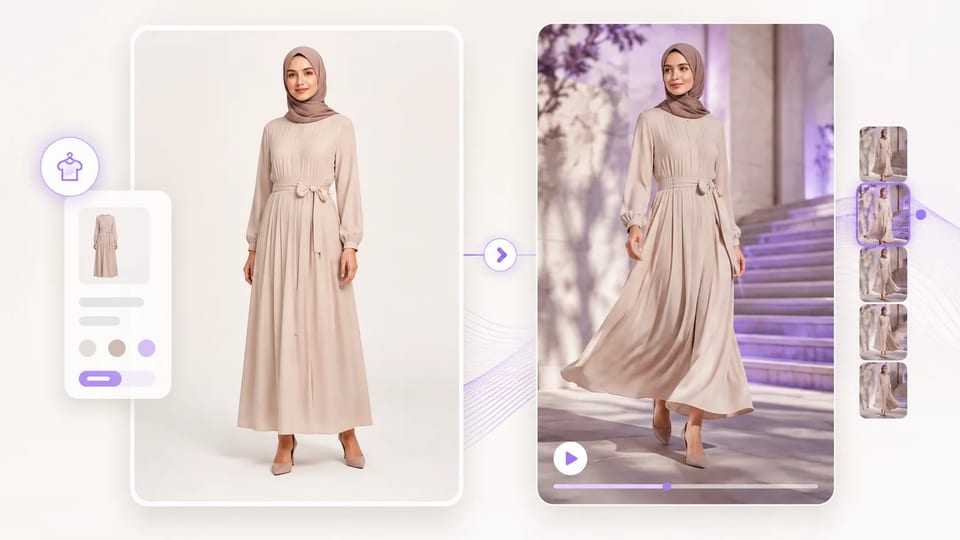
AI Fashion Video Generator Photo to short fashion clip
Turn a clothing still into a reel-ready motion draft
Use the AI fashion video generator when you have a model or product photo and need a short clip for PDP, Reels, or ads. Upload one still, describe the motion, and generate a draft with image-to-video — then review fabric, logo, and face drift before you publish.
- Upload one clothing or product still
- Write camera, subject, and fabric motion
- Default 9:16 for reels; 16:9 available
- 720p drafts cost 30 credits per clip
- QA fabric, logo, and face before publish
- Commercial use on paid plans
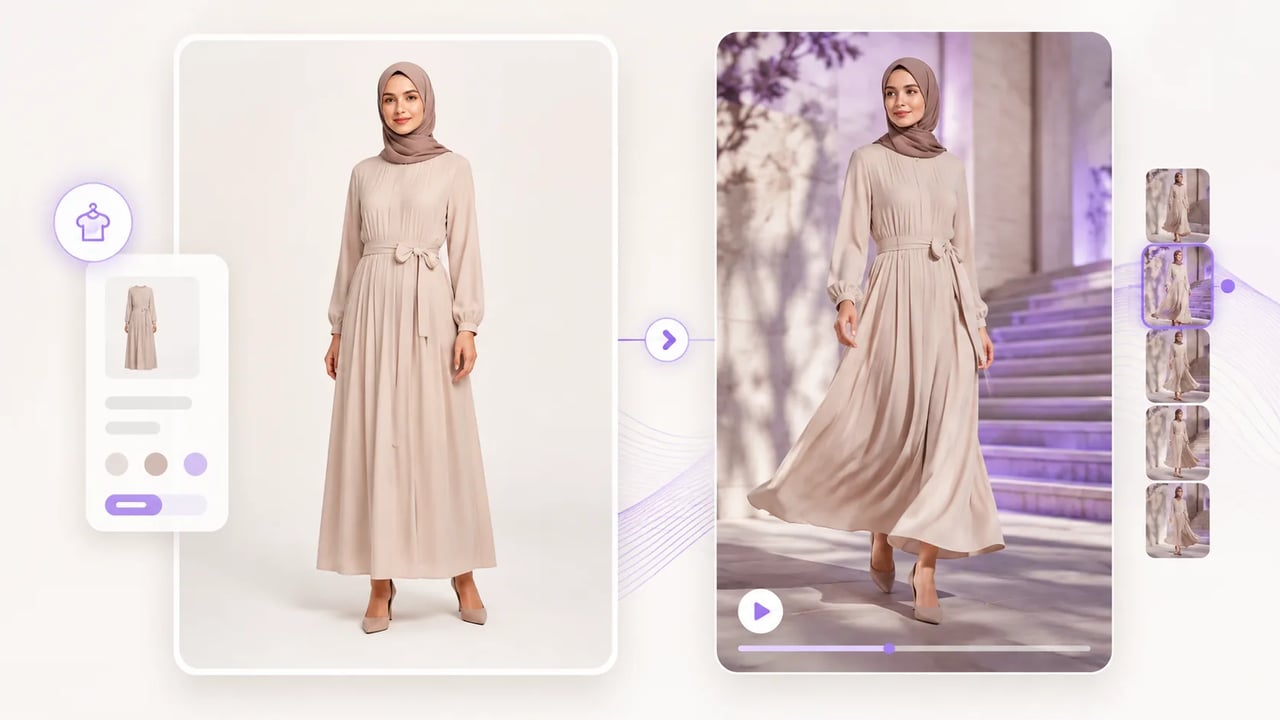
Fashion image to video without a fashion-only model claim
Honest image-to-video for garment stills, plus a publish checklist.
The AI fashion video generator is a guided path over general image-to-video: one clear still, a free motion prompt, and short clip output. It is not a garment-lock or pixel-perfect fashion trainer. Use fashion image to video when you need motion drafts fast, then inspect the moving frames the way you would any AI clip.
What you get
What the AI fashion video generator is built to do
Still → motion, real controls, honest limits.
Turn a clothing photo into video motion
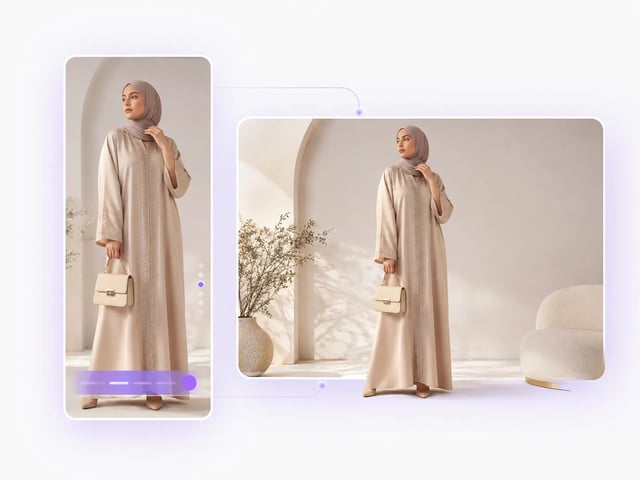
Start from one on-model or product still and run clothing photo to video with a short motion brief. The generator keeps the job simple: image in, clip out — not a multi-camera studio rebuild. Review the full take before you treat it as final creative.
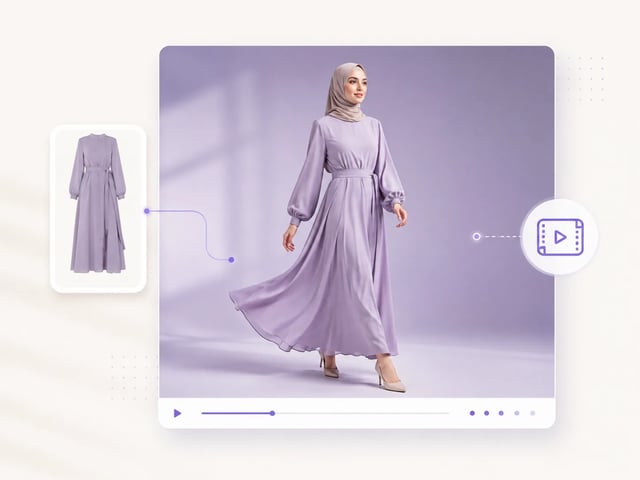
Prompt camera, subject, and fabric in plain words
Write what the camera does, how the model moves, and how fabric should read in the light. Strong fashion image to video prompts name those three layers instead of vague “cinematic” filler. Clear briefs make drift easier to spot when you QA.
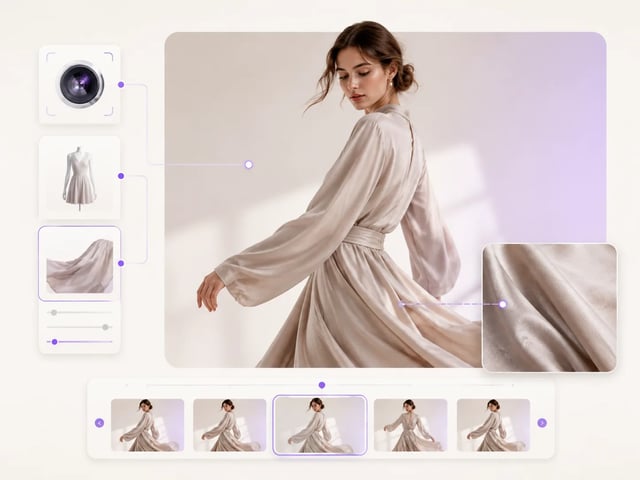
Pick 9:16 reels or 16:9 when the slot needs it
Default aspect is 9:16 so an AI fashion reel draft matches vertical social slots. Switch to 16:9 when the destination is a wide PDP hero or landscape ad. Match the ratio to the real placement before you spend higher resolutions.
QA logo, fabric, and face before you publish
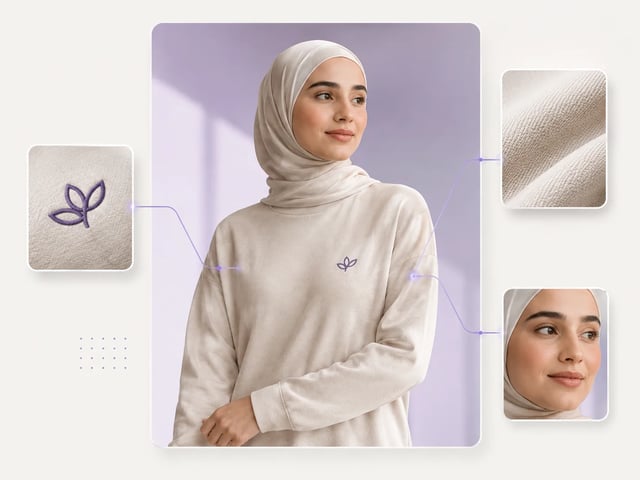
General image-to-video can drift logos, textures, and facial detail — especially on busy prints. Treat the AI fashion video generator output as a draft: pause on labels, seams, and identity. Reject takes that fail the checklist instead of forcing a weak clip live.
Workflow
Make a clothing photo to video draft in four steps
- 1
Upload a clean fashion still
Prefer a sharp on-model or product photo with readable outfit and light. Soft, tiny, or heavily cropped stills leave less for image-to-video to hold.
- 2
Write a short motion prompt
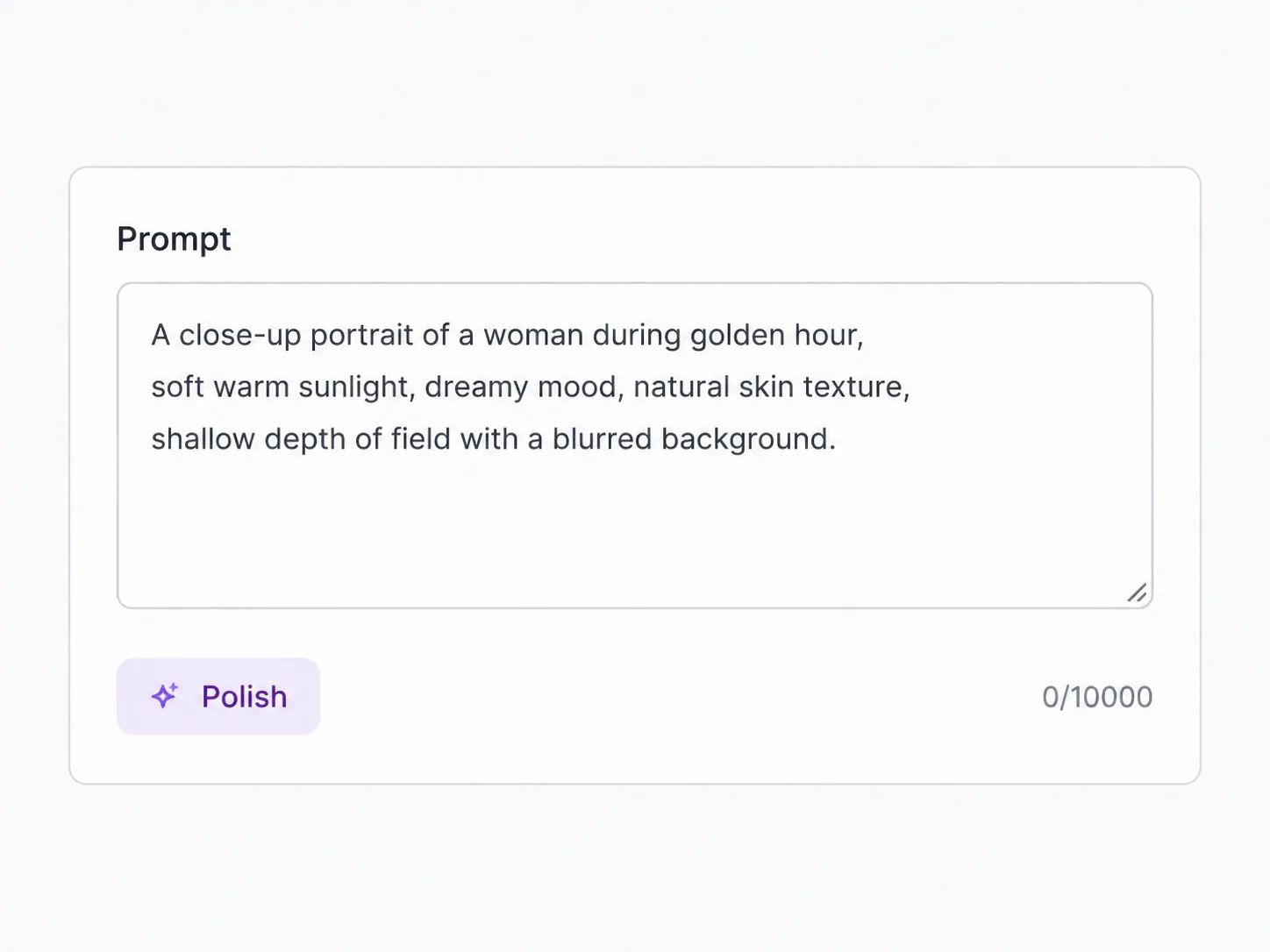
Describe camera move, subject action, and fabric behavior. Example: slow push-in, natural walk, soft fabric sway, keep logo readable.
- 3
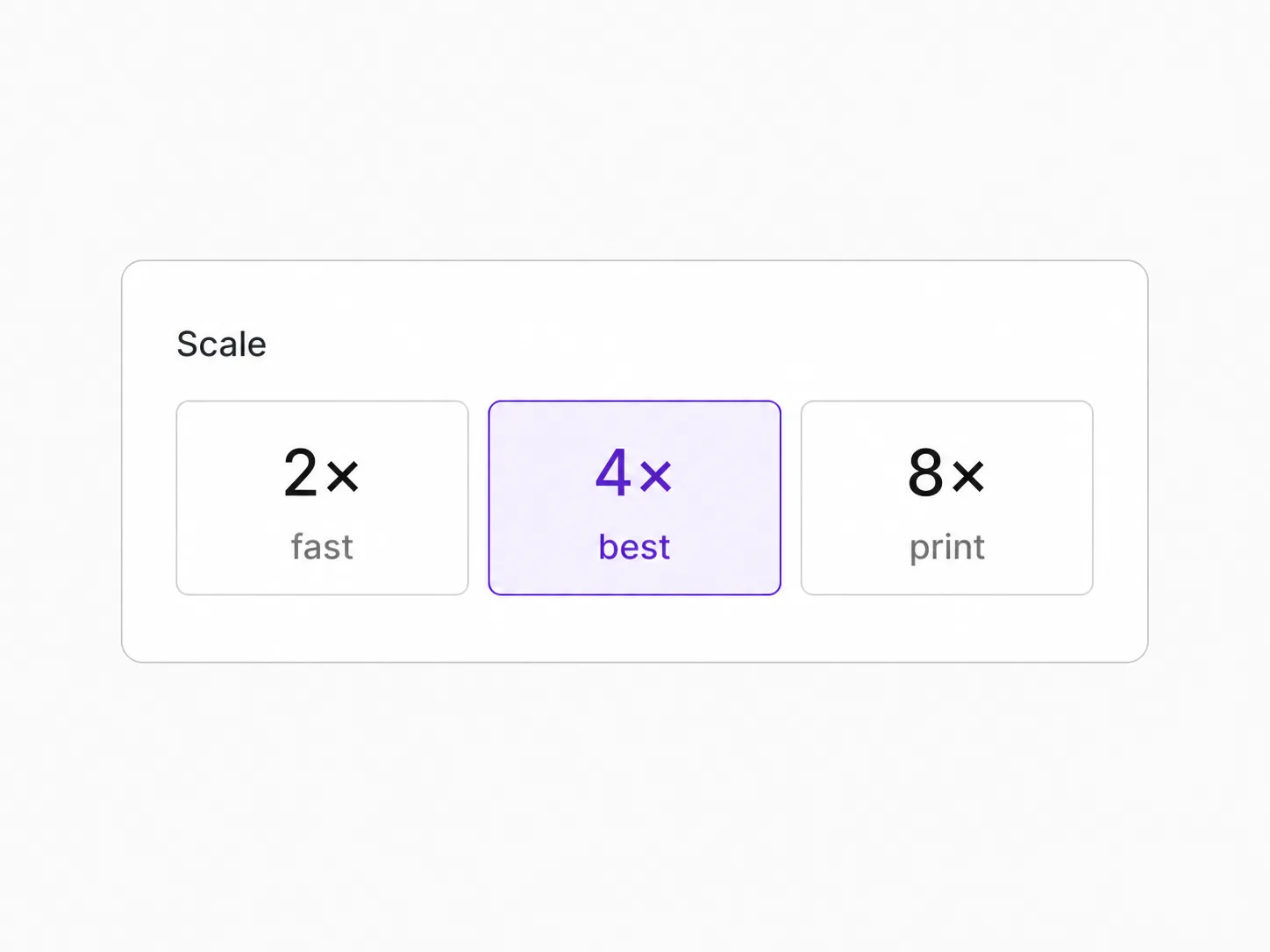
Set ratio and resolution
Start at 720p for drafts (30 credits per clip). Use 9:16 for reels or 16:9 for wide placements; step up resolution when a take wins.
- 4

Review the moving frames
Watch fabric, logo, and face across the clip. Keep only the takes that stay legible; regenerate with a tighter prompt when drift shows.
Where short fashion clips help
When to run the AI fashion video generator
Still inventory, motion needed — without a full shoot day.
-
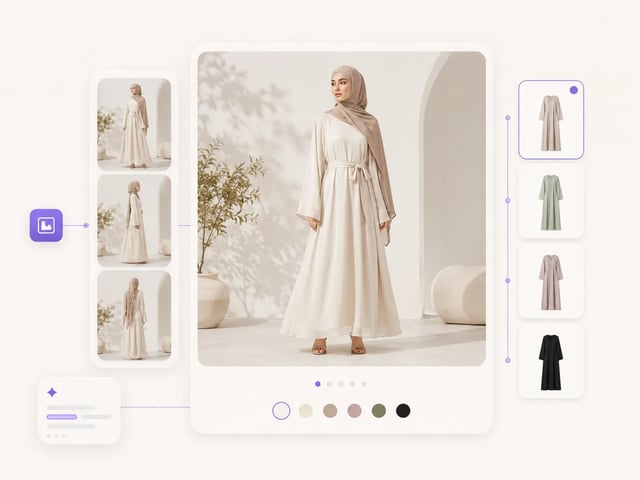
PDP and ecommerce motion
Turn product photo into fashion video drafts for product detail pages when you only have stills. Use AI fashion video for ecommerce tests to compare which motion brief makes the garment read clearer before you invest in a longer edit.
-
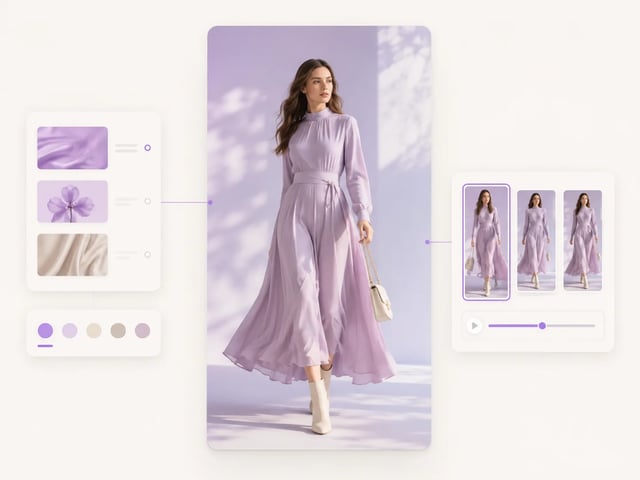
Reels and short social
Export a 9:16 AI fashion reel from an approved look photo for Instagram, TikTok, or Stories. Keep motion simple — a walk, turn, or fabric sway — so the outfit stays the hero of the frame.
-
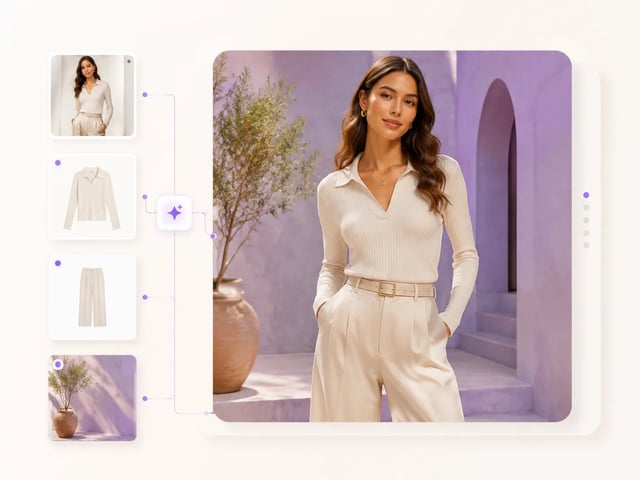
Paid social and ads
Spin clothing still to short video variants for ad creative tests without reshooting. Generate a few prompt angles, QA logos and faces, and only promote the clips that hold brand detail under motion.
-
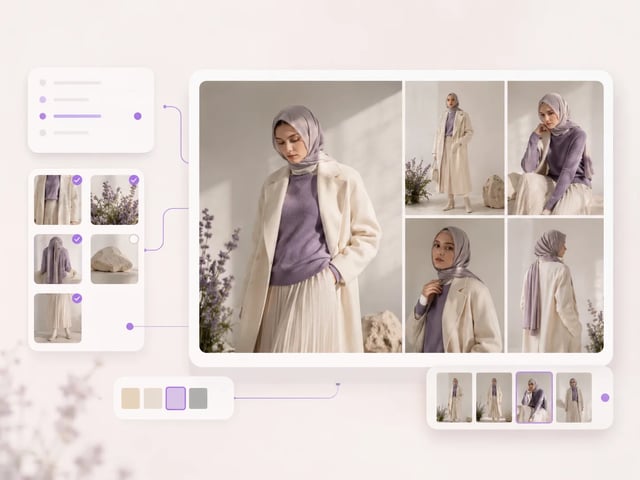
Lookbook and drop previews
Animate lookbook stills into short fashion video from photo drafts for drop announcements. Pair with a still clothes-changer path when you need outfit swaps first, then bring the final still here for motion.
AI fashion video generator questions
Can the AI fashion video generator work from a single photo?
Yes. Upload one clothing or product still, write a motion prompt, and generate a short clip. Clear, well-lit photos hold outfit detail better than tiny or blurry crops.
Is the AI fashion video generator free to try?
Signup gives 10 credits. Default 720p costs 30 credits, so starter credits do not cover a run — top up first. There is no anonymous no-signup free path and no unlimited free tier.
Will logos and fabric stay perfect in an AI fashion video?
Not guaranteed. General image-to-video can drift logos, prints, and fine texture. Pause the clip and reject takes where brand marks or fabric structure fall apart.
How long is a clip from the AI fashion video generator?
This path uses Veo 3.1 Lite image-to-video for short ~8s-class drafts. Treat length as a short social or PDP motion unit, not a full campaign film.
Which resolutions can I use for fashion image to video?
720p, 1080p, and 4K on this fashion image to video path. Start at 720p for drafts with the AI fashion video generator; step up when a take already passes your QA checklist.
How are credits calculated for clothing photo to video?
Clothing photo to video on this path uses Veo 3.1 Lite pricing by resolution per clip: 720p = 30 credits, 1080p = 35, 4K = 150. Signup credits are 10 and do not cover a default 720p run.
How is this different from the AI clothes changer?
Clothes changer edits still outfits. The AI fashion video generator animates a still into a short AI fashion video. Use changer when you need a new garment still; use this page when the outfit is ready and you need motion.
When should I use motion control instead of fashion video from photo?
Use motion control when you already have a reference performance video to transfer onto a character. Use the AI fashion video generator for fashion video from photo when you only have a still and a written motion brief — no motion-reference clip required.
Related video tools and models
Upscale, motion control, and other image-to-video models when you need the next step.
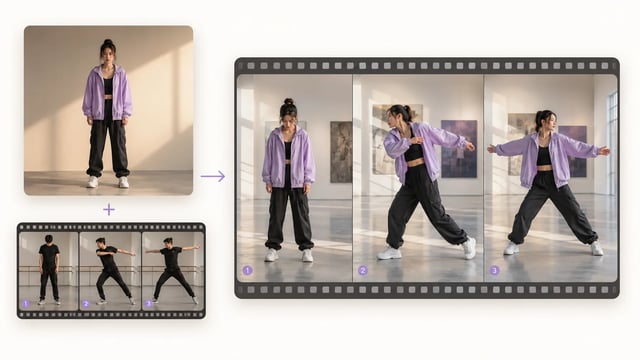
Motion Control Video Generator
One character image + one motion clip → the same action on your character
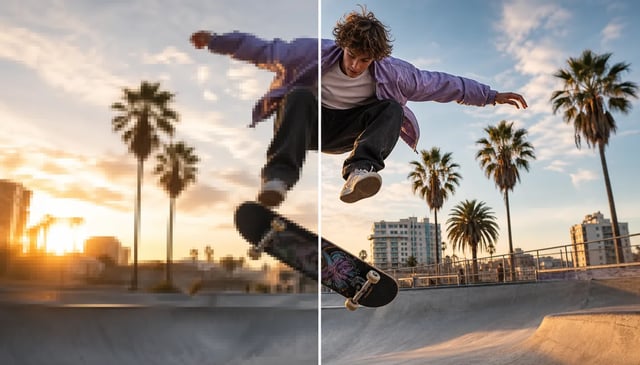
Upscale Video to 4K
Keep the edit, grow the resolution for larger screens and tighter crops
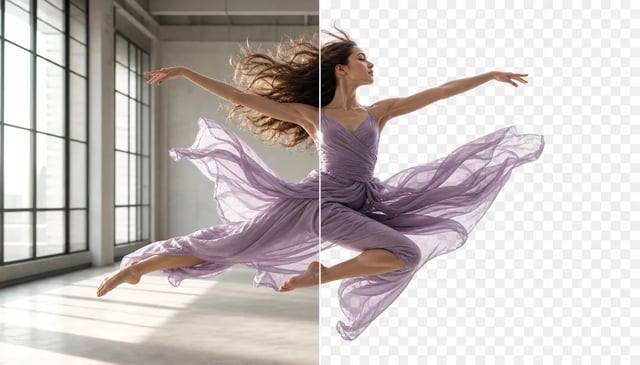
Remove Background From Video
Transparent cutouts for people and products — without a green screen shoot
Still ready. Motion next.
Run the AI fashion video generator on your next still
Upload a clothing photo, write a simple motion prompt, and review fabric and logo before you publish.