
AI Event Flyer Maker from Brief to Finished Flyer
Write the headline, date, venue, and offer—generate a printable flyer still.
This AI event flyer maker turns an activity or sale brief into one finished poster image. Pick a style chip (Event, Sale, Music, Opening, Minimal), paste dates and prices, optional reference photo, then generate. Use it as an AI sale flyer generator when the offer is the hero, or keep Event for community nights. Try free with signup credits. Whole-image output—not a Canva-style layer editor.
- Built for event and sale flyers—headline, date, venue, and CTA in one still.
- Five style chips: Event, Sale, Music, Opening, Minimal.
- Defaults to 3:4 poster ratio; switch aspect anytime.
- Free to try after signup—one default 1K run fits free credits.
An AI event flyer maker for real briefs—not blank-canvas panic
You already have the date, venue, and offer. This tool makes the poster.
Store teams, community organizers, and indie promoters need a flyer tonight—not a full design system. This AI flyer maker starts from your brief fields (headline, schedule, place, prices) plus an optional style chip, then outputs one finished still you can post to social or print after a quick proof. It is different from Add Text to Photo (overlay on an existing shot) and Image Text Editor (swap words already in a graphic). Weekend flash sales, music nights, café openings, and open houses all fit the same flow: write the facts once, generate, check every date, re-run if a rare word fails. It will not give you editable layers, auto bleed marks, or a promise of perfect typography every time—preview and re-run when a word looks off.
Copyable flyer briefs
Three AI flyer maker prompts you can paste
Pair any of these with a style chip in the generator above.
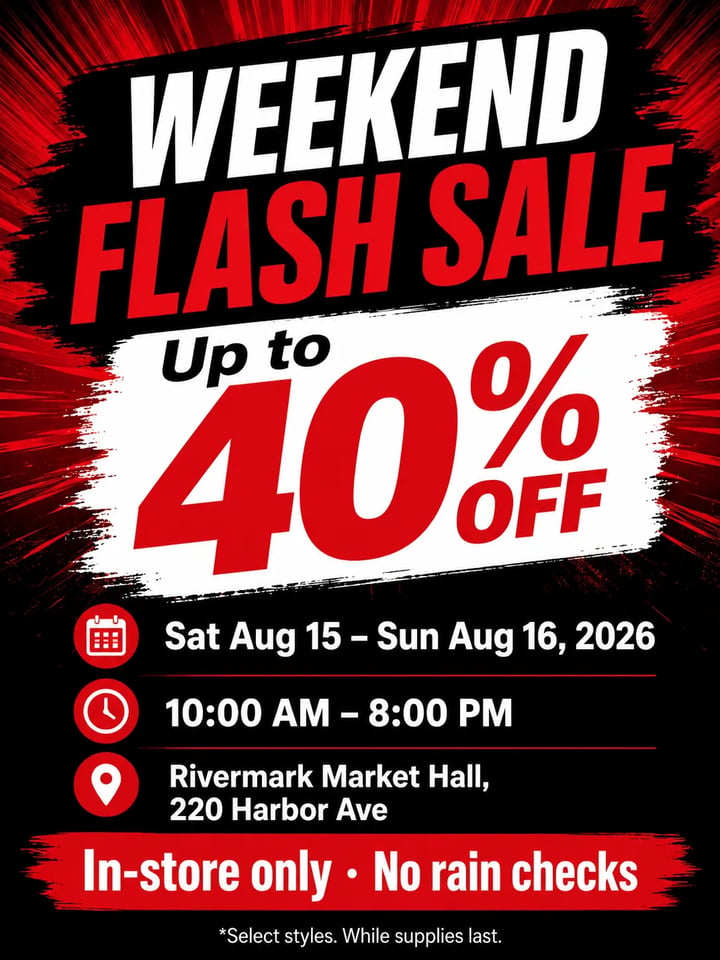
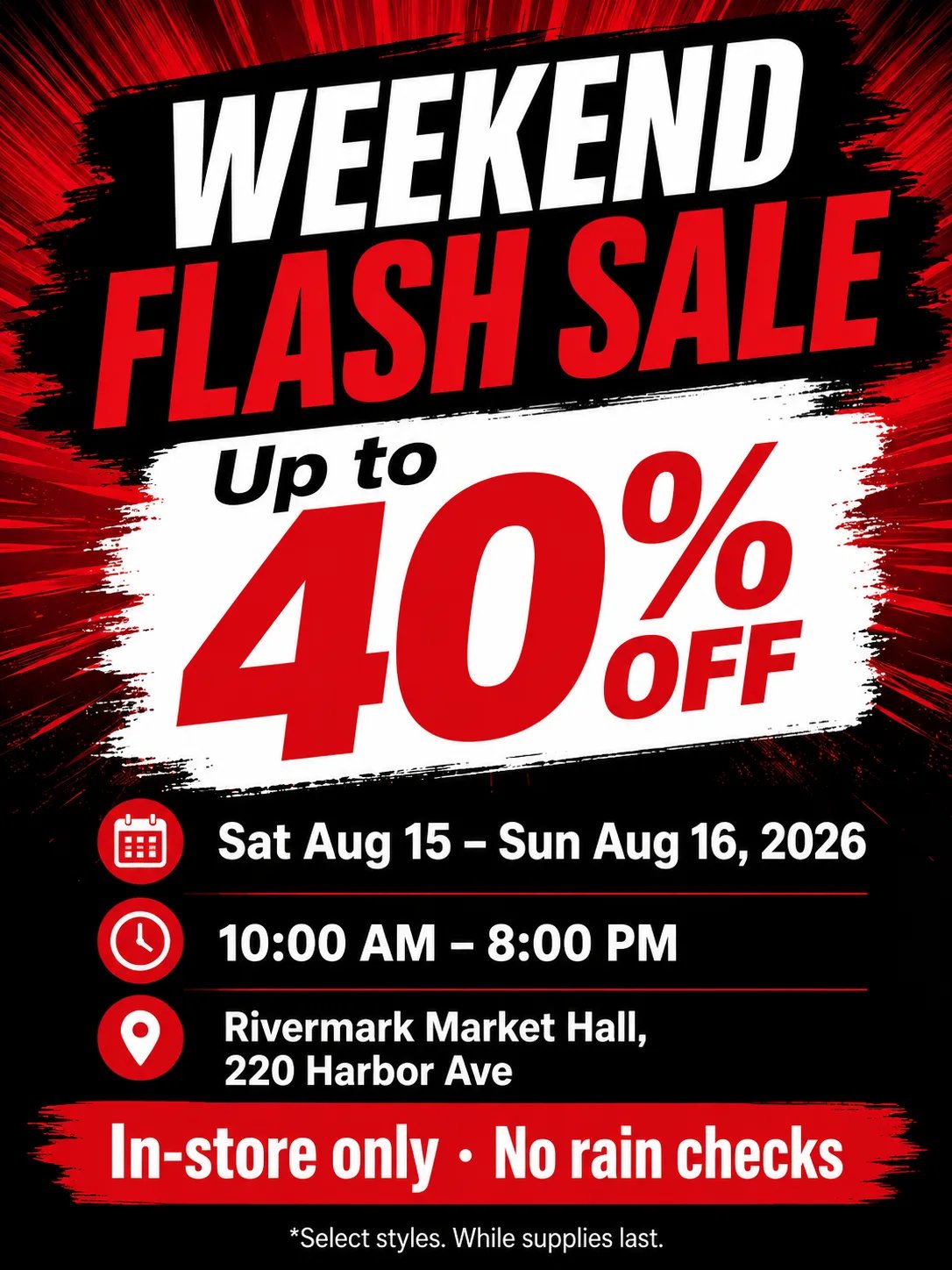
Example brief
Weekend flash sale
WEEKEND FLASH SALE. Up to 40% OFF. Sat Aug 15 – Sun Aug 16, 2026. Hours 10:00 AM – 8:00 PM. Rivermark Market Hall, 220 Harbor Ave. CTA: In-store only · No rain checks. Footer: *Select styles. While supplies last. Bold red/black retail poster.
Job Sale flyer Style chip Sale
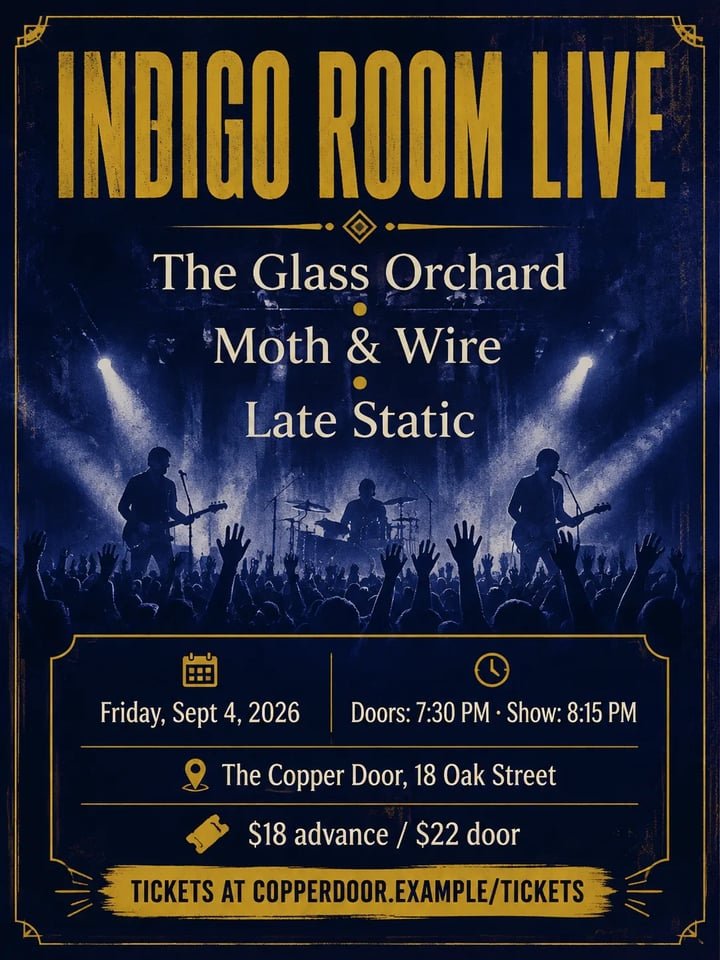
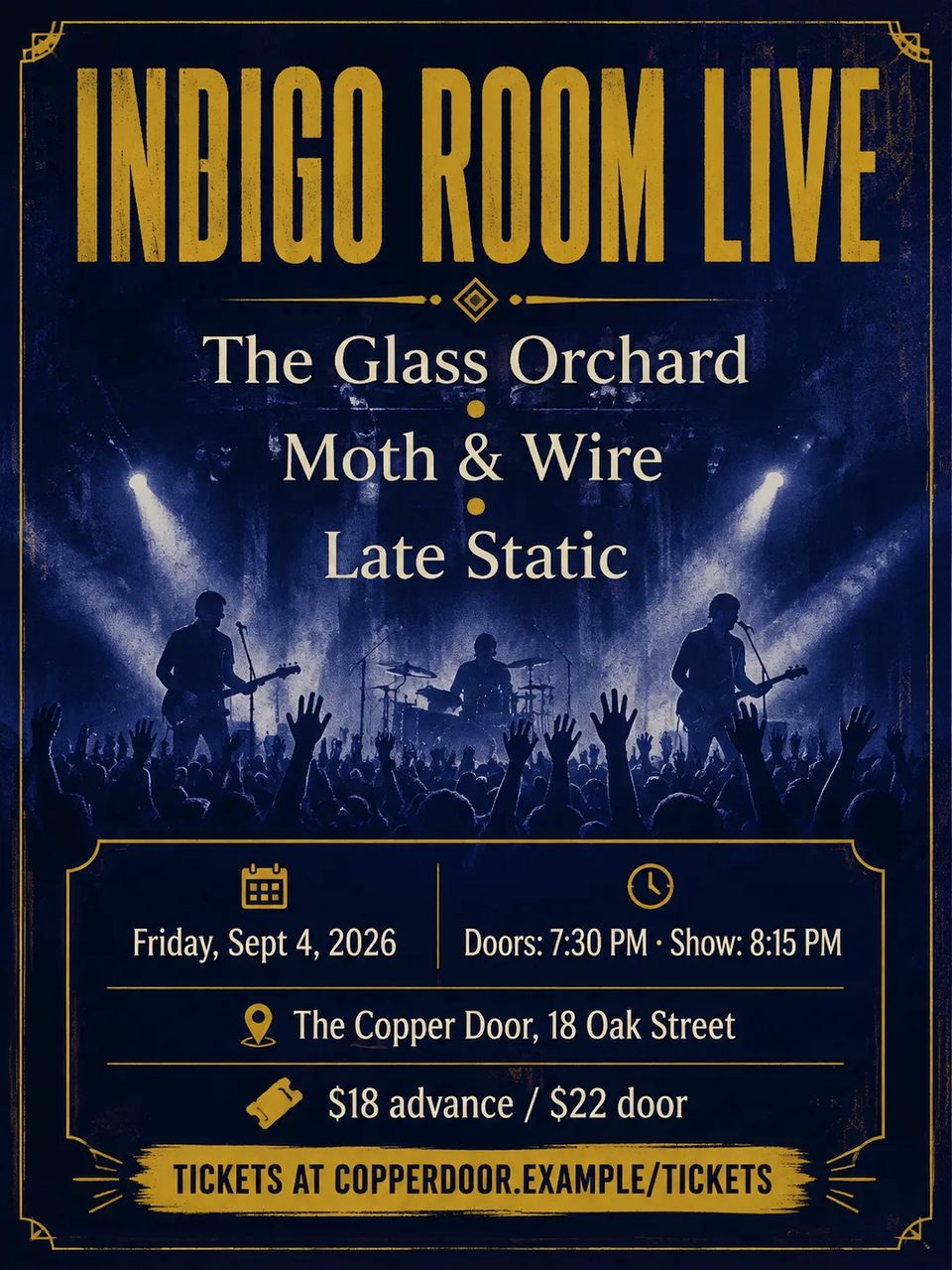
Example brief
Indie music night
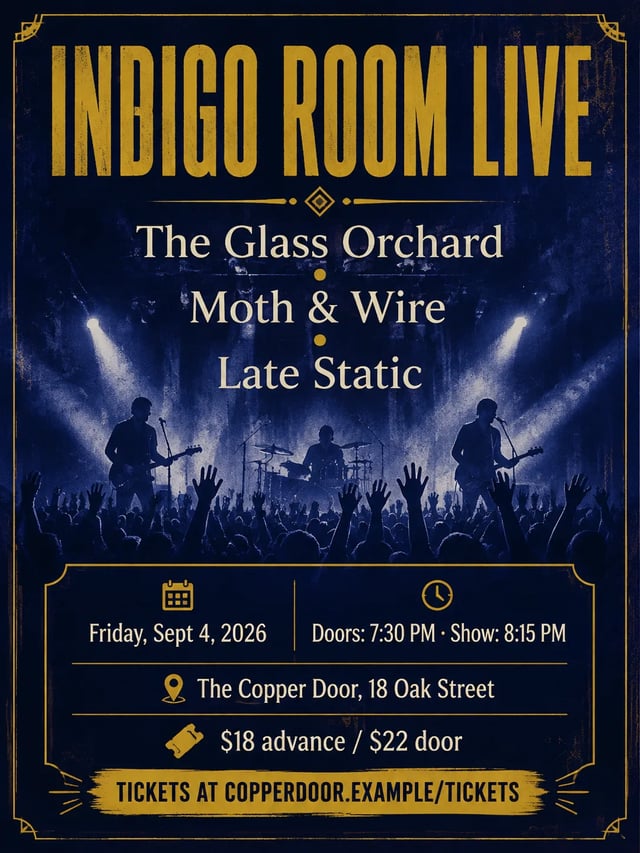
INDIGO ROOM LIVE. Lineup: The Glass Orchard · Moth & Wire · Late Static. Friday, Sept 4, 2026. Doors 7:30 PM · Show 8:15 PM. The Copper Door, 18 Oak Street. $18 advance / $22 door. CTA: Tickets at copperdoor.example/tickets. Deep indigo and gold concert poster.
Job Music night Style chip Music
Example brief
Open house
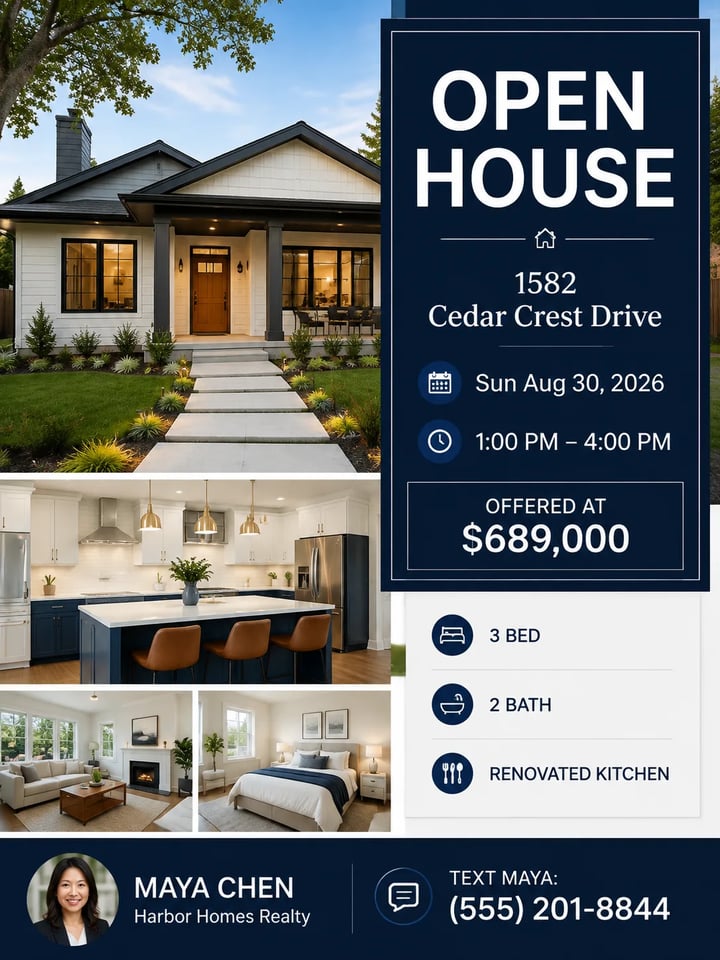
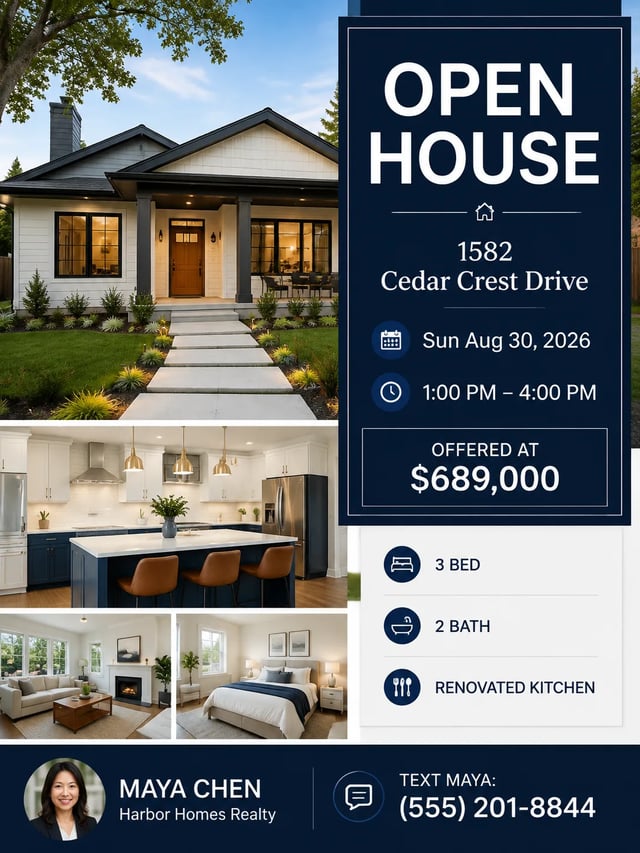
OPEN HOUSE. 1582 Cedar Crest Drive. Sun Aug 30, 2026. 1:00 PM – 4:00 PM. Offered at $689,000. 3 bed · 2 bath · renovated kitchen. Agent Maya Chen, Harbor Homes Realty. Text Maya: (555) 201-8844. Clean modern real-estate flyer.
Job Open house Style chip Event / Minimal
What you control
Build event and sale flyers with an AI event flyer maker
The AI event flyer maker follows your brief—then the style you pick.
Keep headline, dates, and prices readable
Put the exact headline, dates, venue, and prices in the prompt. The AI flyer maker is tuned to keep those words legible in a commercial layout. Always proof the still before print or paid ads—models can still mis-render a rare word.
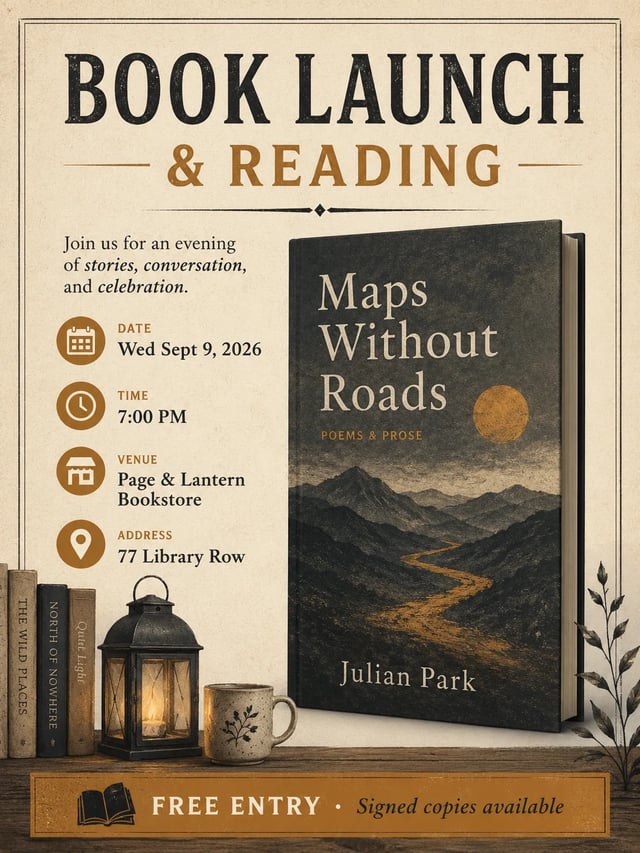
Five flyer styles, one click
Event, Sale, Music, Opening, and Minimal each append a short visual-language block. Swap chips between tries without rewriting the whole brief so the same AI sale flyer generator run can look retail-loud or calm and editorial.
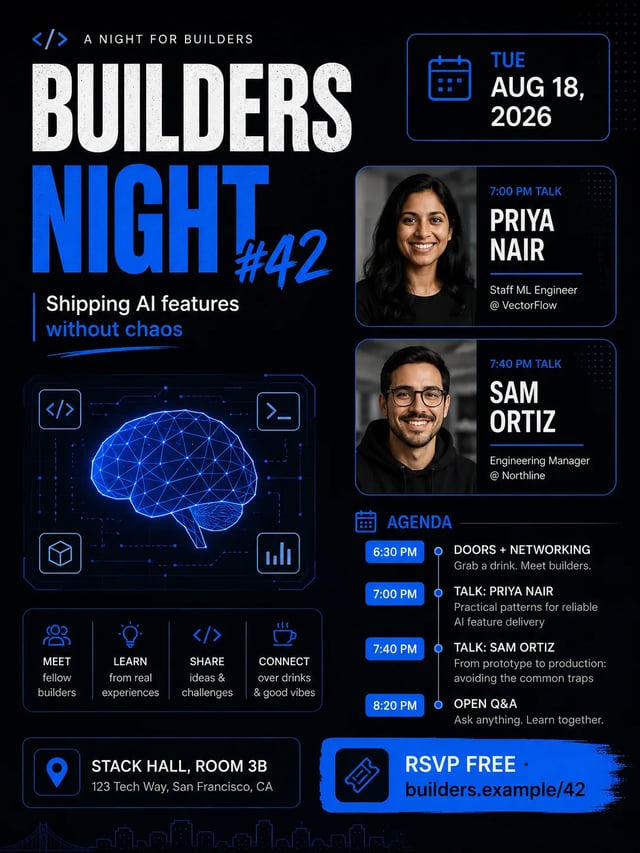
Event fields without inventing extras
The system prompt tells the model not to invent extra phones, street addresses, or fake brands beyond your brief. Light decorative flourishes may appear; critical facts should match what you typed—re-run if they do not.
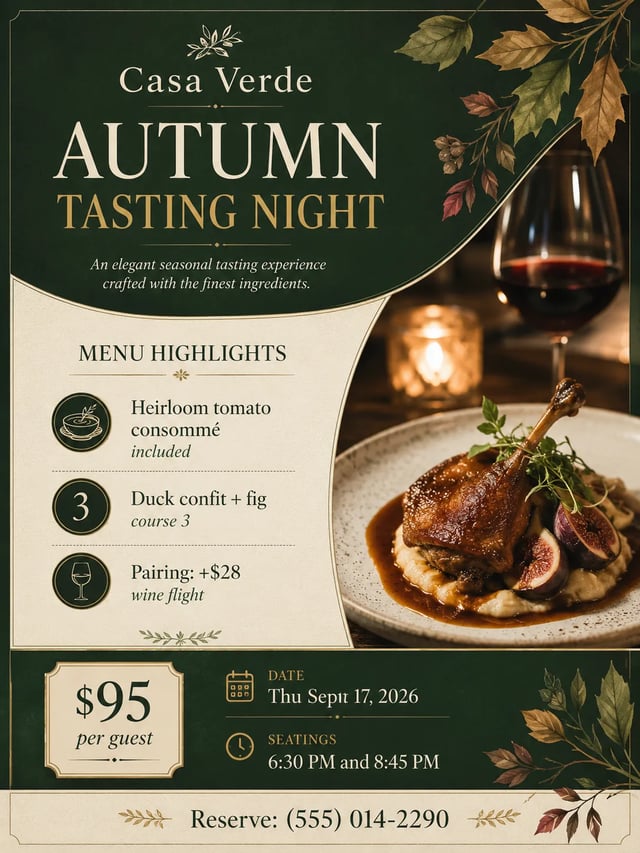
3:4 default for posters
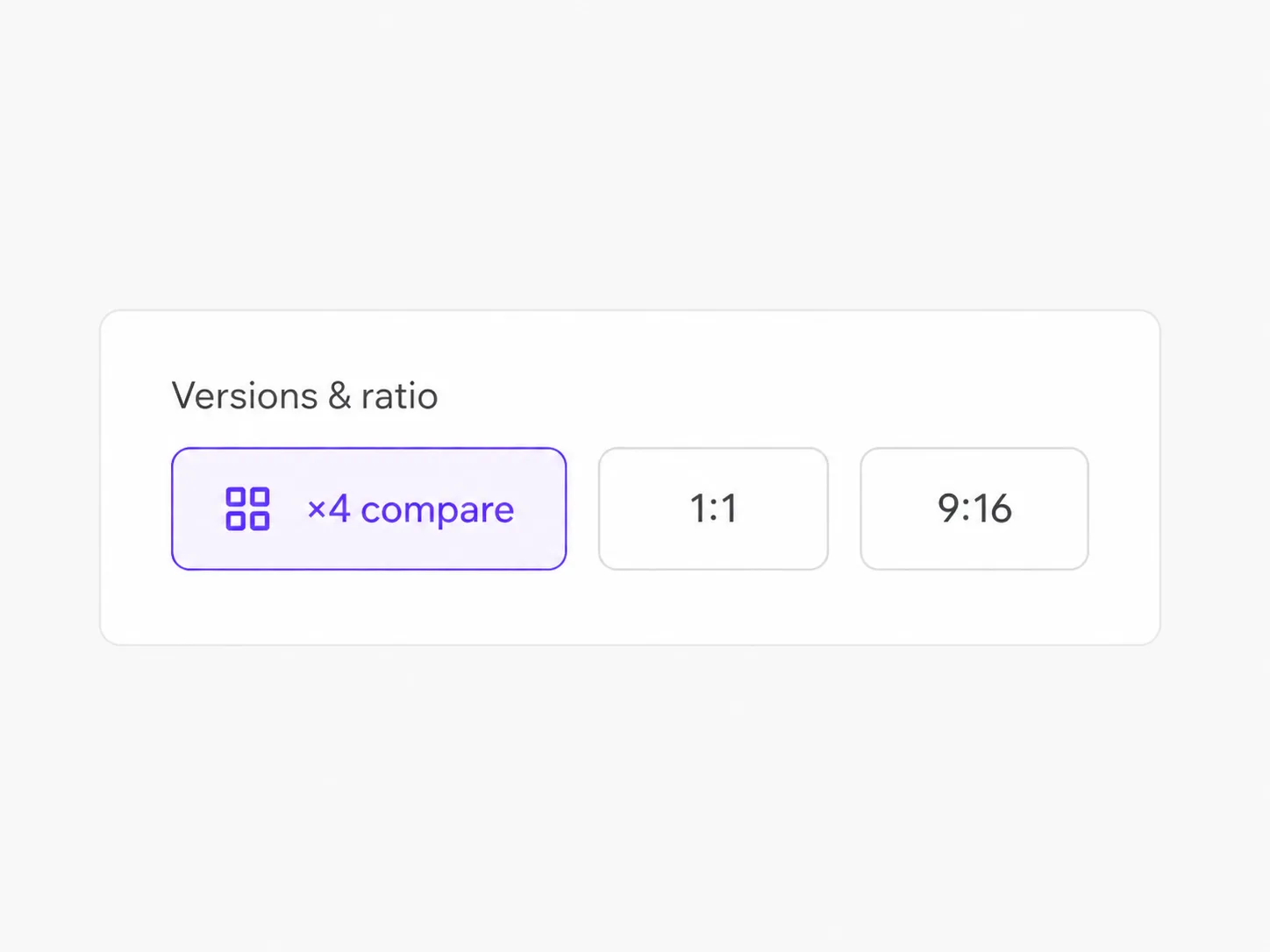
Most hand-out and story-ready flyers start tall. Default aspect is 3:4; switch to square or wide when you need a feed crop or banner later. Same AI flyer maker page—no second tool.
How it works
Make a flyer with the AI event flyer maker in three steps
Style chip → brief → generate. Optional photo if you have a motif.
- 1
Pick a style chip
Choose Event, Sale, Music, Opening, or Minimal so the visual language is set before you write.
- 2
Write the flyer brief
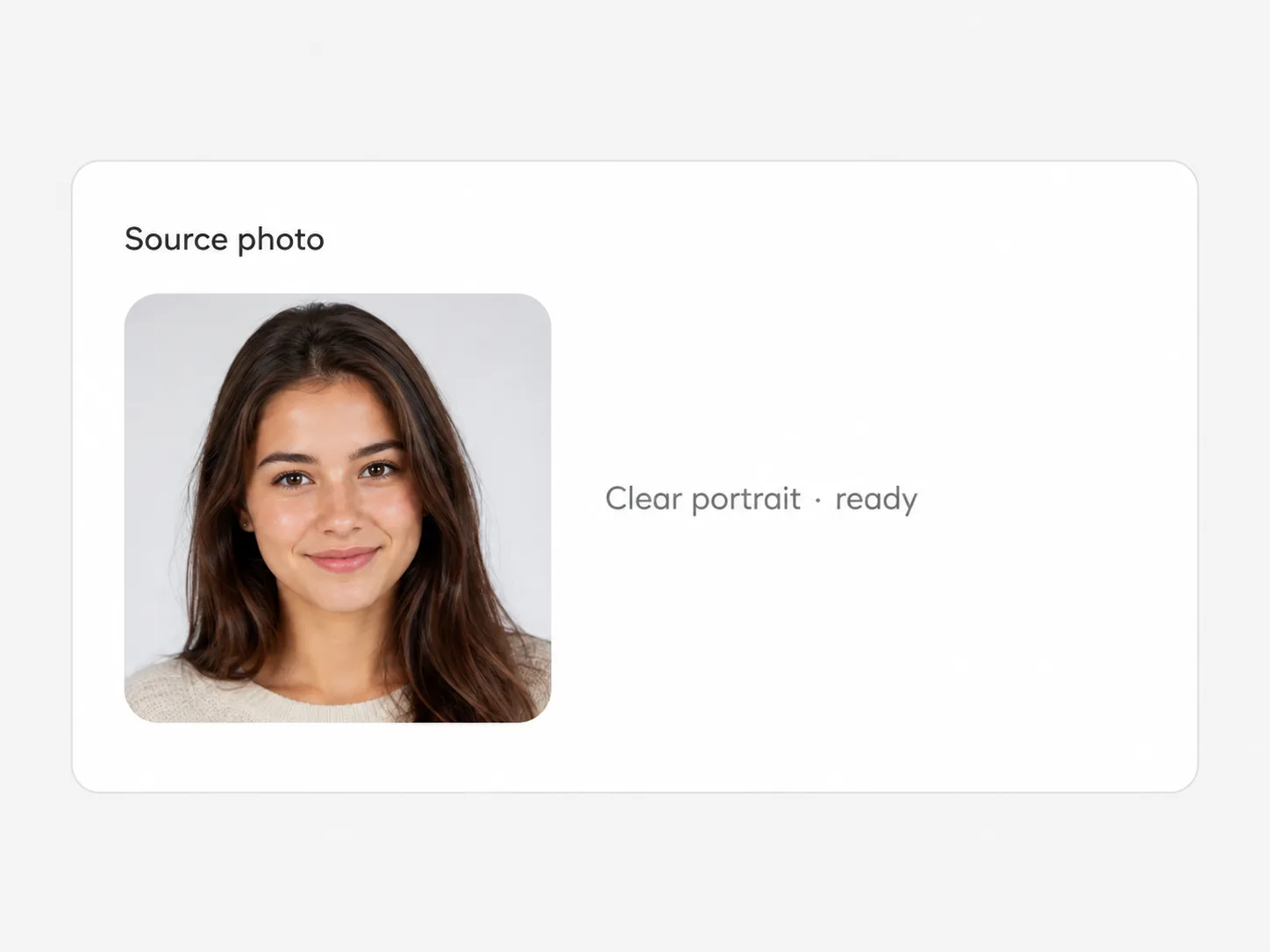
Headline, date, time, venue, prices, CTA—use the placeholder shape. Upload a reference only when you want it.
- 3

Generate and proof
Check every word, swap style or fix one line, run again. Download the still that is good enough to share.
Who uses it
Where an AI event flyer maker actually ships
Weekend promos, live nights, openings, and community events—not full brand systems.
-
Retail and pop-up teams
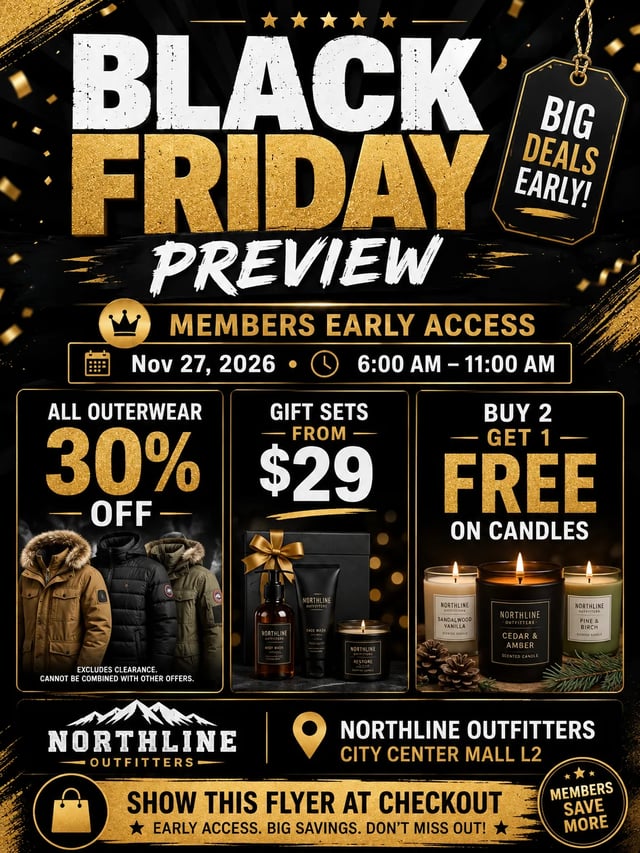
Spin a sale poster the afternoon the discount is approved, then iterate colors before print.
-
Venues and promoters
Lock lineup, doors, and ticket price on a music night flyer without waiting on a designer for v1.
-
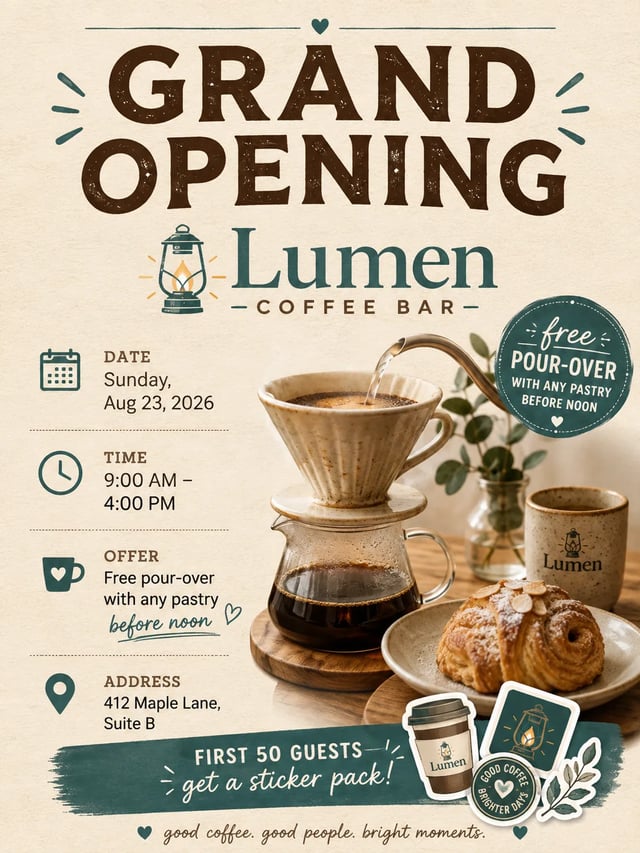
Cafe and shop openings
Announce grand-opening hours and a simple offer in a warm, shareable still.
-
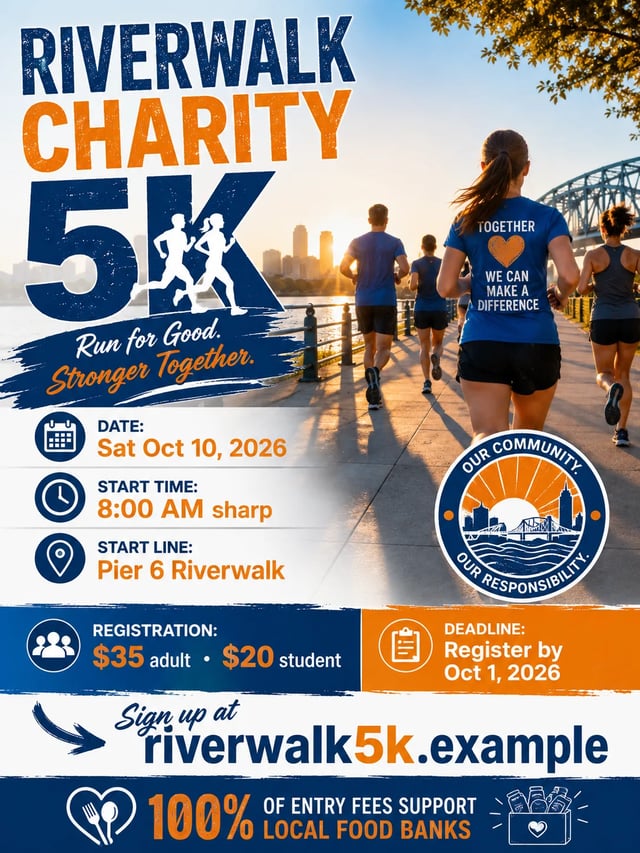
Community organizers
Publish charity runs, meetups, and series schedules with clear registration lines.
AI event flyer maker FAQ
What does this AI event flyer maker create?
One finished flyer or poster still from your written brief plus an optional style chip. Optional reference photo is supported when you want motif-guided restyling. It is whole-image generation for promos and event posts—not a multi-layer editor, not print-shop prepress, and not a guarantee that every uncommon brand name will spell perfectly on the first try.
How is this different from Add Text to Photo or Image Text Editor?
Add Text to Photo overlays words on an existing photo. Image Text Editor replaces text already in a graphic. This AI flyer maker builds a full flyer from a brief (and optional style), so you start from the event details instead of an uploaded design file.
Will every date and price spell correctly?
GPT Image 2 is strong on text-in-image, and our QA used dense briefs with good results—but no model is 100% perfect. Proof every still before print or paid ads; re-run or simplify the brief if a word fails.
How do the five styles work?
Each chip (Event, Sale, Music, Opening, Minimal) appends a short visual-language block at generate time. Your brief stays editable; switching chips does not erase what you typed.
Do I need a photo, or can I generate from text only?
Text-only works: leave the upload empty. Add a photo when you want motif-guided restyling. Both paths run on the same AI flyer maker page.
Is the AI flyer maker free?
You can try free with signup credits: a default 1K run costs 6 credits, and new accounts receive free credits that cover at least one run. It is not unlimited free and not free without an account.
Why is the default ratio 3:4?
Most hand-out and story flyers are tall posters. You can still pick other aspect ratios in the form when you need a square feed crop or wide banner.
Can I use outputs for commercial promos?
Outputs follow your SupaImagine account plan and the site legal terms. Check pricing and legal pages for commercial rights on your plan; do not assume unrestricted stock-style licensing.
Next tools
After the first flyer draft
Overlay captions, fix in-image words, or open the general model workspace.


When the event is set
Open the AI event flyer maker and paste your first brief
Pick a style, list headline and dates, generate a finished flyer, proof it, share. Try free with signup credits.