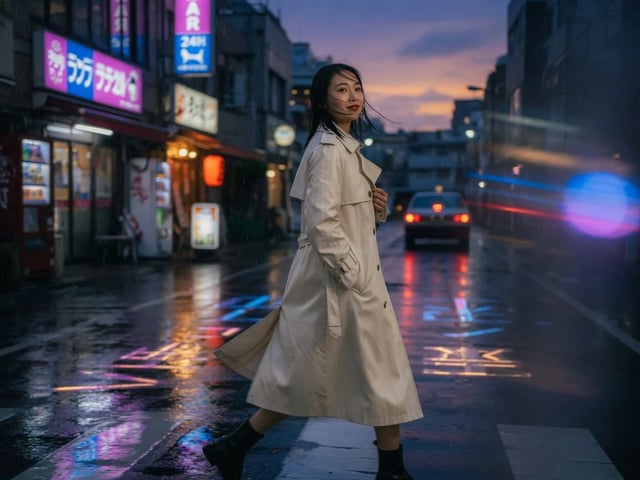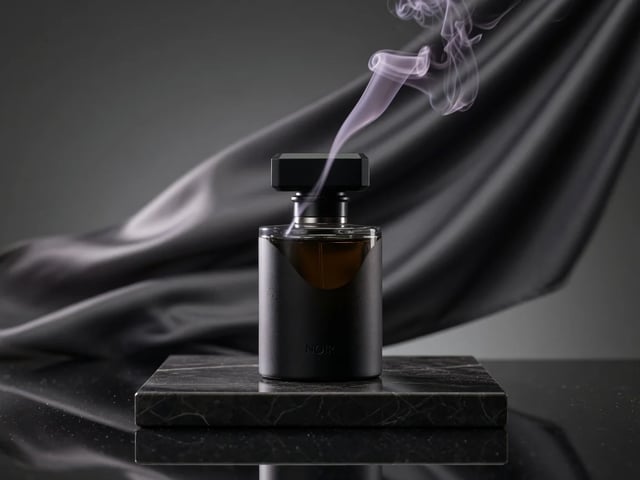
Write the motion brief
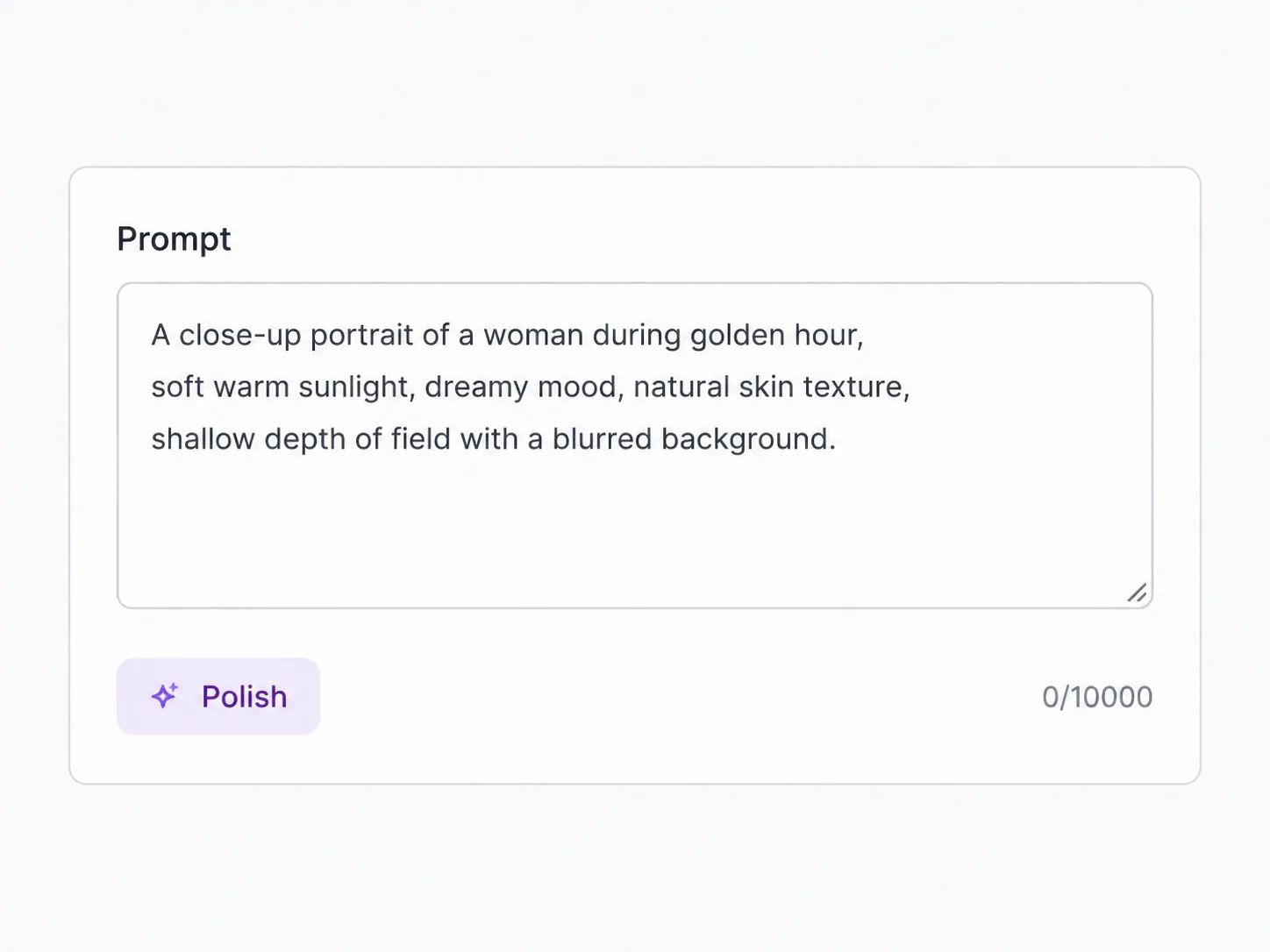
Describe the subject, camera movement, lighting, and sound cue. A clean brief matters more than a long paragraph when the goal is a short 8-second Veo pass.
Fast Veo with text, frames, or 1-3 reference images
Use Veo 3.1 Fast when the shot needs Google-style motion without the full quality-tier credit hit. Start from text, animate one or two frames, or guide the clip with up to three reference images, then choose 720p, 1080p, or 4K. It is the Veo page for quick iterations, reference-led material shots, and lower-credit video tests that can still be upgraded when a take works.
Write a prompt, add a start frame, or attach up to three reference images, then pick 16:9, 9:16, or Auto and choose 720p, 1080p, or 4K before the run.
Stay in the same generator when the shot needs the full Veo quality pass, a longer Seedance take, or a dialogue-first model.
Fast is the Veo option you reach for before the full quality pass: cheaper to test, quicker to compare, and the only current Veo SKU in SupaImagine with reference-to-video.
Veo 3.1 Fast sits between the full Veo 3.1 quality page and the lowest-cost Lite tier. In the current SupaImagine catalog, it keeps the same core Google Veo workflow — text, a start frame, or a first-and-last-frame transition — and adds a material-style reference mode for one to three images. That makes it useful when a product shape, character look, or visual identity needs to survive the motion pass. The tradeoff is clear: use full Veo 3.1 when the final shot deserves the quality tier; use Fast when you need more attempts, a lower credit cost, and a reference-driven path that the full quality SKU does not expose here.
| veo 3.1 fast generator | veo 3.1 fast ai video generator | veo 3.1 fast image to video | veo 3.1 fast reference to video | veo 3.1 fast 4k |
Describe the subject, camera movement, lighting, and sound cue. A clean brief matters more than a long paragraph when the goal is a short 8-second Veo pass.
Use text alone for a new shot, add a start image to animate a still, add a start and end frame for a transition, or attach one to three reference images for the Fast reference mode.
Select 16:9, 9:16, or Auto, then choose 720p, 1080p, or 4K. Fast starts at 30 credits for 720p, far below the full Veo 3.1 quality tier.
The result lands in your private library. Re-run the same material on Fast, send the winning shot to the full Veo page, or compare it with Seedance without losing the prompt.
The page focuses on the abilities SupaImagine actually exposes: lower-credit Veo runs, reference images, frame animation, native audio by default, and resolution upgrades.
Fast is the Veo 3.1 SKU in SupaImagine that exposes reference-to-video. Add one to three images when the clip needs to remember a product, character, prop, or visual style.
The 720p Fast run is 30 credits, with 1080p at 45 and 4K at 90. That makes it the practical tier for trying several versions before committing to a full quality pass.
Use the one-to-three-image reference path when a look, prop, or character needs to guide the clip before you spend credits on a final-quality pass.
Veo 3.1 can generate picture and sound together, so Fast clips can arrive with background audio by default. Sensitive scenes may suppress sound, so this is framed as the default behavior rather than a guarantee.
Choose 9:16 for social, 16:9 for horizontal edits, or Auto when the input material should guide the shape. Fast is not only a draft button; it still lets you aim the output format.
Start with the lighter base render and reserve 1080p or 4K for the shot worth keeping. SupaImagine keeps the run, prompt, and result together in the library.
Fast vs nearby choices
The right model depends on whether you are testing quickly, finishing a Google-style shot, or directing a longer reference-heavy sequence.
| Veo 3.1 Quality tier · short keeper | Seedance 2 Fast 4-15s · Seedance balance | ||
|---|---|---|---|
| Best for | Fast Veo tests and material references | A polished short Google-style shot | Longer flexible takes with Seedance controls |
| Inputs on SupaImagine | Text, first/last frames, 1-3 reference images | Text, first frame, first+last frame | Text, frames, video/reference media |
| Current clip length | 8s Veo path | 8s Veo path | 4-15s |
| Max resolution | 4K | 4K | 720p on Fast |
| Credit posture | Lower Veo tier | Quality tier | Balanced Seedance tier |
Where Fast fits
Use Fast when the material is clear and you need several attempts before choosing the keeper.
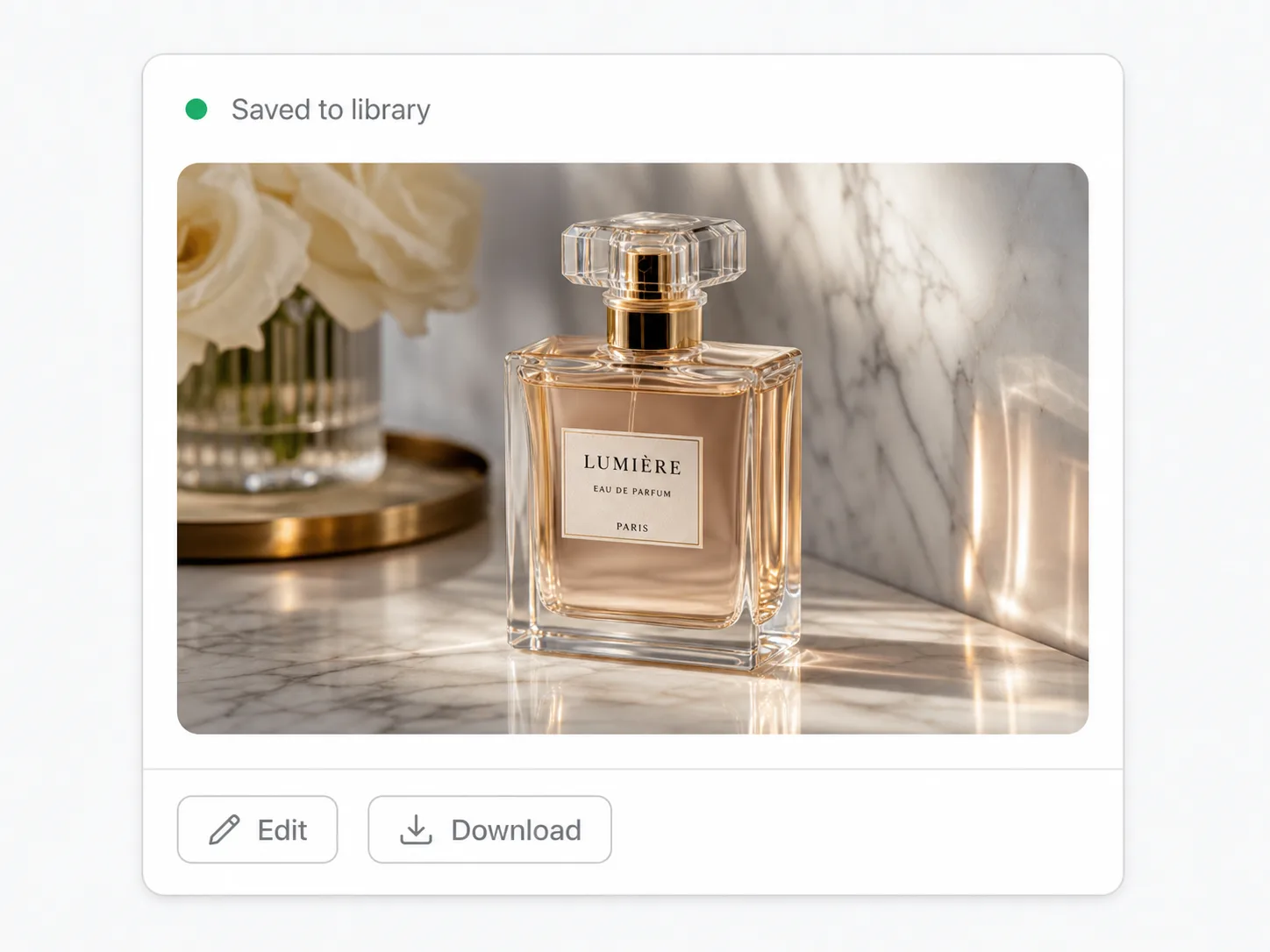
Use one to three product references to test how shape, finish, and lighting survive motion before spending more credits on the final quality-tier render.
Use one to three reference images when a face, costume, or silhouette needs to stay recognizable through a short motion pass.
Draft several hooks, transitions, or vertical cuts with lower Veo credits, then keep the one that sells the campaign idea.
Bring a palette, prop language, or art direction into a short video without turning the task into a full multi-clip sequence.
Scout quick inserts, scene setters, and cutaway ideas while reserving the heavier quality model for the main campaign shot.
Run the same prompt on Fast, full Veo, and Seedance to see whether speed, fidelity, or flexible duration matters most for the shot.
Veo 3.1 Fast is the lower-credit Fast tier of Google's Veo 3.1 family. On SupaImagine, it can generate video from text, animate one or two frames, or use one to three reference images in the Fast reference-to-video mode.
Fast costs fewer credits and exposes reference-to-video in the current SupaImagine catalog. The full Veo 3.1 page is the quality SKU for a polished short shot; Fast is the speed-and-reference workflow for trying more versions first.
Yes. The reference mode accepts one to three images. That is different from frame-to-video: frame mode uses a start image or start/end pair, while reference mode uses material images to guide the look of the generated video.
Yes. SupaImagine exposes 720p, 1080p, and 4K for Veo 3.1 Fast. The current credit table is 30 credits for 720p, 45 for 1080p, and 90 for 4K.
Veo 3.1 Fast uses the Veo path where audio is generated by default, so a clip can arrive with sound alongside the picture. Some sensitive scenes may suppress audio upstream, so SupaImagine does not promise sound on every single result.
No. New SupaImagine accounts receive 10 starter credits, and the lowest Veo 3.1 Fast run currently starts at 30 credits. Use the pricing page or a paid credit pack when you are ready to render video.
Commercial-use rights are tied to paid SupaImagine plans under the site's terms. Starter-credit output is for evaluating the workspace, while paid-plan videos are the path for client, ad, and commercial work.
Stay in the workspace
Generate source frames, compare another model, or move the keeper into a video utility while every result stays in your library.
Return to the full video picker when the same prompt should face Veo, Seedance, HappyHorse, or another video model.
Create the still or reference image that anchors a Fast run, then animate it without leaving SupaImagine.
When the Fast pass finds the right idea, try the full quality SKU for the polished keeper.
When a clip needs source-motion guidance instead of reference images, move the shot into the motion-control tool.
If the Fast result needs dialogue or a talking avatar, switch to the lip-sync workflow.
After the motion works, sharpen or enlarge the clip before exporting the version you keep.
Prompt, frames, or 1-3 reference images in; a lower-credit Veo pass out; every keeper saved for the next model comparison.