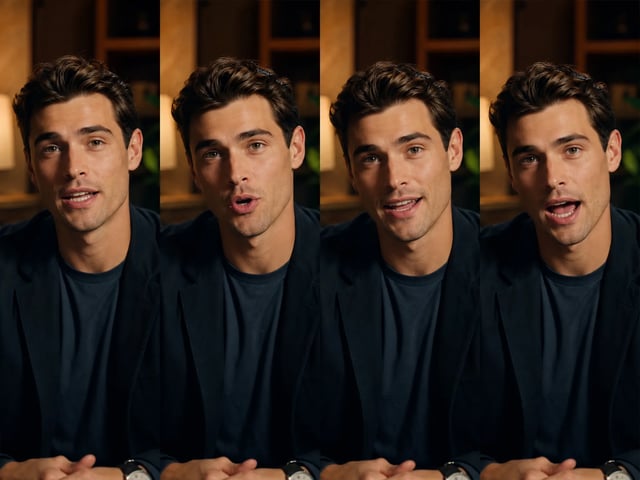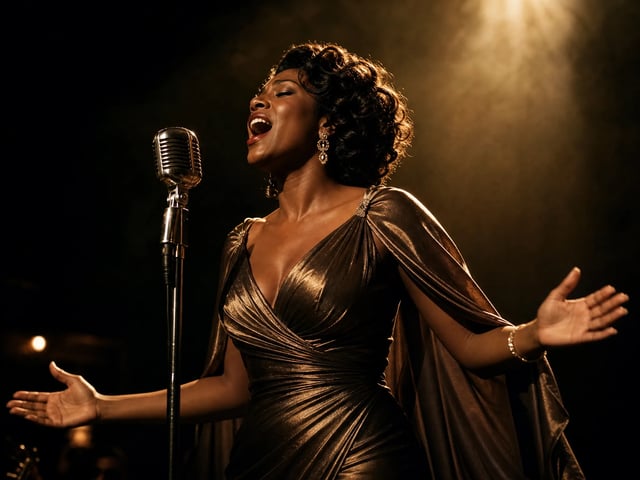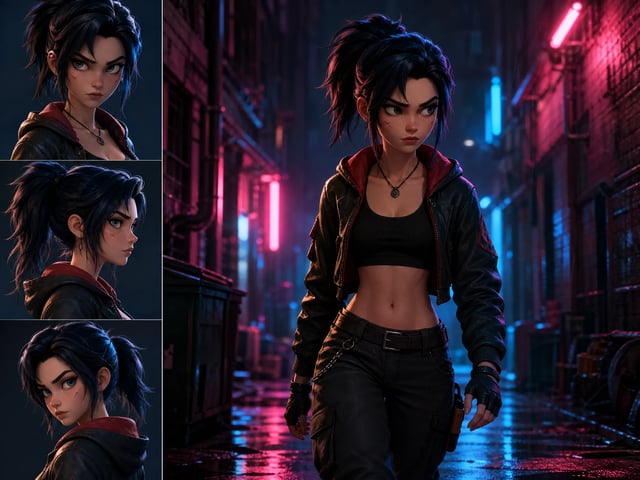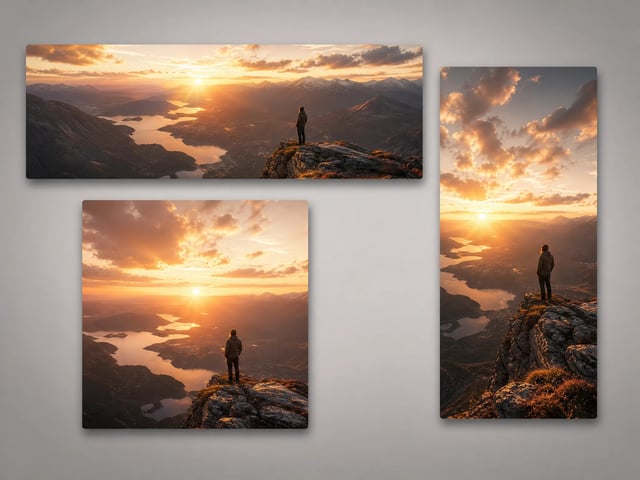
Write the scene and the line
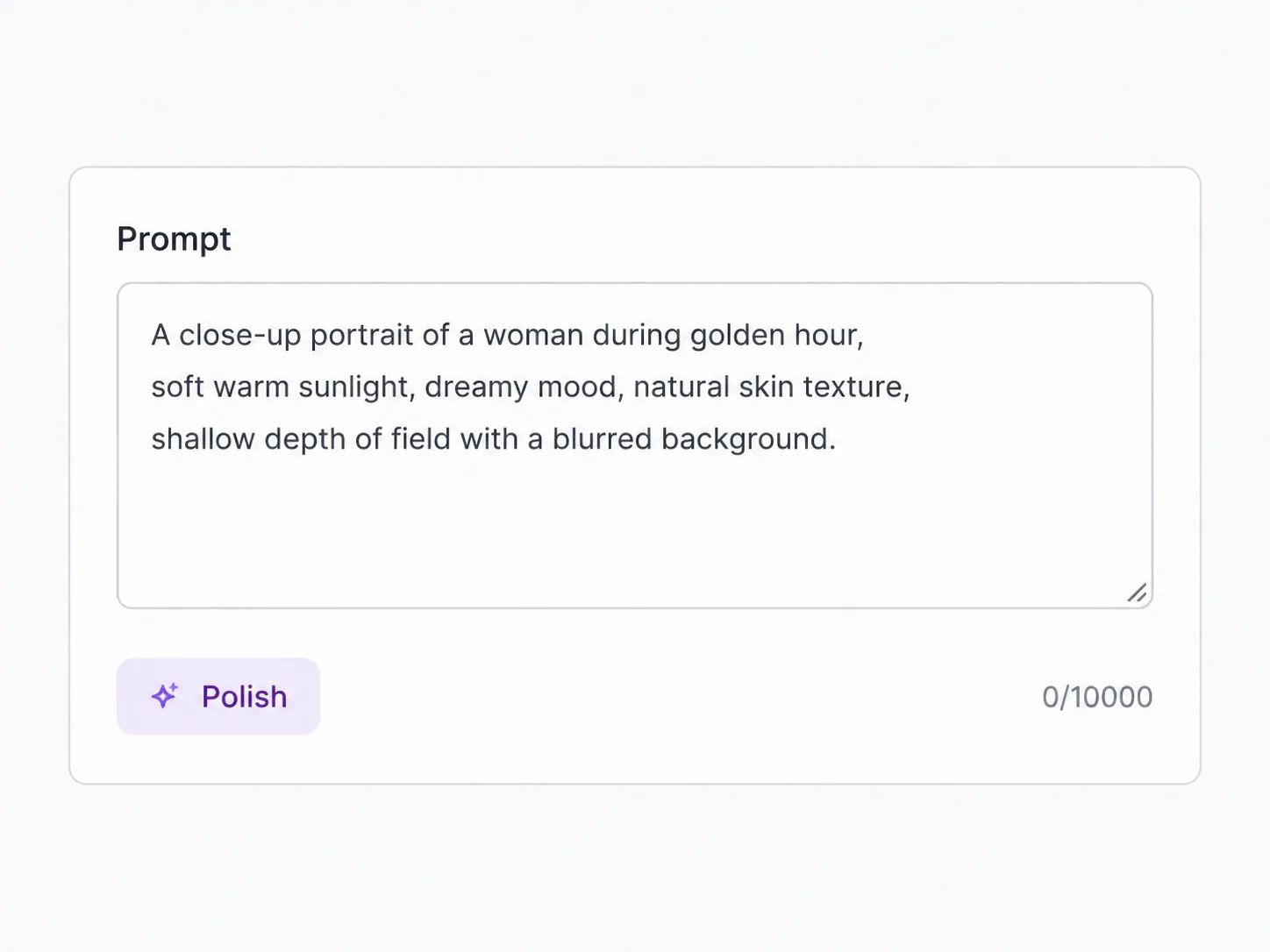
Type what happens and what's said. Add a first frame to animate, or up to nine reference images to lock a character, product, or palette. Spell out the dialogue and the language — HappyHorse syncs the mouth to it.
Alibaba's audio-video model — characters that speak, lip-synced across seven languages, consistent across every scene
HappyHorse 1.1 is Alibaba's audio-video model, and SupaImagine runs it in the browser. It generates picture and sound together, so when a character speaks, their mouth tracks the dialogue — across English, Mandarin, Cantonese, Japanese, Korean, German, and French. Feed it text, a first frame, or up to nine reference images to hold a character, product, or palette steady from one shot to the next. It renders at 720p or 1080p in clips three to fifteen seconds long, and every render lands in your library.
Write a line of dialogue or a scene, add a first frame or up to nine reference images, pick 720p or 1080p, then run. Your clip lands straight in the library.
Need a 4K finishing pass or a different look? Switch models in the same generator without losing your prompt.
Joint audio, lip-sync across seven languages, and a cast that stays consistent — Alibaba's HappyHorse 1.1, in your browser.
HappyHorse 1.1 is the model to reach for when the video has to talk. Most generators hand you motion and leave the sound for later; HappyHorse synthesizes audio and picture together, then syncs a character's lips to the dialogue — across seven languages, with no separate scoring or dubbing step. Hand it up to nine reference images and a recurring character, product, or look stays consistent scene to scene without fine-tuning. It tops out at 1080p rather than 4K — the honest trade: this is the model for spokespeople, dubbed explainers, and character-driven sequences, not a 4K hero-shot finisher. For that, Seedance 2 sits one switch away in the same generator.
| happyhorse 1.1 | happyhorse ai video generator | happyhorse video | happyhorse lip sync | multilingual lip sync video | text to video | image to video |
Type what happens and what's said. Add a first frame to animate, or up to nine reference images to lock a character, product, or palette. Spell out the dialogue and the language — HappyHorse syncs the mouth to it.
Choose 720p or 1080p, one of nine aspect ratios from 21:9 to 9:16, and a length from three to fifteen seconds. The generator shows the exact credit cost before you run.
Send it off. Picture and audio are synthesized together in one pass, so a clip can come back already scored and lip-synced — and if a run fails, its credits come straight back to your balance.
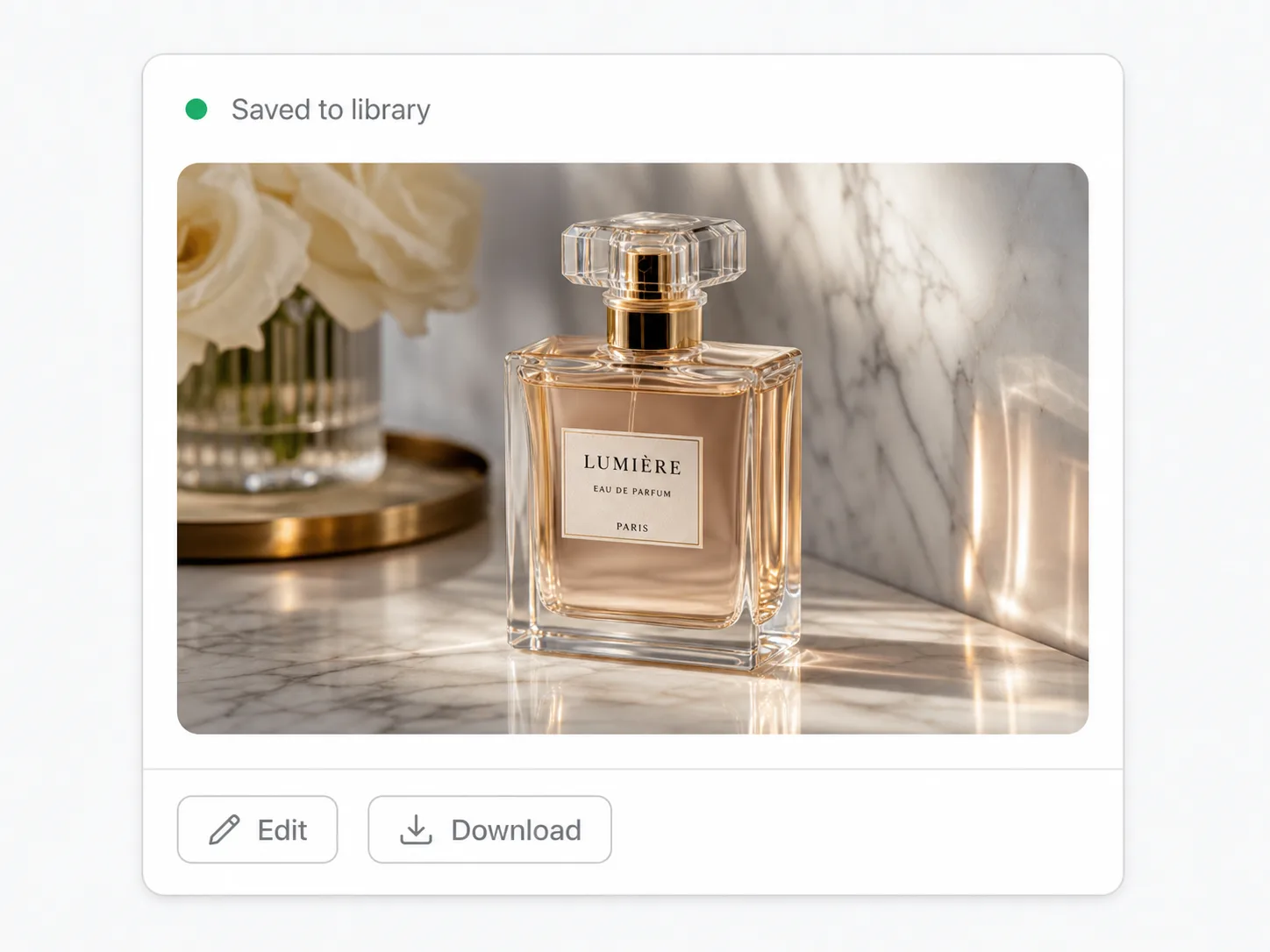
Every clip saves to your private library. Re-run with a tweaked line, swap the reference set, or carry the same character forward so the next shot still matches.
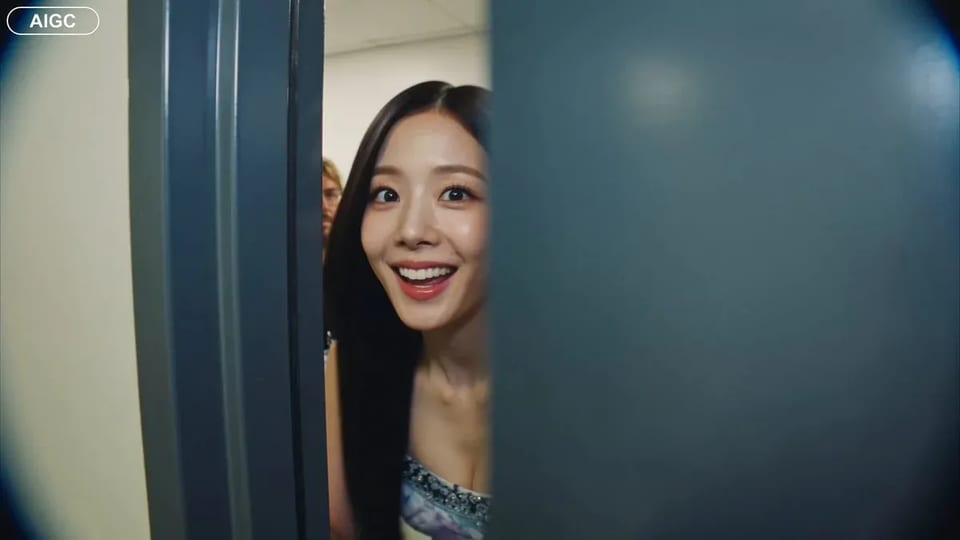
When a character has a line, HappyHorse 1.1 matches their mouth to the audio instead of letting the speech float free — across English, Mandarin, Cantonese, Japanese, Korean, German, and French, because the model was trained on dialogue in all seven. That's the difference between a clip you can ship as a spokesperson piece or a dubbed explainer and one where the lips give it away.
HappyHorse synthesizes audio in the same pass as the motion — dialogue, ambience, music, and Foley generated alongside the picture rather than dropped in during a separate scoring session. The intent is a take that arrives ready to watch, not a silent render still waiting on its soundtrack.
Hand it up to nine reference images and point to them in the prompt — "the woman in [Image 1]", "the bottle in [Image 2]" — and a character, a product, or a colour palette holds its look from one shot to the next. It's how a multi-scene sequence reads as one piece without fine-tuning a model first.
Render three to fifteen seconds in nine aspect ratios, from a 21:9 cinematic crop to a 9:16 vertical for social — so a clip drops into the cut or the feed without reframing. Pick the canvas to match where the video lands, not the other way around.
Pick the input that matches what you're starting from — the mode switches inside the same generator.
Describe the shot and the dialogue and HappyHorse builds the whole take, sound included, with a character's mouth synced to the words. No footage to start from.
Drop in a still — a portrait, a product shot, a piece of key art — and HappyHorse moves it into a clip, deriving the aspect ratio from the frame you give it.
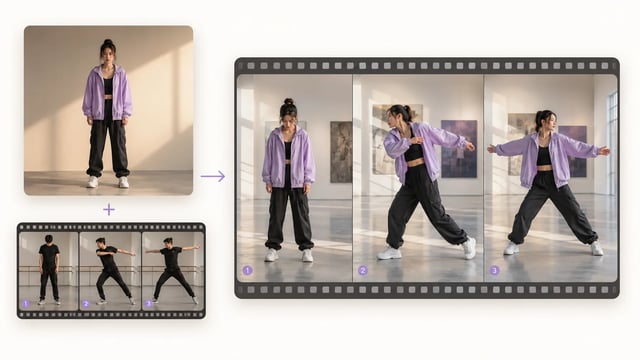
Attach up to nine reference images so a recurring character, object, or palette stays consistent across a sequence; name them in the prompt to place each one.
Where it fits
The work that needs a voice, a face, and a consistent cast — not a silent 4K hero shot.
A presenter who delivers a line straight to camera, mouth synced to the audio — for product intros, announcements, and talking-head clips without a shoot.
Walk through a feature once, then ship it lip-synced in English, Mandarin, Cantonese, Japanese, Korean, German, or French — the same explainer, localized to the viewer.
Run one ad concept across markets with the dialogue swapped per language and the lips matching each cut, so a campaign doesn't read as a bad dub.
Keep a recurring character consistent across shots with a fixed reference set, so a short story or episodic clip holds together scene to scene.
Animate a product still and pair it with a synced voiceover, so the walkthrough explains itself instead of needing captions bolted on later.
Turn a script into a narrated lesson with an on-screen presenter, lip-synced and saved to your library to update as the material changes.
HappyHorse 1.1 is Alibaba's audio-video generation model, and SupaImagine runs it in the browser. It synthesizes picture and sound together, syncs a character's lips to dialogue across seven languages, and holds a cast consistent with up to nine reference images — from text, a first frame, or a set of references, at 720p or 1080p. You run it next to other top models like Seedance 2 and Veo 3 in one workspace.
Seven: English, Mandarin, Cantonese, Japanese, Korean, German, and French. HappyHorse 1.1 was trained on dialogue in each, so a character's mouth tracks the spoken audio in that language rather than drifting out of sync — which is what makes it usable for spokespeople, dubbed explainers, and localized ads where the same scene ships in more than one language. You write the line in the prompt; the audio and the lip movement are generated with the clip.
All three, in separate modes. Text-to-video builds a scene and its dialogue from a written prompt; image-to-video animates a single first frame you upload; reference-to-video takes up to nine images to keep a character, product, or palette consistent across a sequence. You switch modes inside the same generator, and your prompt carries across.
It renders at 720p or 1080p — it doesn't go to 4K, so for a 4K master reach for Seedance 2 in the same generator instead. Clips run from three to fifteen seconds, in nine aspect ratios from 21:9 down to 9:16. The generator shows the exact credit cost for each combination before you run.
HappyHorse 1.1 synthesizes audio jointly with the picture — dialogue, ambience, music, and Foley generated in the same pass — so a clip can come back already scored and, when a character speaks, lip-synced. It's part of how the model works rather than a separate step you trigger afterward.
Video is billed by the second and scales with resolution, so a longer or 1080p clip costs more than a short 720p one — and the generator shows the exact credit cost before you run. A new account starts with a small credit grant: enough to explore the workspace, not to render a full clip, so you'll pick up a plan or a credit pack first. The pricing page lists the current packages.
On a paid plan, yes. Clips you generate on a paid plan are cleared for commercial use — ads, client spots, localized campaigns. The free starter credits are for trying the workspace and don't carry those rights; the legal page spells out the exact terms.
Stay in the workspace
Switch to a 4K model, sync a mouth for talking-head shots, lock a camera move, or generate a still to animate — all in one place.
Open the full video workspace and move between HappyHorse, Seedance, Veo 3, and every other model in one picker.
Sync a character's mouth to speech for talking-head and dialogue shots from a still you upload.
Lock a clip's movement to a reference video when a shot needs repeatable, controlled motion.
Generate a still first, then bring it here and animate it with HappyHorse's image-to-video.
Joint audio, lip-sync across seven languages, and a consistent cast — with every clip saved to your SupaImagine library.