Set the shot
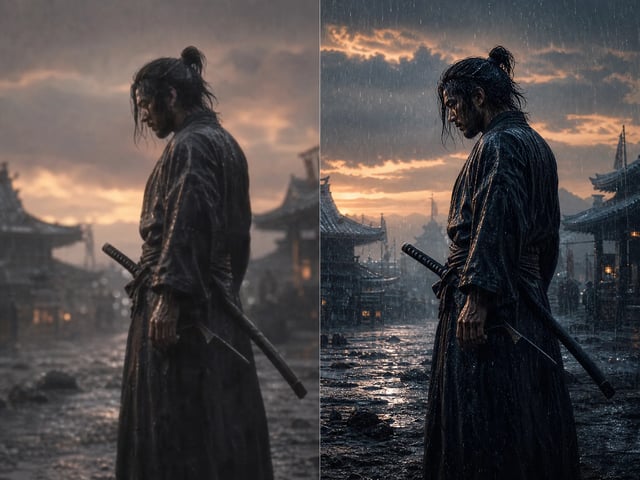
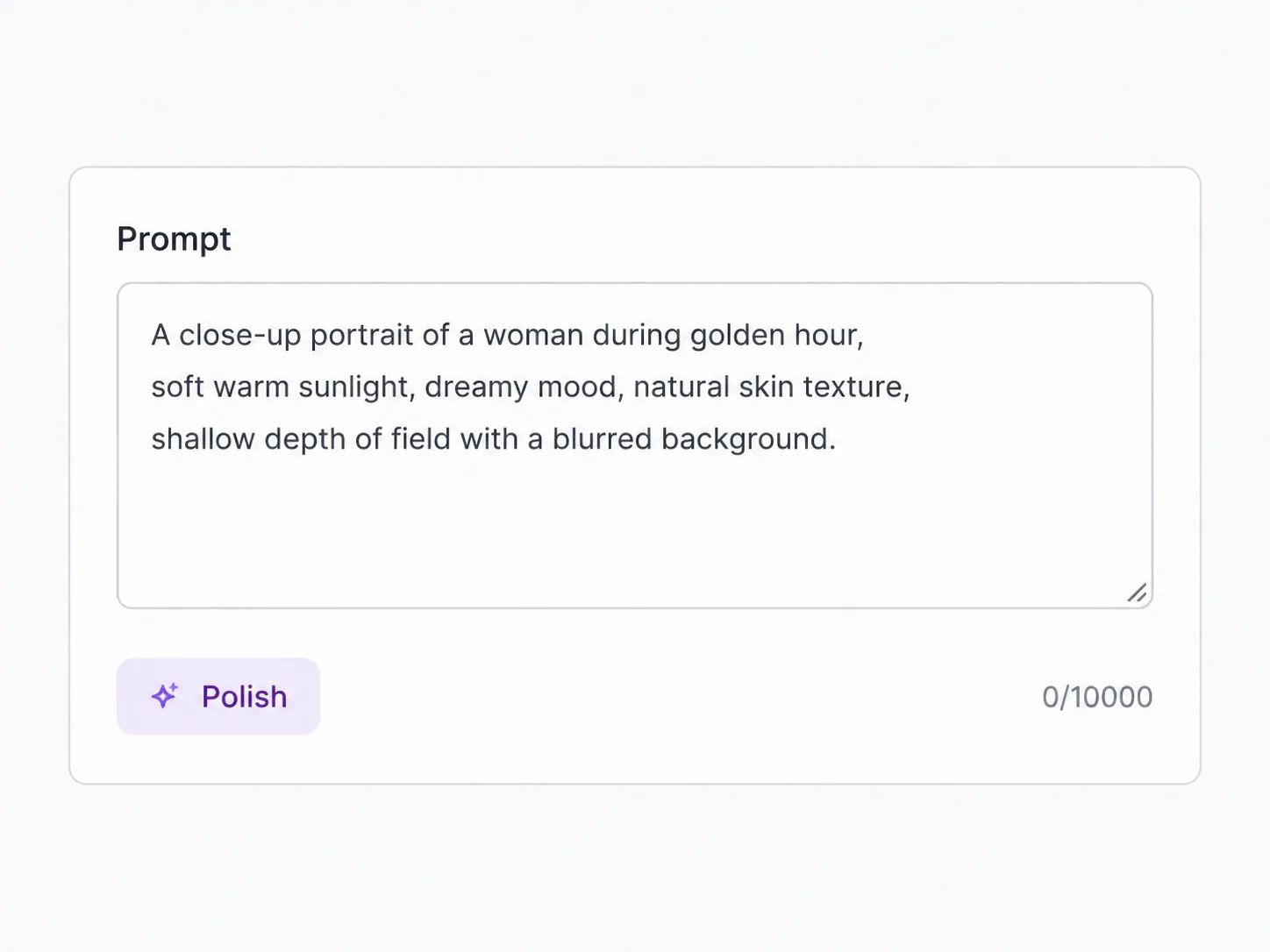
Type a prompt, drop a first frame, or attach reference images, a clip, or audio. Describe the camera move and the mood — Seedance 2 follows that direction.
ByteDance's balanced Seedance 2 tier — more polish than Mini, fast turnaround, far below the full-tier cost
Seedance 2 Fast is the middle tier of ByteDance's Seedance 2, and SupaImagine runs it in the browser. It gives you a clear quality step up from Mini while staying fast and well under the cost of the full tier — the one to reach for once a shot is past the rough-draft stage. Generate from text, a frame, or references, every clip rendered with native synced sound, and keep them all in your library.
Write a prompt, add a starting frame, or attach references, then run. Your result — rendered with synced audio — lands straight in the library.
Same family, different price-and-quality points — switch in the same generator.
Balanced by design — more quality than Mini, faster and cheaper than the full model.
Seedance 2 is ByteDance Seed's audio-video model — it generates picture and sound together, holds motion steady, and takes direction on camera and light. Fast is its middle tier, and for most work it's the sensible default: it renders at a higher quality grade than Mini, so clips read as finished rather than rough, yet it keeps the quick turnaround and stays far below the full model's cost. What separates it from Mini is quality and polish, not speed — the two share the same fast tier and the same 720p ceiling. When a shot genuinely needs 1080p or the absolute top fidelity, that's the full Seedance 2 tier; when you're chasing the cheapest possible drafts, that's Mini. Fast is the everyday middle, and all three live in the same picker.
| seedance 2 fast | seedance 2 fast video | seedance 2 fast generator | seedance 2 fast vs seedance 2 mini | image to video |
Type a prompt, drop a first frame, or attach reference images, a clip, or audio. Describe the camera move and the mood — Seedance 2 follows that direction.
Pick 480p or 720p, an aspect ratio, and a length from four to fifteen seconds — the generator shows the exact credit cost before you run.
Run it. The render works through the queue while you line up the next shot, and a failed run refunds its credits automatically.
Every clip saves to your private library. Re-run with a tweaked prompt, or — when a take is final and needs 1080p — send the same prompt to full Seedance 2 without leaving the workspace.
Fast renders at a higher quality grade than Seedance 2 Mini, so motion holds together and detail reads cleaner — the difference between a clip that's clearly a draft and one you'd put in front of a client. Same 480p and 720p options, more polish in the frame.
Seedance 2 generates audio together with the picture, so every Fast clip comes back with native synced sound — ambience and motion already in step. No separate scoring pass to make a cut feel finished, which is what you want once a clip is past the draft stage.
Fast carries Seedance 2's grip on how a shot moves — a slow push-in, a handheld feel, a particular key light — written straight into the prompt. You're directing the camera and the motion, not just listing what's in frame, which is what makes a clip read as shot rather than generated.
Fast renders quicker than the full Seedance 2 model and costs less per clip, while keeping the same audio-video generation and camera control. You trade the 1080p ceiling for speed and price — which is exactly the trade most everyday clips want.
Mini vs Fast vs Seedance 2
Fast sits in the middle: more quality than Mini, faster and cheaper than the full tier. The two fast tiers share the same 720p ceiling; 1080p lives on the full model.
| Seedance 2 Mini Cheapest · for drafts | Seedance 2 Top fidelity · 4K | ||
|---|---|---|---|
| Best for | High-volume drafts, storyboards, tests | Near-final clips and client-ready work | Hero shots and final delivery |
| Quality grade | Good | Higher | Highest |
| Max resolution | 720p | 720p | 1080p / 4K |
| Relative cost | Lowest | Low–mid | Highest |
| Speed | Fast | Fast | Slower (premium pass) |
| Native synced audio | Yes | Yes | Yes |
The same three input modes as the rest of the family — choose the one that matches your material.
Describe the scene, action, and camera move and Fast builds the clip from a prompt alone — no footage required to start.
Give Fast a first frame, or a first and last frame to move between, to set a still in motion — a product shot, a generated image, a piece of key art.
Attach up to nine images, three clips, and three audio files so a character, look, or sound carries across shots — and a source video is billed lower than generating cold.
Where it fits
The balanced tier suits work that has to look finished without a full-tier budget.
Polished short clips for paid social, where the result has to look finished but the turnaround is tight and the volume is high.
Near-final motion for listings and landing pages — animate a product still into a short demo clip that comes back with synced sound.
Clips clean enough to send to a client without paying the full-tier rate, with commercial-use rights on a paid plan.
Talking-point and how-to clips, with sound generated alongside the picture so a cut feels finished out of the gate.
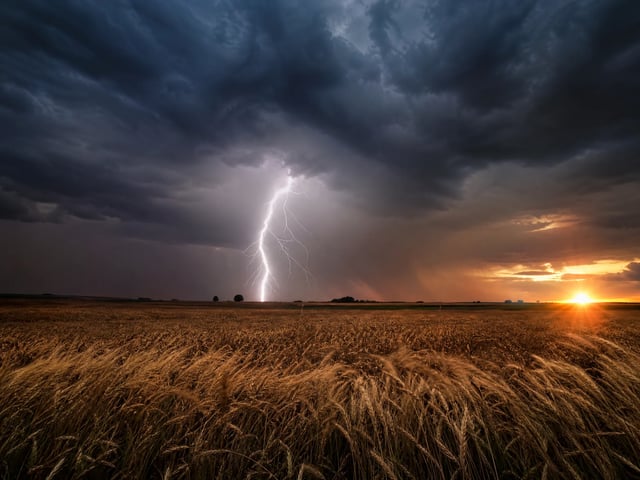
Looping atmosphere clips that come back with their own generated audio, ready to stand alone or drop into a longer edit.
Seedance 2 Fast is the balanced, middle tier of Seedance 2, ByteDance Seed's audio-video generation model. It renders short clips from a text prompt, a starting frame, or reference media — at a higher quality grade than Seedance 2 Mini, while staying fast and well under the cost of the full tier. On SupaImagine you run it in the browser alongside Mini, the full model, and other top video models in one workspace.
They're the same speed tier and both render with native synced audio, so it comes down to quality and price. Mini is the cheapest — ideal for high-volume drafts and tests. Fast costs a little more for a clear quality step up, which makes it the better pick once a clip needs to look finished. A common flow is to rough things out on Mini and produce the keeper on Fast; your prompt and frame carry across the switch.
Yes — Seedance 2 generates native synced audio together with the picture, so every Fast clip comes back with sound built in, the same as the rest of the family. There's no separate scoring step, and no toggle to manage; the audio arrives with the render.
No — Fast renders at 480p or 720p, the same ceiling as Mini. When a shot genuinely needs 1080p, switch the same prompt to the full Seedance 2 tier in the same generator; it carries your prompt and frame across so you only spend the higher rate on the clip that needs it.
Video is billed by the second and scales with resolution, and the generator shows the exact credit cost before you run. Fast sits between Mini and the full tier on price. A new account gets a few free credits to explore the workspace, but you'll usually add a plan or credit pack before rendering clips; current packages are on the pricing page.
On a paid plan, yes — clips you render there are cleared for commercial use, from social ads to client work. Clips made on the free starter credits are for evaluating the model and aren't licensed for commercial use. The legal page has the exact terms.
Stay in the workspace
Switch models, refine a clip, or generate a fresh still — all in one place.
Open the full video workspace and move between Seedance, Veo 3, and every other model in one picker.
Lock a clip's movement to a reference video for repeatable, controlled motion.
Drive a character's mouth from your audio for talking-head and dialogue shots.
Generate a still first, then animate it with Seedance 2 Fast's image-to-video.
A quality step up from Mini, native synced audio, and a fast turnaround — with every clip saved to your SupaImagine library.