Set up the shot
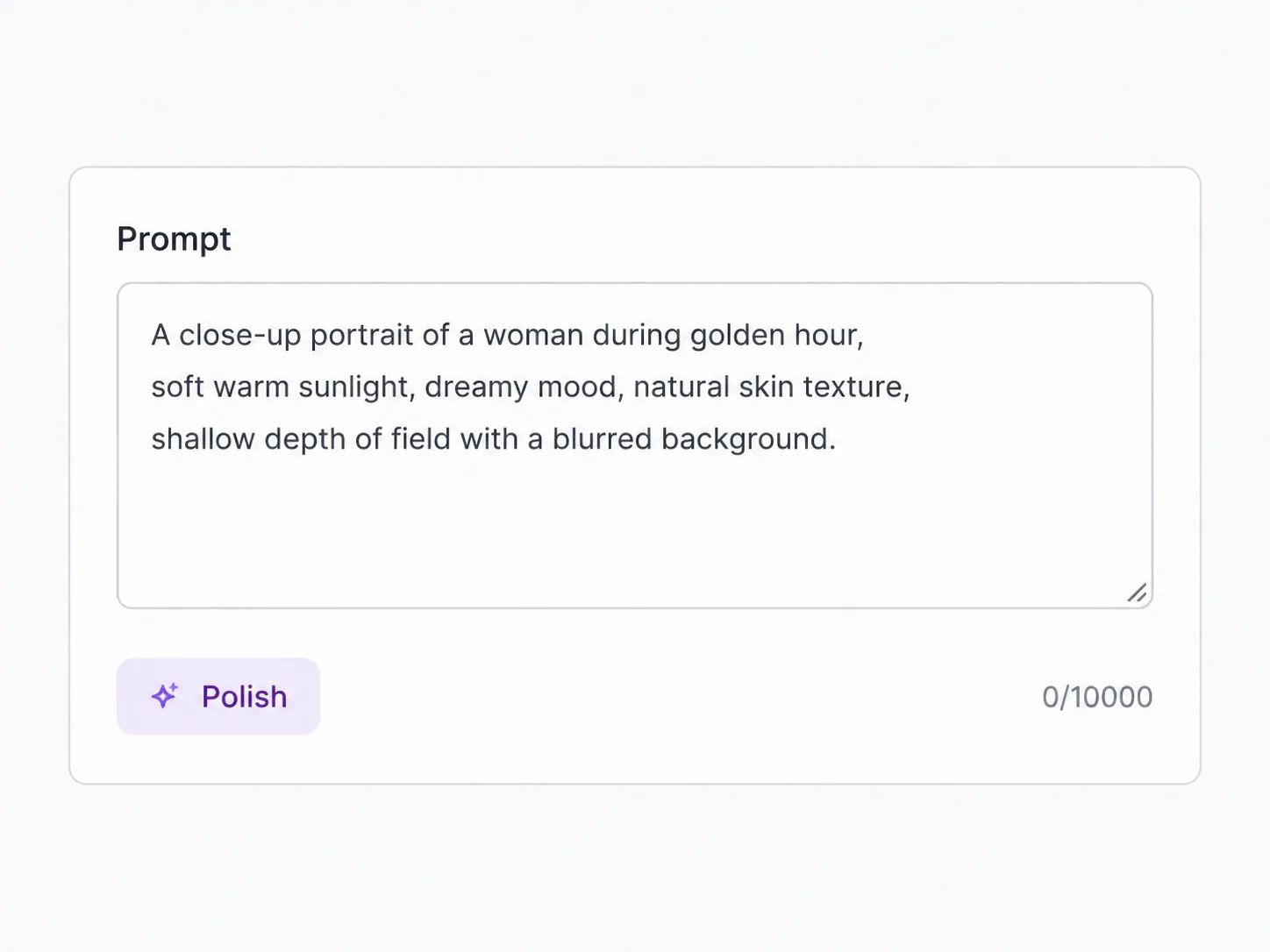
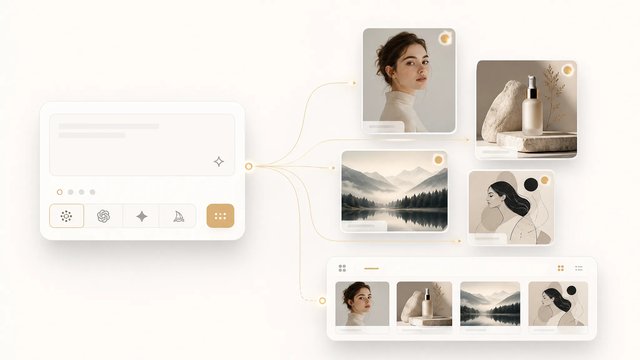
Type a prompt for text-to-video, drop a starting frame for image-to-video, or attach reference images, a clip, or audio to guide the result. Describe the camera move and mood — Seedance 2 takes that direction.
The fast, low-cost tier of ByteDance's Seedance 2 — cinematic clips with native audio, in your browser
Seedance 2 Mini is the budget tier of ByteDance's Seedance 2, and SupaImagine puts it one click away — no install, no separate ByteDance account. Describe a shot, drop in a starting frame, or hand it reference images, video, and audio, and it renders a short cinematic clip with synced sound, stable motion, and the camera move you asked for. It's the cheapest way to work in Seedance here — so you can chase an idea through several takes before committing — and every clip saves to your library.
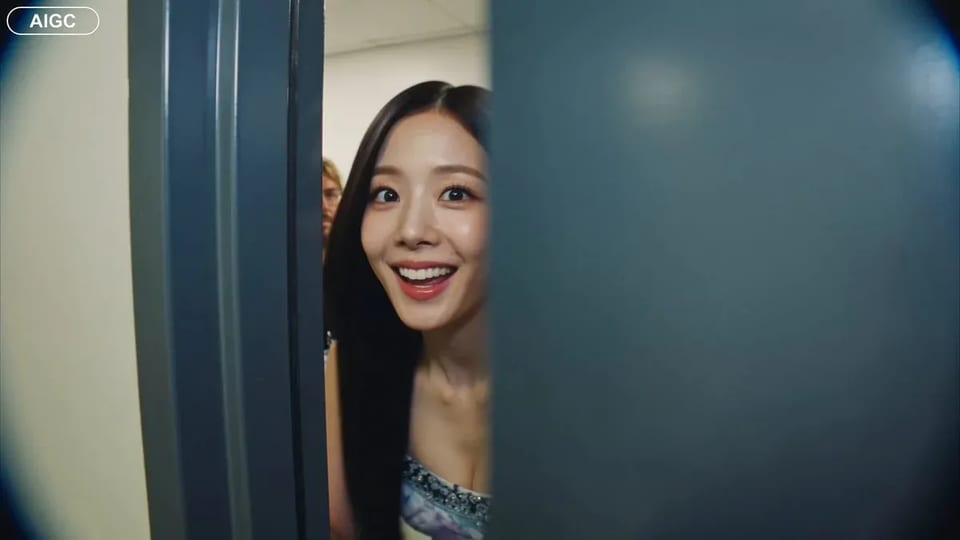
Write a prompt, add a starting frame, or attach references — then run. Seedance 2 Mini returns a short clip with audio, and it lands straight in your library.
More polish, 1080p, or native 4K? Switch to a higher tier in the same generator.
Seedance 2's look and sound, run as its fast budget tier — the cheapest way to draft video on SupaImagine.
Seedance 2 is ByteDance Seed's audio-video model: it generates the picture and the sound together, holds motion steady instead of letting it drift, and takes direction on camera, light, and performance. Mini is its fast, low-cost tier — the same family behaviour, tuned for quick, affordable renders rather than the heaviest fidelity. On SupaImagine you run it in the browser at 480p or 720p, in clips of four to fifteen seconds, three ways: from a text prompt, from a starting frame (first frame, or first and last), or from a bundle of reference images, clips, and audio. Because it's the cheapest Seedance tier, it's the one to reach for when you're storyboarding, testing a motion idea, or turning out a batch of short cuts — and when you want the top tier, Seedance 2 and Seedance 2 Fast sit in the same picker.
| seedance 2 mini | seedance 2 mini video | seedance 2 mini generator | text to video | image to video |
Type a prompt for text-to-video, drop a starting frame for image-to-video, or attach reference images, a clip, or audio to guide the result. Describe the camera move and mood — Seedance 2 takes that direction.
Pick 480p for the cheapest draft or 720p for more detail, set the aspect ratio for where the clip is headed, and choose a length from four to fifteen seconds. The generator shows the exact credit cost before you run.
Run it, and Seedance 2 Mini returns a clip with synced sound. A clip takes longer to render than an image, so it works through the queue while you set up the next shot — and if a run fails, its credits come straight back.
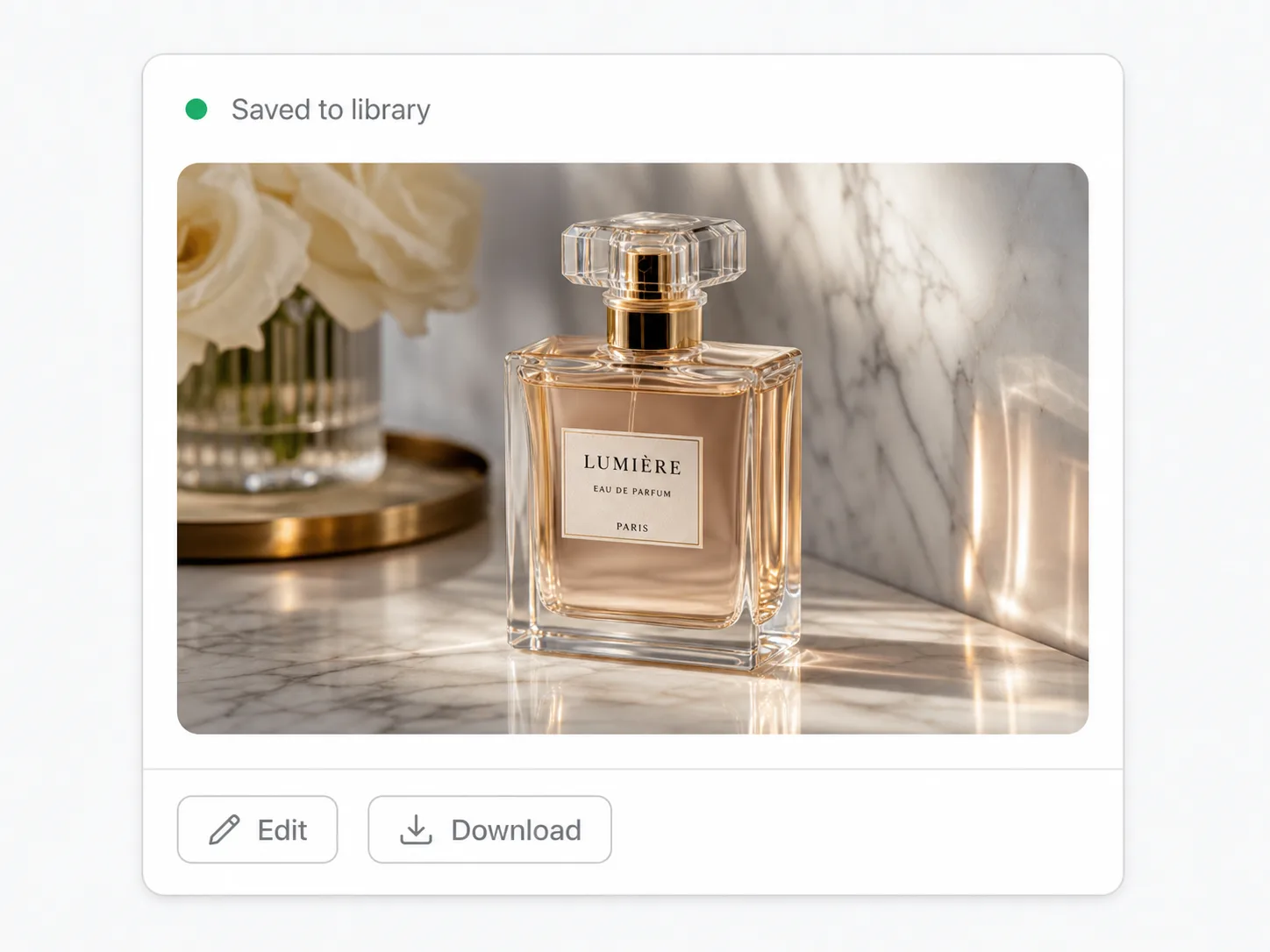
Every clip lands in your private library next to the still it came from — reopen it, re-run with a tweaked prompt, or move up to Seedance 2 for a final pass, all in the same workspace.
Seedance 2's architecture generates audio together with the picture, so a Mini clip comes back with synced sound and steady, believable motion instead of a silent take you have to score and stabilise later. For a concept cut where timing and ambience already need to read, that's the difference between a usable draft and a placeholder.
Mini inherits Seedance 2's control over how a shot is filmed — a slow push-in, a handheld feel, a hard key light, a particular performance beat — written straight into the prompt. You're not just describing what's in frame; you're describing how it's shot, and the model follows the blocking.
Start from text, from a frame, or from references. Text-to-video builds from a prompt; image-to-video animates a first frame (or interpolates between a first and last frame); reference-to-video takes up to nine images, three clips, and three audio files so a character, a look, or a sound carries into the result.
Mini is priced below Seedance 2 and Seedance 2 Fast, which makes it the tier for volume: storyboard a sequence, try a motion idea five ways, or batch short cuts without spending like a hero render. Failed runs refund their credits, so iterating costs only the takes you keep.
Mini vs Fast vs Seedance 2
All three take the same inputs, and the two fast tiers share the same 720p ceiling — they part ways on price, polish, and whether you need 1080p or 4K.
| Seedance 2 Fast A step up in polish | Seedance 2 Top fidelity · 4K | ||
|---|---|---|---|
| Best for | High-volume drafts, storyboards, tests | Near-final clips and client-ready work | Hero shots and final delivery |
| Quality grade | Good | Higher | Highest |
| Max resolution | 720p | 720p | 1080p / 4K |
| Relative cost | Lowest | Low–mid | Highest |
| Speed | Fast | Fast | Slower (premium pass) |
| Native synced audio | Yes | Yes | Yes |
Mini takes the same three inputs as the rest of the family — match the mode to what you already have.
With no footage to start from, describe the scene, the action, and the camera move, and Mini builds the clip from scratch. Best for original ideas and concept shots where nothing is locked yet.
Hand Mini a first frame — or a first and last frame to move between — to bring a still you already have to life: a product shot, a generated image, a piece of key art. Best when the look is set and you only need motion.
Attach up to nine images, three clips, and three audio files so a character, a style, or a sound stays consistent shot to shot. Best for continuity — and supplying a source video is billed lower than generating from scratch.
Four habits that stretch the cheapest Seedance tier even further.
Find the shot at the lowest rate, then re-run only the keeper at 720p — you pay the higher rate on the takes worth it, not the throwaways. A failed run is refunded automatically, so iterating only costs the clips you keep.
Video is billed by the second, so a four-second probe costs a fraction of a fifteen-second render. Stretch the duration only once the motion and timing already work.
In reference-to-video, supplying a source video is billed lower than generating from scratch. When you already have footage to condition on, lean on it instead of starting cold.
When a draft is final and you need 1080p or 4K, switch the same prompt to full Seedance 2 — the workspace carries your prompt and frame across, so you only pay the premium rate on the one shot that ships.
Where it fits
The fast, low-cost tier earns its place wherever you need many takes, not one hero render.
Block out a sequence shot by shot — camera moves, timing, and a rough soundscape — cheaply enough to revise the whole board, then graduate the keepers to Seedance 2.
Try one idea several ways — a different push-in, a different beat — at the lowest Seedance cost, so the decision is made on clips you can watch, not on a single expensive guess.
Turn out vertical 9:16 clips with sound for reels and shorts in batches, pulling a starting frame from a still you generated in the same workspace.
Spin up several motion directions for a pitch before any budget is committed, each one a watchable cut with audio rather than a static board.
Animate a photo or a generated still — give Seedance 2 Mini the first frame, describe the motion, and get a short clip back without leaving SupaImagine.
Seedance 2 Mini is the fast, low-cost tier of Seedance 2, ByteDance Seed's audio-video generation model. It generates a short clip — picture and synced sound together — from a text prompt, a starting frame, or reference media, with the steady motion and camera control the Seedance 2 family is built for. On SupaImagine you run it in the browser, alongside Seedance 2, Seedance 2 Fast, and other top video models in one workspace.
They're the same family at different price-and-speed points. Seedance 2 is the top tier for the highest fidelity; Seedance 2 Fast trades some quality for speed; Seedance 2 Mini is the cheapest of the three, tuned for quick, affordable drafts. All three sit in the same picker, so a common workflow is to draft on Mini and re-run the keeper on Seedance 2 for the final pass — your prompt and frame carry across the switch.
All three. Text-to-video builds a clip from a written prompt. Image-to-video animates a starting frame — give it a first frame, or a first and last frame to interpolate between. Reference-to-video takes a bundle of references — up to nine images, three video clips, and three audio files — so a character, a style, or a sound can carry into the result.
Every Mini clip is rendered with synced audio — it's part of how Seedance 2 generates, not a separate step. On SupaImagine you can choose 480p or 720p, six aspect ratios from square to widescreen to vertical plus an adaptive option, and a length from four to fifteen seconds. Pick 480p for the cheapest drafts and 720p when you want more detail.
Video uses more credits than an image because it's far more compute, and the cost scales with resolution and clip length — the generator shows the exact number before you run. Mini is the lowest-cost Seedance tier, so it's the cheapest way to generate Seedance video here. A new account starts with a few free credits to explore the workspace, but you'll typically add a plan or credit pack before rendering clips; current packages are on the pricing page.
On a paid plan, yes — clips you render there are yours to use commercially, from client deliverables to ad creative. Clips made on the free starter credits are for trying the model out and aren't licensed for commercial use. The legal page lists the exact terms.
Stay in the workspace
Switch models, refine a clip, or jump back to image generation — it's all one workspace.
Open the full video workspace and switch between Seedance, Veo 3, and every other model in one picker.
Drive the motion of a clip with a reference video for precise, repeatable movement.
Sync a character's mouth to your own audio track for talking-head and dialogue clips.
Generate a hero still first, then animate it with Seedance 2 Mini's image-to-video.
Text, image, or reference in; a short clip with synced audio out — the lowest-cost way to work in Seedance 2, with every take saved to your SupaImagine library.