Describe or upload
Type a prompt for a new image, or upload the picture you want to change. Spell out the subject, style, and the detail that has to be there.
Google's Gemini 3 Pro Image — photoreal, high-res, precise
Google's Gemini 3 Pro Image — better known as Nano Banana Pro — is its top-end image model, and you run it on SupaImagine straight from the browser. It renders photoreal lighting and materials, scales up to 4K for print-sized work, and makes precise local edits that change one region and leave the rest alone. Create from a prompt or an existing picture; your versions stay in the library to build on.
Start from a prompt for something new, or bring an image in to refine — render at 1K, 2K, or 4K and find every result waiting in your library.
Switch between top image models in one generator.
Google's top image model for photoreal, high-resolution detail and precise editing.
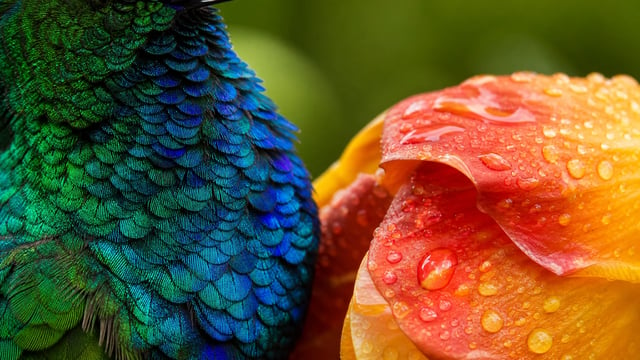
Where Nano Banana Pro earns its place is realism and resolution: it renders fine, photoreal detail and scales up to 4K, large enough for print and big screens. Upload a picture instead and it edits with a light touch — recolor a product, clear a background, or restyle one region while everything else holds. It also keeps a character or product recognizable across a run of images, so a set looks like it belongs together. Switch resolution to fit the job, and reach back into your library whenever you want to build on an earlier result.
| nano banana pro | nano banana pro generator | nano banana pro ai image generator | nano banana pro 4k |
Step the resolution up to 4K and the detail holds at full size — enough to print a poster, fill a large display, or crop in tight without it going soft. Drop back to 1K or 2K when you only need a quick draft.
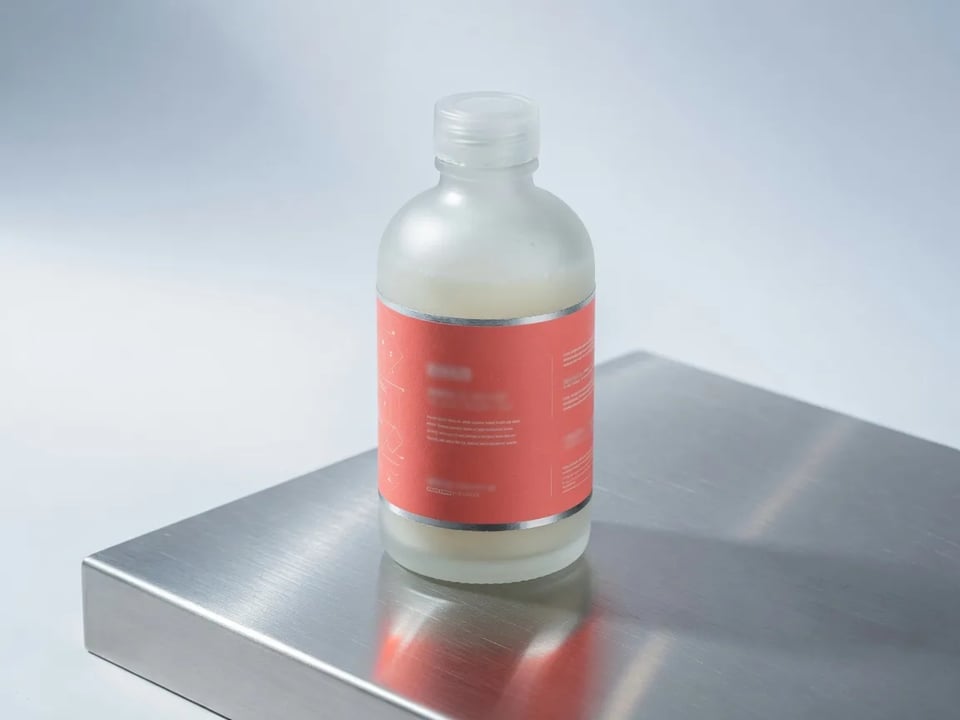
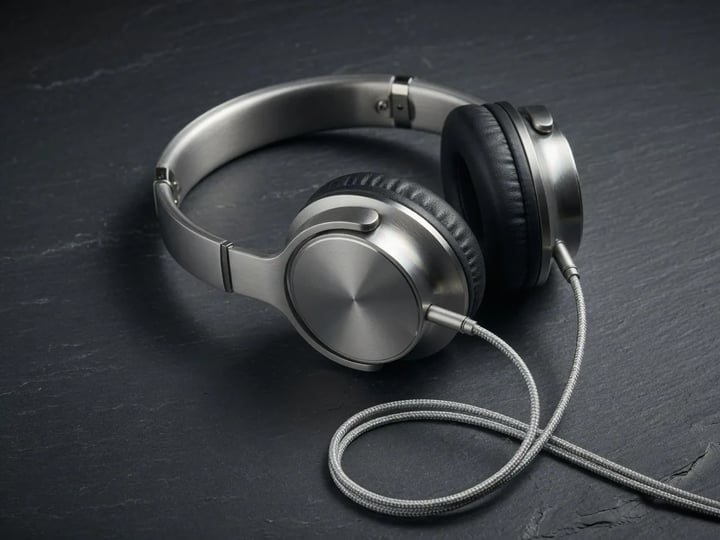
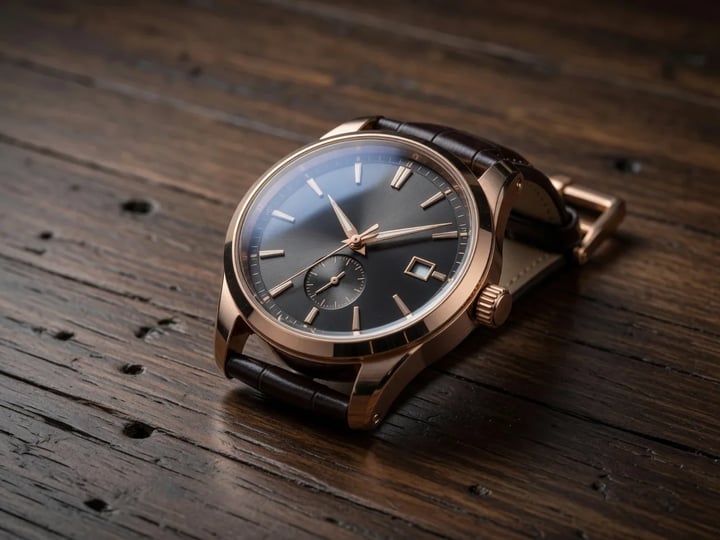
It catches the small cues that read as a real photograph — a reflection on a glass bottle, the weave of a knit sweater, steam lifting off a cup — which makes it a safe default for product hero shots, lifestyle scenes, and campaign imagery.
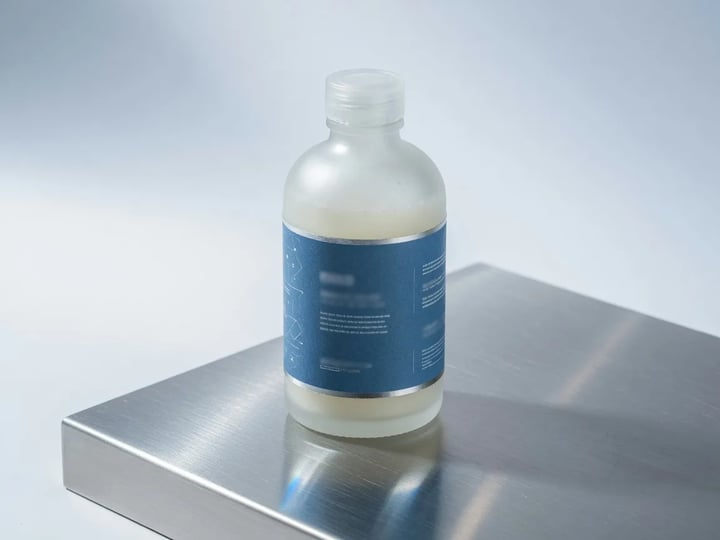
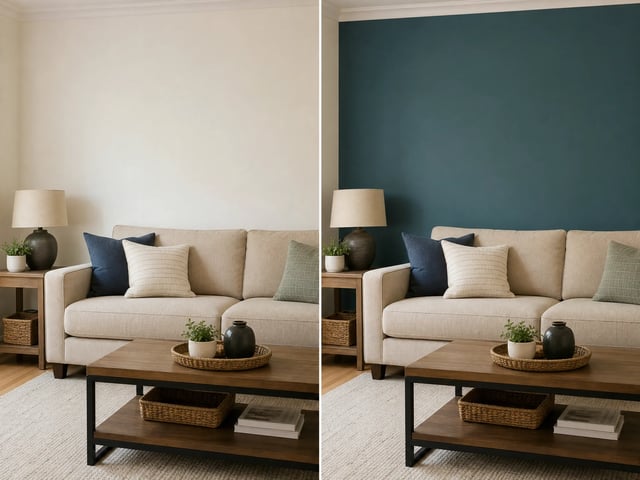
Upload an image and change a single region — recolor an item, remove an object, tidy a background — and Nano Banana Pro applies the edit locally instead of regenerating the whole frame, so everything you didn't ask to touch holds steady.
Carry a character, mascot, or product through a run of images and it stays recognizable from one to the next — the difference between a storyboard, a comic, or a product catalog reading as one set versus a pile of unrelated pictures.
Type a prompt for a new image, or upload the picture you want to change. Spell out the subject, style, and the detail that has to be there.
Editing an upload? Name the part to change in plain words — recolor the jacket, drop the sign, brighten the room — and leave the rest for the model to keep.
Render at 1K for a quick look, then step up to 2K or 4K when the image is final and bound for print or a large screen.
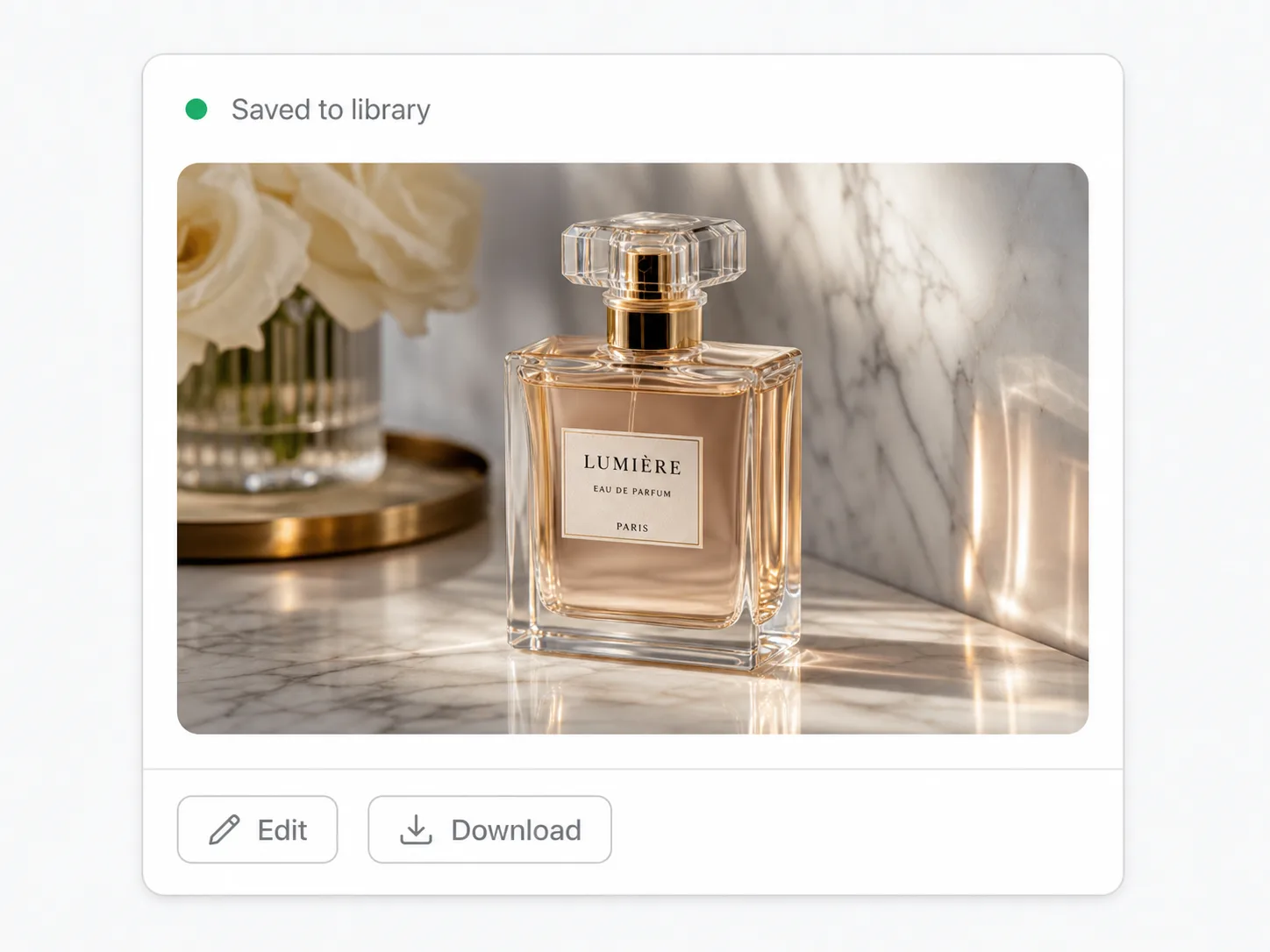
Compare the result against what you started with, then download or rerun. Failed runs are refunded automatically, and the full version history stays in your library to revisit.
Posters, banners, and packaging that need high 4K resolution to stay crisp at size, ready for the printer.
Photoreal product shots and clean variant edits — recolor, change a background, retouch — across a whole catalog.
Keep a character or mascot consistent across panels and frames so a sequence reads as one continuous story.
On-brand hero images and campaign visuals at print-ready quality, with the same product looking the same in every placement.
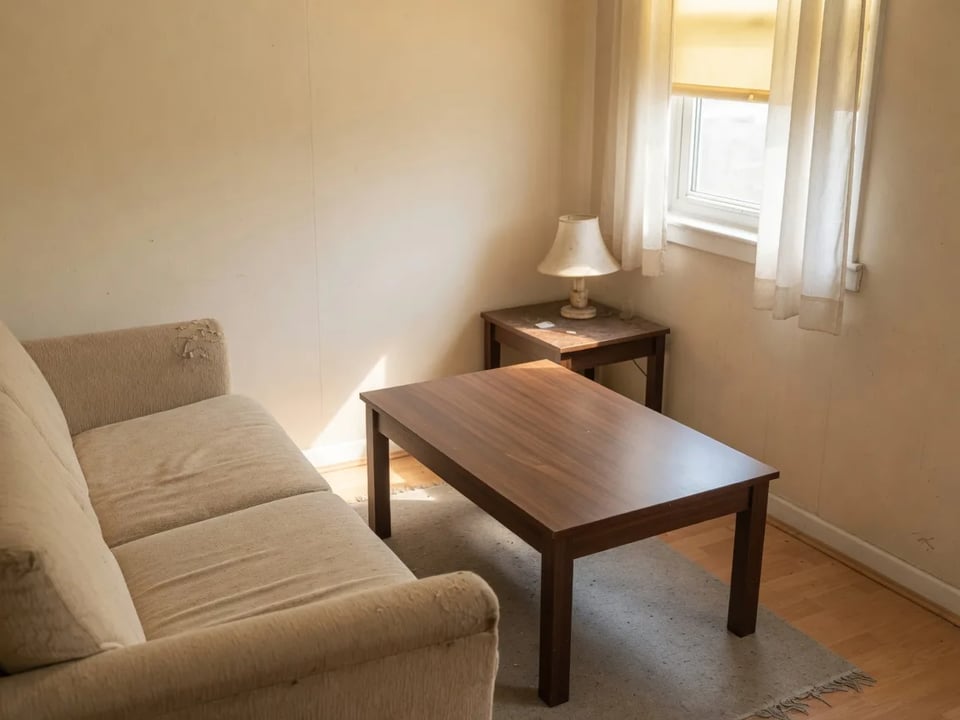
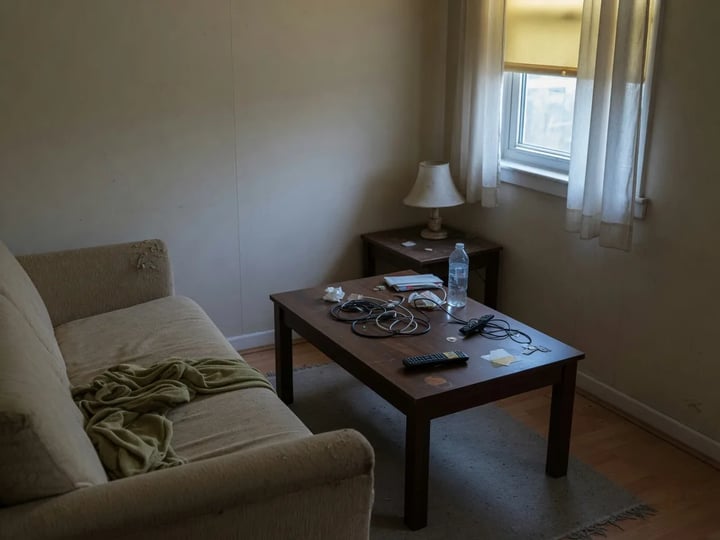
Brighten, declutter, or restyle a room with local edits while the actual space stays true to the original photo.
Nano Banana Pro is Google's flagship image model, released as Gemini 3 Pro Image. On SupaImagine you run it in the browser to generate or edit images at 1K, 2K, or 4K, next to other top models in the same workspace.
Pro is the higher-fidelity tier — it reaches 4K, stronger photoreal detail, and steadier consistency across a series. The standard Nano Banana is faster and lighter for quick iterations. Both sit in the SupaImagine generator, so you can switch depending on the job.
High-resolution, photoreal work: print and large-format visuals at 4K, product and lifestyle imagery, and any project where one character or product has to stay consistent across a whole set.
You can generate at 1K, 2K, or 4K — pick the resolution before you run it. Reach for 4K when the image is headed for print or a large screen, and stick with 1K or 2K for faster drafts.
At 1K it's 10 credits an image; 2K is 15 and 4K is 20. The 10 starter credits on a new account cover a first run or two, and paid plans top up your balance — the pricing page lists every package.
Once you're on a paid plan, yes — generated and edited images are cleared for commercial projects like product listings, ad creative, and client deliverables. Anything you make on the free starter credits is for testing only and isn't licensed commercially.
Generate or edit at up to 4K in the browser, with every result saved to your SupaImagine library.