Start with a rough brief
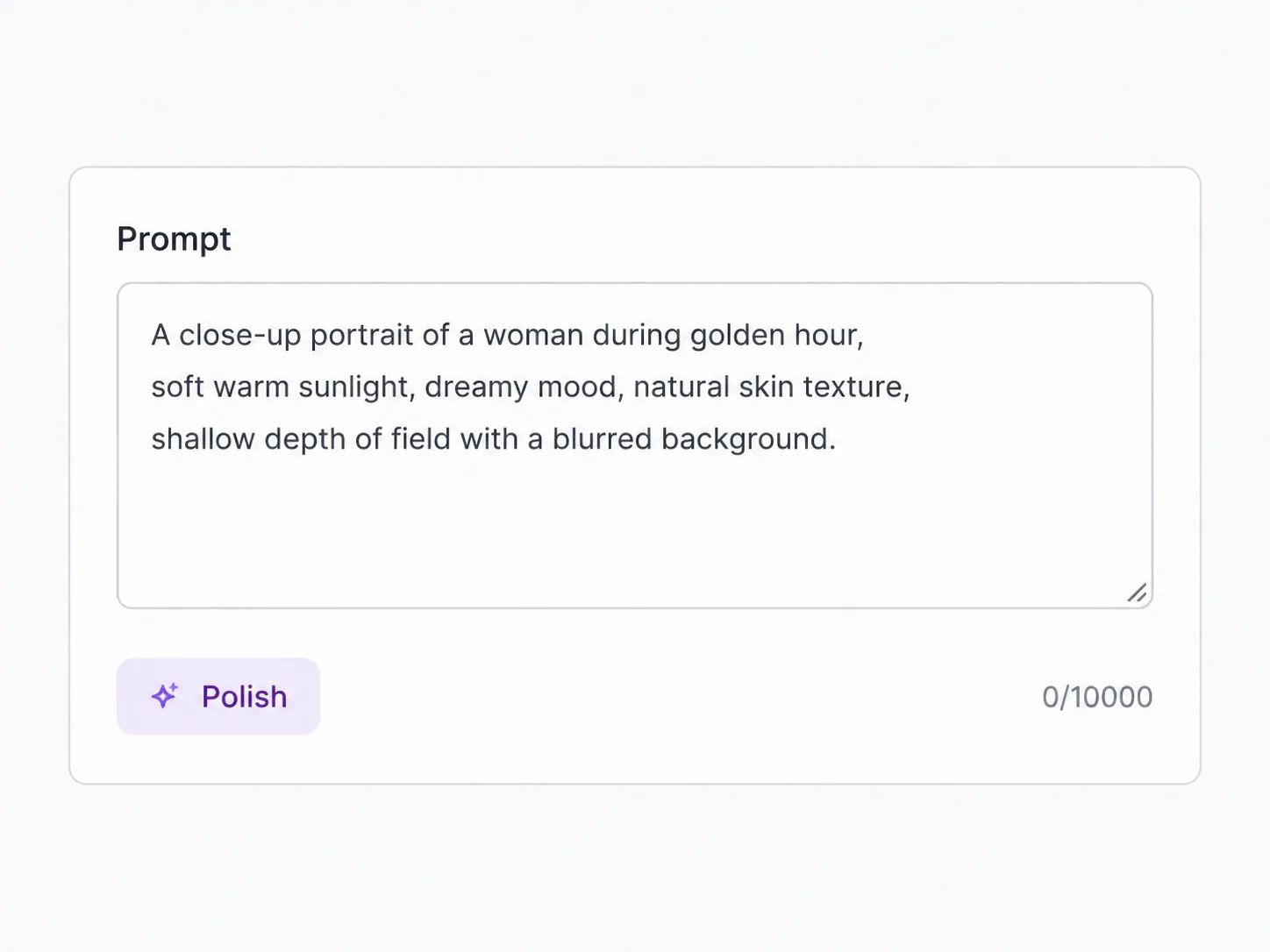
Describe the scene, asset, or edit you want. Lite is forgiving for early prompts, so you can keep the first version short and refine after you see it.
Google's Flash Lite image model for fast 1K drafts and edits
Nano Banana 2 Lite is the leaner Google image model for quick passes: prompt an image from scratch, upload a reference to edit, and get a 1K result without spending a premium-model budget. SupaImagine prices it at a flat 4 credits per image, so you can explore concepts, thumbnails, and small variations before moving a winner to Nano Banana 2 or Pro.
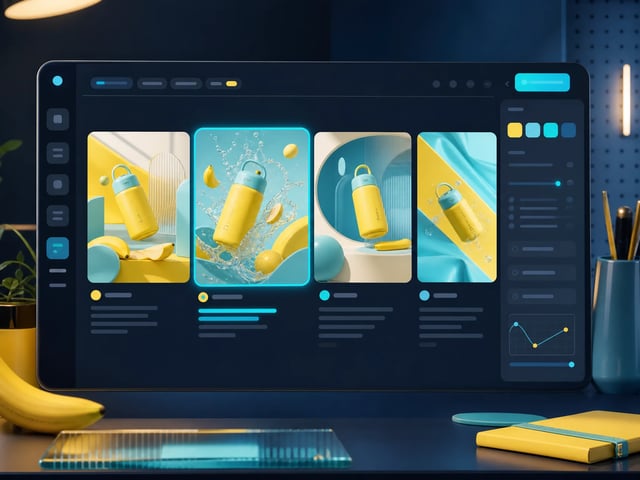
Write a prompt or upload an image, run the fixed-1K Lite model, and compare fast 4-credit iterations inside SupaImagine.
Run the 4-credit Lite model for quick 1K concepts and prompt edits, then move the best take into a bigger model when it is ready.
Nano Banana family
Google positions Nano Banana 2 Lite as the speed-first member of the family. On SupaImagine, that means fixed 1K drafts at 4 credits before you move a winning direction into Nano Banana 2 or Pro.
| Nano Banana Lowest credit · legacy | Nano Banana 2 Balanced · 4K | Nano Banana Pro Professional · final | ||
|---|---|---|---|---|
| Best for | Lowest-credit everyday edits | Fast 1K concepts and upload edits | High-quality images with 1K/2K/4K options | Professional final renders and precise control |
| Google framing | Legacy Nano Banana model | Speed-first, high-volume Lite model | Generalist workhorse | Complex professional accuracy |
| Official speed signal | Google recommends upgrading | Google reports 4s text-to-image | Lower-latency balanced model | Accuracy over speed |
| SupaImagine credits | 3 per image | 4 per image | 5 / 10 / 15 by resolution | 10 / 15 / 20 by resolution |
| Resolution path | No 2K/4K picker | Fixed 1K | 1K, 2K, or 4K | 1K, 2K, or 4K |
| Use when | You only need the cheapest quick pass | You want several directions before committing | The draft needs more fidelity or final size | The image is for client, product, or print work |
| Upgrade when | You want newer Lite quality and speed | A 1K draft is approved and needs finishing | You need top photoreal control | Stay here for the highest-end pass |
Use Lite for fast drafts, then switch models when the job needs more fidelity or resolution.
Lite is the inexpensive pass in the workflow: sketch, edit, compare, then promote the idea that wins.
The regular Nano Banana 2 page is about high-resolution generation, reasoning, and finished scenes. Nano Banana 2 Lite has a different job: it keeps the workflow light. Use it when you need several prompt directions, a quick image-to-image change, or a layout preview that does not need 2K or 4K yet. The output stays at 1K, the price stays flat at 4 credits, and failed runs refund automatically, so the model works best as the fast first pass before a heavier final render.
| nano banana 2 lite generator | nano banana 2 lite | nano banana lite generator | gemini 3.1 flash lite image |
The value is not maximum resolution. It is the number of ideas you can test quickly before committing.
Nano Banana 2 Lite keeps output at 1K, which makes it better for thumbnails, concept passes, social drafts, and layout previews than for final large-format production.
Every Lite result costs 4 credits whether you generate from text or edit an upload, so it is easy to budget a set of quick variants before moving to a heavier model.
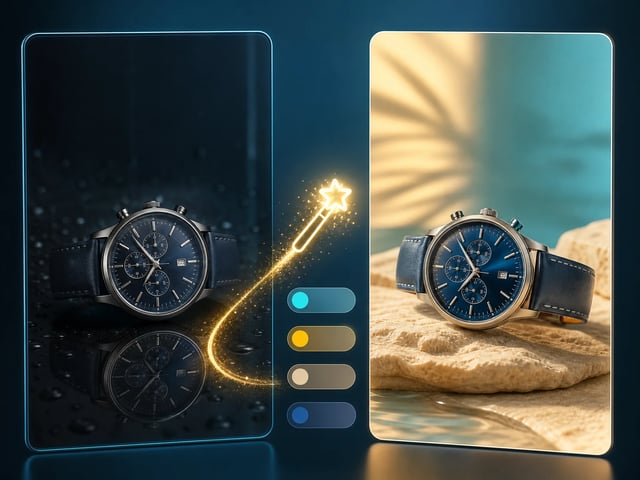
Upload an image and describe the change in words. Use it for fast recolors, background directions, style tests, or composition tweaks where speed matters more than final fidelity.
Once a Lite draft works, rerun the winning prompt in Nano Banana 2 for higher resolution or Nano Banana Pro when the final image needs the flagship model.
Describe the scene, asset, or edit you want. Lite is forgiving for early prompts, so you can keep the first version short and refine after you see it.
For image-to-image work, bring in a reference or source image and ask for a targeted change instead of rebuilding the whole idea from scratch.
Pick the aspect ratio for the placement before you run, whether the draft is headed for a square post, a wide banner, or a vertical concept.
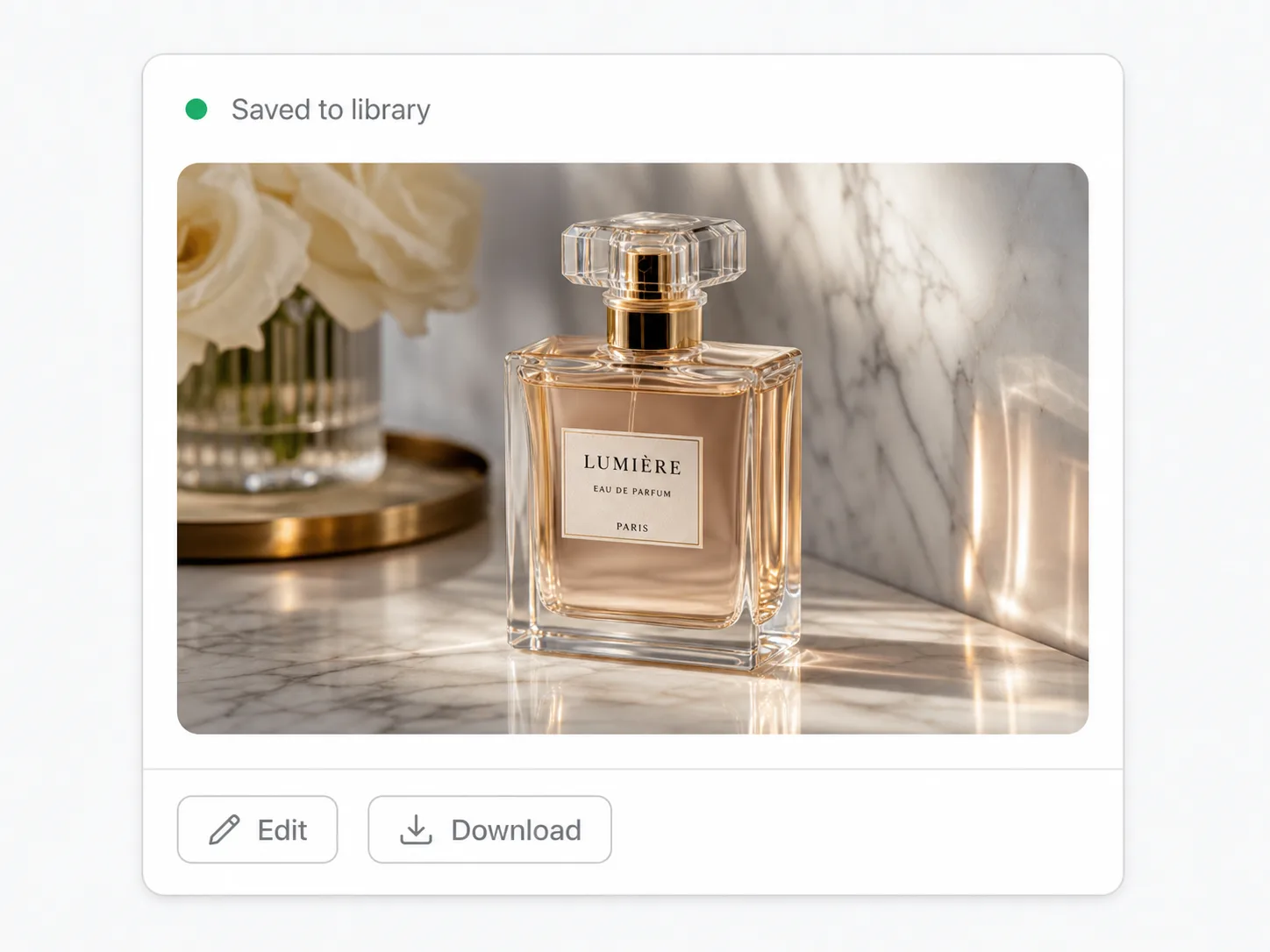
Save the best Lite result to your library, then reuse the prompt or reference in a higher-resolution model if the draft is ready for final work.
Explore several visual directions for a campaign before spending more credits on the strongest route.
Create quick hero concepts and section placeholders while the page structure is still changing.
Try different compositions, crops, and moods for a video or article thumbnail at a low per-image cost.
Check background, framing, and styling ideas for a product shot before moving to a final render.
Generate lightweight reference images that help a team decide on palette, composition, and creative direction.
Use it as the fast, low-credit draft model. The original Nano Banana is the cheapest everyday editor, Nano Banana 2 is the higher-resolution Flash model, and Nano Banana Pro is the flagship pick for final-quality work. Lite sits between cheap editing and higher-resolution finishing.
Yes. SupaImagine exposes the model as Nano Banana 2 Lite, while the upstream fal.ai endpoint is named Nano Banana Lite / Gemini 3.1 Flash Lite Image. The page uses both names so you can recognize the model across providers.
No. This Lite integration is fixed at 1K and does not expose a resolution selector. Choose Nano Banana 2 or Nano Banana Pro on SupaImagine if the job needs 2K or 4K output.
Yes. You can start from a prompt or upload an image and describe the edit in plain language. The model returns one edited result per run, saved in your SupaImagine library.
Nano Banana 2 Lite costs 4 credits per generated or edited image. New accounts get 10 starter credits to try models, and paid plans add more credits for ongoing work.
On a paid plan, yes - generated and edited images can be used for commercial projects subject to the SupaImagine terms. Output made with starter credits is for testing the model, not commercial use.