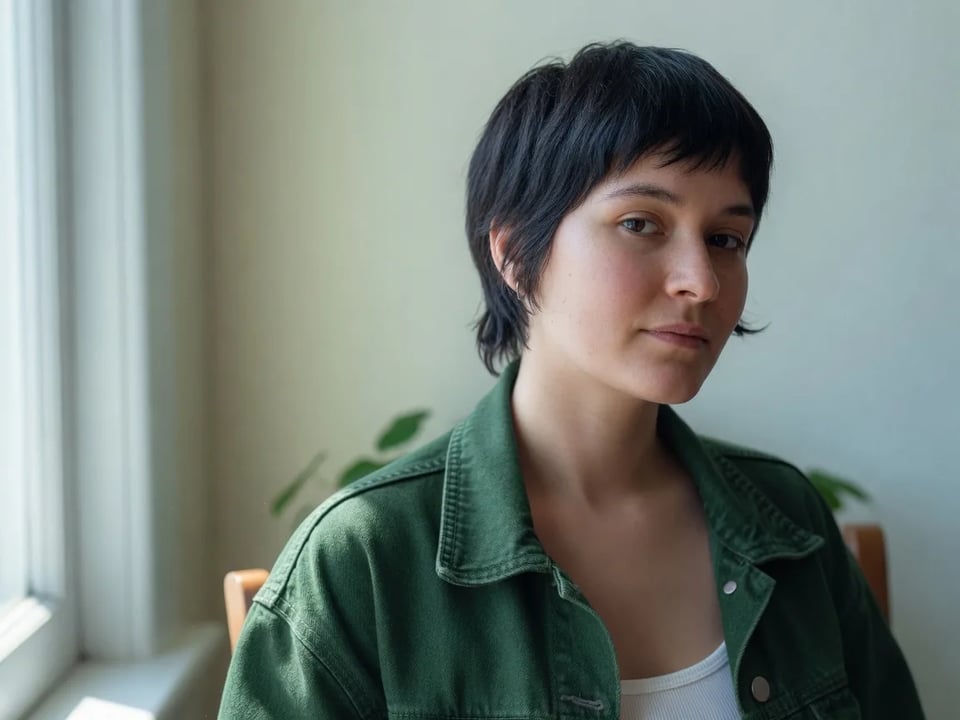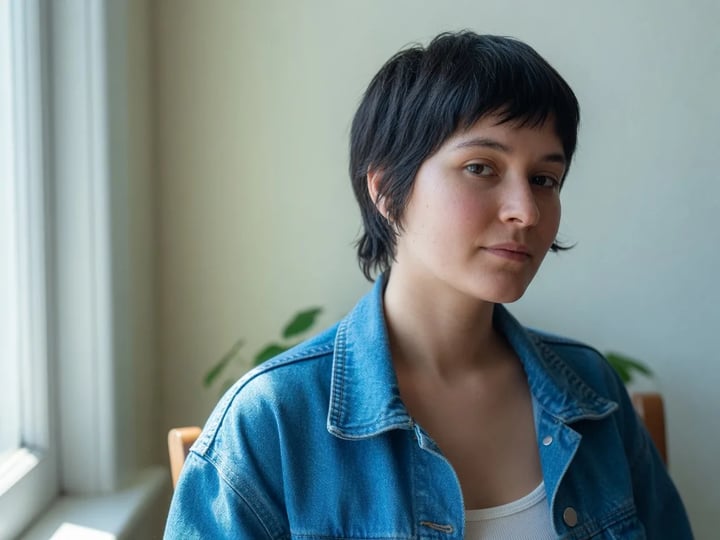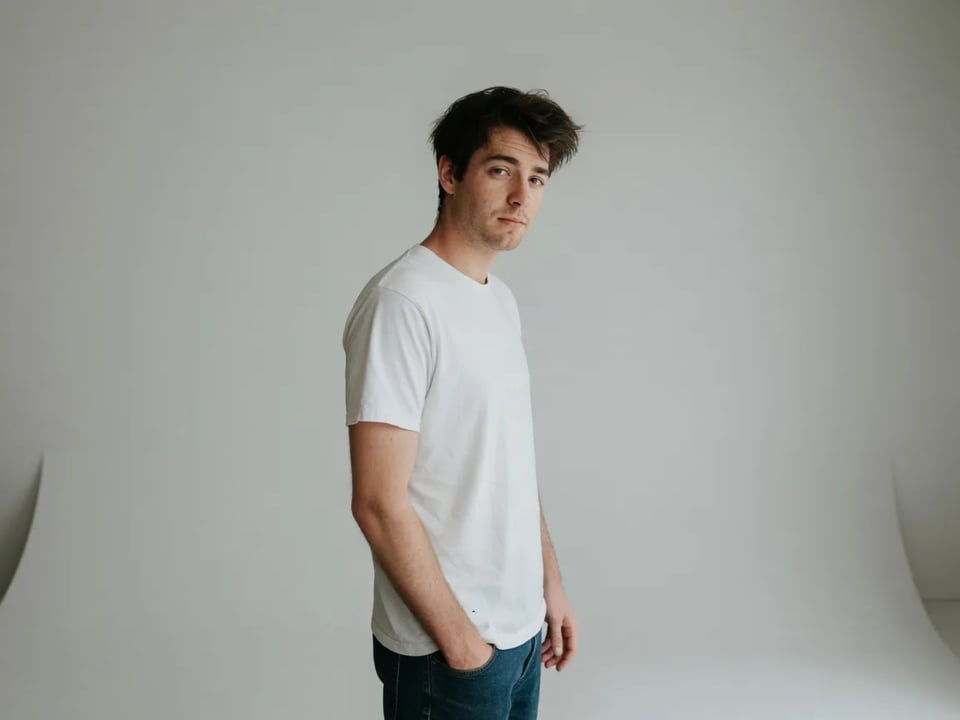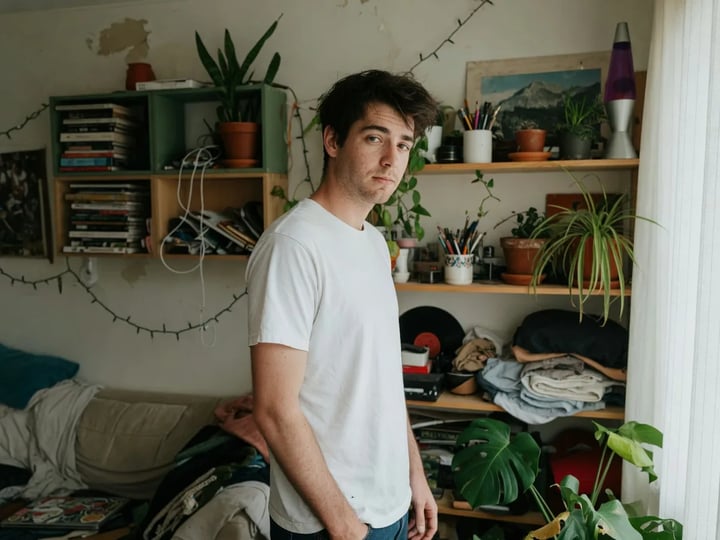
Upload or prompt
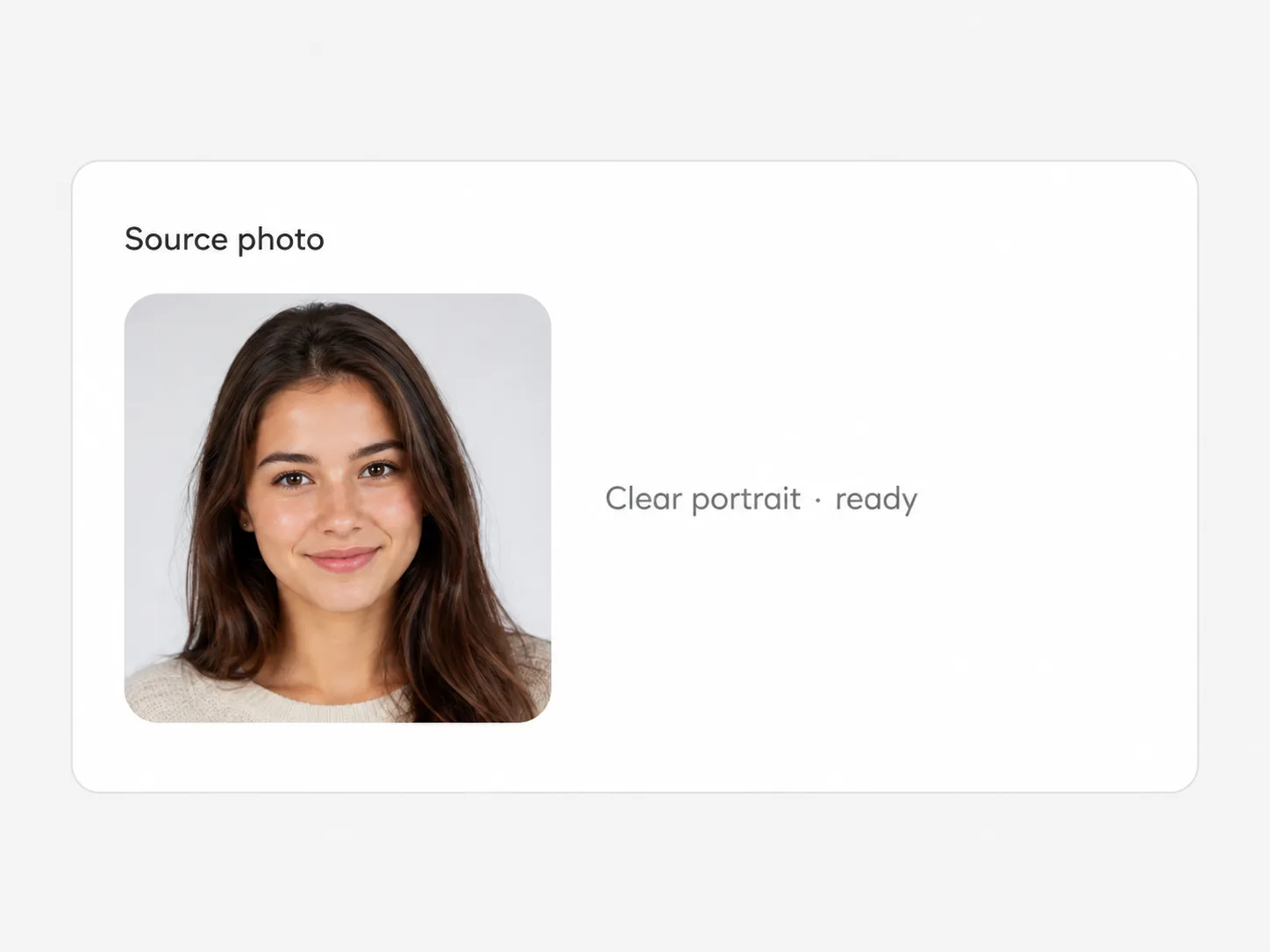
Drop in the picture you want to change, or type a prompt if you're creating something new from scratch.
Google's Gemini 2.5 Flash Image — say the change, get it
Nano Banana is Google's name for Gemini 2.5 Flash Image, the model that made photo editing as simple as describing it — and SupaImagine brings it to the browser with nothing to install. Drop in a picture and ask for the change in plain words, or start from a prompt for something new. It keeps a face or product recognizable from one edit to the next, turns results around fast, and costs only 3 credits an image, so trying ten versions never feels expensive.
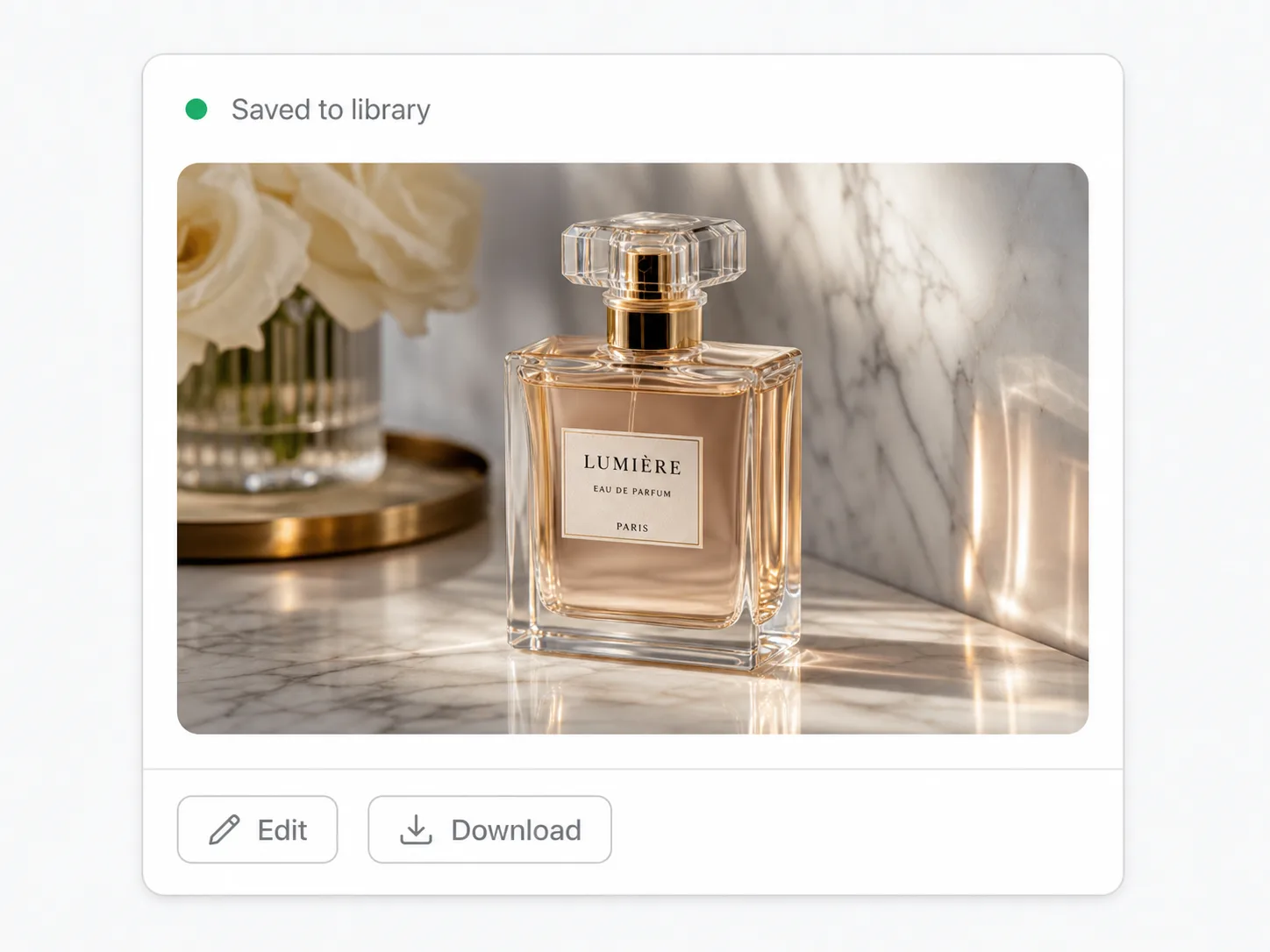
Upload a photo and describe the change, or type a prompt to make something new — no install, and every result lands in your library.
Switch between top image models in one generator.
The model to reach for when you want to change a picture by saying what to change — quick, cheap, and consistent.
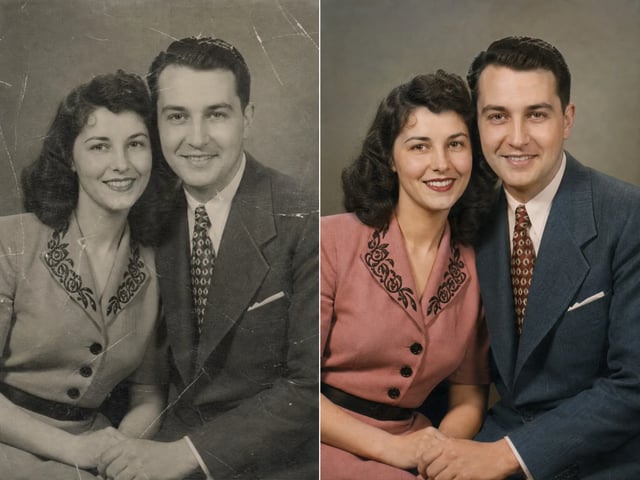
Most image work isn't starting from nothing — it's nudging a picture you already have. Nano Banana is built for exactly that: upload a photo, type the change you want, and it applies it without masks, layers, or a long setup. Recolor an item, swap a background, drop an object, or bring an old photo back to color, and the parts you didn't mention come back recognizable — including the same face or product across a run of edits. Prefer to begin fresh? Switch to text-to-image. At 3 credits an image it's the lowest-cost model in the Nano Banana family, so iterating is the point, not a luxury, and every version stays in your library to revisit.
| nano banana | nano banana generator | nano banana ai image generator | nano banana editor |
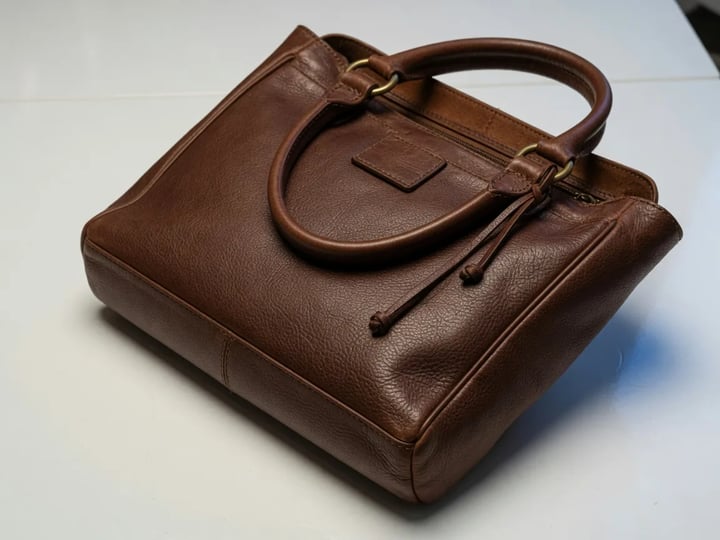
Type the change in plain words — "make the jacket red," "clear the background," "remove the person on the left," "colorize this old photo" — and Nano Banana does it without masking, selection tools, or layers. The barrier between idea and edit is a sentence.
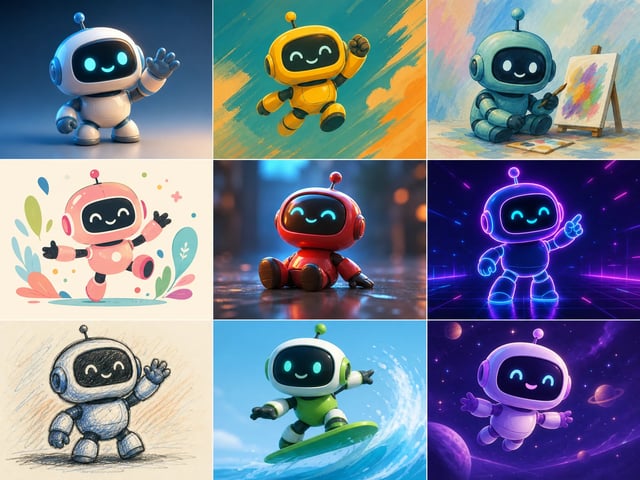
Move a person, mascot, or product into a new scene or run several edits in a row, and the identity holds — the same face, the same packaging — instead of drifting into someone or something slightly different each time. That is what makes a set of edits feel like one subject, not a lookalike.
Each image is 3 credits whether you generate or edit, and results come back quickly, so running a dozen variations barely dents your balance. Use it as your draft-and-iterate workhorse, then step up to a heavier model when you need print-scale detail.
Text-to-image when you're starting from an idea, image-to-image when you're starting from a file — both run on the same model in the same panel, so creating and refining never means switching tools or losing your place.
Drop in the picture you want to change, or type a prompt if you're creating something new from scratch.
Describe the edit in plain language — the color, the background, the object to add or remove — and leave everything else for the model to keep.
Run it and compare against the original. Don't like it? Reword the prompt and go again — at 3 credits a try, iterating is cheap.
Download what you like; every version stays in your library, and any run that fails refunds its credits automatically.
Quick edits for a steady feed — change a background, tweak a color, drop in or remove an element — without opening an editor between every post.
Clean up product shots and spin variants — fresh backgrounds, recolored options — while the product itself stays true across the listing.
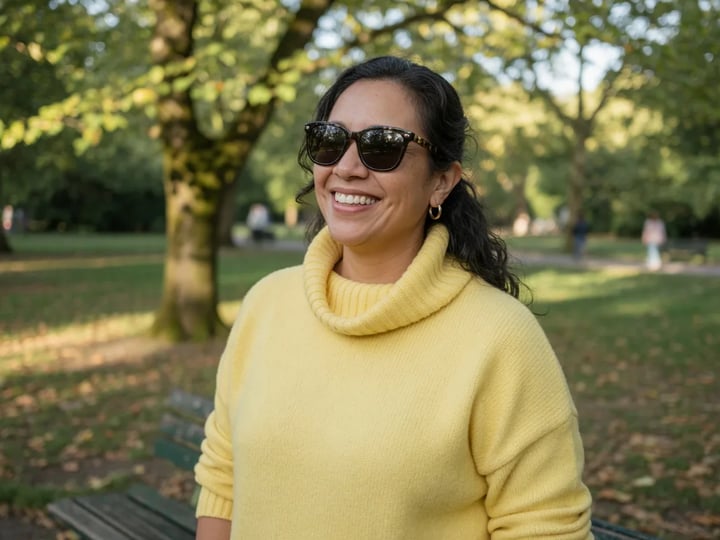
Restyle a portrait or place a headshot in a new setting while the face stays recognizably you, not a stranger who resembles you.
Remove a photobomber, erase a stray object, or bring a faded old picture back to color — described in a sentence, not retouched by hand.
Original featured images and quick edits at a low credit cost, so visuals for every post don't add up.
Nano Banana is Google's name for Gemini 2.5 Flash Image, the model known for editing pictures from a plain-language prompt and keeping a subject consistent. On SupaImagine you run it in the browser to generate or edit images, next to other top models in the same workspace.
This is the original and the lightest of the three — fast and the lowest-cost, best for quick edits and heavy iteration. Nano Banana 2 is the newer generation with reasoning and detail up to 4K; Nano Banana Pro is the top tier for photoreal, print-scale work. All three are in the SupaImagine generator, so you can start cheap here and step up when a job needs it.
Both. Switch to image-to-image, upload your file, and describe the change in plain words — no masks or selections. Text-to-image is there too when you want to start from a prompt instead.
Plain-language changes to an existing image: swapping or clearing a background, recoloring an item, adding or removing an object, restyling a scene, or colorizing an old photo — with the rest of the picture, and any character in it, left recognizable.
A flat 3 credits per image, whether you generate or edit — the lowest cost in the Nano Banana family. New accounts get 10 starter credits to try it, and paid plans top up your balance; the pricing page lists every package.
On a paid plan, yes — what you generate or edit is cleared for commercial use like listings, ads, and client work. Images made on the free starter credits are for trying the model and aren't licensed for commercial use.
Edit or generate in the browser at 3 credits an image, with every version saved to your SupaImagine library.