Koi drifting between floating paper lanterns at night, soft reflections on dark water, gentle camera drift
Text or up to 10 images → 720p or 1080p, 5 to 20 seconds, optional synced sound.
Open FLUX 3 when you want flexible short clips with native sound. Write a scene, or drive motion from one still or a multi-image storyboard. Start short at 720p, stretch length or step to 1080p once the take earns it, and keep audio on when it needs sound.

Koi drifting between floating paper lanterns at night, soft reflections on dark water, gentle camera drift
Koi drifting between floating paper lanterns at night, soft reflections on dark water, gentle camera drift
Black Forest Labs FLUX 3 on SupaImagine — text or multi-image storyboard, per-second rates, optional sound.
FLUX 3 runs text-to-video and image-to-video only (no source-video continuation on this SKU). Duration is an integer from 5 to 20 seconds (default 5). Resolution is 720p or 1080p (default 720p). Text-to-video exposes common aspect ratios including auto; image-to-video follows the supplied stills and accepts up to ten images as an ordered storyboard. Pricing is 35 credits per second at 720p and 60 at 1080p, with a 175-credit minimum per run — so the five-second 720p default is 175 credits. Signup credits (10) cannot fund that floor; buy credits or a plan before you generate. Commercial use sits on paid plans under the Terms.
Four controls · one FLUX 3 lane
Prompt or storyboard, resolution, length, and optional sound — pay for the seconds and tier you queue.
Subject, action, camera, and light go in one FLUX 3 prompt for a single continuous beat — hooks, product glides, or establishing inserts. Text-to-video is not a multi-scene cut list; keep the instruction focused so motion stays coherent across the seconds you pick. Negative notes (for example no on-screen text) live in the same prompt. This is the FLUX 3 text to video path when you start from blank paper.
Upload a product shot, key art, or character still when composition is already approved, then describe the motion you want. FLUX 3 image to video accepts up to ten images in order: one image opens the clip, two act as start and end, and three to ten become an evenly spaced storyboard. There is no source-video restyle path on this SKU — boards in, motion out.
Resolution and length are the two cost levers, and both sit in front of you before the queue. A five-second 720p run is 175 credits at 35 credits per second; 1080p is 60 per second. Judge motion and framing on a short 720p take, then re-run the same idea longer or at 1080p once it earns the spend — that habit is the cost control, not a separate model.

Duration is an integer from five to twenty seconds, billed per second at the resolution you choose. Audio defaults on for FLUX 3 so ambient sound, speech cues, or effects can ride with the picture; turn it off for a silent export when you will score the track later. Set seconds and audio before the queue so the estimate matches the file you want — signup balance (10 credits) cannot cover the 175-credit floor on a five-second 720p run.
Four decisions before the queue: material, instruction, tier, and length.
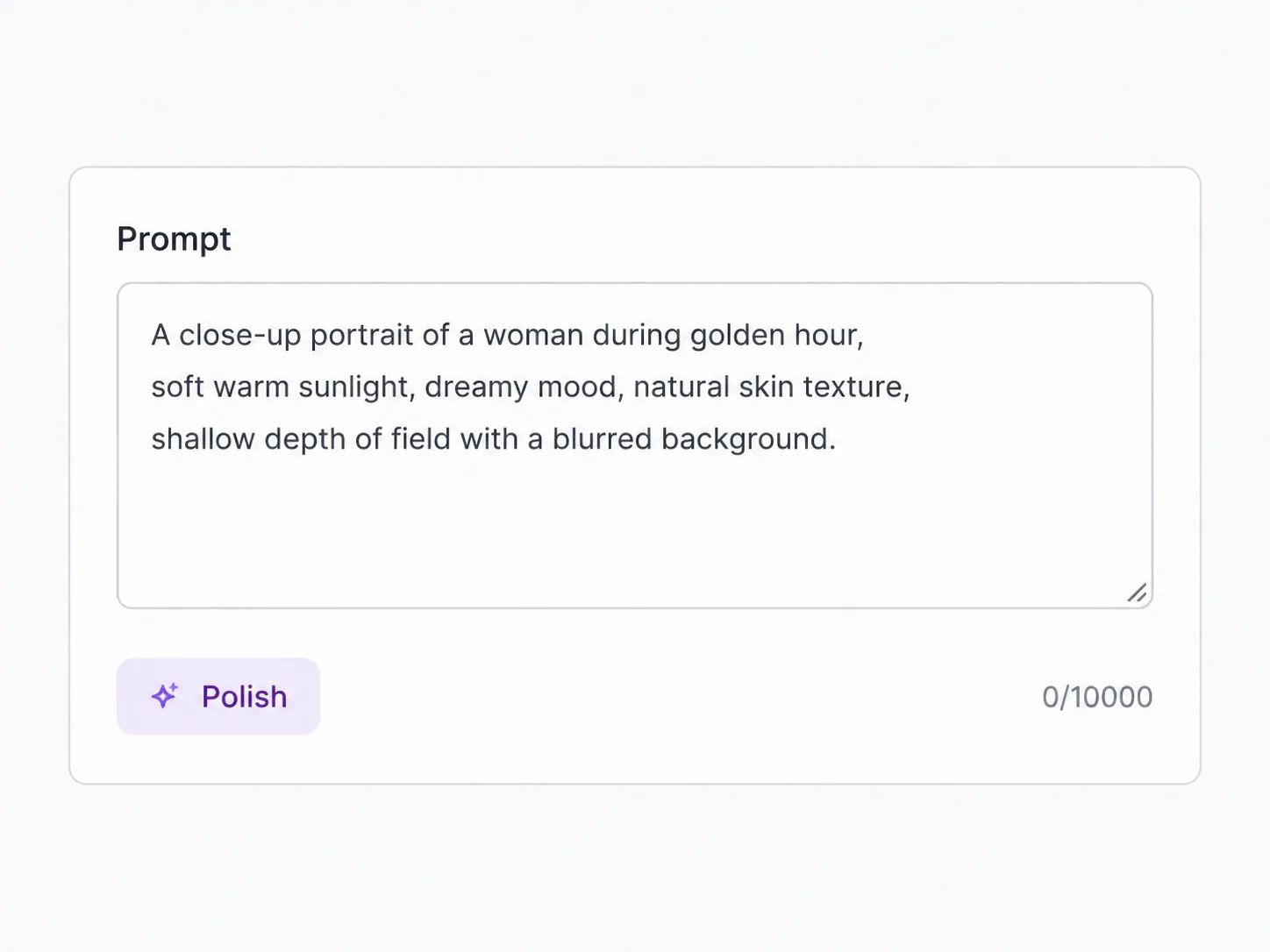
Blank prompt for a new scene, or one to ten images when boards already own the look. Order matters for storyboard starts and ends.

Name subject, action, camera, and light. Keep one continuous beat so FLUX 3 can hold coherence across the seconds you pick.
Default is five seconds at 720p with audio on. Stretch length only when the beat earns it; step keepers up to 1080p once the motion is locked.

Queue the FLUX 3 run, check the file in your library, then re-run with tighter wording, longer duration, or a higher resolution tier.
Jobs that fit this flexible short lane
Situations where a 5–20s range with multi-image control beats a fixed eight-second-only model.
Spin several five-second FLUX 3 hooks at 720p, pick the winner, then re-render that single idea longer or at 1080p for paid social.
Animate a product board with image-to-video when composition is locked and you only need a clean motion pass with optional sound.
Upload three to ten boards so FLUX 3 bridges an ordered storyboard instead of cutting between unrelated clips.
Block scenes as short 720p takes so stakeholders agree on motion before anyone burns 1080p rates.
Set 9:16 on text-to-video, start at five seconds, then stretch only keepers toward ten or twenty seconds.
Use FLUX 3 for multimodal shorts with sound, then compare winners against Veo or Seedance when you need a fixed eight-second family or native 4K.
One plan, every video model — pick a better fit for length, resolution, or input style.

Text or first/last frames — not reference stacks, not flexible duration. Sound rides with the picture by default; lock 720p, 1080p, or 4K before credits move.

The only Seedance tier with 1080p and 4K — always-on synced audio, 4–15s from text, frames, or refs.

Joint audio and mouth motion in 7 languages — text, a first frame, or up to 9 reference images.

Text, first/last frames, or up to three stills — native audio on most takes, 720p to 4K from 30 credits.
FLUX 3 exposes 5–20 second lengths. 720p is 35 credits per second and 1080p is 60, each with a 175-credit minimum per run. The five-second 720p default costs 175 credits; a five-second 1080p run is 300; twenty seconds at 720p is 700. Set duration and resolution before you run so the estimate matches the file you want.
A written prompt for text-to-video, or one to ten images for image-to-video (ordered storyboard). There is no source-video continuation (v2v) on this FLUX 3 SKU.
720p and 1080p, on one FLUX 3 generator. Start on a short 720p take, then re-run the same idea at 1080p or a longer length once the motion is locked. There is no 4K option on this video SKU.
Upload up to ten stills in order. One image opens the clip; two act as start and end; three or more become evenly spaced storyboard boards (the first starts, the last ends). Duration must fit the beat you want between those boards.
No. Signup credits are 10, and the cheapest FLUX 3 run — five seconds at 720p — floors at 175 credits. Buy credits or a plan before the first run.
Audio defaults on for FLUX 3 and generates synchronized sound with the picture. You can turn audio off in the generator when you need a silent file to score later.
Text-to-video offers auto plus common ratios from 21:9 through 9:16 (including 2:1, 16:9, 4:3, 1:1, and 3:4). Image-to-video follows the supplied stills, so crop boards first when the feed needs a different frame.
Paid-plan runs follow SupaImagine Terms for commercial use. You still need rights to any third-party faces, brands, or stills you upload as storyboard images.
Before and after the FLUX 3 pass
Build the still first, animate here, then upscale or switch models without leaving the product.
Text or up to 10 images in — 720p or 1080p, optional audio, 5–20s.