Mid-length natural dreads on your real face — not a new identity
Upload a clear portrait and run an AI dreadlocks filter that restyles hair into mid-length natural locs while keeping your face, expression, and identity. Use the planning still before a starter appointment or a big profile update — try free with signup credits.

A locs filter for try-on decisions — not a multi-style braids app or salon guarantee.
Generic hairstyle tools often swap your face or paste decorative braids. This AI dreadlocks filter keeps your identity and aims for mid-length natural locs so you can judge whether the outline flatters you before you commit. It is a planning still — not every loc style, and not a promise of starter or salon results.
Before & after
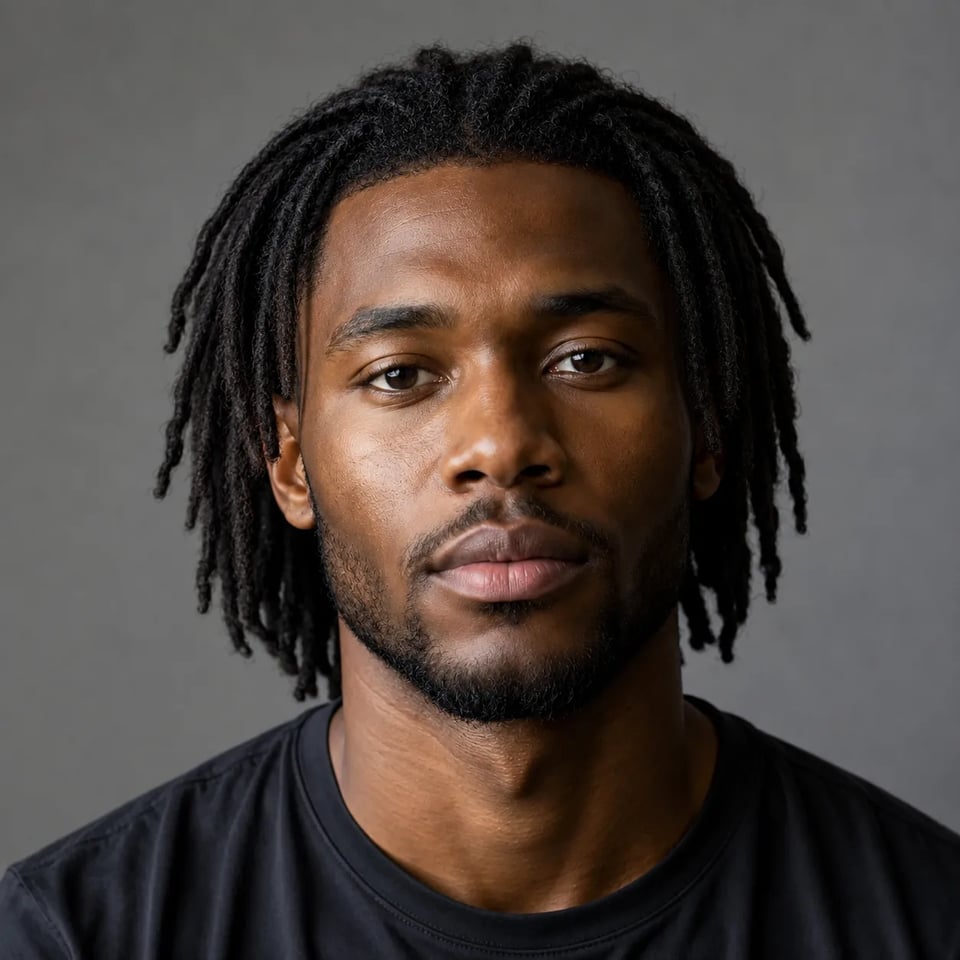
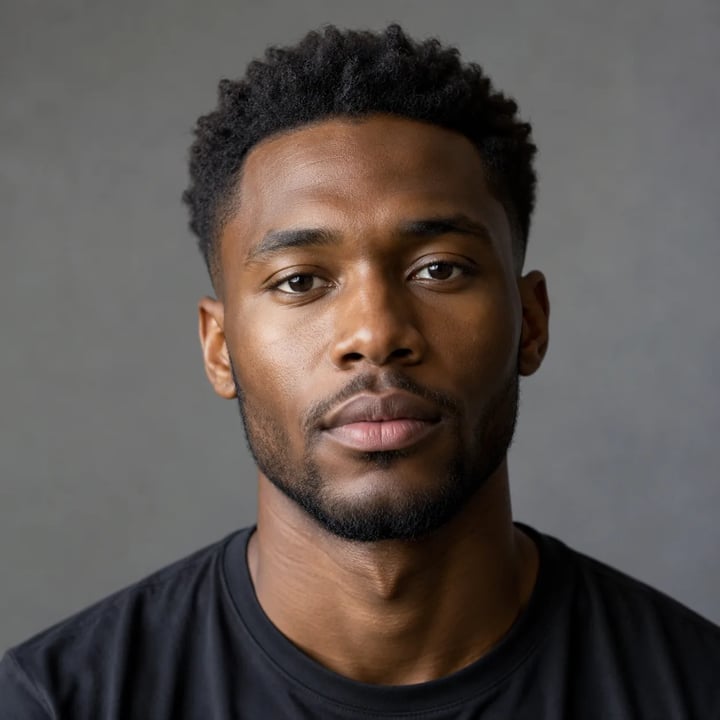
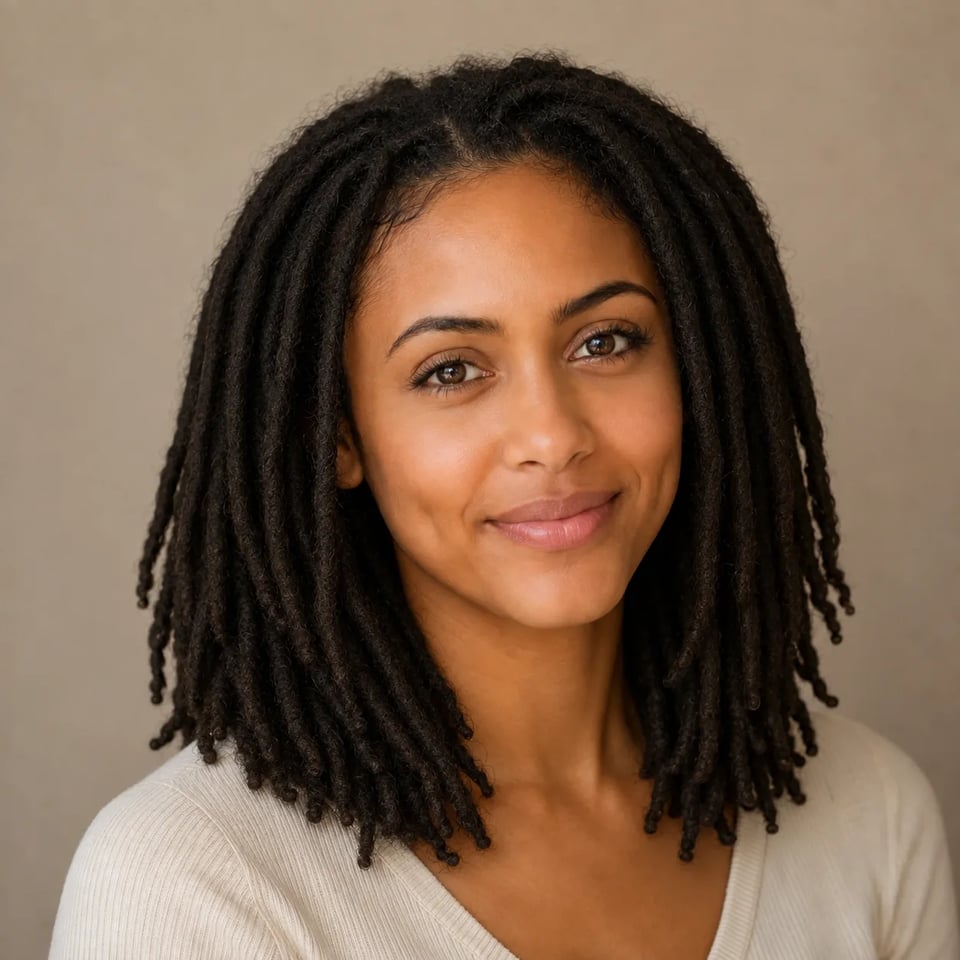
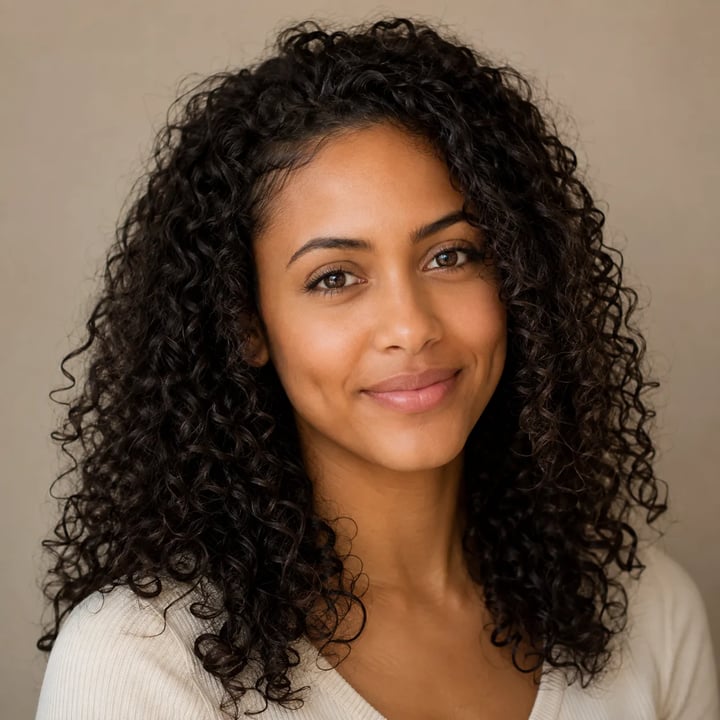
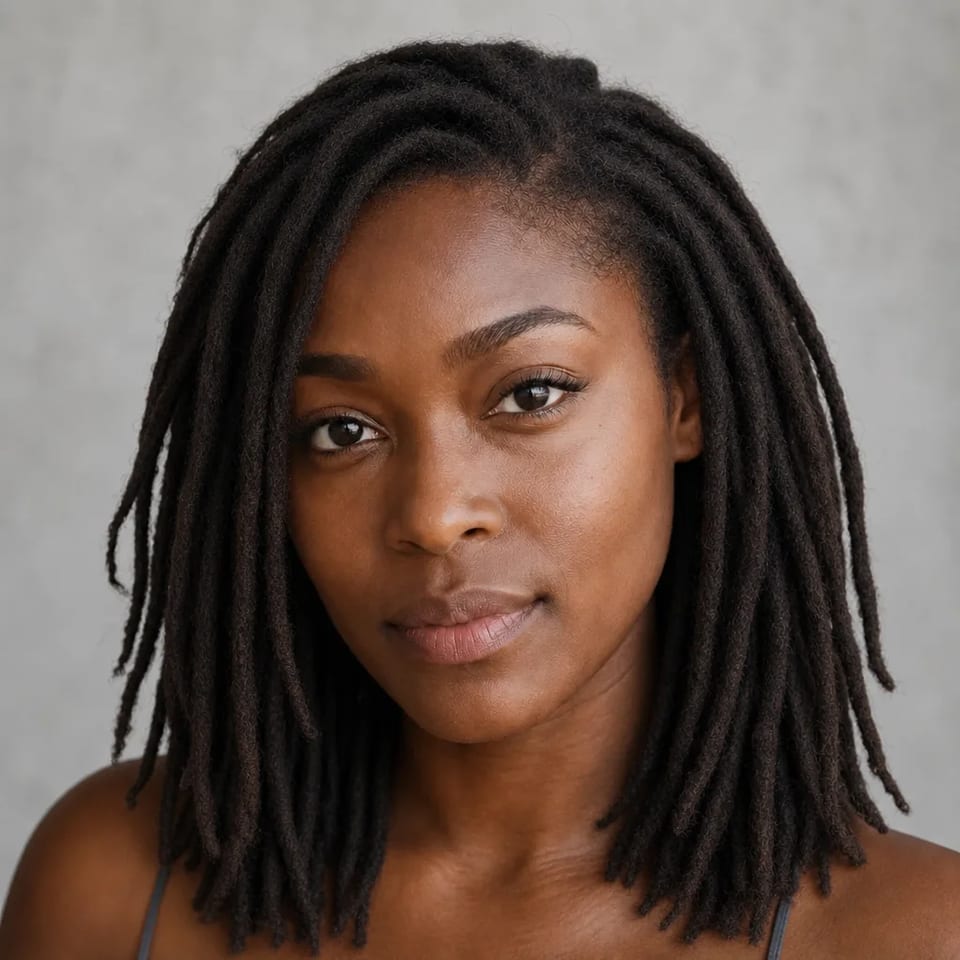
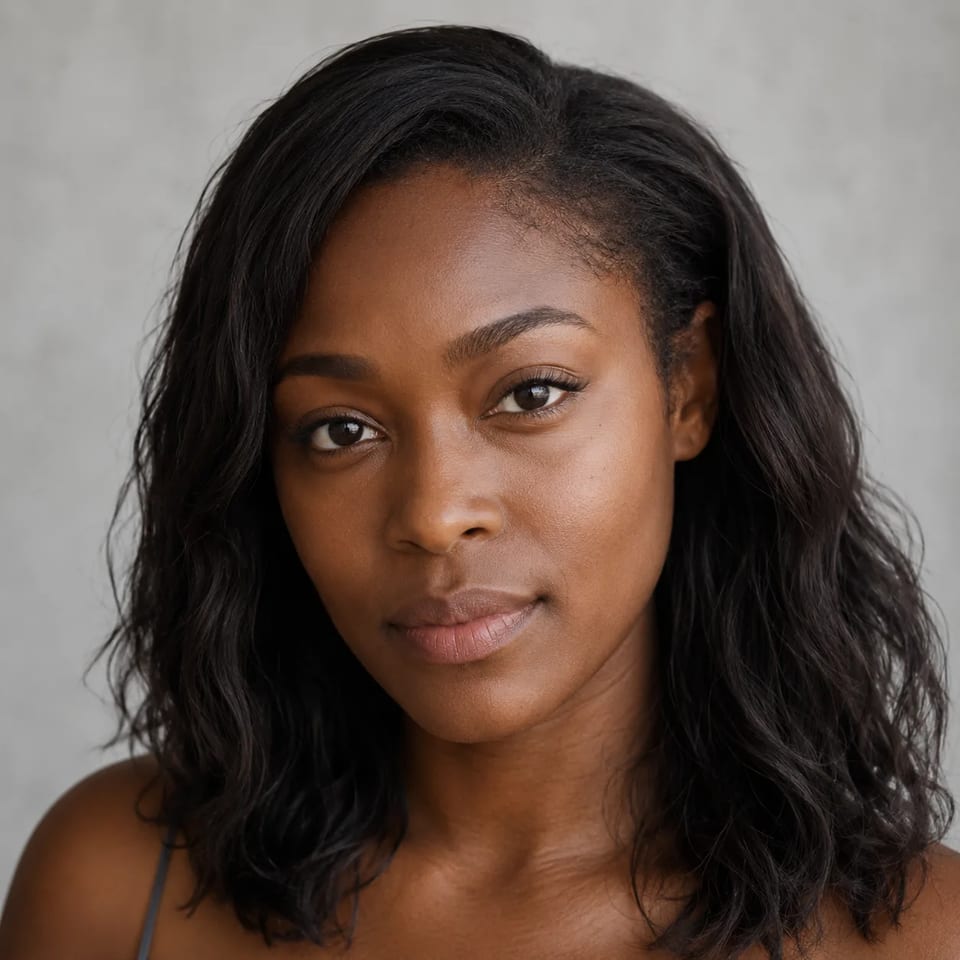
Same face and clothes — only the hair becomes mid-length natural locs. Use the generator slider or these cases before you book.
Medium hair → natural locs
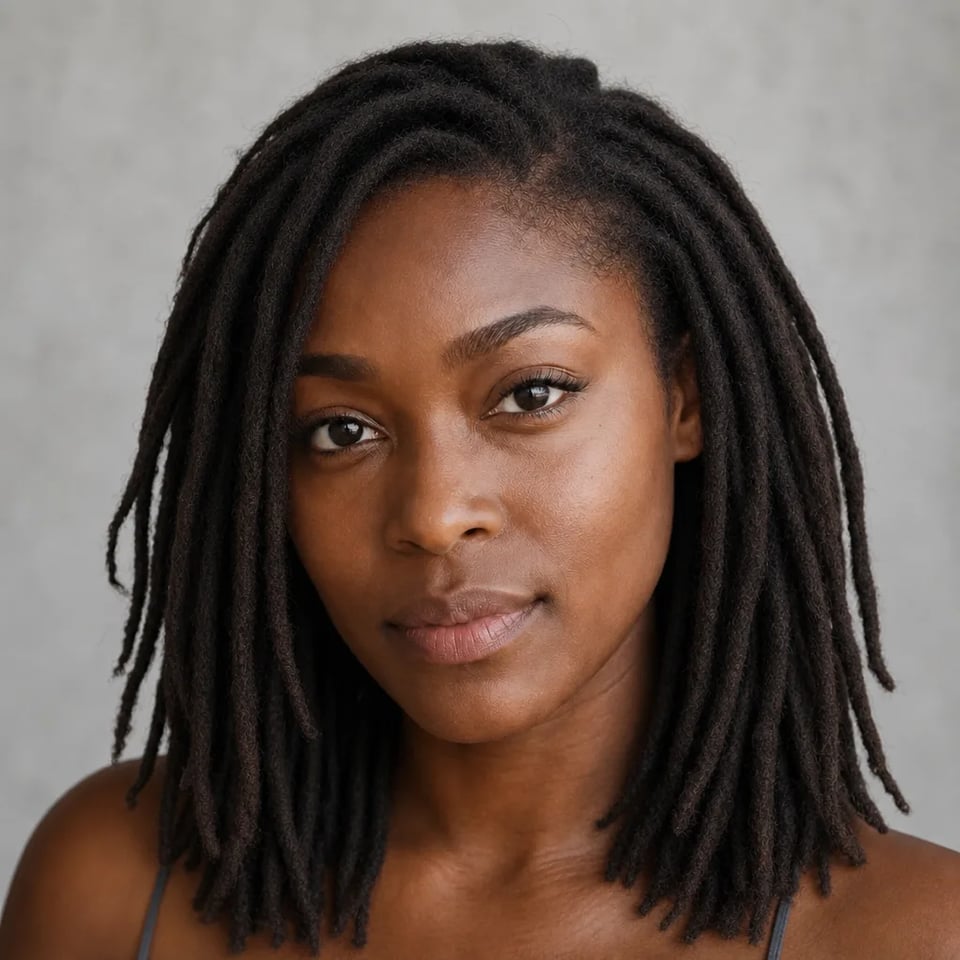
Before
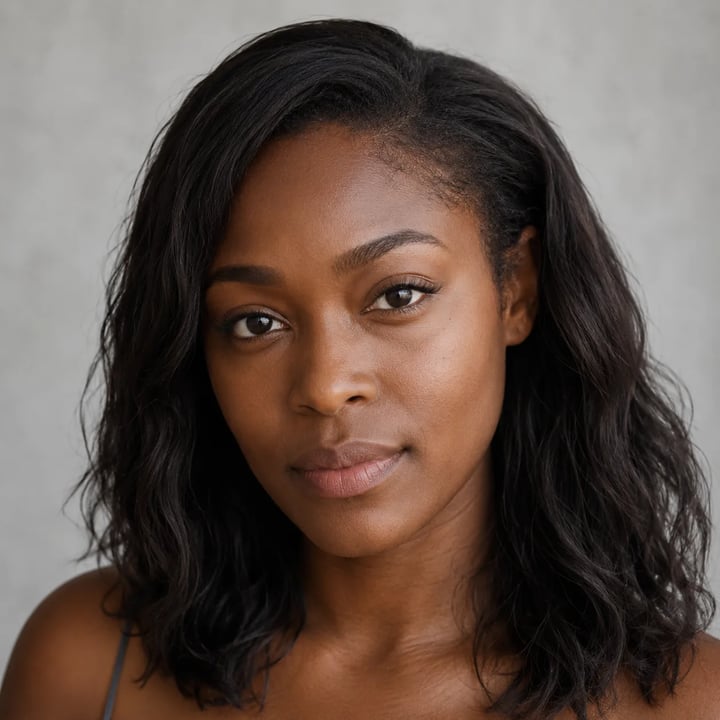
Preset
Identity, roots, natural locs — a useful dreads try-on.
Identity, expression, skin tone, and head angle stay locked so you judge locs on your features when you try dreadlocks online. The AI dreadlocks filter is for your face, not a random model swap.

Soft root growth and a natural hairline help locs look attached, not floating. That is the read you want from a dreadlock filter before you commit.

The fixed preset aims for mid-length cylindrical locs with clear strands — not cornrows, box braids, or sticker hair. Use this locs filter when you want a dreads outline, not a braids catalog.

Save a clear reference for conversation with a loctician or barber. Real starters still depend on hair type, density, and professional technique.

Upload a face, run the fixed locs preset, save the planning still.
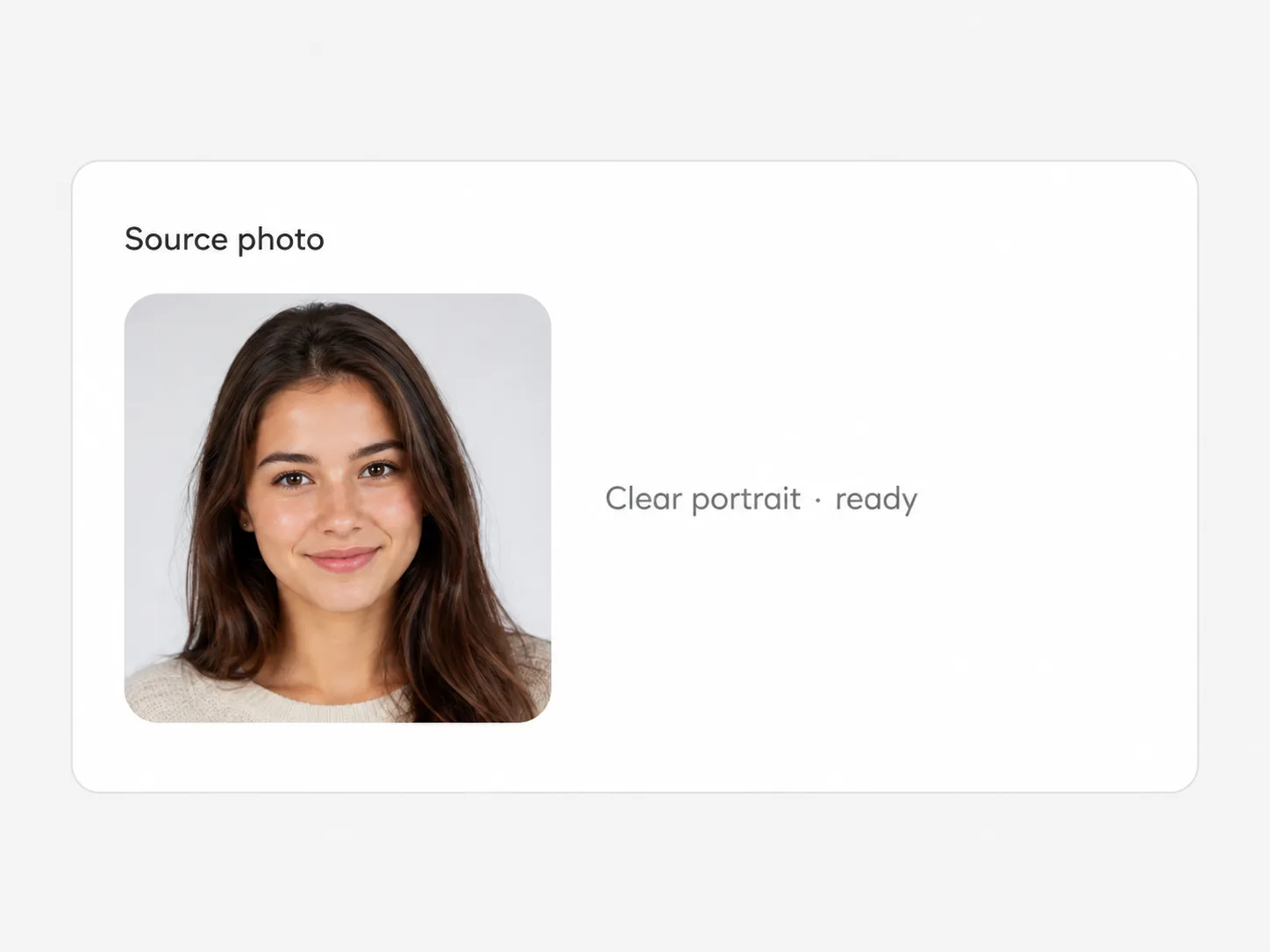
Front or slight three-quarter shots with a visible hairline work best. Heavy hats or extreme blur hide the locs outline.
Run a couple of outputs to compare strand reads. The mid-length natural locs direction stays fixed.

Download the cleanest AI dreadlocks filter preview to share with a stylist or decide whether locs flatter you.
Before starters, before the profile photo, before the long commitment.
Show a mid-length natural locs target without a ten-minute verbal description.
Test whether locs flatter your face before you update public photos.
Stack a dreadlock filter still next to outfits and makeup ideas you already like.
Check on-camera proportions for a series before you commit to real locs.
A planning portrait with mid-length natural locs on your face — clear cylindrical strands, soft root growth, identity kept recognizable.
Locs only. The fixed preset aims for natural dreadlocks, not cornrows, box braids, or twists. That split is intentional so the page stays honest.
Yes. Sign up, then spend signup credits on this effect for a free trial. You need an account to run it; later runs use your balance as shown in the generator.
Face, expression, head angle, and skin tone stay locked. Only the hair is restyled so you can judge locs on your features.
Clear front or three-quarter portraits with a visible hairline and decent light. Hats, heavy blur, or extreme profiles hide the locs outline.
No. It is a planning still. Real locs still depend on hair type, density, maintenance, and the loctician’s technique.
No. This effect is one fixed mid-length natural locs direction — not a multi-style salon switcher with dozens of loc patterns.
No. Upload your portrait, set versions and ratio if you want, and run the fixed AI dreadlocks filter preset.
Try related one-click looks that run in the same image workspace.
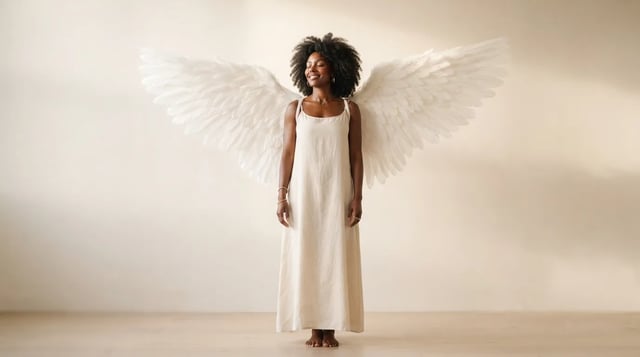
Upload a portrait and grow realistic wings behind the shoulders — not a flat sticker

Eyewear frames, lens tint, and reflections blended into the portrait — not a floating sticker

Clean sides, layered top volume, soft fringe or middle part — preview before the chair

Cowboy hat, denim or leather, ranch light — your face stays the anchor

Original floral and mandala lines that follow palm and wrist curves — not tile stickers

Deep shadows, bright highlights, canvas texture — subject still readable as yours

Side-profile silhouette, decorative oval frame, warm parchment ground — park-memento energy

Rich gray tones, clear subjects — upload any color photo

Classic sepia tone — not cool gray, not a yellow wash over color

Fine grain, real colors — upload any photo

Natural tone and shine on your real face — hair color only, not a new identity

Clean even length, natural scalp texture, face fully yours
For fun only — not a real-child prediction
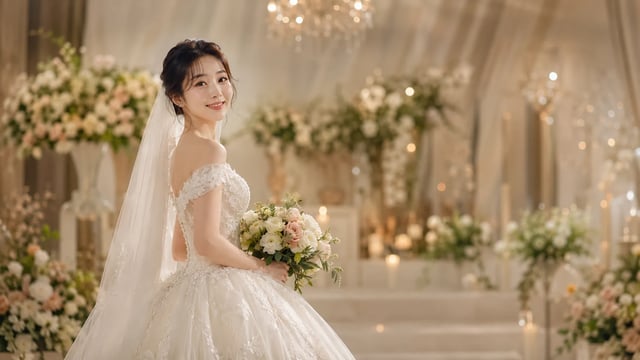
Soft dress and ceremony light — your face stays the anchor, one photo at a time
Preview mid-length natural locs on the face you will take to a stylist and download a clear reference.