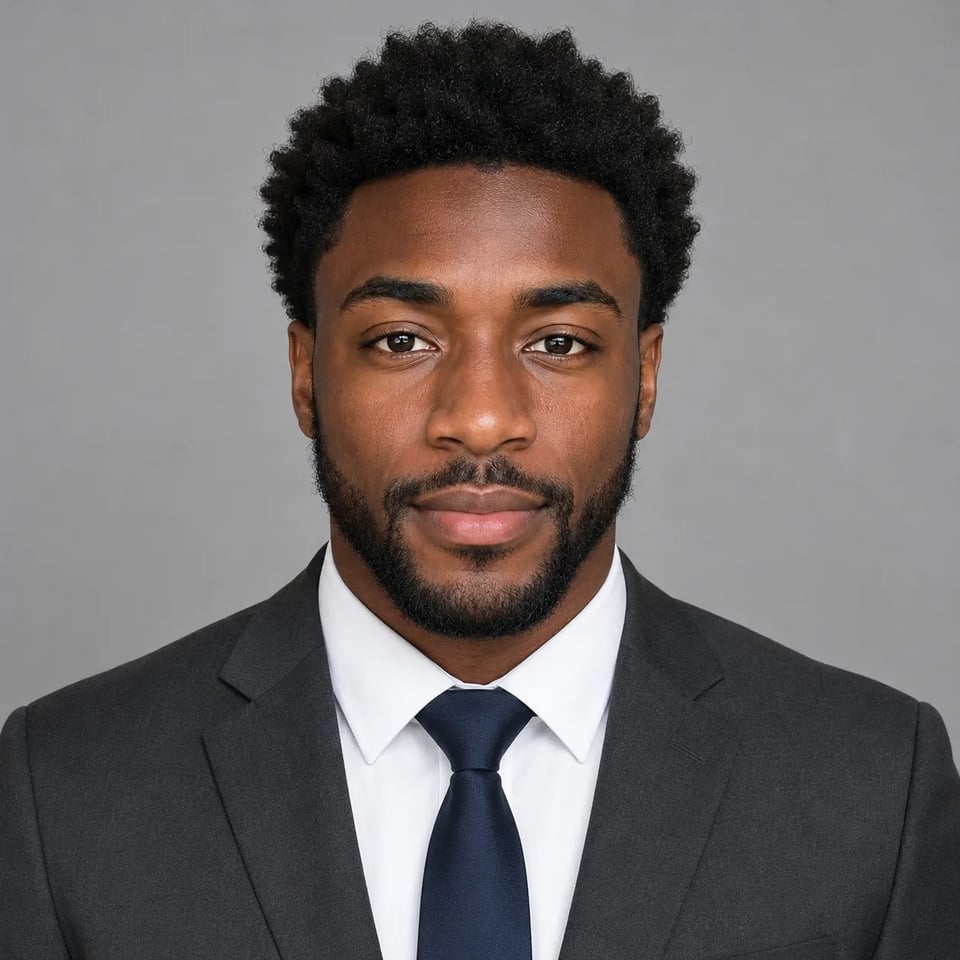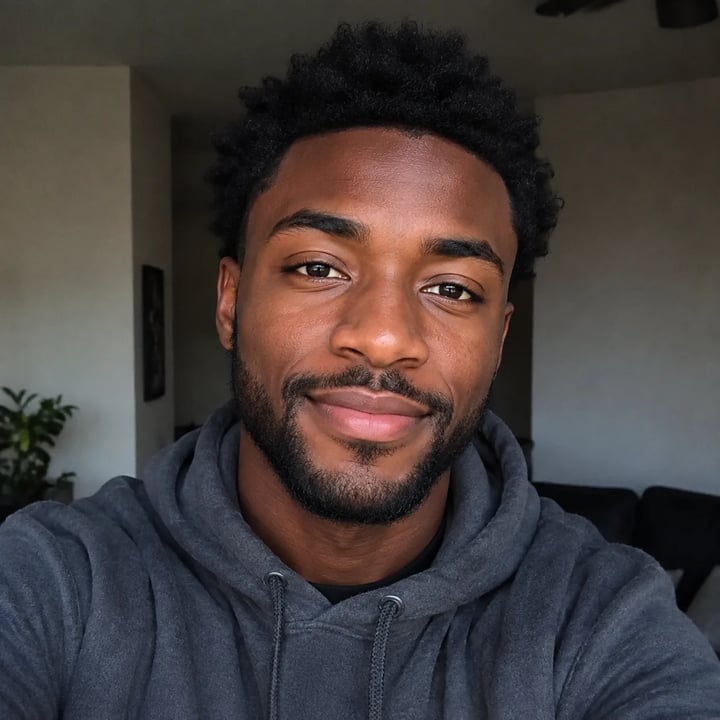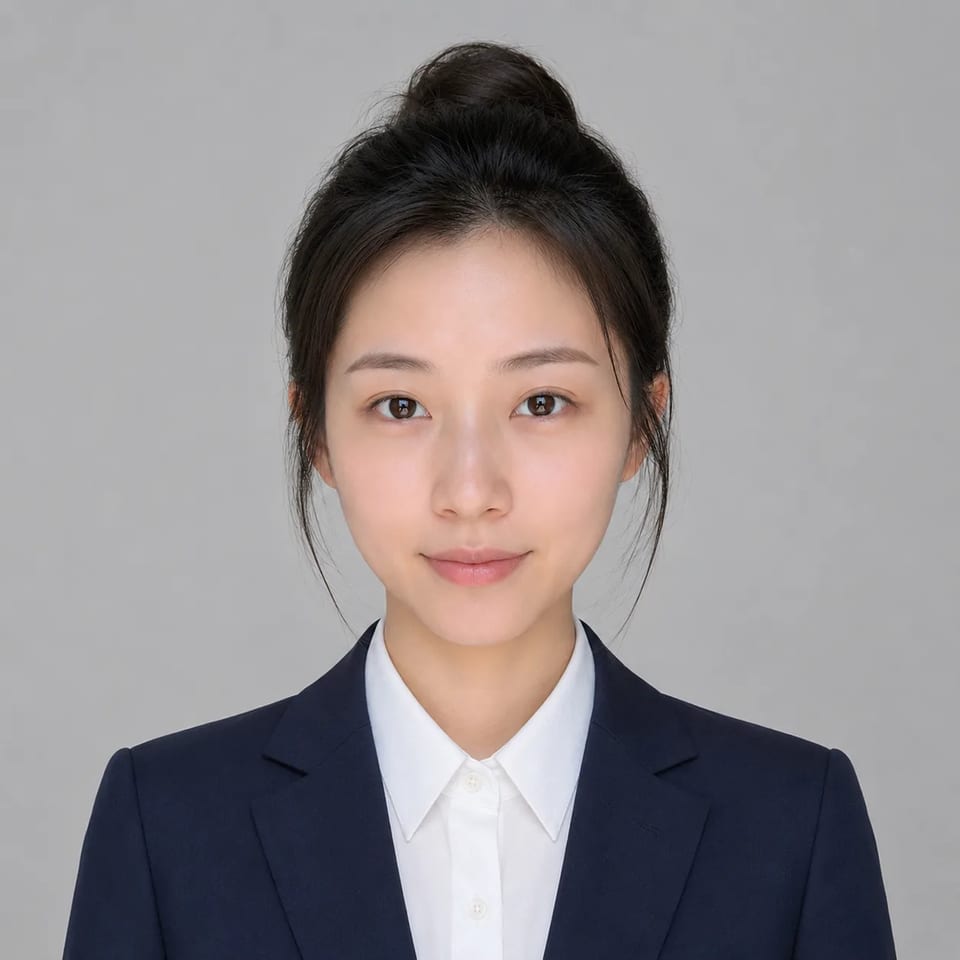
Clean business attire and a simple backdrop — your face stays the anchor, one photo at a time
Upload a clear selfie or everyday portrait and run the AI resume photo generator. The fixed preset restyles clothing and background into a neutral professional CV/resume still while your face, age cues, and expression stay recognizable. One photo per run — not a fashion glamour headshot studio or a government ID office.
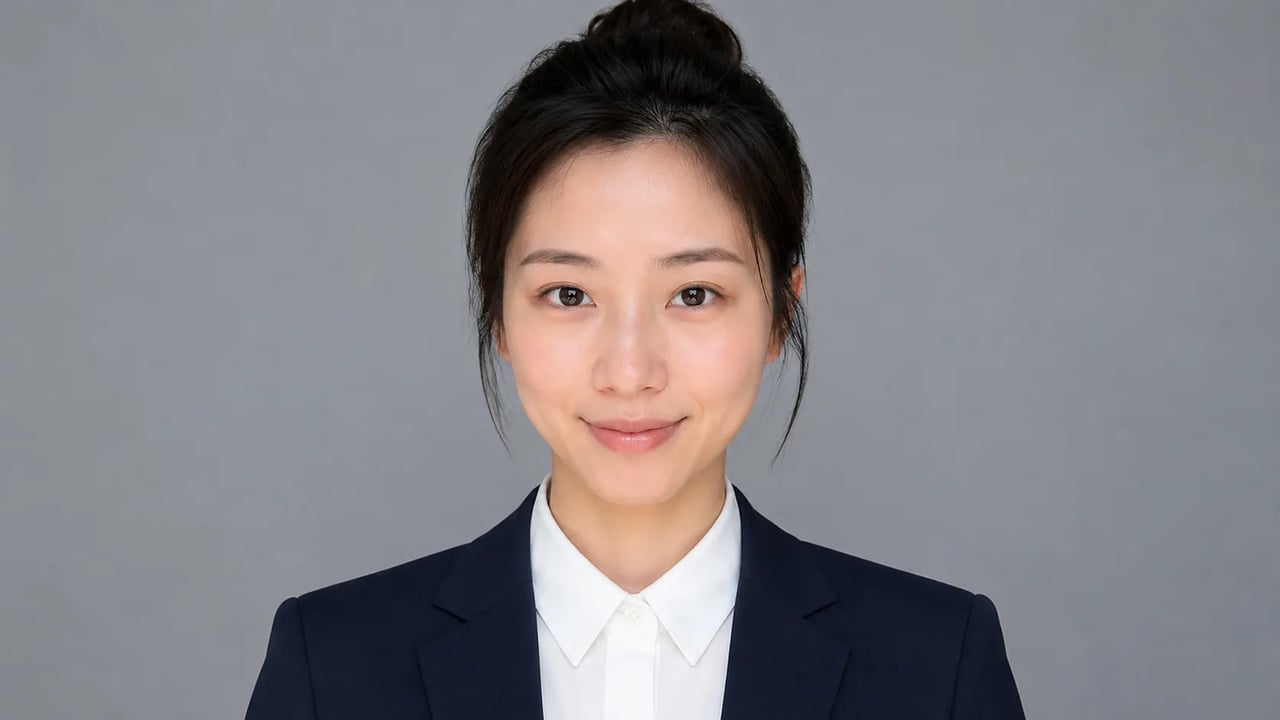
When you need a calm, job-ready look from one photo you already took — without a studio booking.
A good AI resume headshot should keep your face and only change attire and backdrop. Use this CV photo generator path when you want a calm, professional still for applications, portfolio sites, or recruiter profiles — not red-carpet fashion, party wear, or a claim of passport-level identity compliance.
Before & after
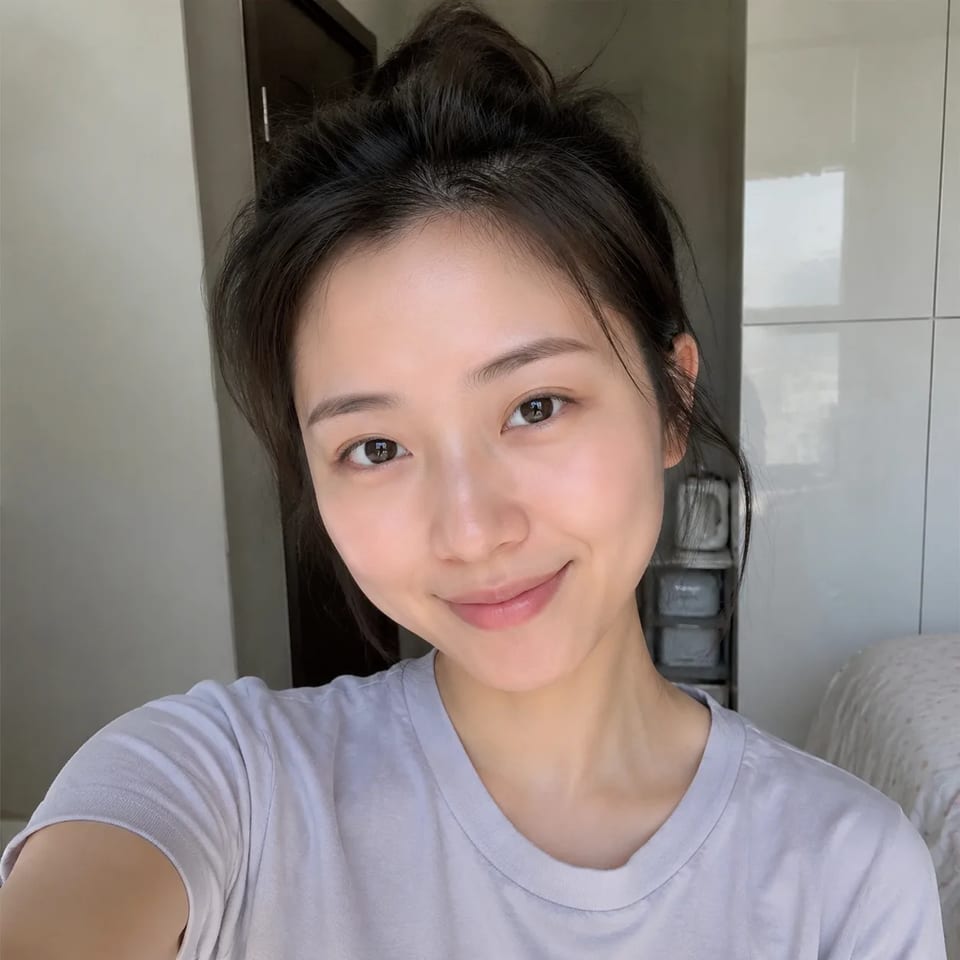
Same person, formal upright posture — business attire and a clean backdrop. Single-photo runs only.
Casual selfie → formal upright CV photo
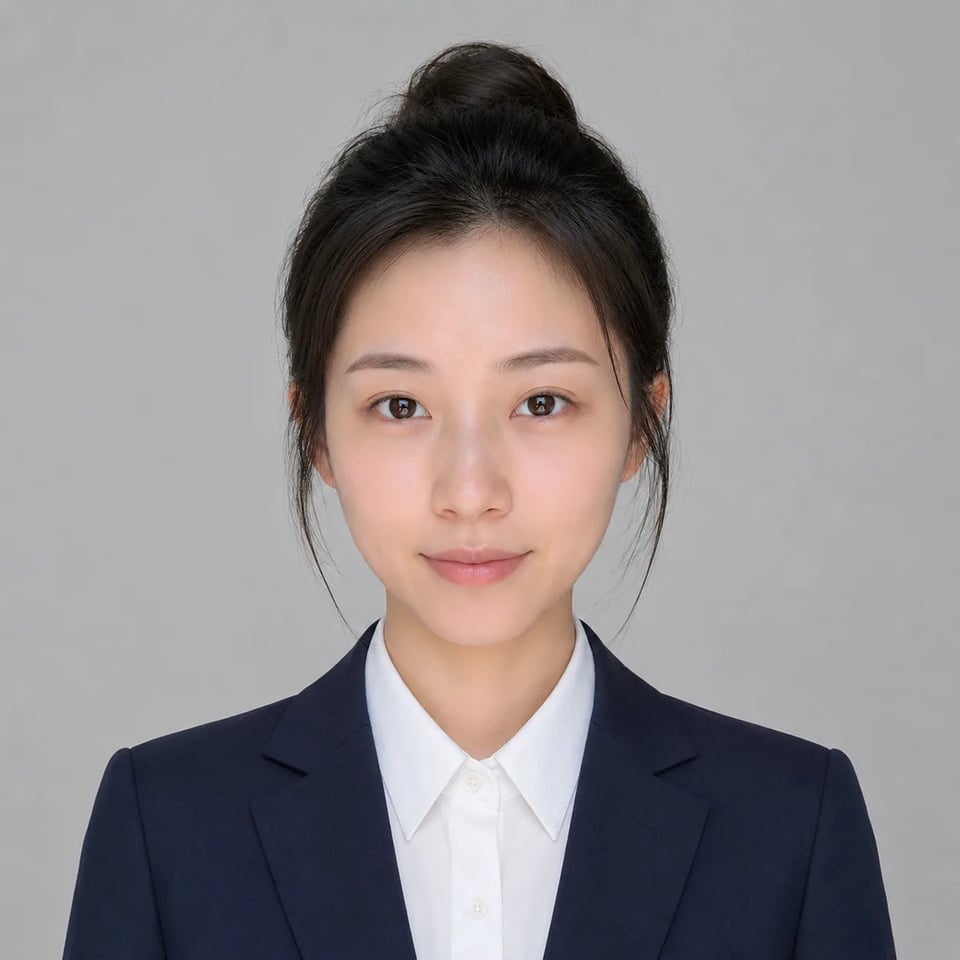
Before
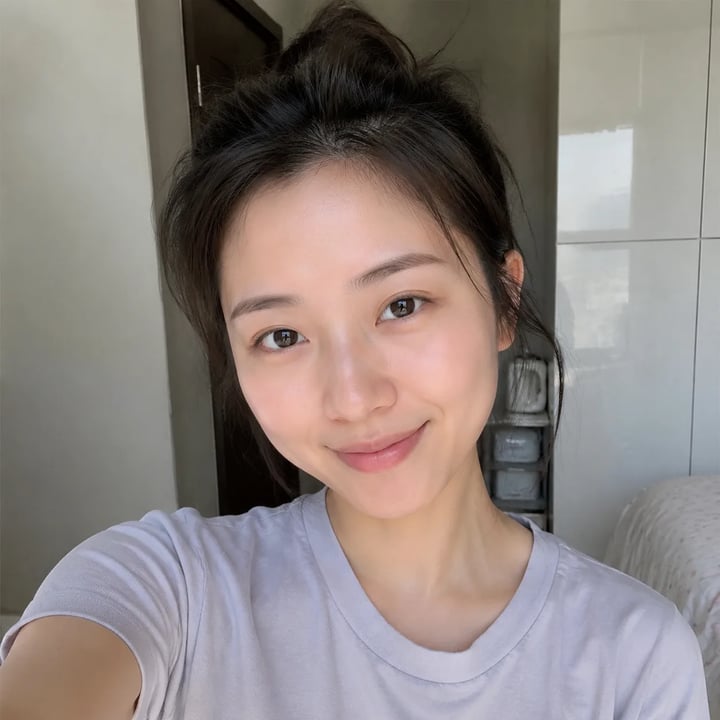
Preset
Face lock, business restyle, neutral backdrop — and honest single-photo limits.
The professional resume photo AI path rebuilds conservative jacket, blouse, or collared shirt so fabric folds and shoulders look photographed. You get a job-ready look without a shopping trip — and without glamorous partywear styling.
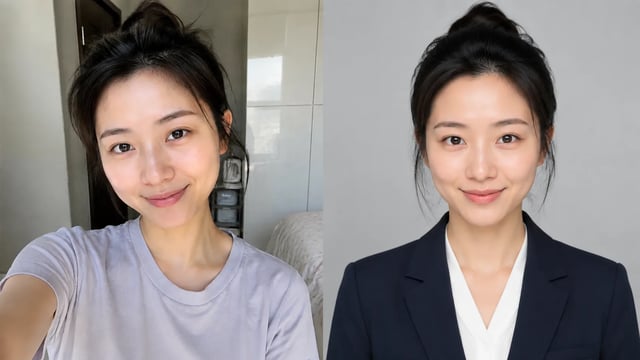
Identity, skin tone, age cues, and expression stay locked when you turn a selfie into an AI resume headshot. Recruiters should still recognize you in the result, not a swapped model face or heavy beauty filter.
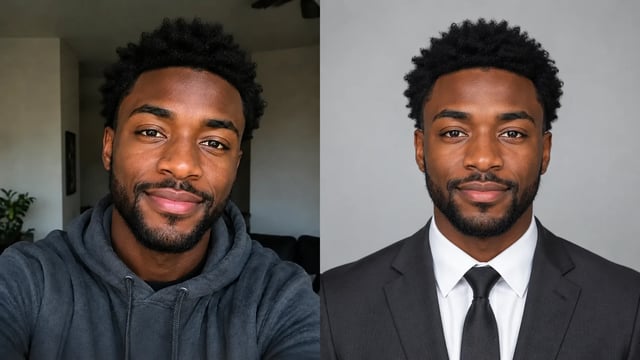
A clean solid or soft office-style background replaces messy rooms so the still crops cleanly for CV templates. This is a neutral CV look — not dramatic fashion lighting or neon club vibes.
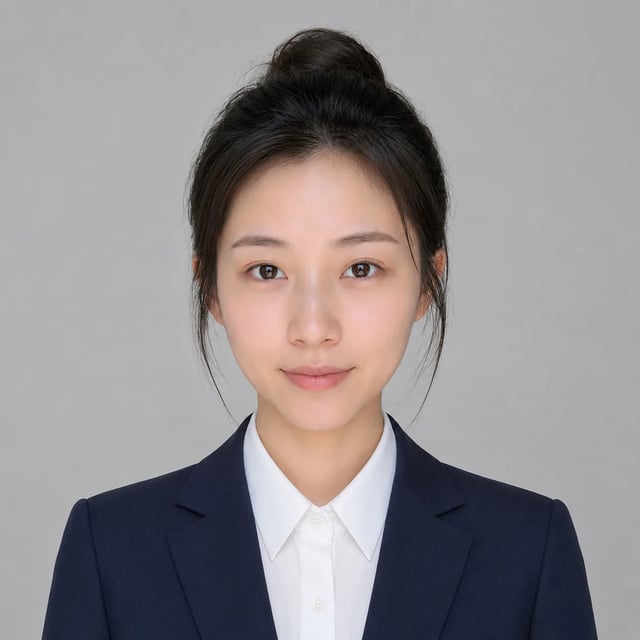
Each run is a single portrait. We do not promise higher interview rates, zero bias, or official passport/visa acceptance. Treat the output as a helpful application still, not a legal identity document.
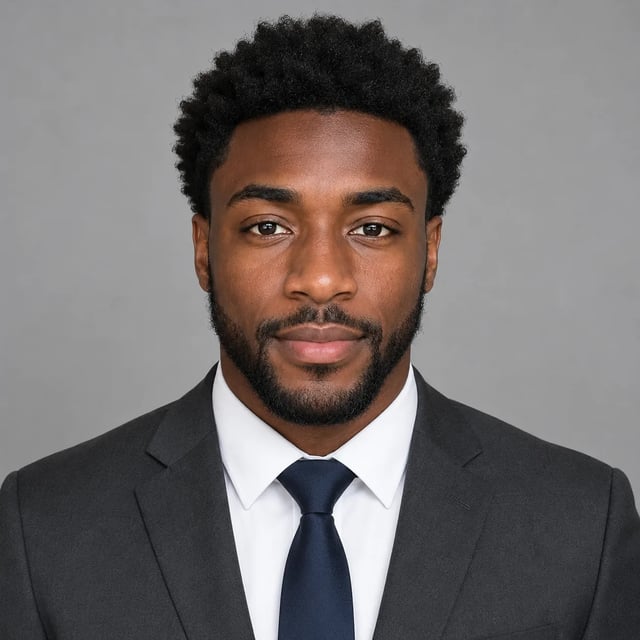
Upload a portrait, run the fixed neutral preset, download the cleanest version.
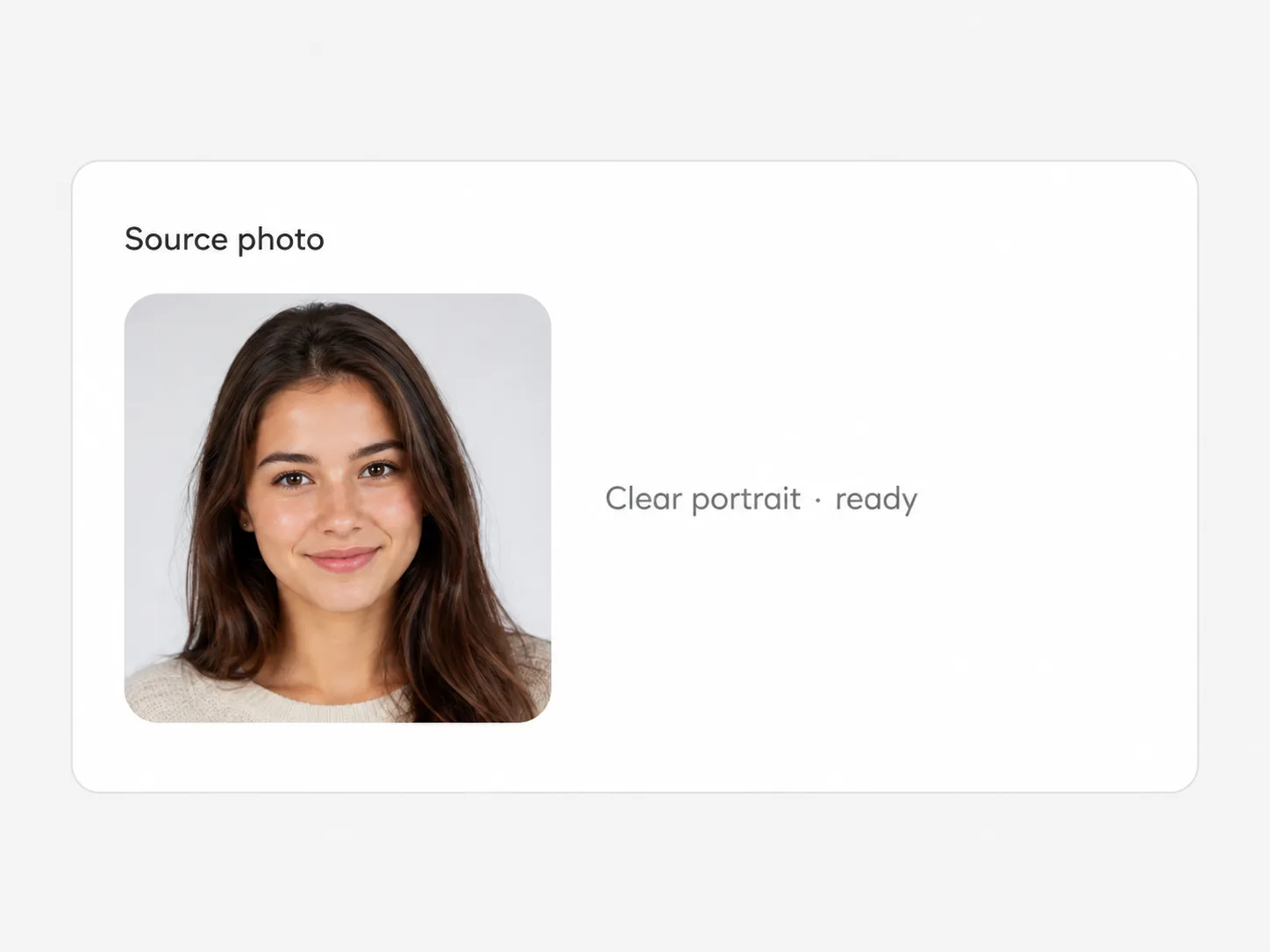
Front or three-quarter face shots work best. Heavy costumes, group photos, or extreme crops can fight the business restyle.
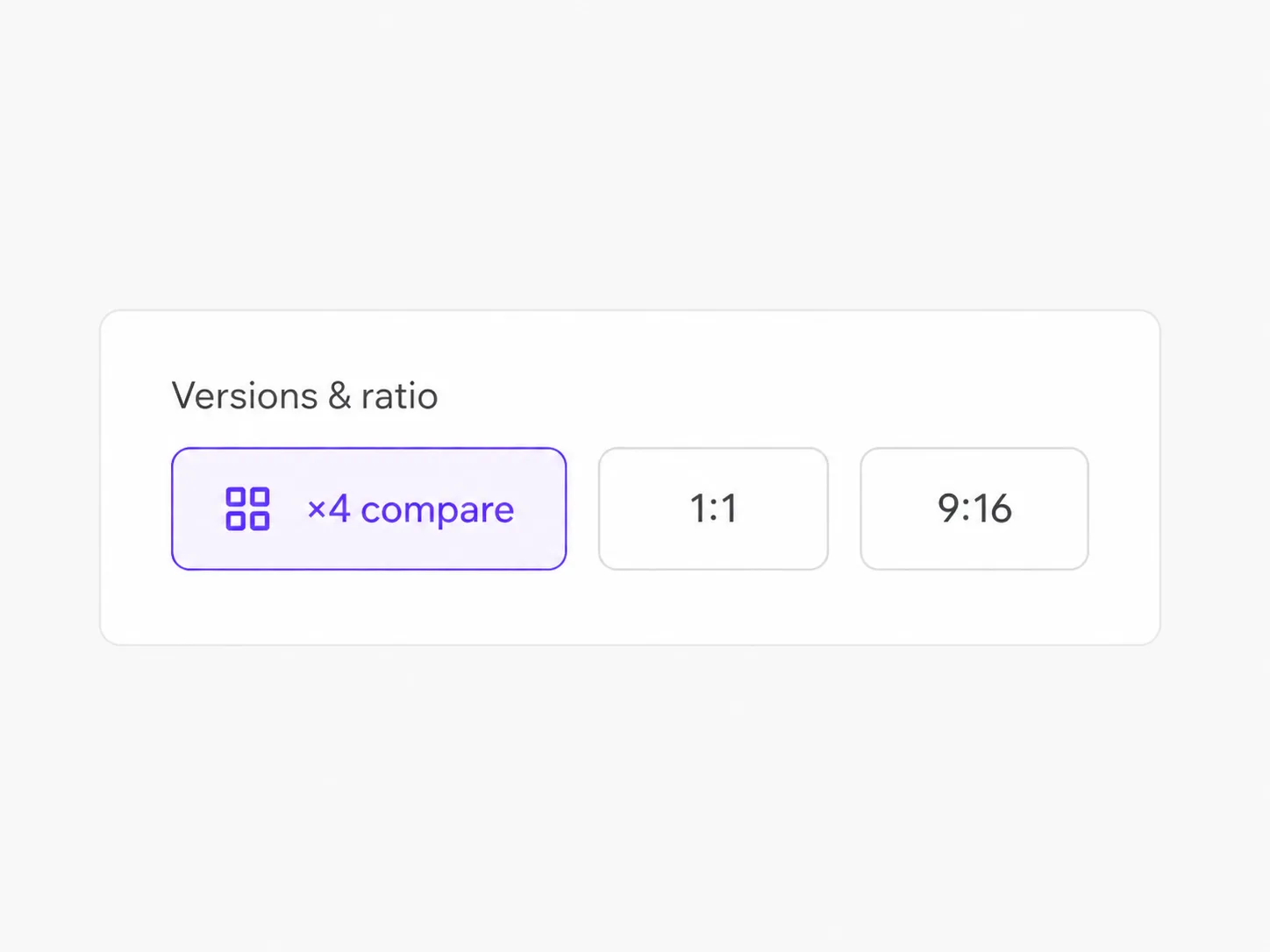
Generate a couple of outputs to compare attire and backdrop. The neutral CV direction stays fixed — no freeform fashion essay prompt.

Choose the version with the cleanest face match and download full resolution from the workspace.
Applications, portfolio sites, and fresher profiles — not fashion campaigns.
Drop a neutral still into your CV template when you only have casual phone photos.
Update recruiter-facing profiles with a calm business look instead of a vacation selfie.
Get a consistent application photo without booking a studio session.
Try a cleaner jacket or blouse look on the same face before you send the next application.
It tries to keep your face, skin tone, age cues, and expression while restyling attire and backdrop. Results can vary with hard angles, heavy filters, or group shots on the source photo.
No. This CV photo generator path aims for a neutral business still for applications. It is not a red-carpet or high-fashion glam look by default.
No. Treat outputs as creative application stills. Do not present them as passport, visa, or other official identity documents.
No. Upload, set versions and ratio if you want, and run the fixed neutral business preset. There is no free-form essay box for custom designer outfits.
Yes. Sign up, then spend signup credits on this effect for a free trial. You need an account; later runs use your balance as shown in the generator.
Clear portraits with a visible face and decent light. Extreme close-ups that hide shoulders can limit how natural the attire restyle looks.
No. We do not promise hire rates, fairness outcomes, or bias-free results. The product only helps you produce a cleaner professional still from your photo.
See the site privacy and legal pages for how uploads are processed. We only state what those policies support — we do not invent training or retention promises in marketing copy.
Try related one-click looks that run in the same image workspace.
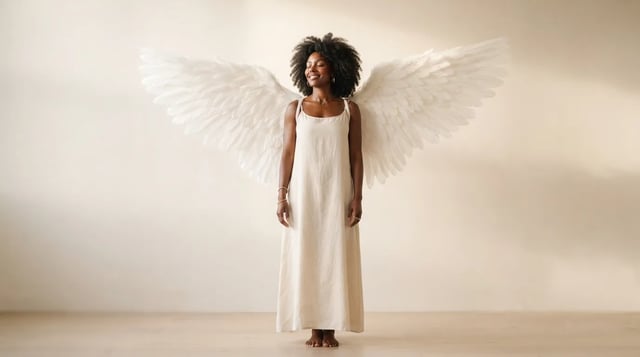
Upload a portrait and grow realistic wings behind the shoulders — not a flat sticker

Eyewear frames, lens tint, and reflections blended into the portrait — not a floating sticker

Clean sides, layered top volume, soft fringe or middle part — preview before the chair

Cowboy hat, denim or leather, ranch light — your face stays the anchor

Original floral and mandala lines that follow palm and wrist curves — not tile stickers

Deep shadows, bright highlights, canvas texture — subject still readable as yours

Side-profile silhouette, decorative oval frame, warm parchment ground — park-memento energy

Rich gray tones, clear subjects — upload any color photo

Classic sepia tone — not cool gray, not a yellow wash over color

Fine grain, real colors — upload any photo

Natural tone and shine on your real face — hair color only, not a new identity

Clean even length, natural scalp texture, face fully yours

Mid-length natural dreads on your real face — not a new identity
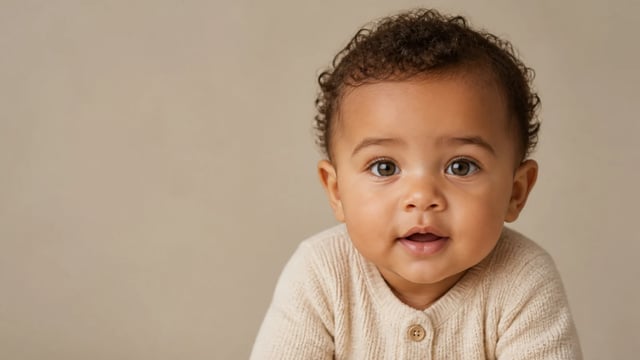
For fun only — not a real-child prediction
Turn a casual selfie into a neutral CV photo, keep your face, straighten the pose, and download a clean result — one photo at a time.