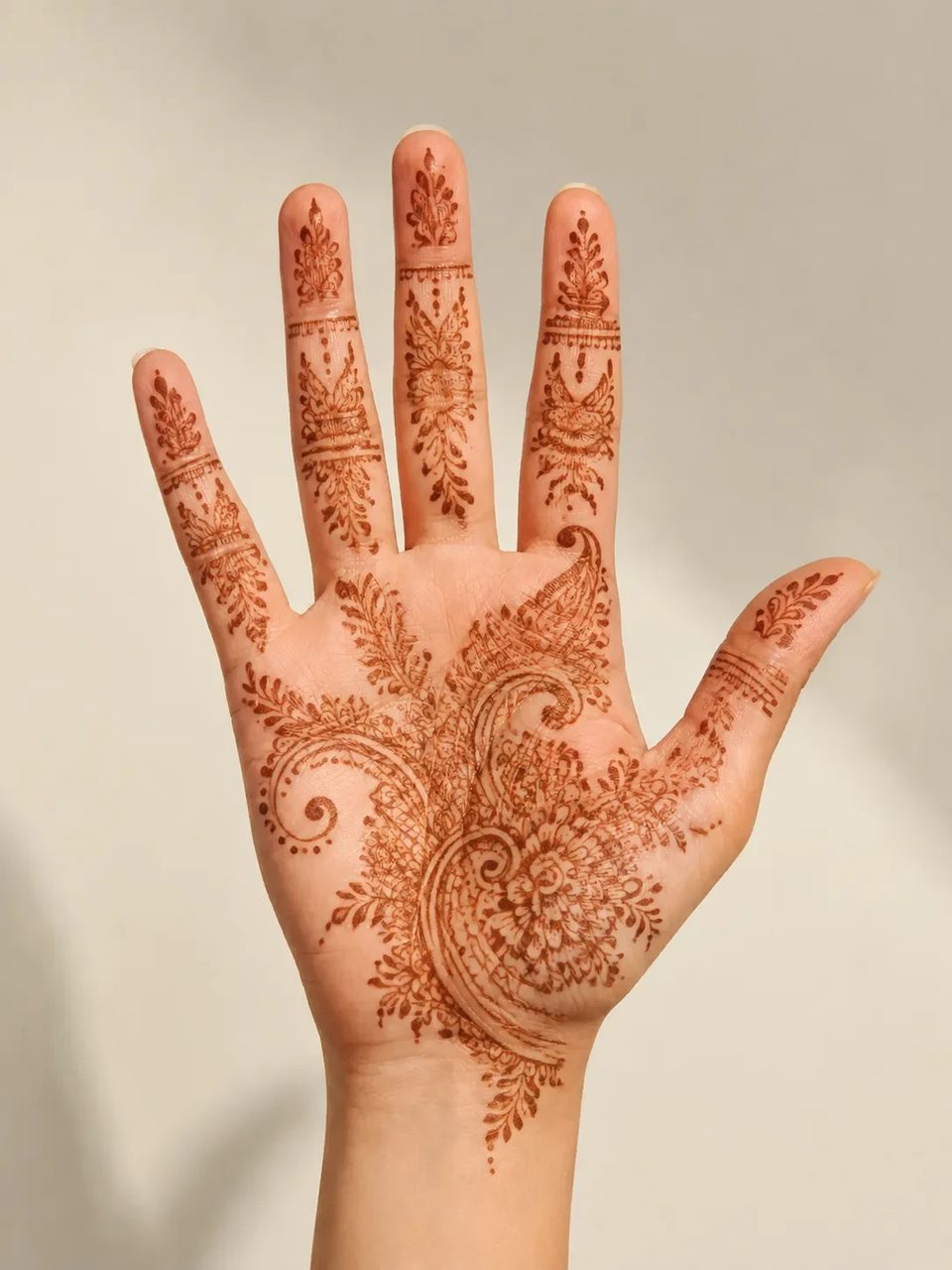
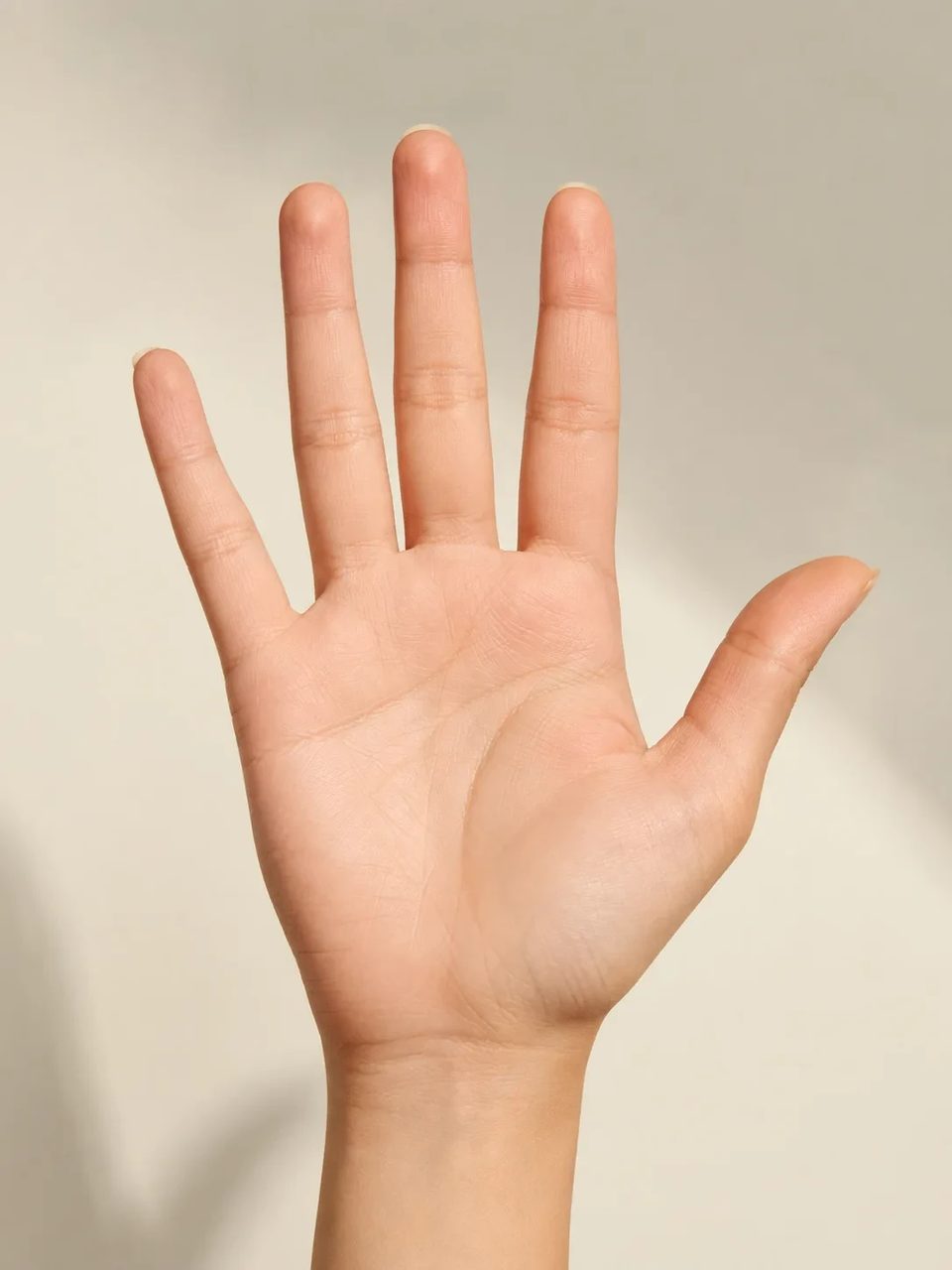
Original floral and mandala lines that follow palm and wrist curves — not tile stickers
Upload a hand, palm, or forearm photo and run the AI henna generator to preview intricate mehndi on your skin. Dark reddish-brown paste-line patterns wrap knuckles and creases as a henna pattern generator planning image for weddings, festivals, and body-art ideas — not wet paste applied in a studio.

A mehndi generator path that wraps your hand — not floating motif tiles.
Pinterest boards show pretty patterns on other people’s hands. An ai mehndi design generator on your own photo shows density, placement, and how lines sit on your palm creases. Use this henna design generator when you need a planning reference for bridal mehndi ai talks or festival looks.
Contour fit, placement, event planning, and one honest mehndi direction.
Floral vines, paisley, and mandala fillers wrap knuckles and palm creases with soft contact so mehndi on hand ai previews feel painted on.

Upload the body area you care about. The henna pattern generator places design density where the skin is visible.

Save arm henna design ideas or palm mehndi design previews to align bridesmaids, artists, and family before paste day.

A single intricate paste-line look — not a multi-region motif mode switcher for Arabic, Indian, Moroccan packs.

Upload skin, run the fixed mehndi preset, save the planning image.
Bare skin with soft light works best. Heavy jewelry piles or gloves hide the surface the pattern needs.
Run a couple of outputs to compare density. The mehndi style direction stays fixed.

Download the cleanest wrap and share it with an artist, partner, or group chat.
Weddings, festivals, parties, and clearer artist briefs.
Preview bridal density on your palm with the AI henna generator before you book the artist slot.
Test whether arm fill feels too busy for a long outdoor day.
Align friends on a shared mehndi generator direction without motif wars.
Clients show their own hand with AI lines so placement talks go faster.
Original intricate mehndi lines in a dark reddish-brown paste look on the visible hand, palm, wrist, or forearm — as a planning image, not wet paste.
Yes. Upload a clear bare-skin photo and run the fixed henna pattern generator preset on that area.
Yes. Sign up, then spend signup credits on this effect for a free trial. You need an account to run it; later runs use your balance as shown in the generator.
No. Use results as design planning references. Real paste work still needs an artist’s skill, timing, and aftercare.
Sharp hand or arm photos with bare skin and soft light. Heavy gloves, extreme blur, or cluttered jewelry piles hide the surface the lines need.
No. Patterns are rebuilt onto your skin contours instead of dropping flat tiles that ignore knuckles and creases.
No. This page is one natural intricate mehndi direction — not a multi-region style mode library.
No. Upload your skin photo, set versions and ratio if you want, and run the fixed preset.
Try related one-click looks that run in the same image workspace.
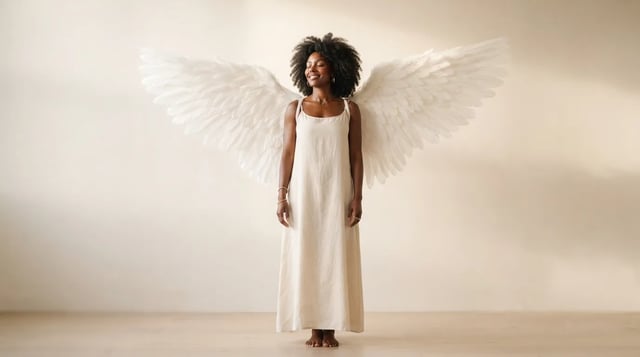
Upload a portrait and grow realistic wings behind the shoulders — not a flat sticker

Eyewear frames, lens tint, and reflections blended into the portrait — not a floating sticker

Clean sides, layered top volume, soft fringe or middle part — preview before the chair

Cowboy hat, denim or leather, ranch light — your face stays the anchor

Deep shadows, bright highlights, canvas texture — subject still readable as yours

Side-profile silhouette, decorative oval frame, warm parchment ground — park-memento energy

Rich gray tones, clear subjects — upload any color photo

Classic sepia tone — not cool gray, not a yellow wash over color

Fine grain, real colors — upload any photo

Natural tone and shine on your real face — hair color only, not a new identity

Clean even length, natural scalp texture, face fully yours

Mid-length natural dreads on your real face — not a new identity
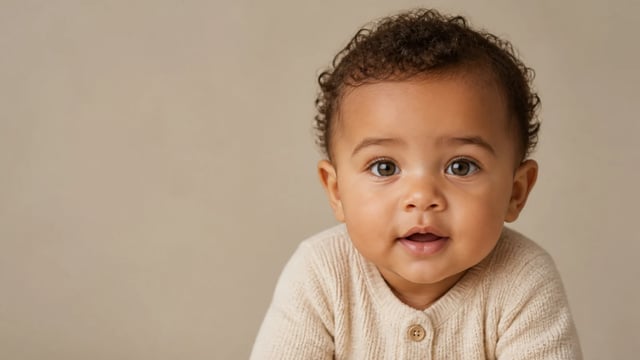
For fun only — not a real-child prediction
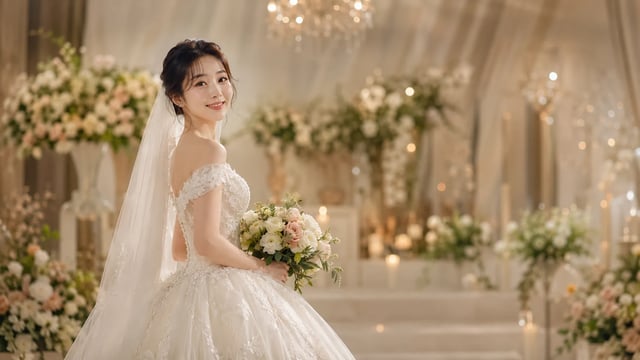
Soft dress and ceremony light — your face stays the anchor, one photo at a time
Preview mehndi on the hand you will actually paint and download a clear planning image.