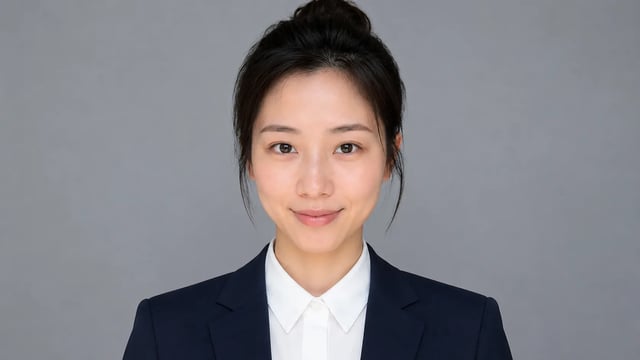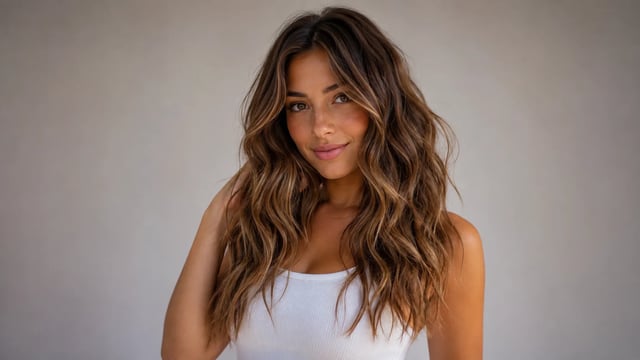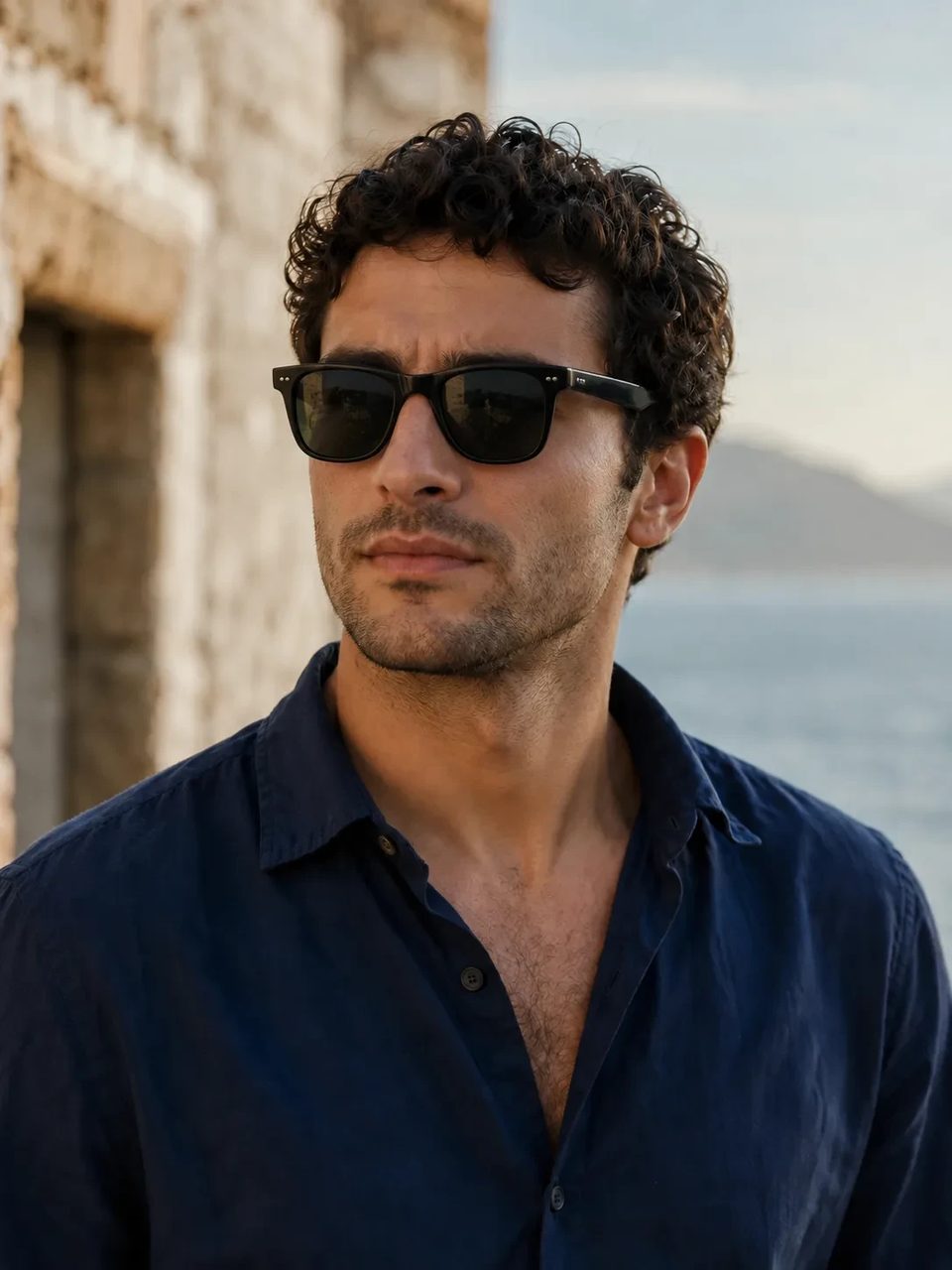
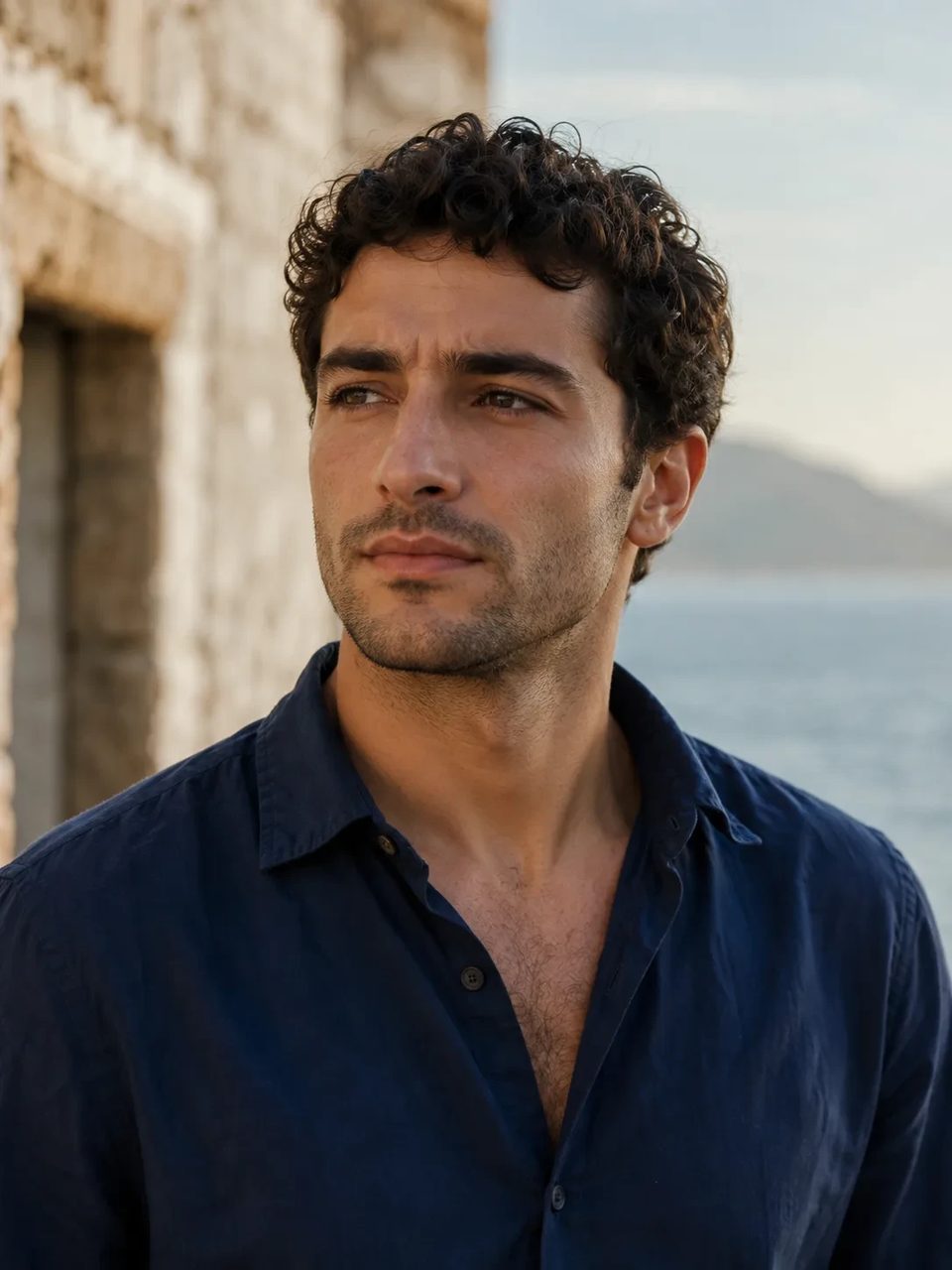
Eyewear frames, lens tint, and reflections blended into the portrait — not a floating sticker
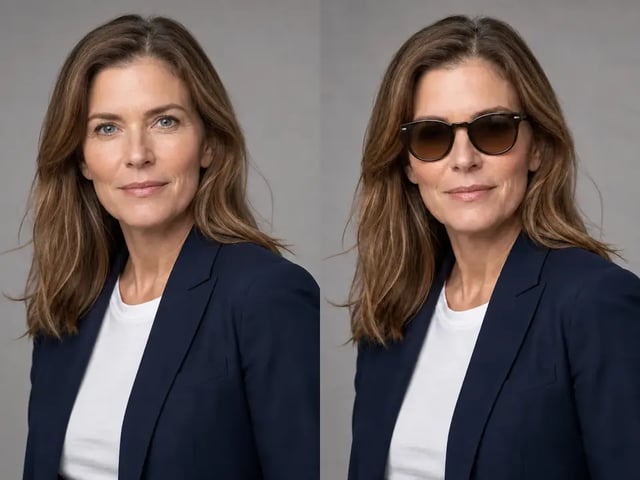
Add sunglasses to photo portraits without opening a desktop editor. Upload a clear face shot and the AI sunglasses filter sits stylish shades on the eyes with natural lens tint, soft contact shadows, and light that matches the scene. Your identity stays put — only the eyewear arrives.

Photographed eyewear — not a sticker stuck on the forehead.
When you try on sunglasses online for a photo, you want frames that follow the nose bridge and temples, not a floating graphic. This sunglasses photo editor rebuilds stylish shades into the portrait so reflections and soft shadows match the original light. Use it to add glasses to photo headshots you already like.
Alignment, light, and identity — not a random eyewear overlay.
Eyewear frames track eyes, nose bridge, temples, and head angle so the shades look worn, not pasted.
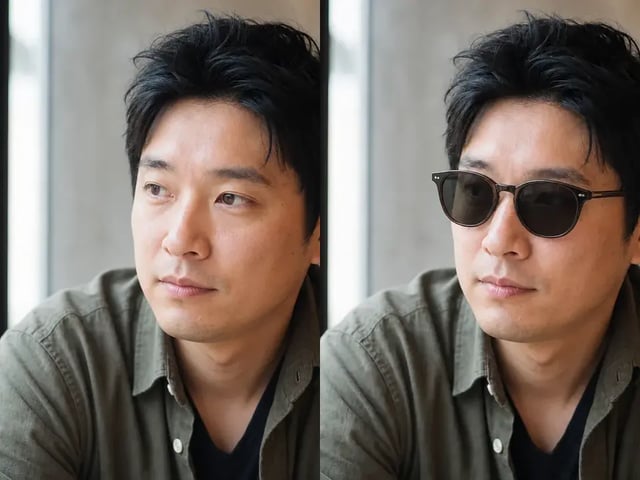
Lens tint, rim highlights, and soft contact shadows pick up the photo’s light so the AI sunglasses filter feels natural.
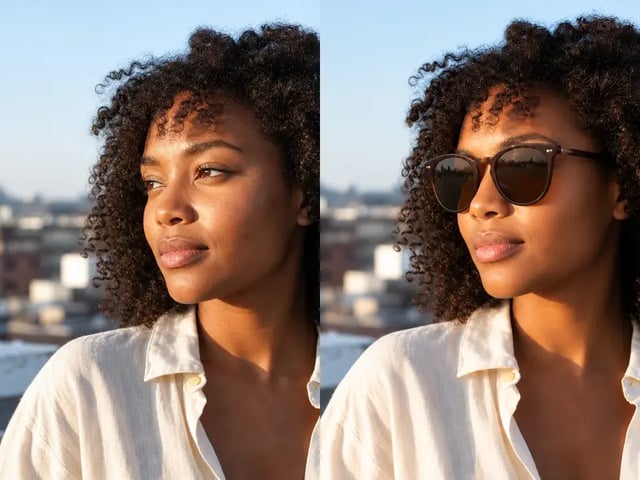
Expression, face shape, skin tone, hair, and clothes stay locked while you only add sunglasses to photo.
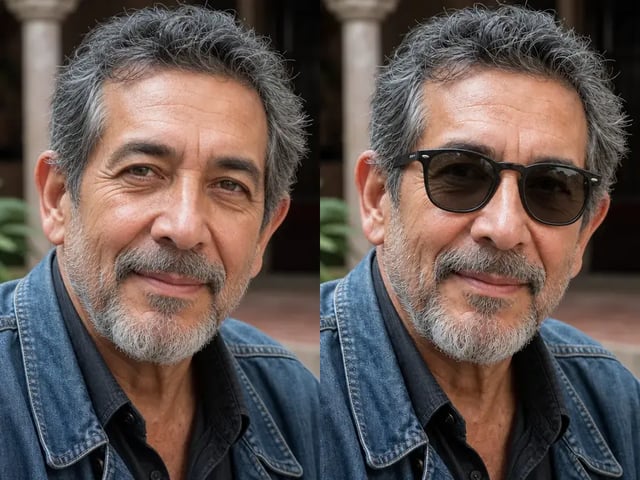
One natural stylish sunglasses direction for creative previews — not a catalog of designer SKUs or measured fit charts.
Upload a face, run the fixed shades preset, save the cleanest pair.
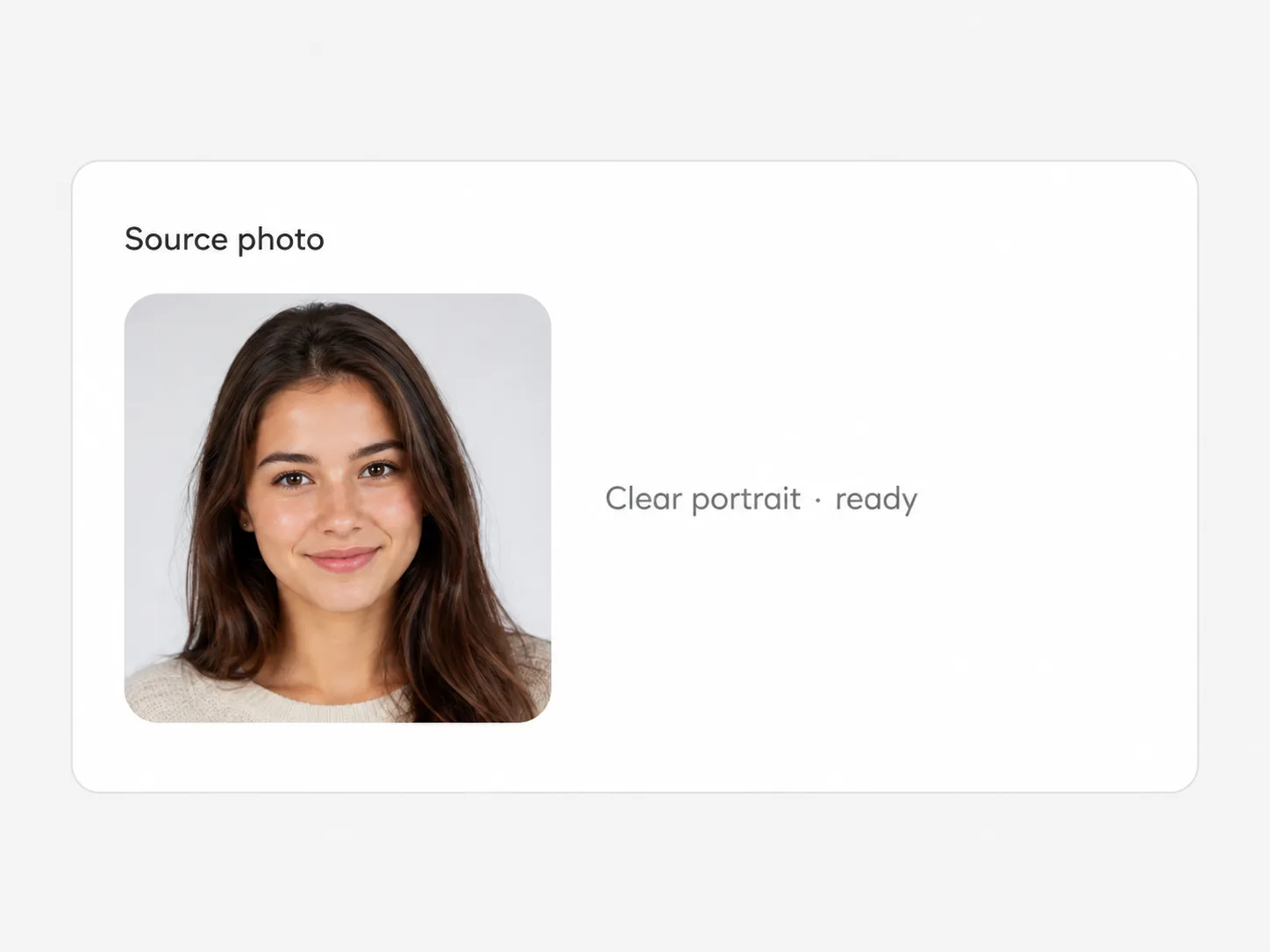
Front or slight three-quarter portraits work best. Hair covering both eyes or heavy motion blur reduces alignment quality.
Generate a couple of outputs if you want slightly different lens or rim reads. The stylish sunglasses direction is fixed.

Pick the version with the cleanest bridge fit and download full resolution from the workspace.
Travel polish, headshots, outfit boards, and fun eyewear concepts.
Add cool shades to a bright outdoor portrait without reshooting the trip.
Give a founder or host photo a sharper mood for campaign tiles and avatars.
Stack eyewear on look photos before you decide if the vibe works.
Explore a sunglasses photo editor look for fun concepts — not optical prescriptions.
A portrait with stylish sunglasses sitting on the face: aligned frames, realistic lens tint, and soft shadows that match the original light.
No. The preset rebuilds eyewear into the photo so frames follow head angle and lenses pick up scene light instead of floating as a flat graphic.
Yes. Sign up, then spend signup credits on this effect for a free trial. You need an account to run it; later runs use your balance as shown in the generator.
Clear front or three-quarter portraits give the best alignment on eyes, nose bridge, and temples. Extreme profiles or heavy hair over the eyes are harder.
It is a creative photo look for avatars and style boards — not a measured optical try-on, fit chart, or store checkout for real frames.
Sharp face photos with both eyes visible and decent light. Tiny, blurry, or strongly occluded faces reduce how natural the shades look.
No. This is one natural stylish sunglasses direction — not a retail catalog of brand models or SKU numbers.
No. Upload, set versions and ratio if you want, and run the fixed preset. The eyewear style is already defined.
Try related one-click looks that run in the same image workspace.
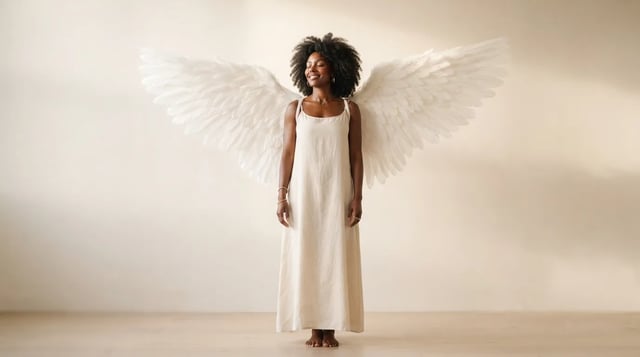
Upload a portrait and grow realistic wings behind the shoulders — not a flat sticker

Clean sides, layered top volume, soft fringe or middle part — preview before the chair

Cowboy hat, denim or leather, ranch light — your face stays the anchor

Original floral and mandala lines that follow palm and wrist curves — not tile stickers

Deep shadows, bright highlights, canvas texture — subject still readable as yours

Side-profile silhouette, decorative oval frame, warm parchment ground — park-memento energy

Rich gray tones, clear subjects — upload any color photo

Classic sepia tone — not cool gray, not a yellow wash over color

Fine grain, real colors — upload any photo

Natural tone and shine on your real face — hair color only, not a new identity

Clean even length, natural scalp texture, face fully yours

Mid-length natural dreads on your real face — not a new identity
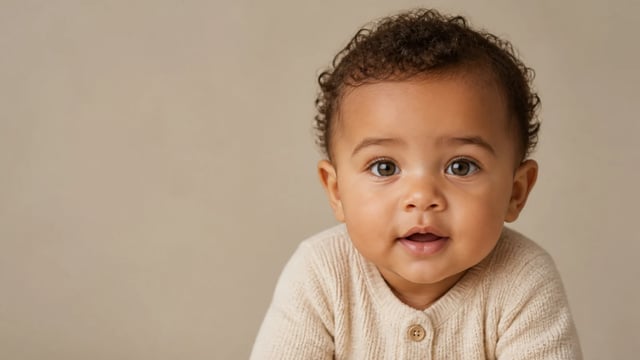
For fun only — not a real-child prediction
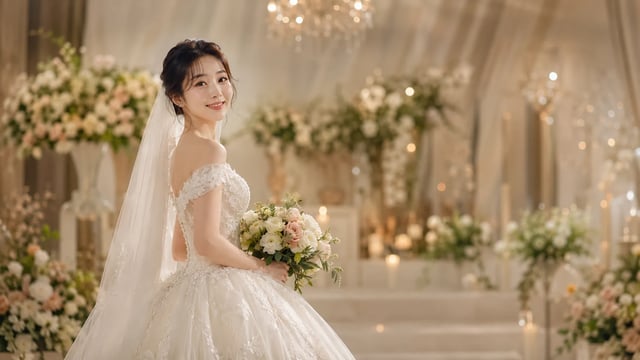
Soft dress and ceremony light — your face stays the anchor, one photo at a time
Drop natural shades onto the portrait you already like and download a clean result.