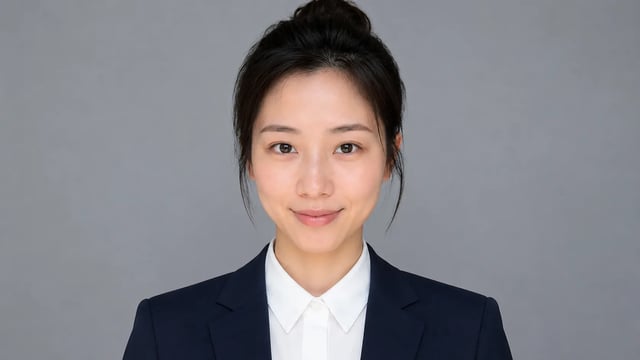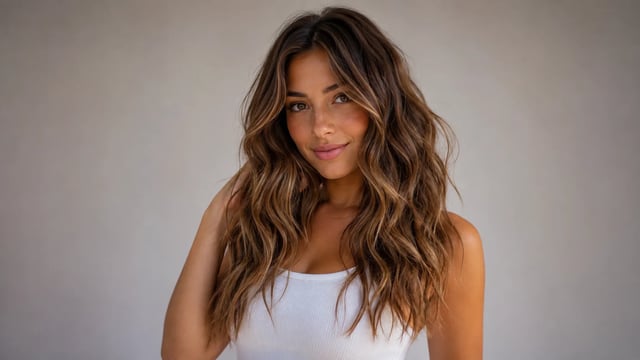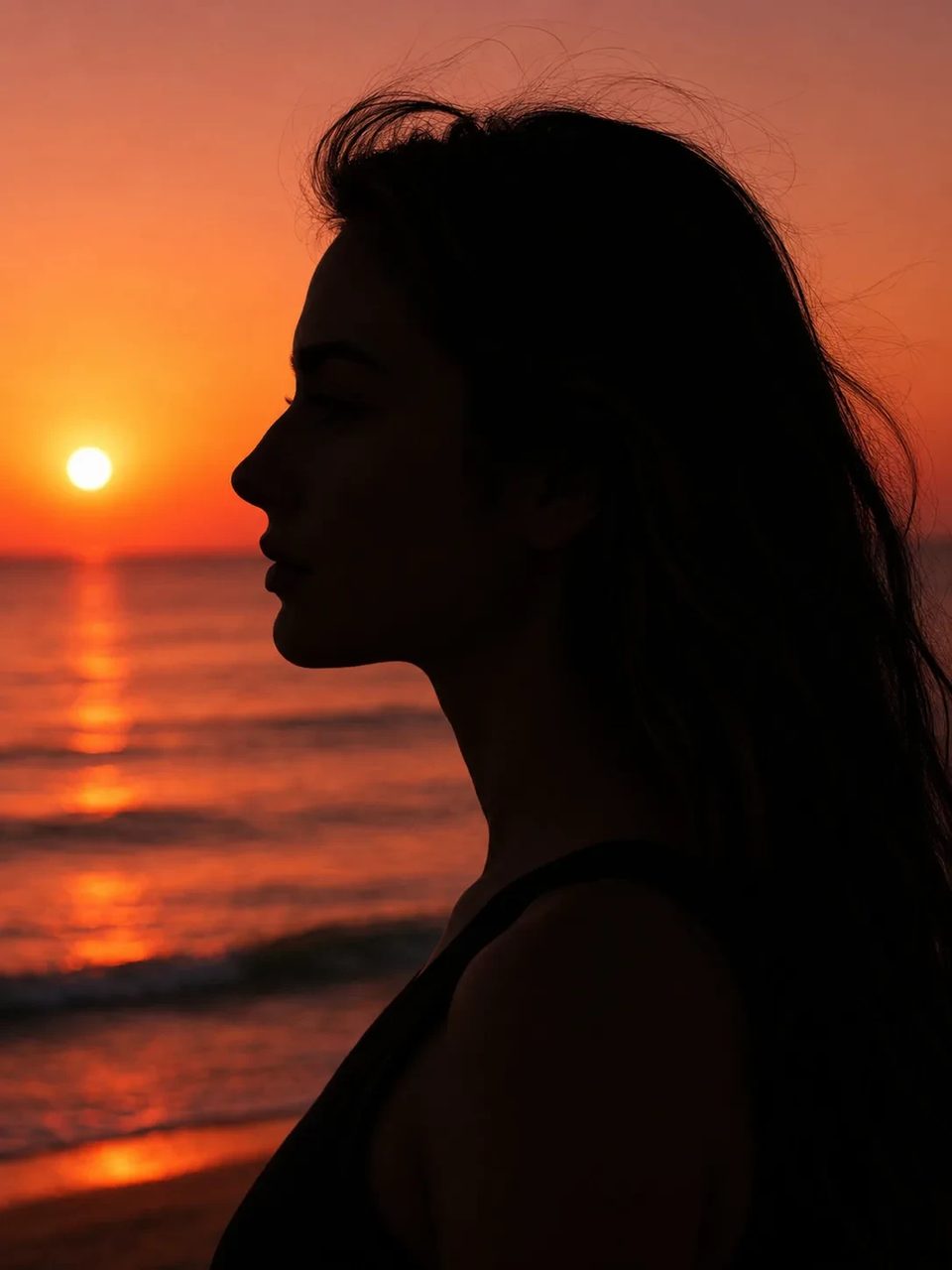
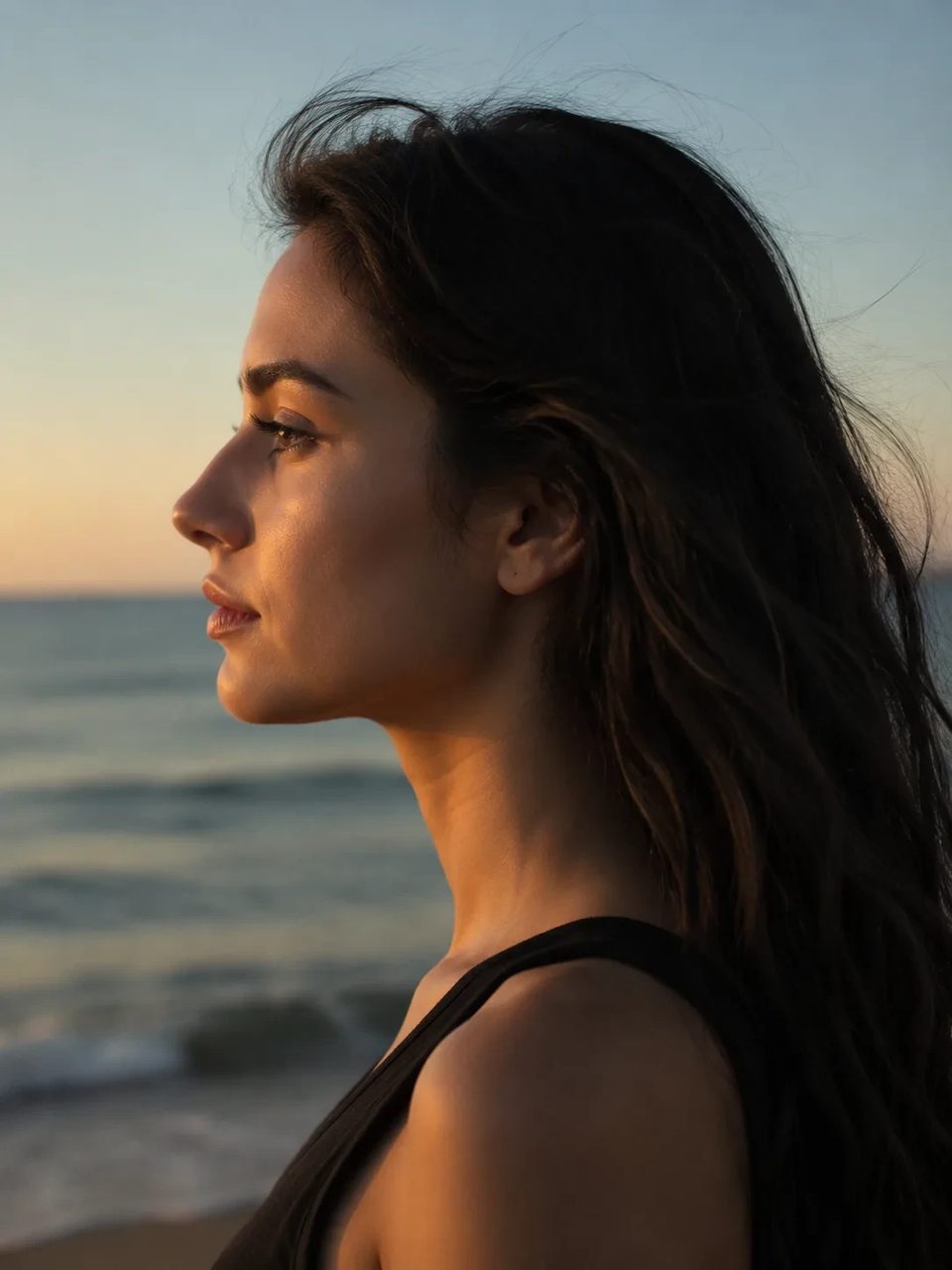
Side-profile silhouette, decorative oval frame, warm parchment ground — park-memento energy
Turn any portrait into an elegant disney silhouette portrait with a solid black side profile, ornamental oval frame, and warm cream keepsake background. The silhouette portrait maker keeps hair and profile cues readable while dropping photoreal face detail — a storybook park-memento look, not a grayscale black-and-white photo and not an official Disney product.

Solid black profile keepsake — not grayscale mono and not a park studio ticket.
Searchers looking for a disney world silhouette portrait usually want a high-contrast black profile in a decorative oval, not a full gray photograph. This photo to silhouette portrait path builds a custom silhouette portrait with parchment energy for gifts and PFPs. It is inspired keepsake art — not an official Disney park product.
Keepsake frame, outline identity, good inputs, honest inspired look.
Solid black head-and-shoulders silhouette sits in a decorative oval frame on warm cream ground for classic memento energy.

Hair shape, glasses, and profile edges stay distinctive so a profile silhouette maker result can still be recognized.

Clear side or three-quarter portraits give cleaner photo to silhouette portrait edges than extreme frontal crops.

One fixed oval-framed black silhouette direction for gifts and PFPs — not a licensed Disney park booth product.

Upload a portrait, run the fixed keepsake preset, download the memento image.
Side or three-quarter shots with a clean outline work best. Busy backgrounds can soften the silhouette edge.
Generate a couple of outputs to compare outline clarity. The oval keepsake direction stays fixed.

Download the cleanest black profile keepsake for print concepts, invites, or profile pictures.
Gifts, PFPs, family mementos, and party invites.
Turn a couple or engagement photo into parchment oval keepsake art.
Ship a high-contrast silhouette PFP that still shows hair and glasses cues.
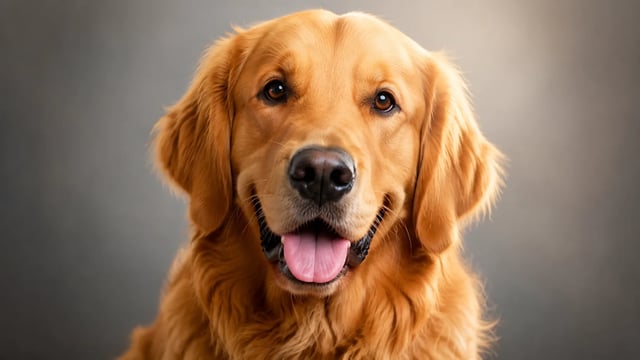
Build custom silhouette portrait keepsakes of kids or pets from home photos.
Add elegant black profile art to birthday or shower invite designs.
A classic black side-profile silhouette of head and shoulders in a decorative oval frame on warm parchment-style ground — finished keepsake artwork, not a photoreal face edit.
No. It is inspired keepsake-style art you generate from your own photo. It is not an official Disney, Disneyland, or Disney World studio product.
Yes. Sign up, then spend signup credits on this effect for a free trial. You need an account to run it; later runs use your balance as shown in the generator.
No. Black-and-white keeps a full grayscale photograph with midtones. This path builds a solid black silhouette profile without facial detail.
Hair shape, glasses, and profile edges are preserved as outline cues. Side or three-quarter photos usually read more clearly than extreme frontal crops.
Clear side or three-quarter portraits with a readable outline. Busy backgrounds and heavy blur can soften the black profile edge.
Yes when the animal outline is clear in the upload. Distinctive ear or head shapes help recognition in the finished oval.
No. Upload your portrait, set versions and ratio if you want, and run the fixed silhouette preset.
Try related one-click looks that run in the same image workspace.
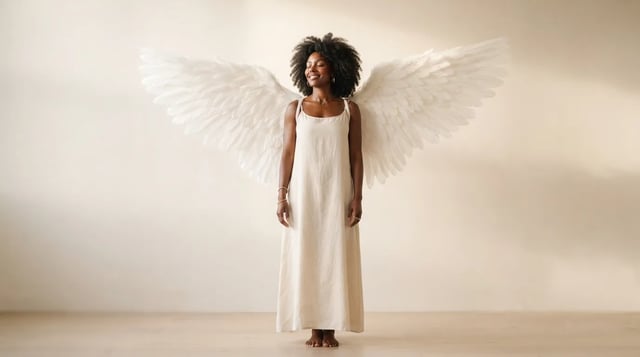
Upload a portrait and grow realistic wings behind the shoulders — not a flat sticker

Eyewear frames, lens tint, and reflections blended into the portrait — not a floating sticker

Clean sides, layered top volume, soft fringe or middle part — preview before the chair

Cowboy hat, denim or leather, ranch light — your face stays the anchor

Original floral and mandala lines that follow palm and wrist curves — not tile stickers

Deep shadows, bright highlights, canvas texture — subject still readable as yours

Rich gray tones, clear subjects — upload any color photo

Classic sepia tone — not cool gray, not a yellow wash over color

Fine grain, real colors — upload any photo

Natural tone and shine on your real face — hair color only, not a new identity

Clean even length, natural scalp texture, face fully yours

Mid-length natural dreads on your real face — not a new identity
For fun only — not a real-child prediction
Soft dress and ceremony light — your face stays the anchor, one photo at a time
Turn your photo into a classic oval black-profile keepsake — elegant outline, warm parchment ground, ready to gift or post.