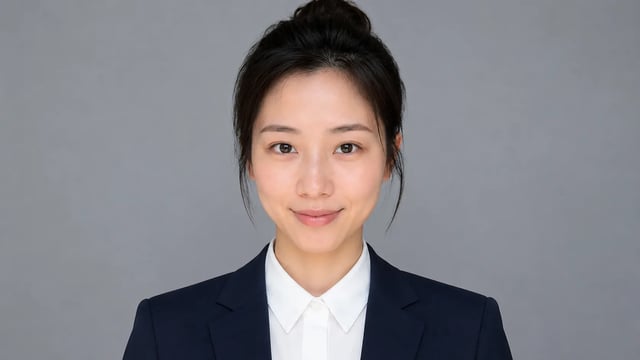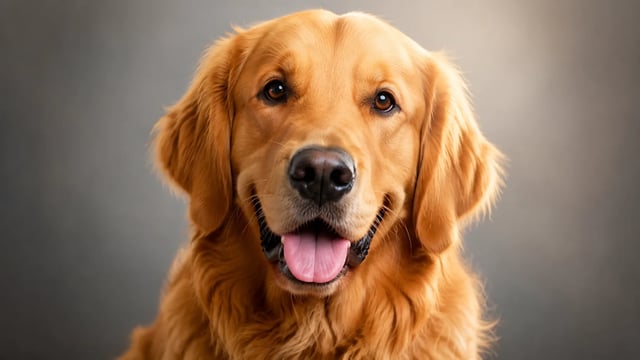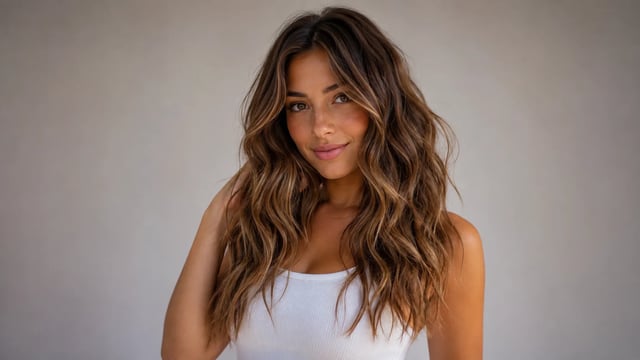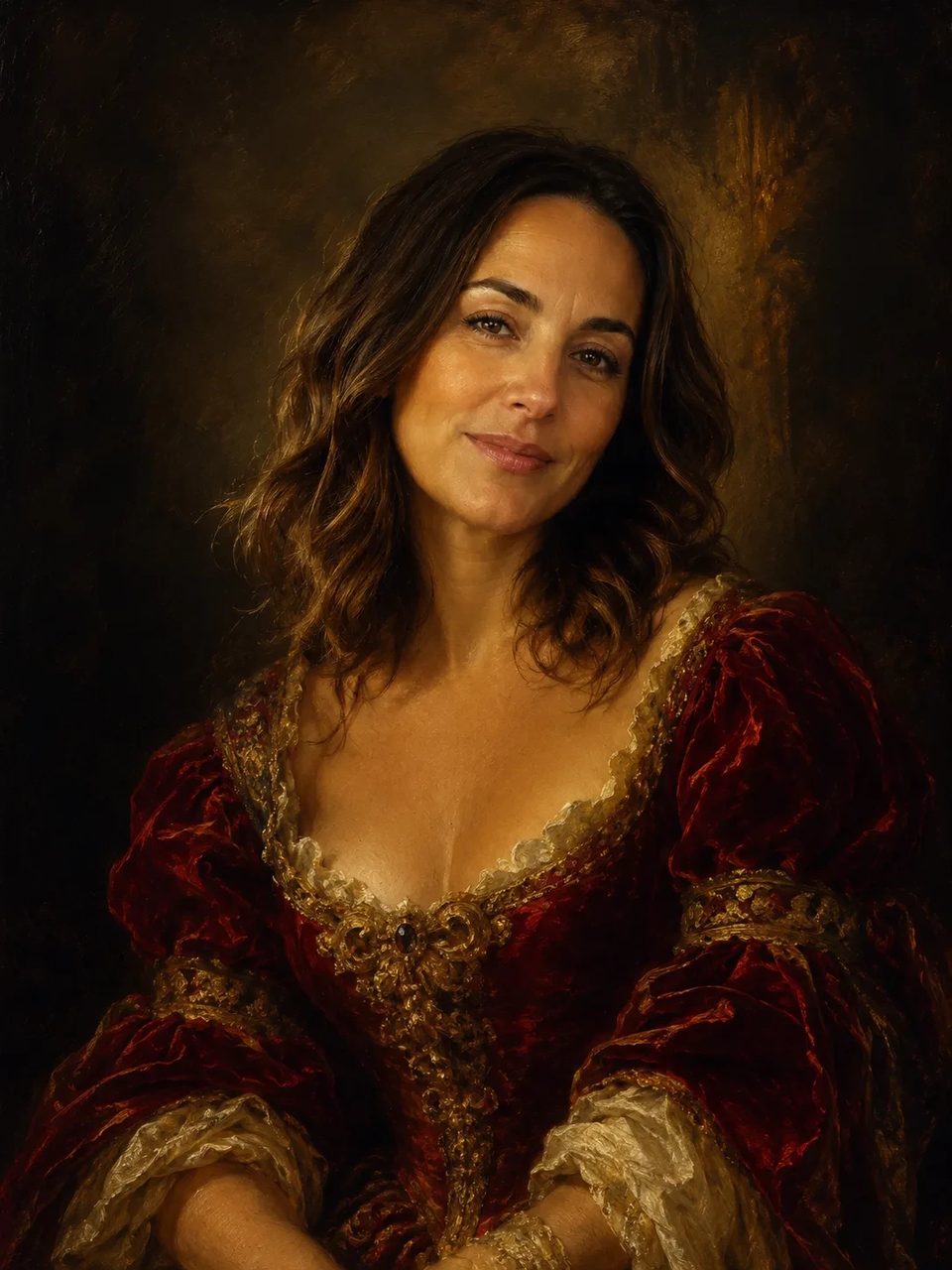
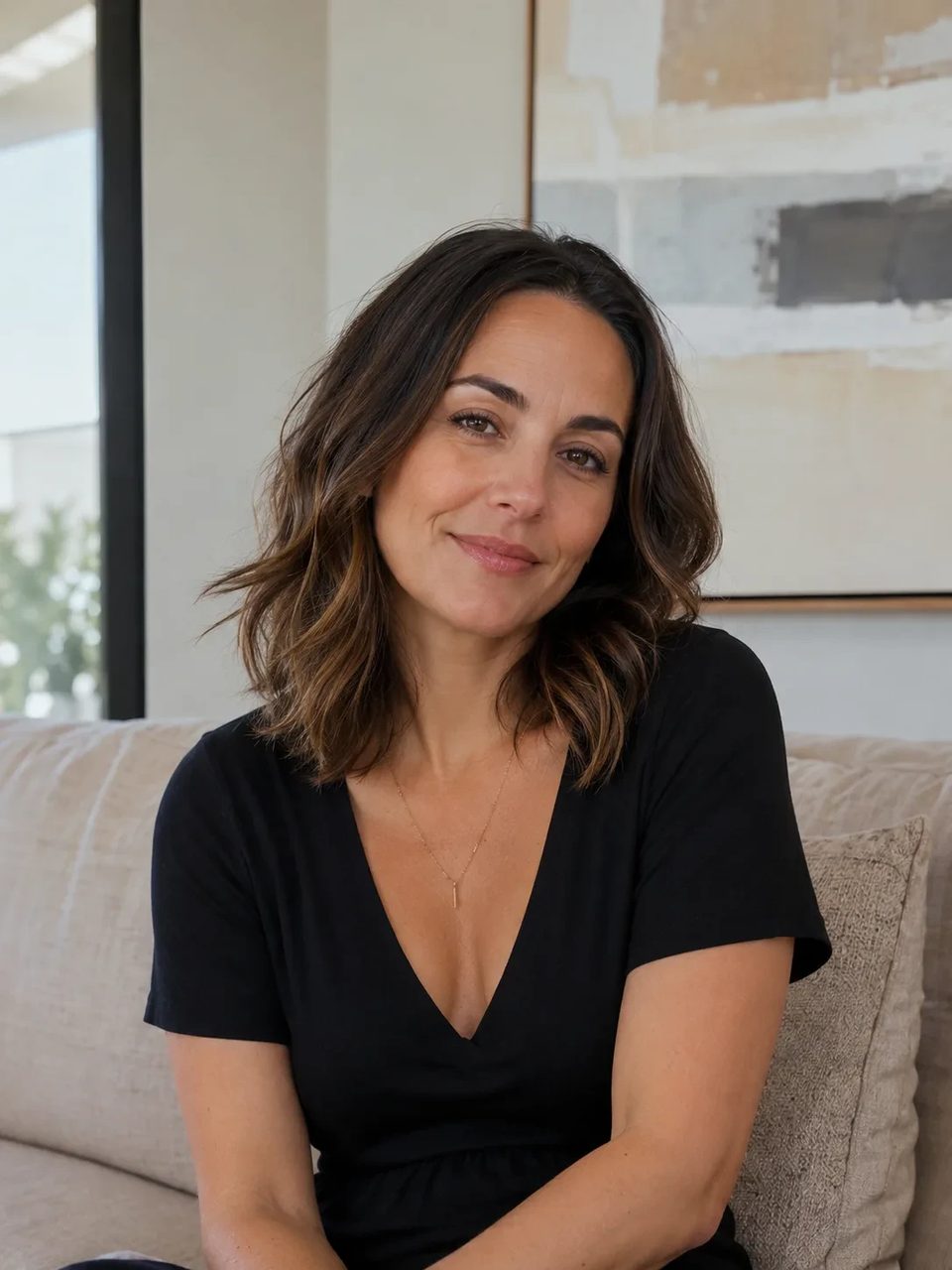
Deep shadows, bright highlights, canvas texture — subject still readable as yours
Upload any photo and create a dramatic baroque art style oil painting. Rich color, visible brushwork, and theatrical chiaroscuro light turn everyday shots into ornate museum-mood artwork while the main subject stays recognizable. One fixed Baroque direction — not a simple color filter.

A baroque painting generator path with oil texture and theatrical light.
When you want photo to baroque painting energy, you need more than a warm filter. This baroque style ai restyle rebuilds brushwork, canvas feel, and chiaroscuro so everyday images look like ornate oil artwork. Keep using it for ai baroque painting looks that still show who or what was in the original shot.
Oil texture, theatrical light, identity lock, one honest Baroque direction.
Visible brushwork, rich saturated color, and canvas texture sell a true baroque oil painting restyle.

Deep shadows and bright highlights give caravaggio style ai energy without flattening the whole scene.

Pose and main identity cues stay recognizable after the baroque art generator pass.

A single museum-mood European Baroque look — not a multi-master switcher for named painters or custom eras.

Upload any photo, run the fixed Baroque preset, download the dramatic result.
Portraits, still life, and scenes all work. Extremely tiny or noisy files limit how clean brushwork can read.
Generate a couple of outputs to compare shadow depth. The ornate Baroque direction stays fixed.

Choose the version with the best subject separation and download full resolution from the workspace.
Portraits, gifts, thumbnails, and story boards that need ornate drama.
Give a modern headshot museum-mood energy for client sets or personal art.
Turn a dinner or couple photo into an ornate baroque image draft before printing.
Use chiaroscuro drama that still clicks at small sizes.
Restyle modern refs into historical atmosphere without inventing new people.
It restyles the photo as an ornate Baroque oil painting with rich color, brushwork, canvas texture, and theatrical light while keeping the main subject readable.
Yes. Upload any clear photo and run the fixed photo to baroque painting preset in the browser.
Yes. Sign up, then spend signup credits on this effect for a free trial. You need an account to run it; later runs use your balance as shown in the generator.
No. The preset rebuilds oil brushwork, canvas feel, and chiaroscuro rather than only shifting hues.
Pose and main identity cues stay put. Faces and key subjects should still read as the original people or objects.
Clear portraits and scenes with a strong subject. Extremely dark underexposed or tiny noisy files leave less room for clean brush detail.
No. This is one fixed ornate Baroque direction — not a multi-master style switcher.
Download the result and continue in other SupaImagine tools if you want upscales, crops, or further looks. This page itself is the fixed Baroque pass.
Try related one-click looks that run in the same image workspace.
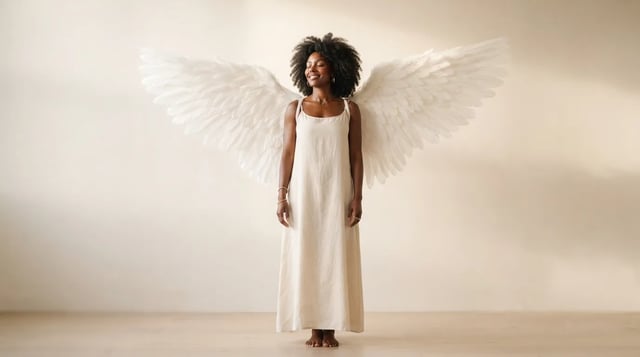
Upload a portrait and grow realistic wings behind the shoulders — not a flat sticker

Eyewear frames, lens tint, and reflections blended into the portrait — not a floating sticker

Clean sides, layered top volume, soft fringe or middle part — preview before the chair

Cowboy hat, denim or leather, ranch light — your face stays the anchor

Original floral and mandala lines that follow palm and wrist curves — not tile stickers

Side-profile silhouette, decorative oval frame, warm parchment ground — park-memento energy

Rich gray tones, clear subjects — upload any color photo

Classic sepia tone — not cool gray, not a yellow wash over color

Fine grain, real colors — upload any photo

Natural tone and shine on your real face — hair color only, not a new identity

Clean even length, natural scalp texture, face fully yours

Mid-length natural dreads on your real face — not a new identity
For fun only — not a real-child prediction
Soft dress and ceremony light — your face stays the anchor, one photo at a time
Turn today’s photo into ornate oil energy with deep shadows, rich color, and a subject that still looks like yours.