
Turn a phone product photo into listing-ready packshots
Use this AI product packshot generator when you only have a messy phone photo and need a clean white-background still, a soft studio shelf shot, or a lifestyle scene for ads. Upload the product, pick a scene, and keep shape, labels, and brand marks as readable as the source allows — then download and list.

When a seller needs finished white-bg and scene shots — not only a transparent PNG.
An AI product packshot generator is for ecommerce sellers and small brands who need listing stills fast. Upload a real product photo, choose white background, studio shelf, or lifestyle, and get a commercial-style still that keeps product identity in view. If you only need a transparent cutout for compositing later, use the general background remover instead. This page owns finished packshot scenes you can put on a storefront or ad.
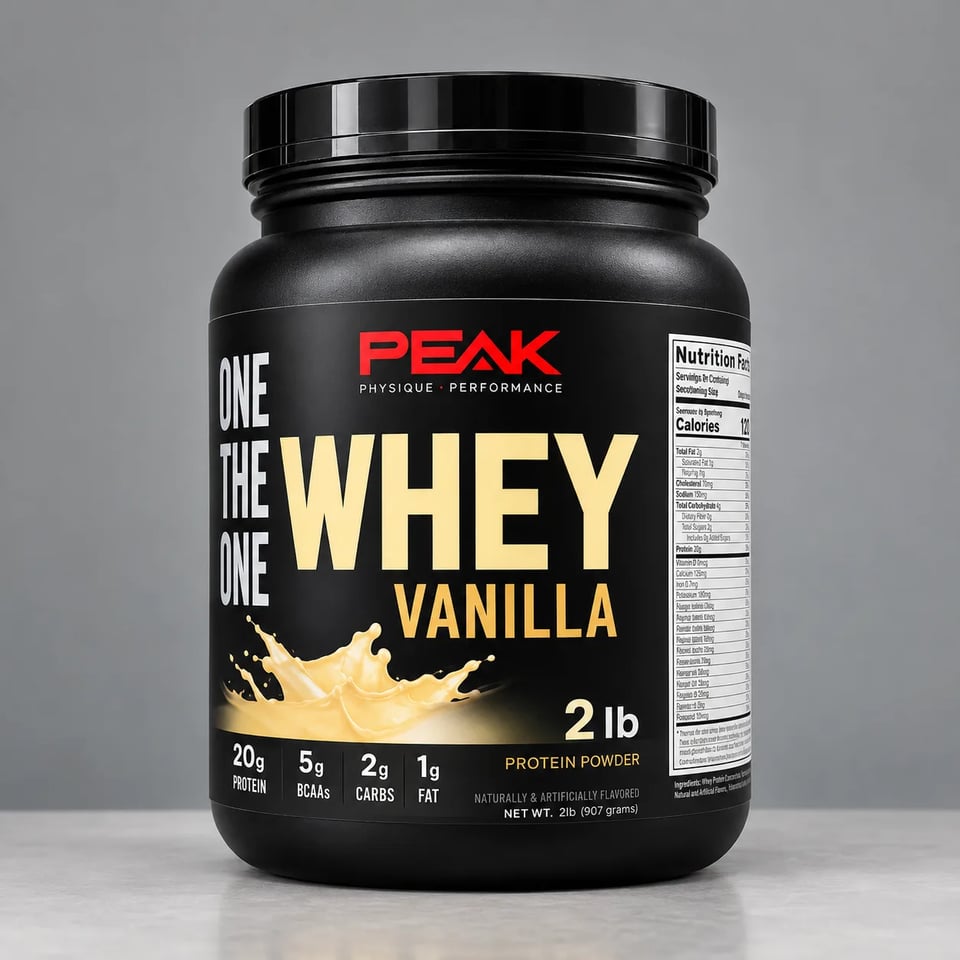
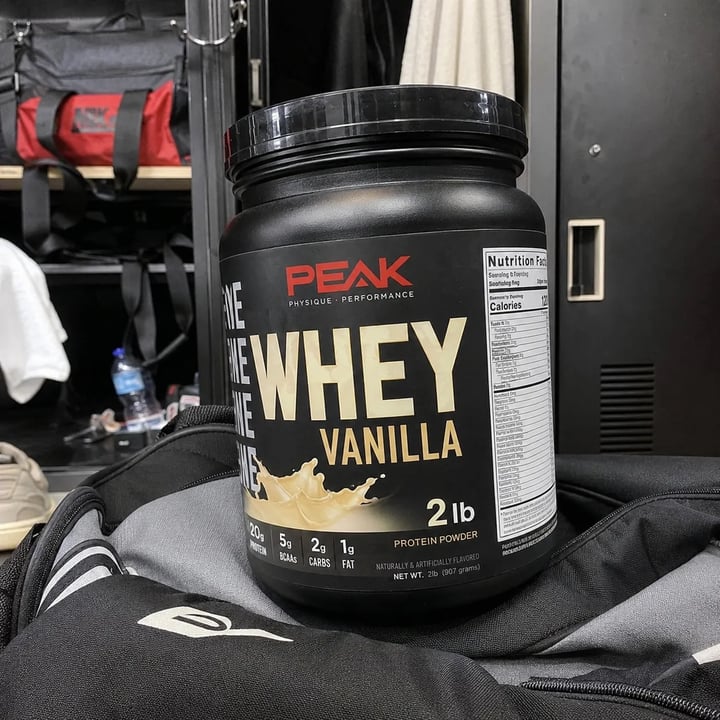
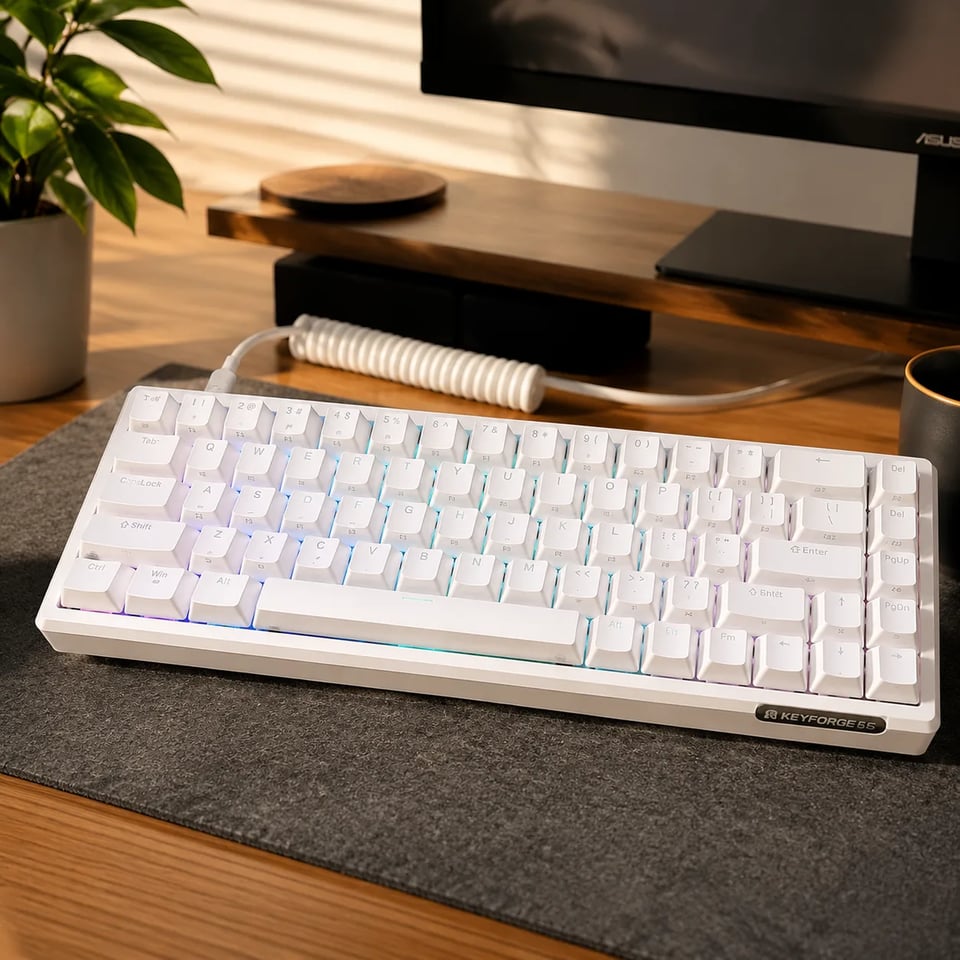
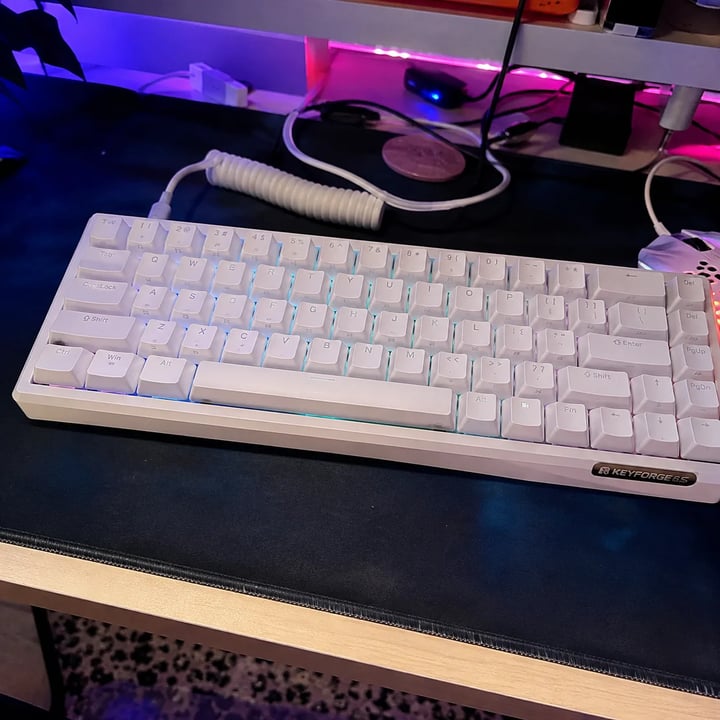
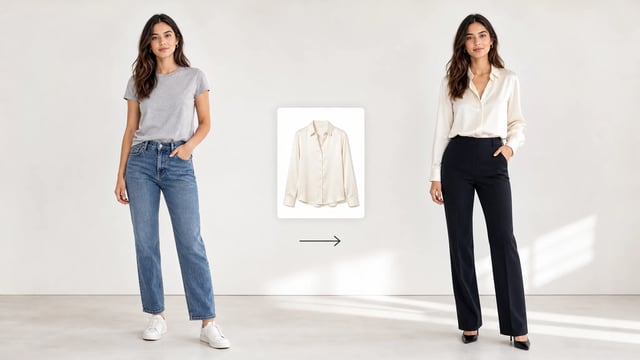
Before → scene → packshot
Same AI product packshot generator path as above. Tap a case to load a similar product photo and scene idea.
White background listing still

Phone photo

Scene
What you get
Finished listing stills and ad scenes — not a 3D turntable and not pure background matting alone.
Choose White Background when marketplaces want a clean catalog still. The AI product packshot generator rebuilds soft even light and a pure white field so the SKU reads clearly without the clutter of a home counter. Keep a real contact shadow so the product does not float like a sticker.

Studio Shelf is the middle path when pure white feels too flat for brand pages. Controlled softbox key light and a soft neutral backdrop give a premium commercial finish while the ecommerce packshot generator path still prioritizes the same product identity as the upload.
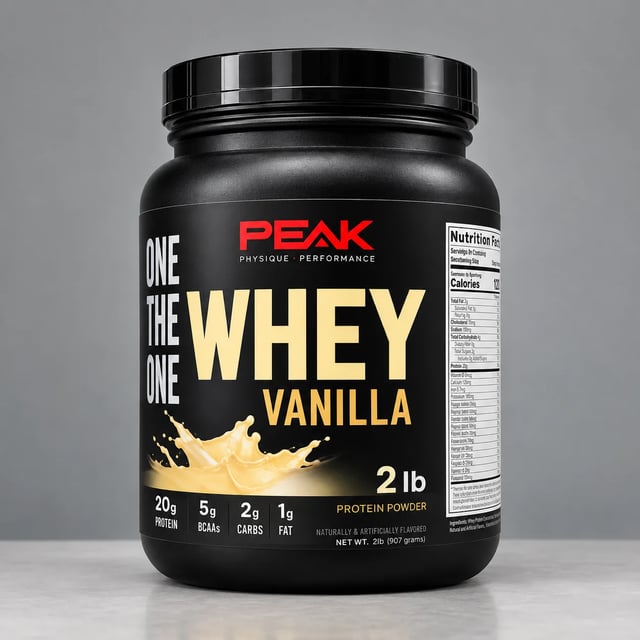
Lifestyle Scene places the product in a fitting real-world context — desk, vanity, kitchen — while the SKU stays the hero. Use this studio product photo AI style when a campaign needs mood, not only a catalog cutout, and still reject multi-SKU collage sheets.
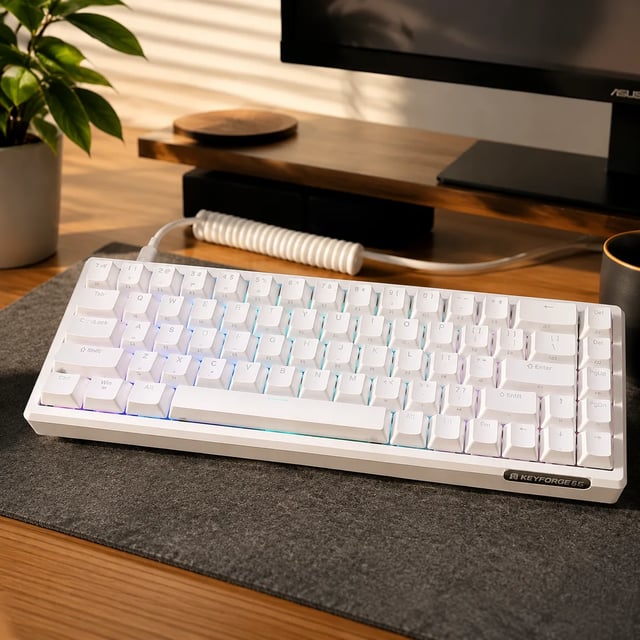
Hidden instructions push the model to keep shape, materials, logos, and packaging text as readable as the source allows. This is honest i2i packshot work — not a promise of perfect OCR on blurry phone text or physical photography compliance. Zoom labels before you publish.
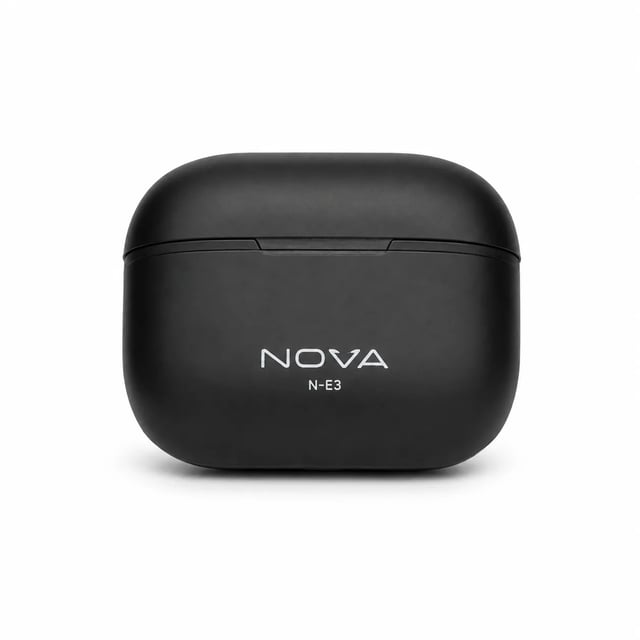
Upload, pick a scene, check the label, download.
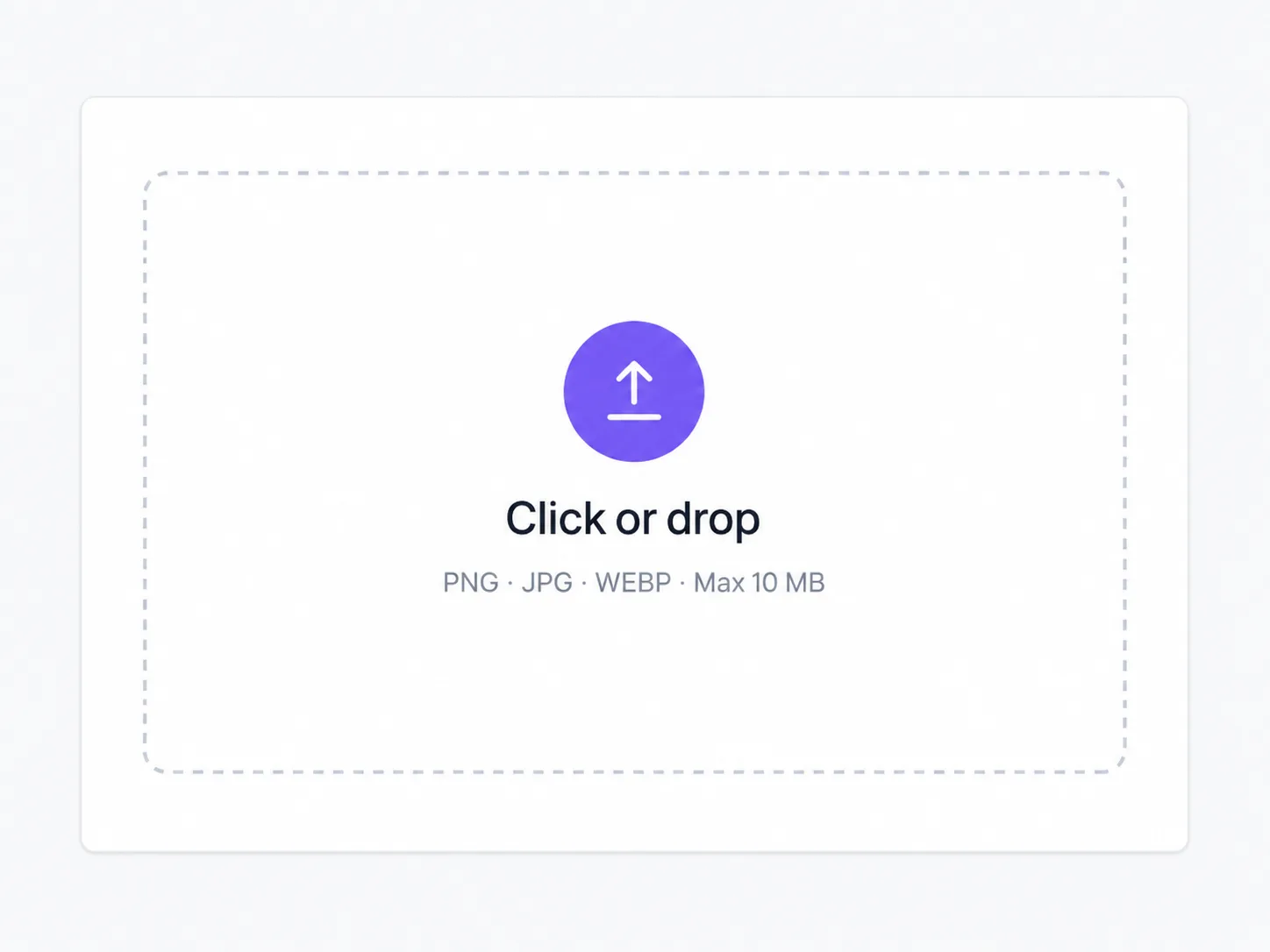
A sharp phone shot works. Prefer the front of the SKU readable and not tiny in the corner of a busy room.
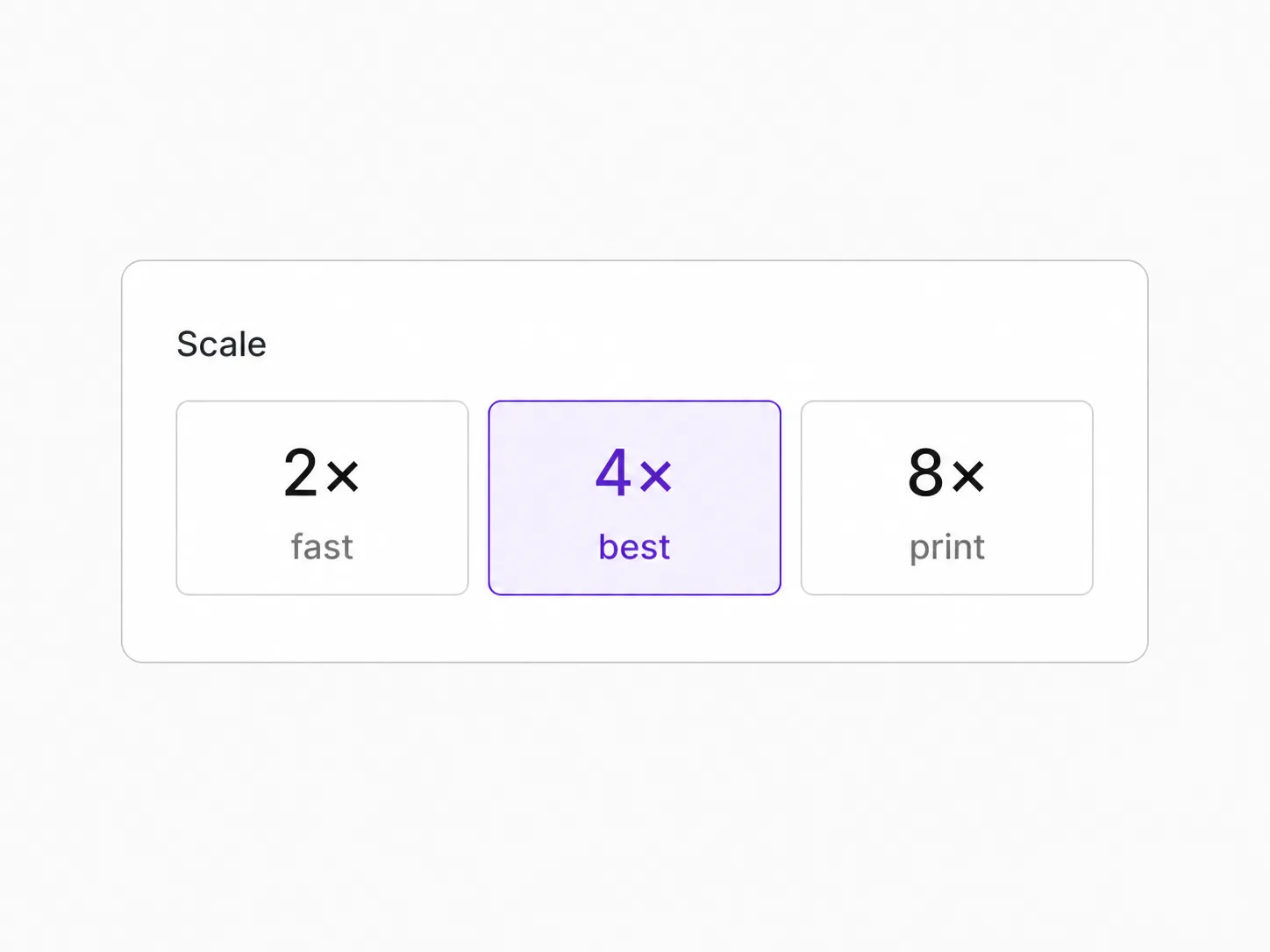
Scene chips set the packshot look. Optional notes can ask for angle or finish — they should not invent a new brand.

Review logo edges and label text. Re-run with a tighter note if the scene overpowered the product.
For people who need listing stills today, not a full photo crew. White-background catalog tiles, studio shelf light, and lifestyle scenes stay on one honest path.
Turn one phone product photo into a white-background tile that looks ready for a storefront grid.
Make matching white, studio, and lifestyle packshots for the same SKU across ads and product pages.
Explore light and background options before a full retouch round, then hand the best still to fine polish.
Refresh outdated listing photos with a consistent ecommerce packshot generator path without re-shooting every SKU.
Packshots, pure cutouts, upscale, and text edits on one stack.
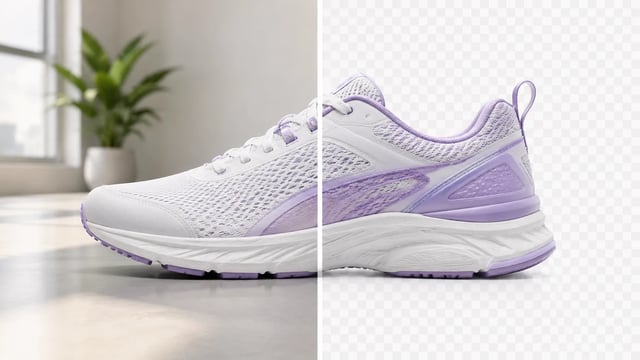
Product, portrait, or graphic — subject clean, ready for the next layout
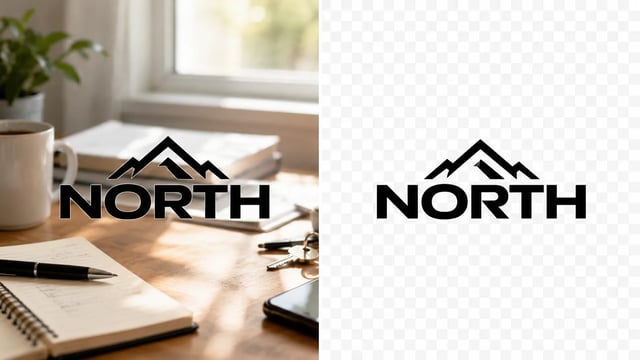
Wordmarks, icons, and monograms — isolate the logo, clear the backdrop
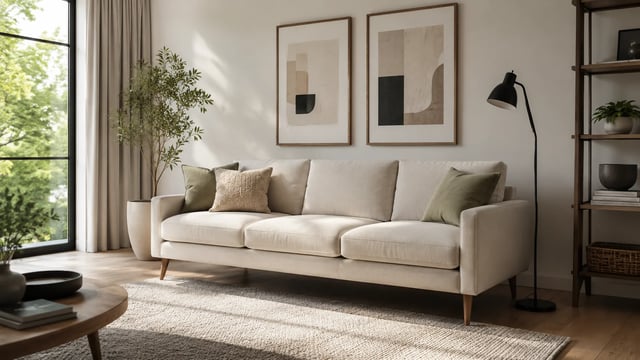
Room photo + product shot → in-room preview

Empty room in → furnished listing still out

Upload person A, then person B — both faces stay the point

Tight crops become banners, stories, and wide layouts without a reshoot
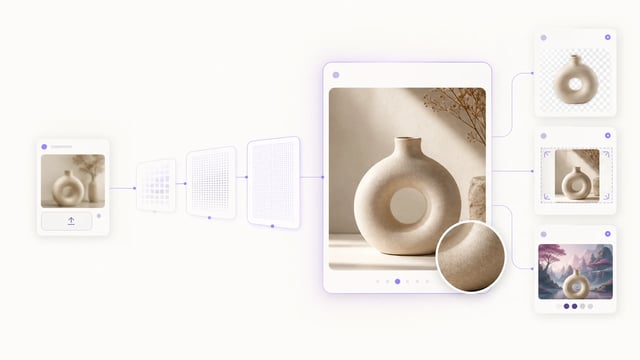
Small crops, soft exports, and AI drafts — bigger files you can actually place

Clearer faces — not a larger blurry file

Posters, product labels, social graphics, and quick visual notes from one upload
Posters, menus, labels, and screenshots — rewrite in place without rebuilding the graphic
This AI product packshot generator turns an uploaded product photo into a commercial still — white background, studio shelf, or lifestyle scene — while trying to keep product identity, labels, and logos readable.
Background remover returns a cutout for compositing. The AI product packshot generator delivers finished white, studio, or lifestyle packshots ready for listings and ads.
Three chips: White Background for catalog tiles, Studio Shelf for soft commercial light, and Lifestyle Scene for context-aware product shots.
No honest tool should promise perfect OCR on every phone photo. The packshot path keeps identity as well as the source allows — always zoom labels before you publish.
Yes. Signup credits cover a default 1K run on this GPT Image 2 path. You need an account to spend them.
No. A clear phone product photo is the intended input. Sharper labels and less clutter still produce stronger packshots.
No. Honest v1 is image-to-image scene packshots from your photo — not multi-angle 3D capture, not ERP batch pipelines, and not physical size certification photography.
Commercial use follows your SupaImagine plan terms on paid plans. Signup credits are for trying the AI product packshot generator; check pricing for ongoing listing work.
Upload a product photo, pick white, studio, or lifestyle, and download a listing-ready still.