Wordmarks, icons, and monograms — isolate the logo, clear the backdrop
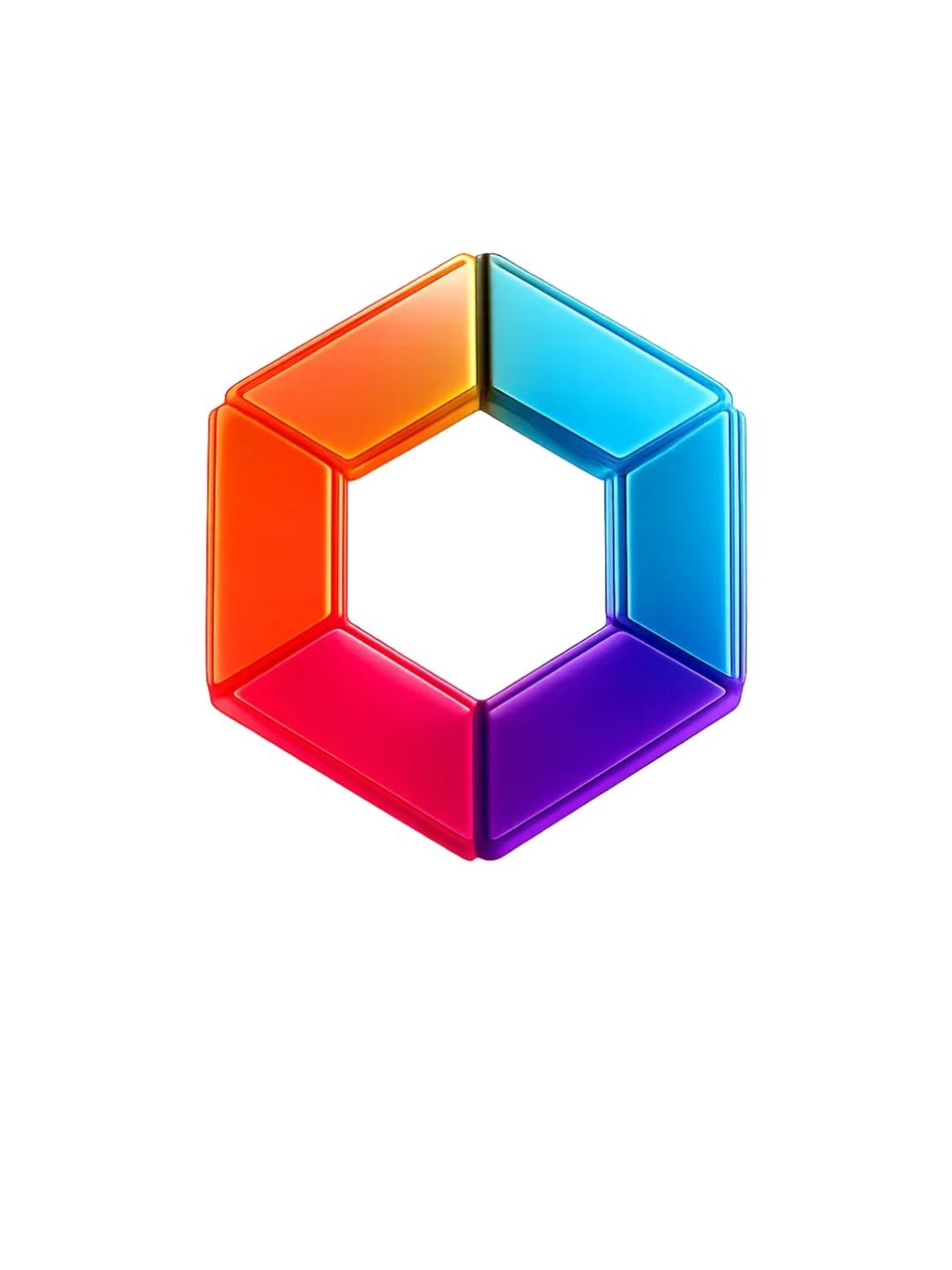
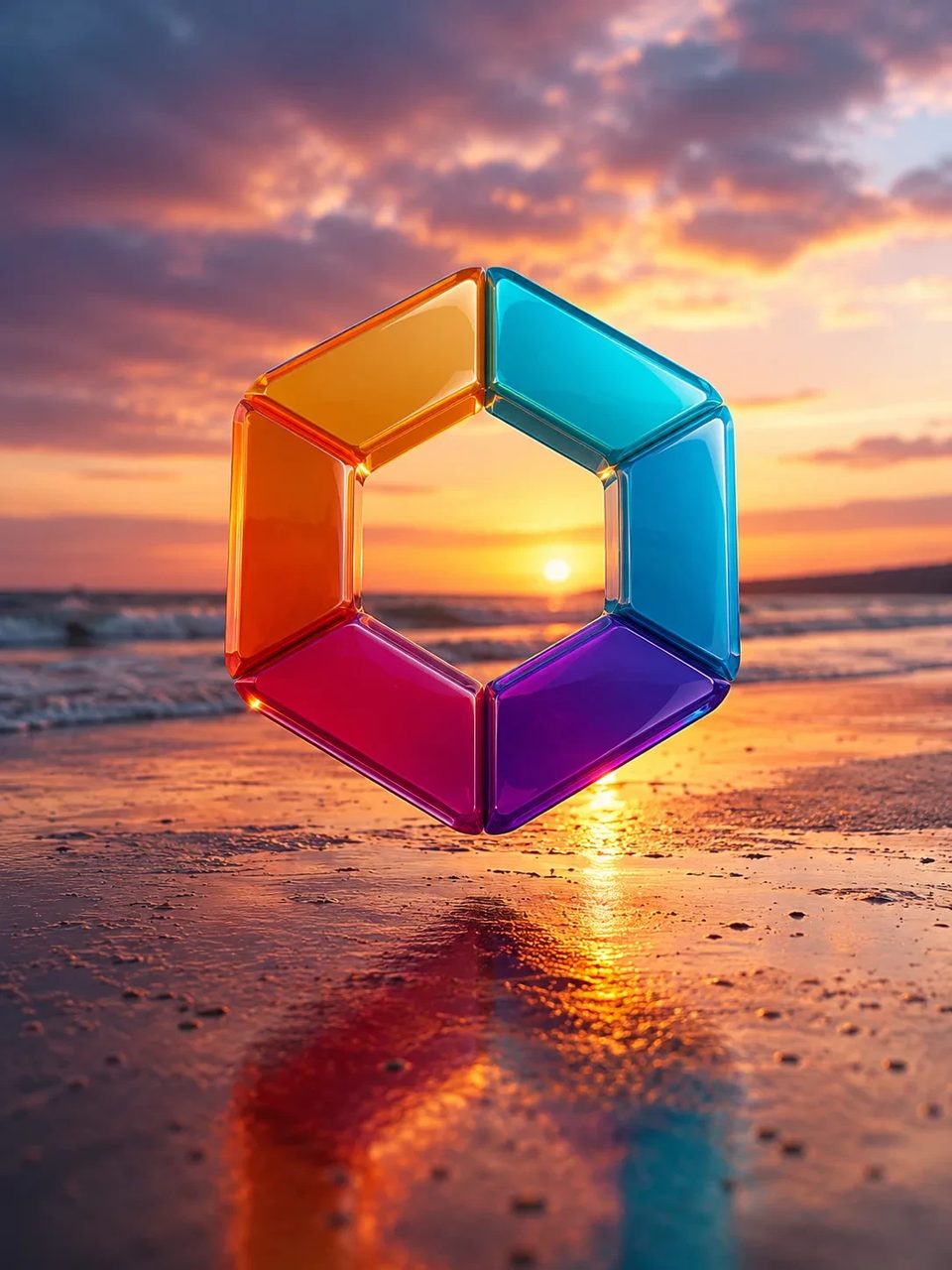
Upload a logo file or a photo that contains your mark and run the logo background remover. AI auto-detects the brand mark, removes the busy background, and returns a clean cutout you can drop on mockups, slides, ads, or a brand kit — optional notes if several logos share one frame.
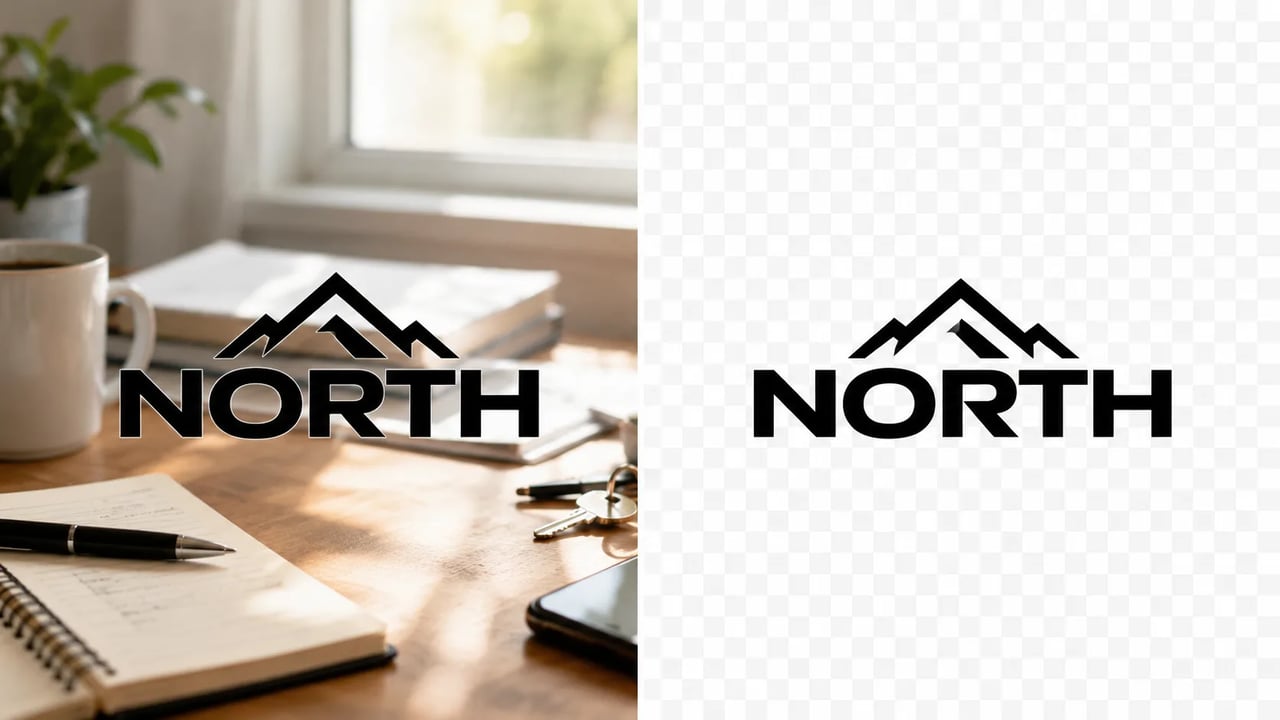
Brand kits, mockups, and decks need a clean logo — not a leftover studio wall.
A logo background remover is for brand marks: the wordmark on a screenshot, the app icon on a product photo, the monogram on a busy slide. Upload once, let the logo background remover isolate the mark, then stay on SupaImagine to upscale, extend, or place the cutout in the next layout. For people and product packshots, use the general background remover instead.
Upload, optional note, check edges.
Start with a sharp PNG, JPG, or screenshot where the brand mark is readable and not tiny in the corner.
No prompt needed for a single clear mark. If two logos share the frame, write which one to keep (color, position, or name).

Review thin strokes and letter gaps. Re-run with a tighter note if the wrong object was treated as the logo.
What lands
Brand-mark jobs — not a full photo studio or a logo generator.
Upload a single clear mark and run. The logo background remover looks for the primary brand mark and clears the surrounding backdrop so you are not forced to draft instructions first.
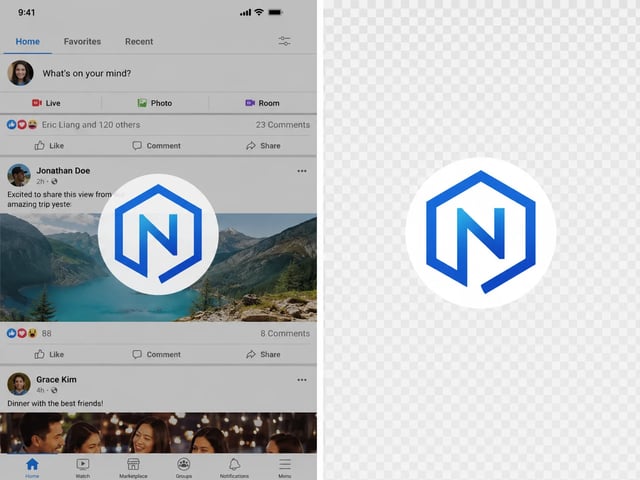
Keep readable type and spacing when you remove background from logo files that are mostly letters. Thin strokes may need a second pass — always zoom and check before shipping client work.
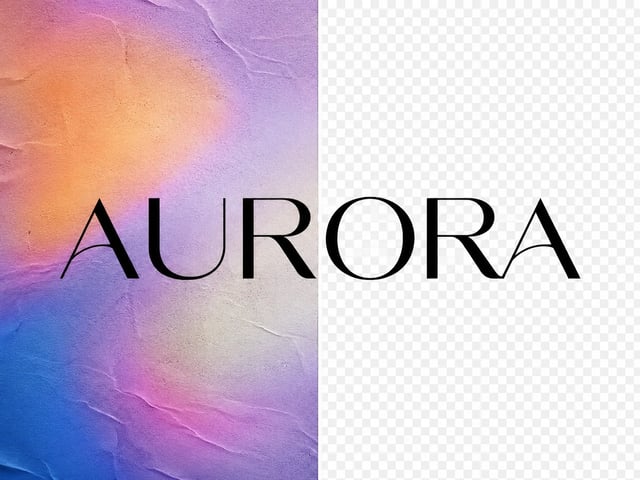
Isolate geometric icons and monograms for app stores, decks, and social avatars. The goal is a logo with transparent-style isolation, not a redesigned brand system.
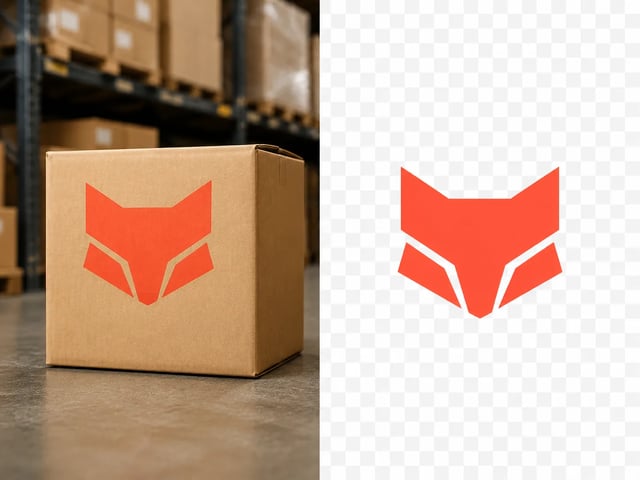
On a screenshot with multiple marks, describe the one you want (for example the blue wordmark top-left). The free prompt is optional detail on top of the built-in logo background remover instructions.

Brand-ready cutouts for people who ship layouts today.
Pull a clean logo cutout from a messy export so the deck slide has a mark that sits on any color.
Prepare partner logos and campaign marks for ads and landing sections without waiting on a design round.
Turn a product-page logo crop into a reusable transparent-style asset for mockups and marketplace tiles.
Quickly isolate a client mark for comps, then refine edges in your usual editor if the job needs pixel-perfect matting.
Logo cutouts, general background remove, upscale, and text edits on one stack.
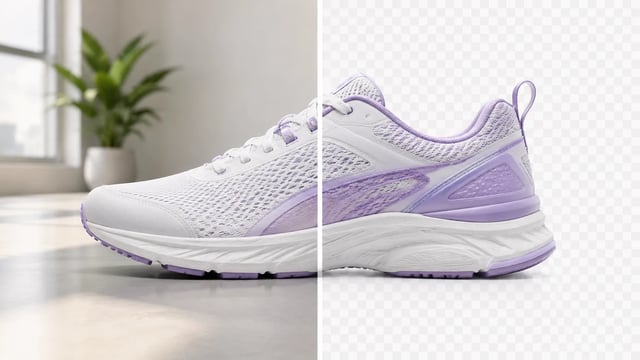
Product, portrait, or graphic — subject clean, ready for the next layout

Turn a phone product photo into listing-ready packshots

Room photo + product shot → in-room preview

Empty room in → furnished listing still out

Upload person A, then person B — both faces stay the point

Tight crops become banners, stories, and wide layouts without a reshoot
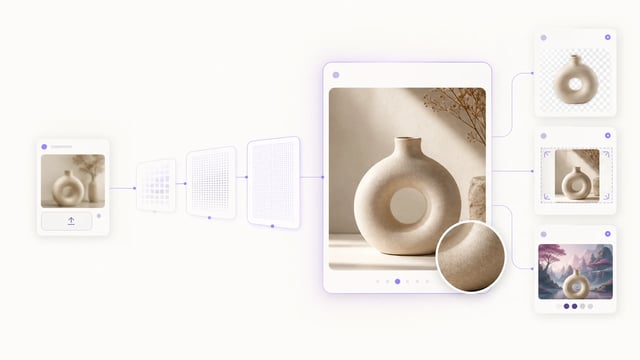
Small crops, soft exports, and AI drafts — bigger files you can actually place

Clearer faces — not a larger blurry file

Posters, product labels, social graphics, and quick visual notes from one upload

Posters, menus, labels, and screenshots — rewrite in place without rebuilding the graphic
It isolates a brand mark — wordmark, icon, monogram, or badge — and clears the surrounding backdrop so you can place the logo on mockups, decks, and ads.
No. Leave the prompt empty and the built-in instructions auto-detect the main logo. Add a short note only when several marks share one frame or you need a tighter crop.
This page is tuned for brand marks and logo cutouts with optional “which logo” notes. The general background remover is the better path for people, products, and everyday photos.
You get a clean isolated mark aimed at transparent-style reuse. Always check thin strokes and letter gaps. Pixel-perfect matting or true vector SVG is not guaranteed on this path.
Yes. Signup credits cover a default-tier run on this GPT Image 2 path. You need an account to spend them.
A sharp, high-contrast logo on a simple backdrop works best. Avoid tiny corner watermarks and heavy compression when you can.
Commercial use is available on paid plans. Confirm your plan before client work or paid campaigns.
No. Upload an existing mark. This tool removes the logo background; it is not a logo generator.
Upload a brand mark, auto-detect or name which logo to keep, and download a clean cutout for mockups and kits.