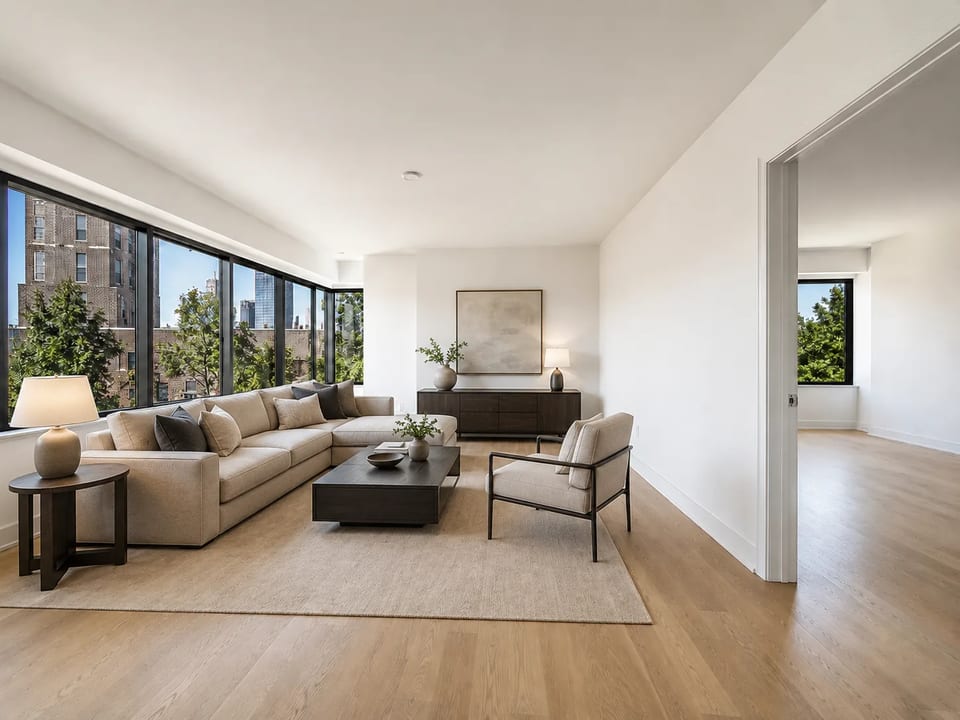
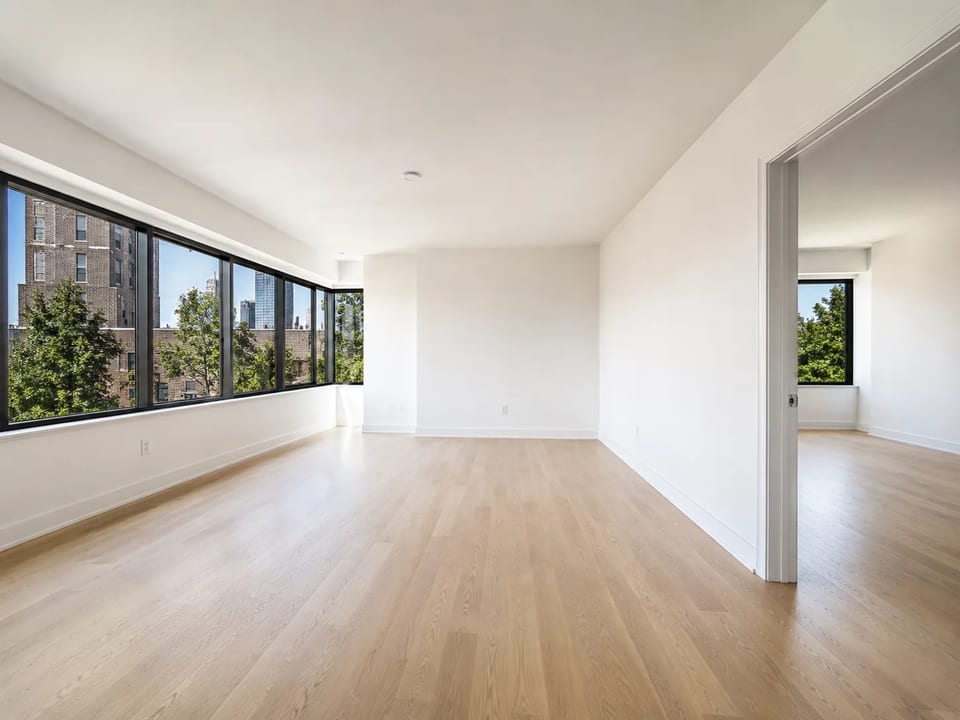
Empty room in → furnished listing still out
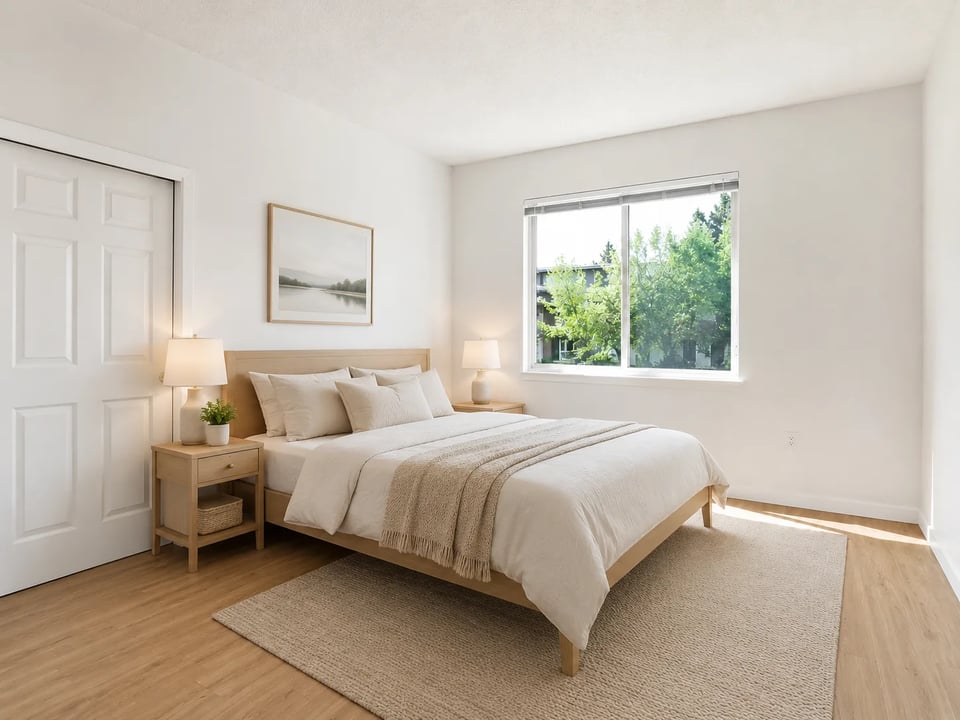
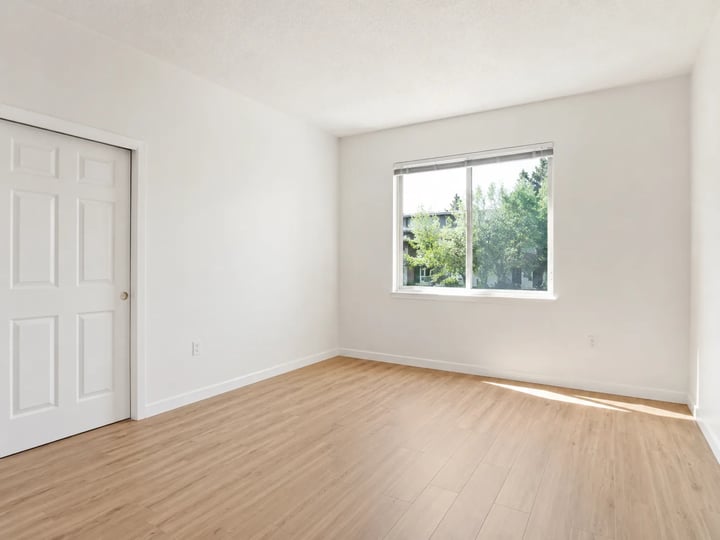
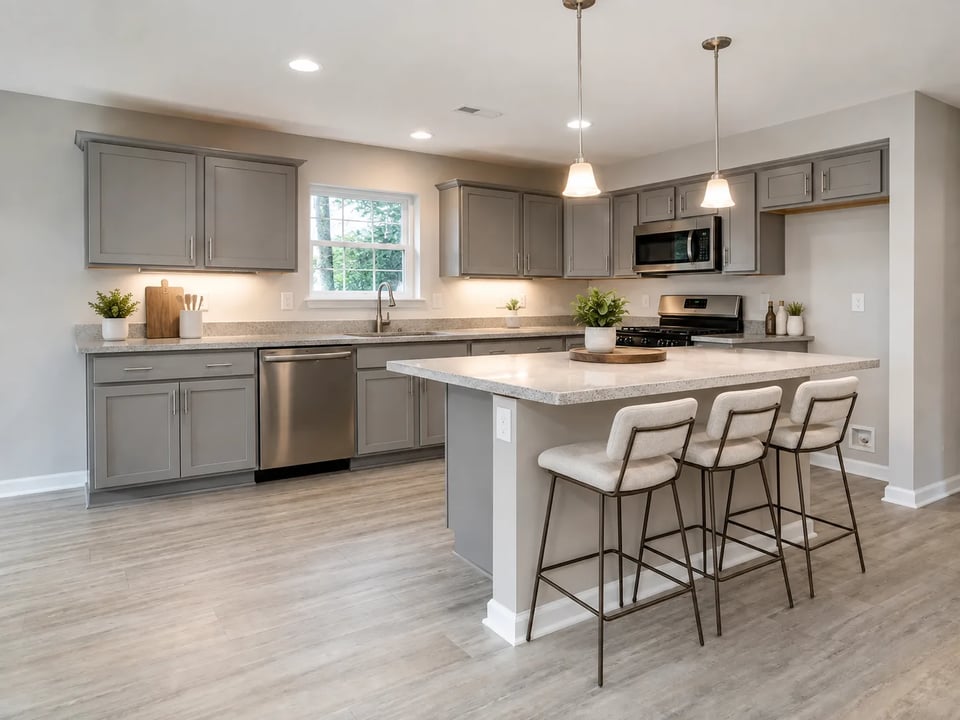
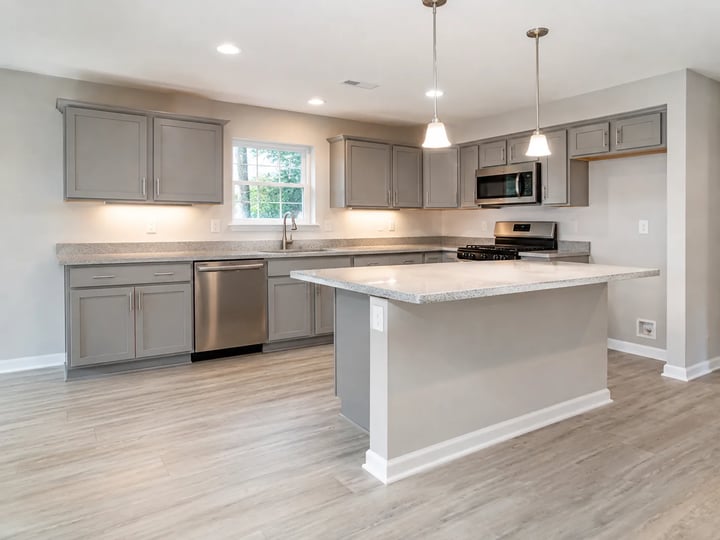
Use free virtual staging when you have bare listing photos and need a furnished preview fast. Upload an empty or sparsely furnished room, pick Modern, Scandinavian, or Luxury, and get an AI virtual staging still that aims to keep walls, doors, windows, and camera view while adding furniture and decor for marketing.
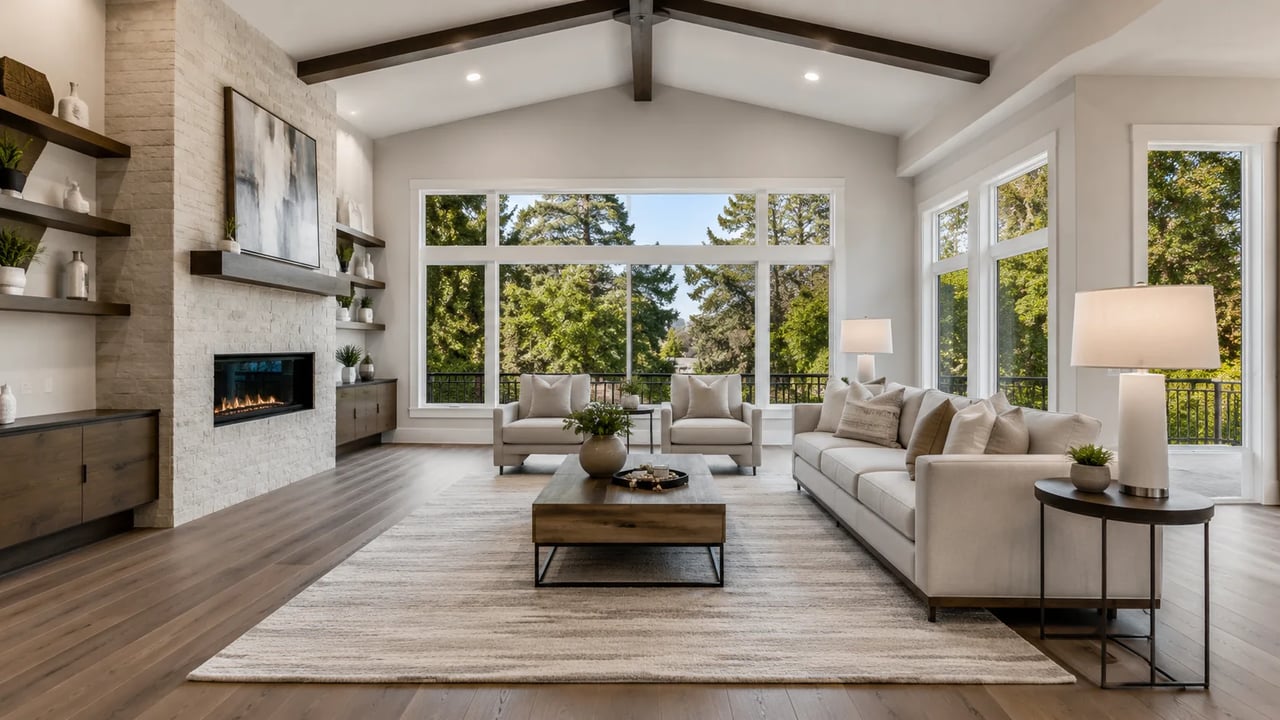
When agents need a full-room furnished look for marketing — not a single product drop-in.
Free virtual staging is for real-estate listing prep: bare rooms become furnished stills you can share for marketing. AI virtual staging here adds a full furniture set and decor while the structure-lock prompt aims to keep walls, doors, windows, and layout. If you need one specific sofa or table placed from a product photo, use a furniture visualizer instead — that path owns SKU-in-room fidelity, not empty-room listing staging.
Before → style → staged still
Same free virtual staging path as above. Tap a case to load a similar empty room and style note.
Modern living room staging
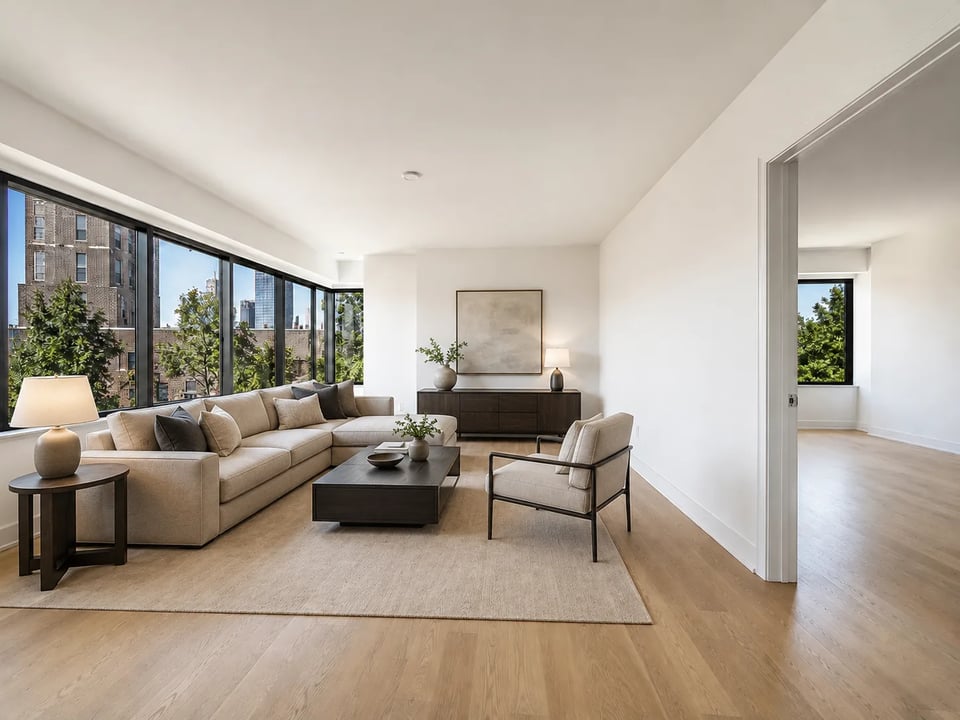
Empty room
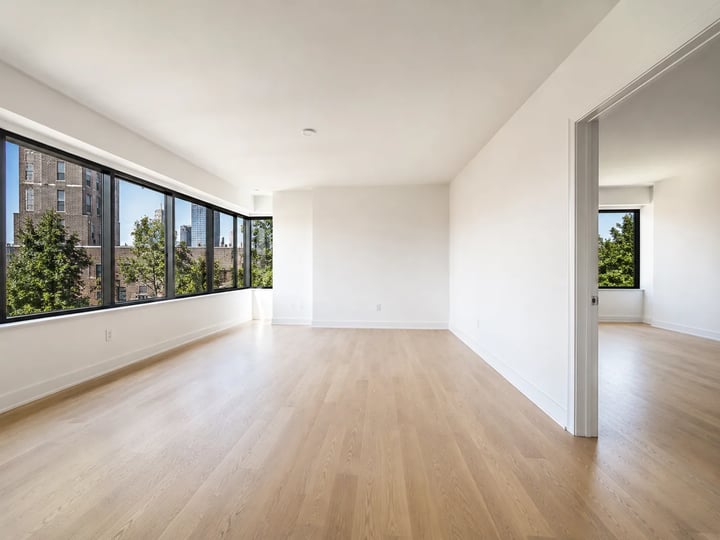
Style
What you get
Furnished listing previews with structure-aware staging — not a legal MLS stamp and not SKU product photography.
The free virtual staging path starts from your real room photo and aims to keep wall lines, door openings, windows, and camera view while adding furniture. Use it when agents need an empty room to look livable for marketing without inventing a different floor plan. Always compare door and window edges before you publish.
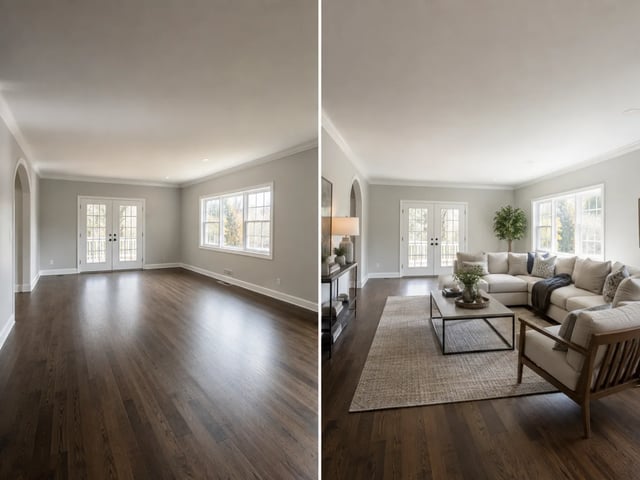
Three style chips set furniture and decor mood for AI virtual staging without rewriting architecture. Modern keeps clean lines and minimal clutter; Scandinavian favors light woods and soft textiles; Luxury layers richer fabrics for elevated listing tiles. Pick one chip, then optional notes refine room type only.
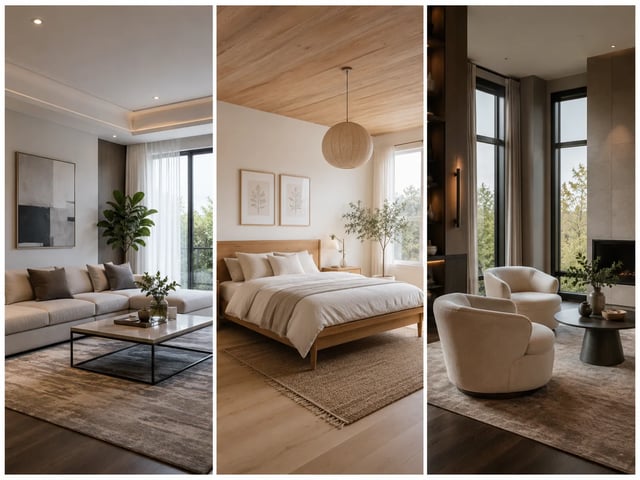
Stage empty room AI previews work as marketing stills when a unit is vacant and you need a furnished story today. Free virtual staging helps brokers and developers show potential buyers a livable room before physical staging or a full reshoot. Treat outputs as generative previews, then decide whether a photographer still needs a pass.
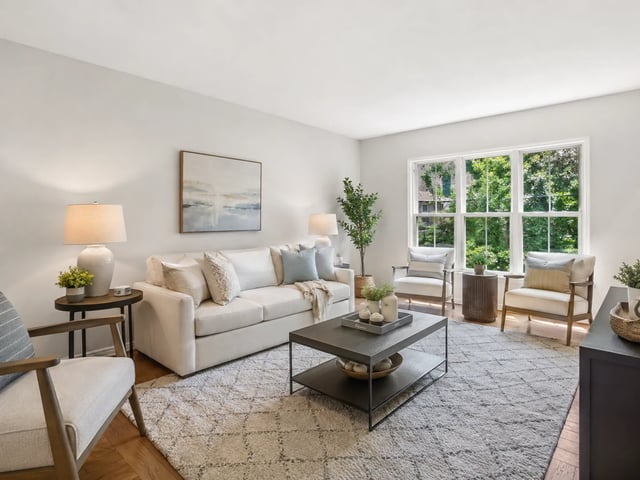
This free virtual staging tool does not claim every MLS accepts AI-staged photos, and it is not a legal proof of zero structural change. Put disclosure language in your listing package when local rules require it. The page exists to help you draft a furnished look — not to replace professional photography or compliance review.
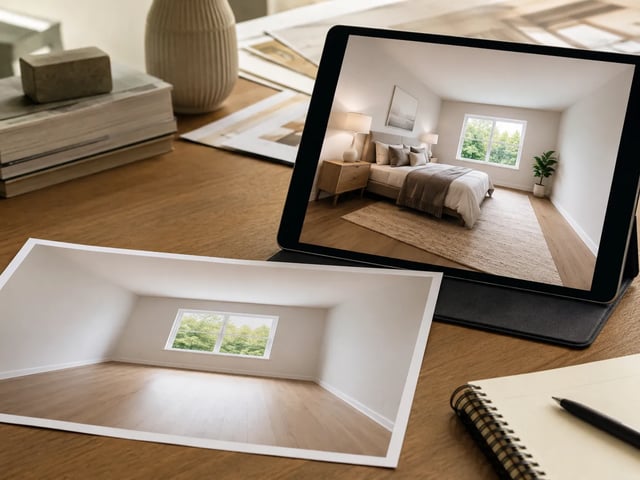
Upload, pick a style, check structure, download.
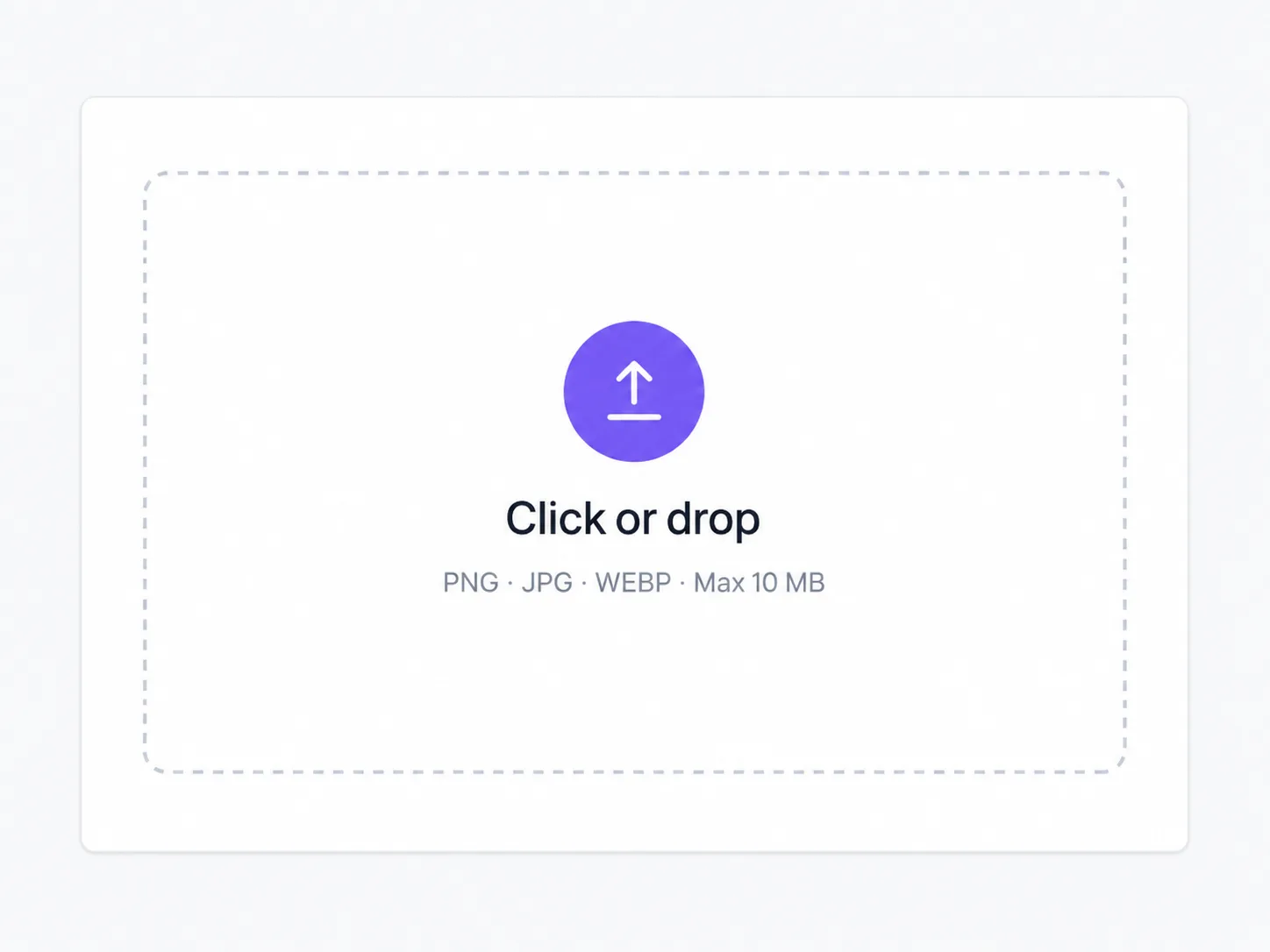
A clear listing photo works. Prefer full room coverage with visible windows and doors so stage empty room AI has structure to keep.
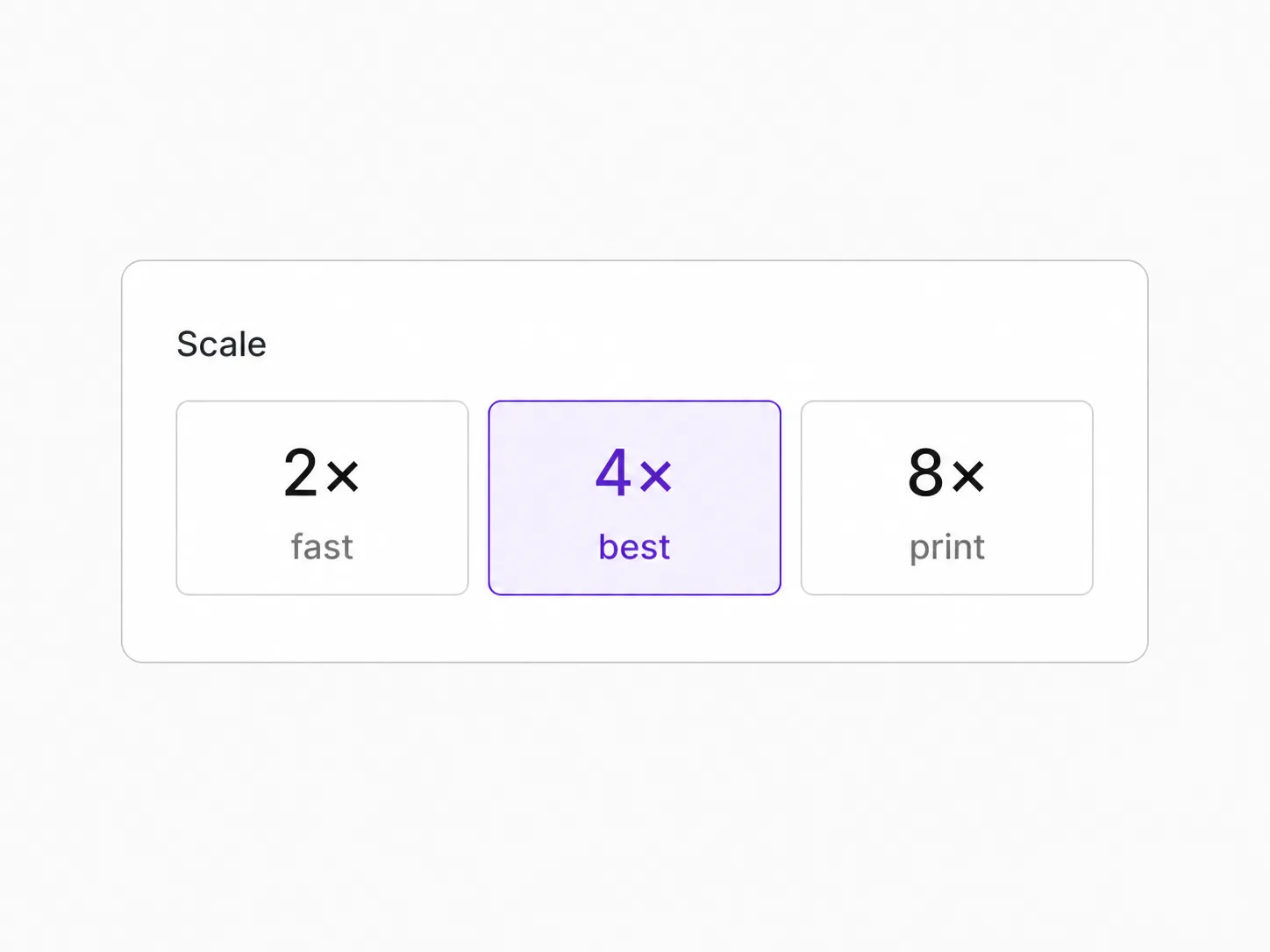
Style chips set furniture mood for free virtual staging. Optional notes can name the room type — they should not ask to move walls.

Zoom walls, door frames, and windows. Re-run with a tighter note if furniture feels over-dense for the listing.
For people who need empty-room listing previews today, not a full staging crew on every unit.
Turn vacant-unit photos into free virtual staging stills for marketing decks and early buyer outreach.
Offer a stage empty room AI preview option when clients want a furnished look before booking full physical staging.
Preview modern, Scandinavian, or luxury looks on the same shell to test listing creative directions.
Use AI virtual staging to show a livable finish on empty rooms while renovations are still mid-progress.
Staging, packshots, extend, and upscale on one stack.
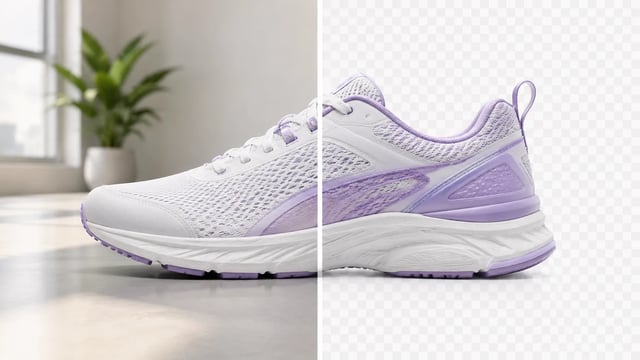
Product, portrait, or graphic — subject clean, ready for the next layout

Wordmarks, icons, and monograms — isolate the logo, clear the backdrop

Turn a phone product photo into listing-ready packshots
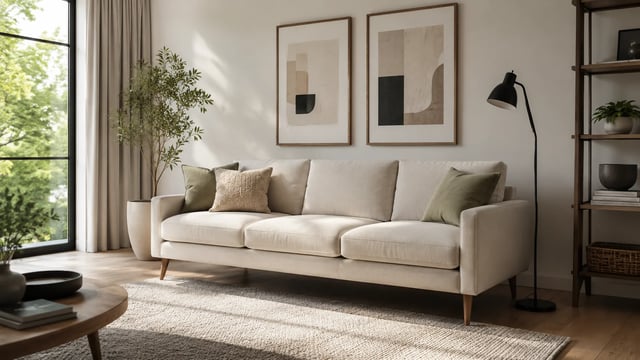
Room photo + product shot → in-room preview

Upload person A, then person B — both faces stay the point

Tight crops become banners, stories, and wide layouts without a reshoot
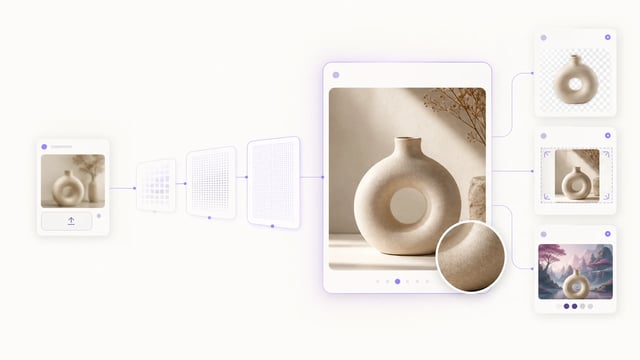
Small crops, soft exports, and AI drafts — bigger files you can actually place

Clearer faces — not a larger blurry file

Posters, product labels, social graphics, and quick visual notes from one upload

Posters, menus, labels, and screenshots — rewrite in place without rebuilding the graphic
Free virtual staging here means you can try AI empty-room staging with signup credits: upload a bare room photo and get a furnished listing preview with modern, Scandinavian, or luxury furniture looks.
Free virtual staging furnishes a whole empty room for listing marketing. A furniture visualizer places one product or SKU into a room from a second reference photo — different job, different honesty bar.
The AI virtual staging path uses a structure-lock prompt that aims to preserve architecture and camera view. It is best-effort generative editing — not a survey-grade or legal zero-change certificate. Always check edges before publishing.
No. MLS and portal rules vary by market. This free virtual staging tool does not guarantee universal acceptance. Follow local listing disclosure rules and your broker policy when you use AI-staged photos.
Yes. Signup credits cover a default 1K run on this path. You need an account to spend them — that is still a free trial, not free unlimited staging.
Three chips: Modern for clean listing looks, Scandinavian for light airy rooms, and Luxury for elevated finishes. Style only changes furniture and decor mood — not the floor plan on purpose.
No. Treat free virtual staging as a marketing preview. Many teams still book real photos or physical staging for final listing galleries and compliance-sensitive markets.
Commercial use follows your SupaImagine plan terms on paid plans. Signup credits are for trying free virtual staging; check pricing for ongoing listing volume.
Upload an empty room, pick a style, and download a furnished listing preview.